Export one diagram as an image
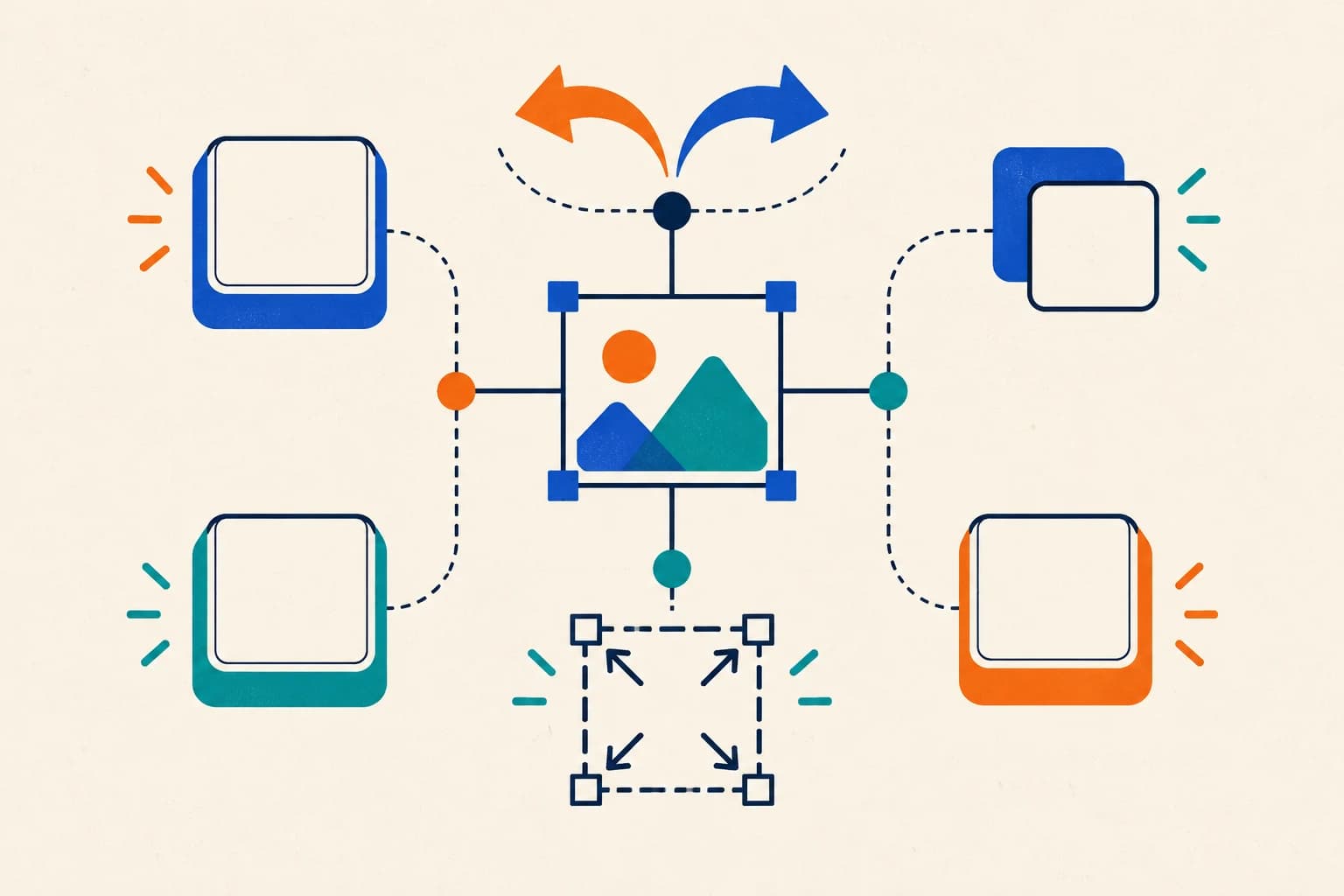
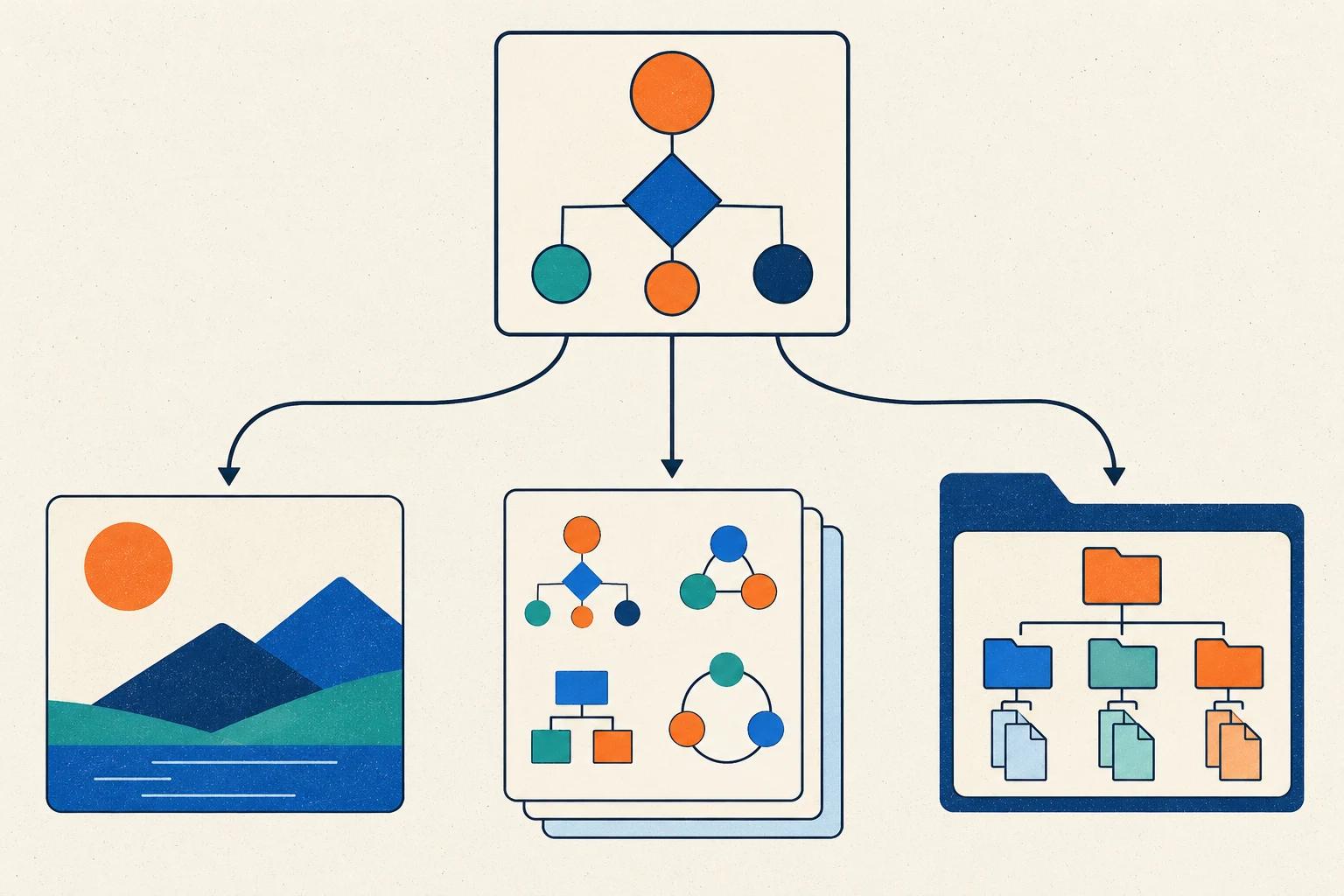
SVG and PNG exports are for the selected diagram. Use SVG when flexible scaling is useful, or PNG when the receiving document or application handles raster images more predictably. Choose the resolution and background options available for your plan and inspect the result after placement.
A single image suits a report, webpage, slide, or message that needs one focused visual. It is a snapshot of the rendered diagram. If the recipient must continue editing content in Autodiagram, send the project source or provide the appropriate account workflow.
Export the board as a deck or PDF
PowerPoint and multi-page PDF exports include the diagrams on the board, one per slide or page. Arrange the frames in the order you want readers to see. The PowerPoint deck uses an image for each diagram and an editable slide title; the diagram itself is not built from native PowerPoint shapes.
This is useful when a board already contains a connected set of views. If the board also holds exploratory drafts, remove or move them before exporting so they do not appear in the final package. Check every slide or page in the generated file.
Use project JSON for editable handoff
Project JSON preserves board and diagram structure for import into Autodiagram. It is the appropriate export when you need an editable backup or want to transfer work. It is not designed as a human-friendly document or a graphic for presentation.
If a colleague only needs to read the information, send an image or PDF instead. If they need to change the labels or layout, share the editable project in a controlled way. Set expectations so the recipient does not confuse a rendered export with an editable source.
Choose access separately from format
A downloaded file is a static copy that you control and distribute. A read-only share link displays the current board to viewers without giving them editing access. The link may be more convenient when the board continues to change, while a file can preserve a dated snapshot for a meeting or archive.
Consider sensitivity and access before choosing either. Remove information that should not travel, use available password protections when appropriate, and revoke links when they are no longer needed. The format does not replace a decision about audience.
Keep the source and check the result
Whichever export you choose, retain the working board or JSON source if future edits are likely. Give downloaded files a version or date and replace old copies when the content changes. Keep a clear relationship between source and output so a reviewer can trace which board produced the file.
Open the export in its destination application. Check image scale, title order, pages, logo placement, and whether all diagrams fit. A successful download only confirms that a file was created; it does not guarantee the output is ready for readers.