Decide whether the plan looks forward or back
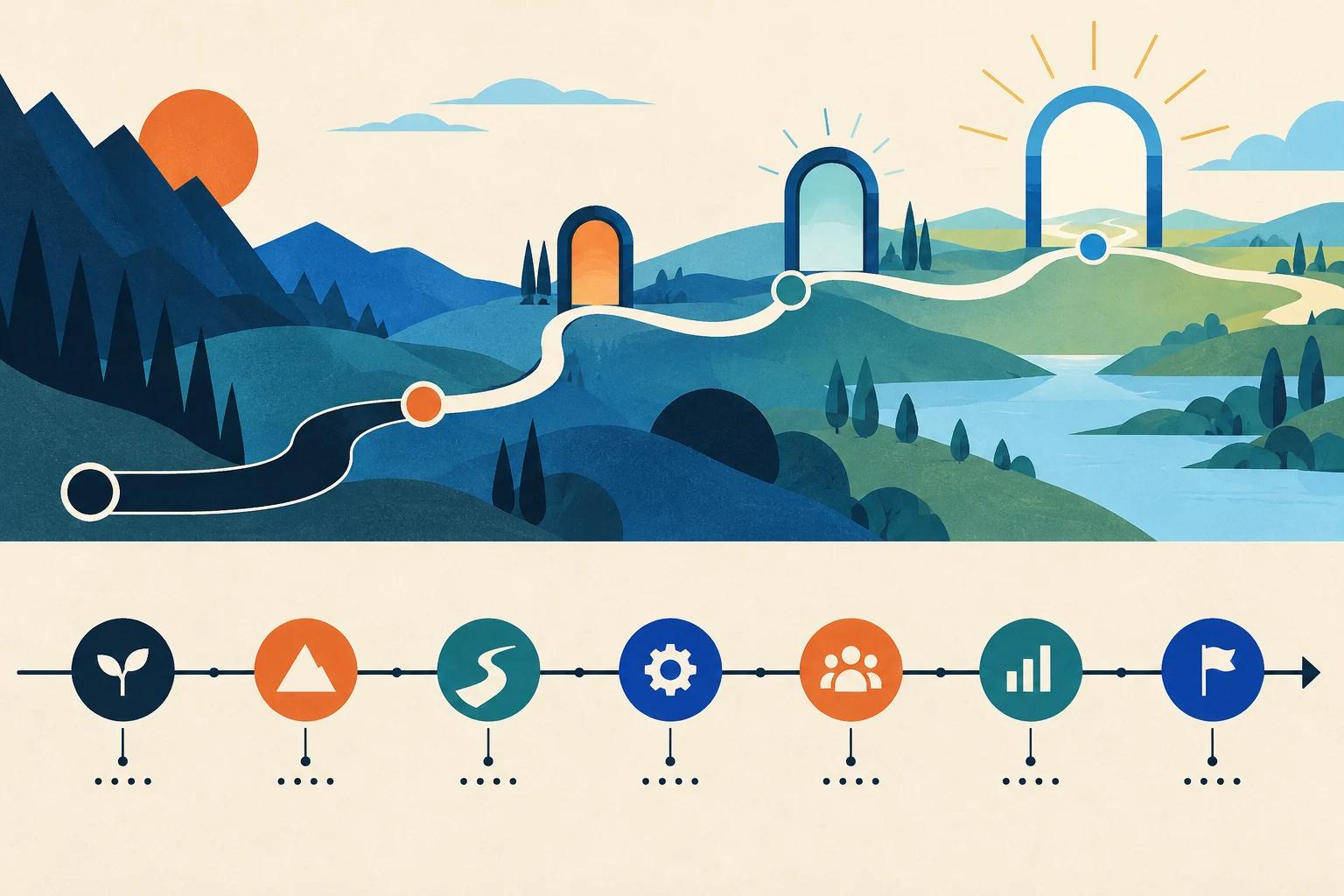
The roadmap tool is designed to show what is next across horizons such as Now, Next, and Later. A timeline can record events or milestones in chronological order. Both use ordered visual layouts, but they answer different questions: what direction is the team taking, or when did an event happen?
For a product strategy conversation, a Now, Next, Later roadmap can communicate priorities without implying exact delivery dates. For an incident review, a dated timeline can show when detection, response, and recovery occurred. Choose the tool based on the job readers need done.
Use roadmap horizons when dates are uncertain
Write one phase per line and keep each phase focused. Use “Exploring” or “Later” when work is still tentative. A roadmap makes a direction visible, but it should not turn an idea into a commitment just because it occupies a prominent box.
If the team has a real quarter target, include the quarter and mark dependencies that could move it. Keep scope and decision gates in a supporting project map. A roadmap is a communication view, not a complete capacity plan or delivery contract.
Use timeline dates when chronology matters
The timeline tool takes dates or phase labels with descriptions. Put milestones in order and check the event sequence. Its free layouts space points evenly, so gaps in the visual do not represent actual elapsed duration.
If readers need to know how much time passed between two milestones, show dates clearly or add a note. For a plan that compares uncertain future dates, use target language and identify what could change them. A timeline can make chronology easy to scan without claiming exact duration.
Compare the available visual forms
The roadmap tool offers a road, timeline, and zigzag; the timeline tool offers several milestone arrangements. Preview your actual text in a few forms. A visual route can help readers follow phases, while compact cards may work better for parallel workstreams.
Neither tool will expose every dependency automatically. If one milestone depends on an approval or an external team, write that relationship down or create a separate dependency view. Do not rely on the order of boxes alone to communicate an important condition.