Choose one idea the audience can carry away
A conference talk competes with limited attention and a crowded schedule. Begin with one claim or question the audience can remember and use. Identify who should care, what they will learn, and what they can do differently afterward. If the proposal includes several unrelated lessons, choose a throughline or split the material. A list of features may be accurate but rarely gives listeners a reason to connect them.
A talk about incident response could focus on the claim that clear ownership reduces delay when a signal is ambiguous. The speaker can use a concrete incident, show the decision point, and explain a practice the audience can adapt. This is narrower than covering every monitoring tool and response policy. A focused claim helps the speaker decide what to cut, which example to develop, and what evidence is needed to support the argument.
Build a narrative from context to consequence
Structure the talk so each section advances the audience’s understanding. Establish the context, show the problem, examine a decision, and offer a path forward. Use a case with enough detail to feel real but remove confidential or identifying information. Keep the causal claims proportional to the evidence. A compelling story should clarify the idea, not create a dramatic but misleading account.
The speaker might describe an alert that fired, an on-call engineer who saw several competing signals, and a customer-facing owner who needed to communicate. Then show how unclear authority added delay. If the delay is documented, say how; if the account is reconstructed from interviews, label that source. The audience can follow how the proposed practice addresses a specific gap. Avoid attributing the outcome to one heroic action when system conditions shaped the response.
Design slides to support listening
Slides should carry structure, evidence, or a visual relationship that is hard to convey in speech alone. Keep labels readable and limit detail to what the audience can process while listening. Use a slide title to state the point, not simply name the topic. Provide enough source context for factual claims and include accessible descriptions or spoken explanation for important visuals.
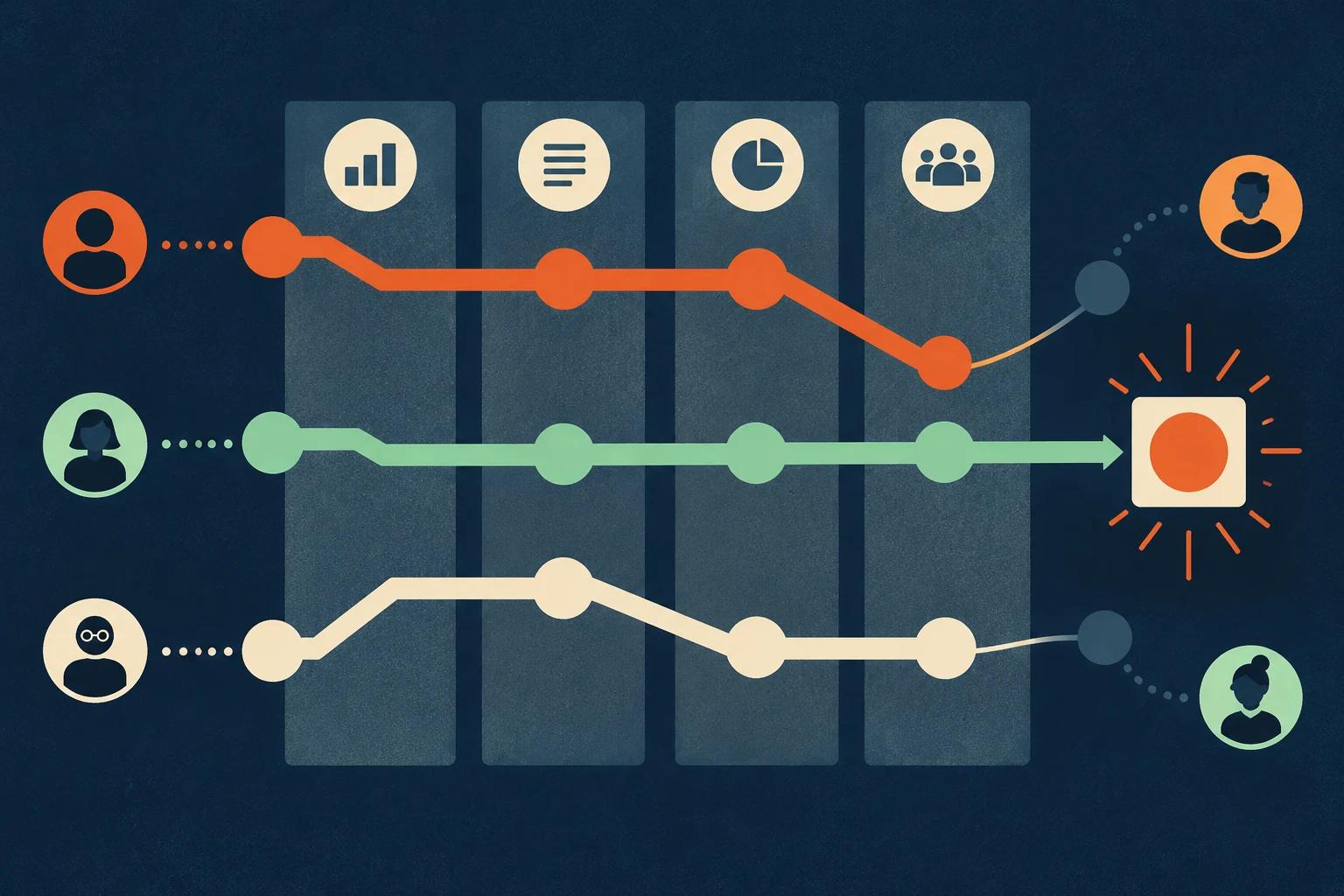
For the response example, a timeline with separate alert, decision, and communication lanes may clarify that events overlapped. A page of small timestamps would be unreadable from the back of a room. The speaker can move the audience’s attention to one decision, then reveal its consequence. Detailed logs can go into a linked appendix or handout. Test the visual at presentation size and in the actual room when possible; a beautiful layout in an editing window may fail on a large screen.
Use a demo to teach, not to decorate
A live demo should advance the central idea and be more valuable than a screenshot. Define its start state, actions, expected result, and time limit. Use a prepared environment with safe data and remove dependencies on unreliable network or credentials where possible. Tell the audience what to notice before the action, so a successful click is not the only learning outcome.
If the talk demonstrates an incident handoff template, show a fictional alert, fill in impact and next owner, then explain what remains uncertain. Do not expose a real customer case or live operational dashboard. Prepare a recording or static walkthrough as a fallback and rehearse the transition to it. If the demo fails, the audience should still receive the core lesson. A speaker who narrates the purpose of each step can adapt when technology behaves unexpectedly.
Rehearse timing and audience transitions
Rehearsal helps find pacing problems and unclear transitions. Practice the talk aloud with slides and demo, then leave time for questions and technical recovery. Identify which optional detail can be skipped if time runs short. Rehearse the opening, key transitions, and final takeaway especially; these shape the audience’s understanding of the whole session.
A speaker may discover that the incident story takes longer than expected because the logs require explanation. They can simplify the context or move details to a handout rather than racing through the conclusion. Practice the demo from a clean state and verify the fallback. Ask a colleague outside the project to summarize the argument after rehearsal. If they remember only the product name, the throughline needs work. Their confusion is useful evidence before a live audience sees the talk.
Close with a useful next action and feedback route
End by returning to the audience’s starting question and stating what they can apply next. Offer a practical reference or a prompt for reflection rather than a vague invitation to “think differently.” Cite sources and contributors where appropriate. Make time for questions and provide a way to continue the discussion without promising support the speaker cannot offer.
The incident-response talk might leave teams with an exercise: identify the role that can pause a rollout, the evidence that triggers the pause, and who updates affected users. That action makes the lesson transferable. The speaker can invite attendees to adapt the practice to their own authority model and explain its limits. Gather feedback after the session, noting where listeners needed more context. A talk improves when the speaker learns what the audience understood and what did not travel beyond the stage.
Use Autodiagram to build a talk outline that links the central claim, case, decision point, demo, and takeaway. Edit sections as you rehearse and export a PNG for a speaker brief.