Give generation a useful starting point
An AI draft is most helpful when the prompt names a reader, a question, and any facts that must stay exact. Include only relevant source material and call out uncertainty. A request such as “organize this process” leaves the model to guess where the process begins, what counts as completion, and which details are rules.
For a grant review, define the question: what happens from submission through a funding decision? Name required steps and distinguish required checks from optional advice. Ask for unclear ownership to remain visible. A precise prompt will not remove the need for review, but it gives the model a more constrained problem to solve.
Read the structure before polishing it
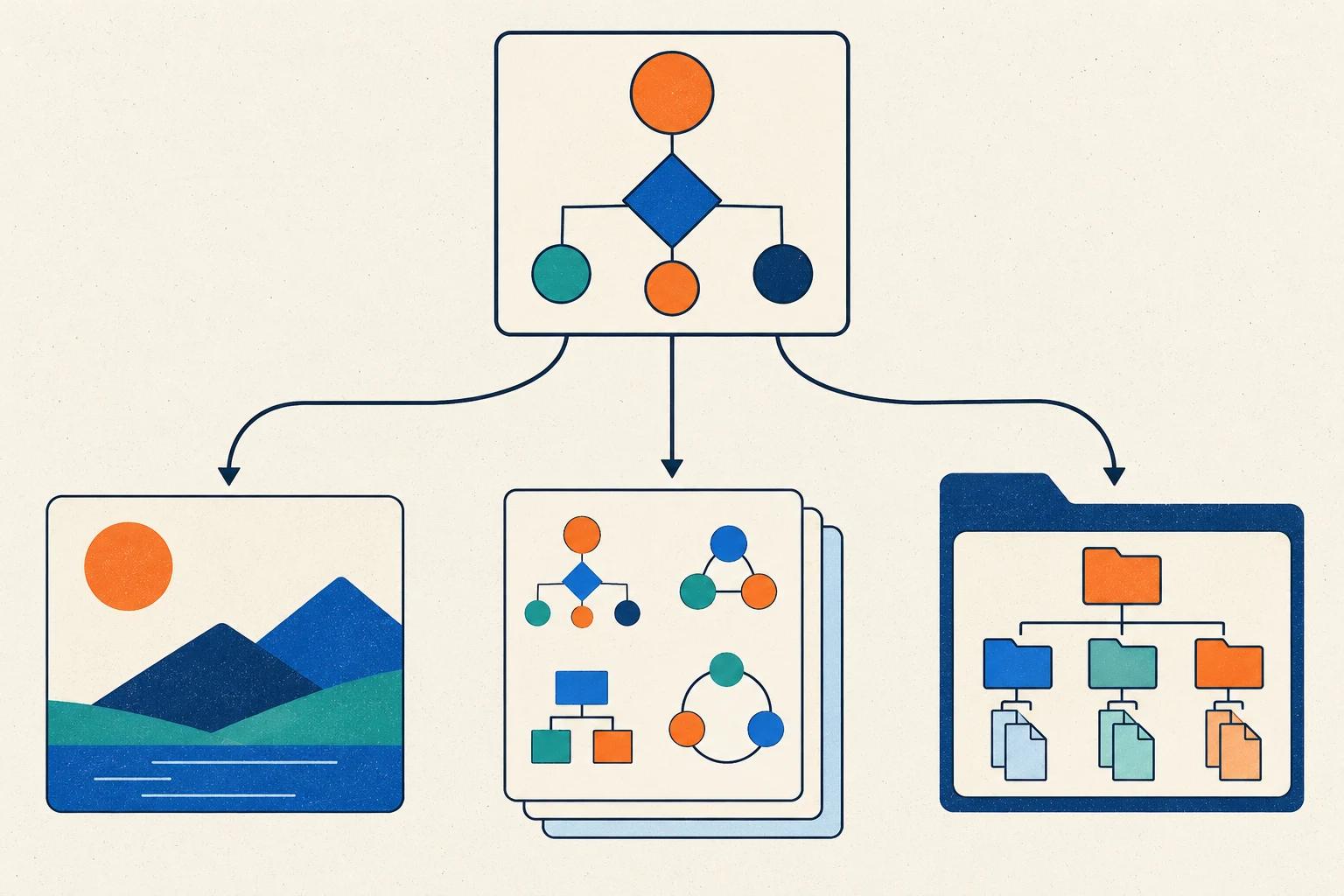
Check whether the first diagram’s shape suits the relationships in your material. A sequence should show order; a comparison should place alternatives side by side; a hierarchy should show part-to-whole or parent-child structure. If the layout looks attractive but represents the wrong relationship, choose a better fit before tuning color or type.
Then inspect every label against the source. Correct a paraphrase that changes a requirement, restore a missing exception, and remove any claim without support. AI can suggest a convenient arrangement, but your domain knowledge and source documents remain the authority on what is true.
Use manual edits for known facts
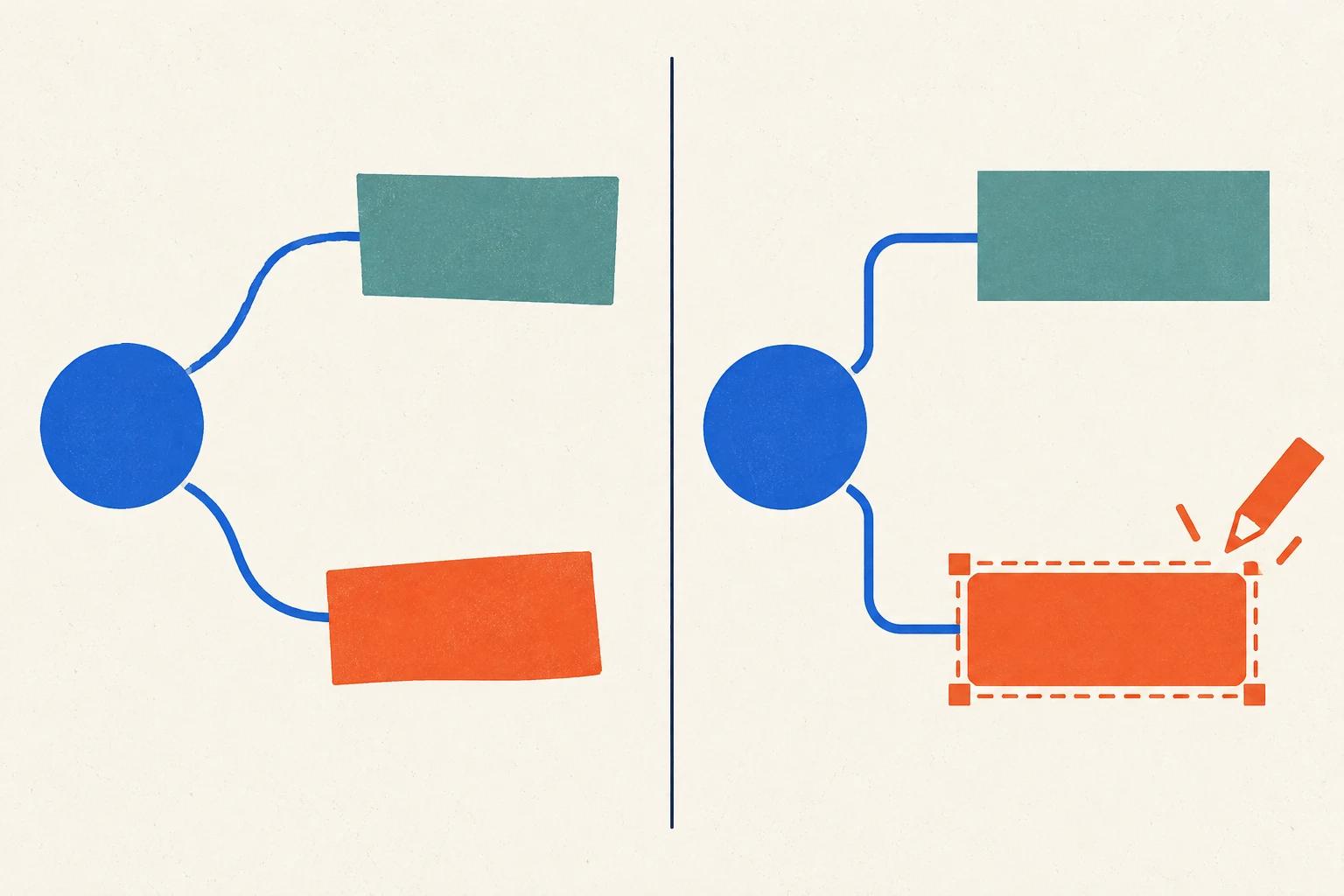
Manual editing is efficient for small, certain corrections: change the owner from “project lead” to the named role, add a missing date, or split a step that combines two actions. Keep each label short, but do not remove a condition that changes what someone should do. If a correction affects several nodes, pause and reconsider the structure rather than patching one box at a time.
For example, a draft may route every failed payment to support. Your notes may distinguish a bank decline from a billing-system error. Edit the route to preserve that difference and make each next step clear. A targeted manual correction can be simpler and more predictable than asking the model to regenerate an otherwise sound diagram.
Use AI again when the structure needs work
If the diagram has the wrong number of branches or the requested audience changes, an AI edit may be more efficient than repeated manual rearrangement. Describe the change and its boundaries: “Keep the policy checks and owners, but group the two approval routes by department.” Review the result with the same care as the first generation.
Avoid stacking vague edits such as “make it better” and “simplify everything.” They can lead to a diagram that looks neater while losing important content. Make one meaningful request, inspect the changed areas, and refine manually where you can state the exact correction.
Finish for the way it will be used
Once the content is settled, tune layout, palette, font, and visual intensity to fit the reader and destination. A dense working reference may need stronger grouping; a slide may need fewer words and more generous spacing. Check the preview at the size people will actually see it, especially after exporting or embedding it.
Keep an editable project backup before a substantial redesign or final handoff. For a one-time review, export the format people need; when the diagram will continue to change, save it on a board or share a live read-only link. The finished artifact should have a clear owner for future corrections.