Describe the desired change plainly
An AI edit works best when it has a concrete target. “Make this easier to scan” may mean shorter labels, fewer branches, a clearer order, or a different layout. Say which of those you want and why. If you know the result, describe it in ordinary language rather than leaving the model to choose the interpretation.
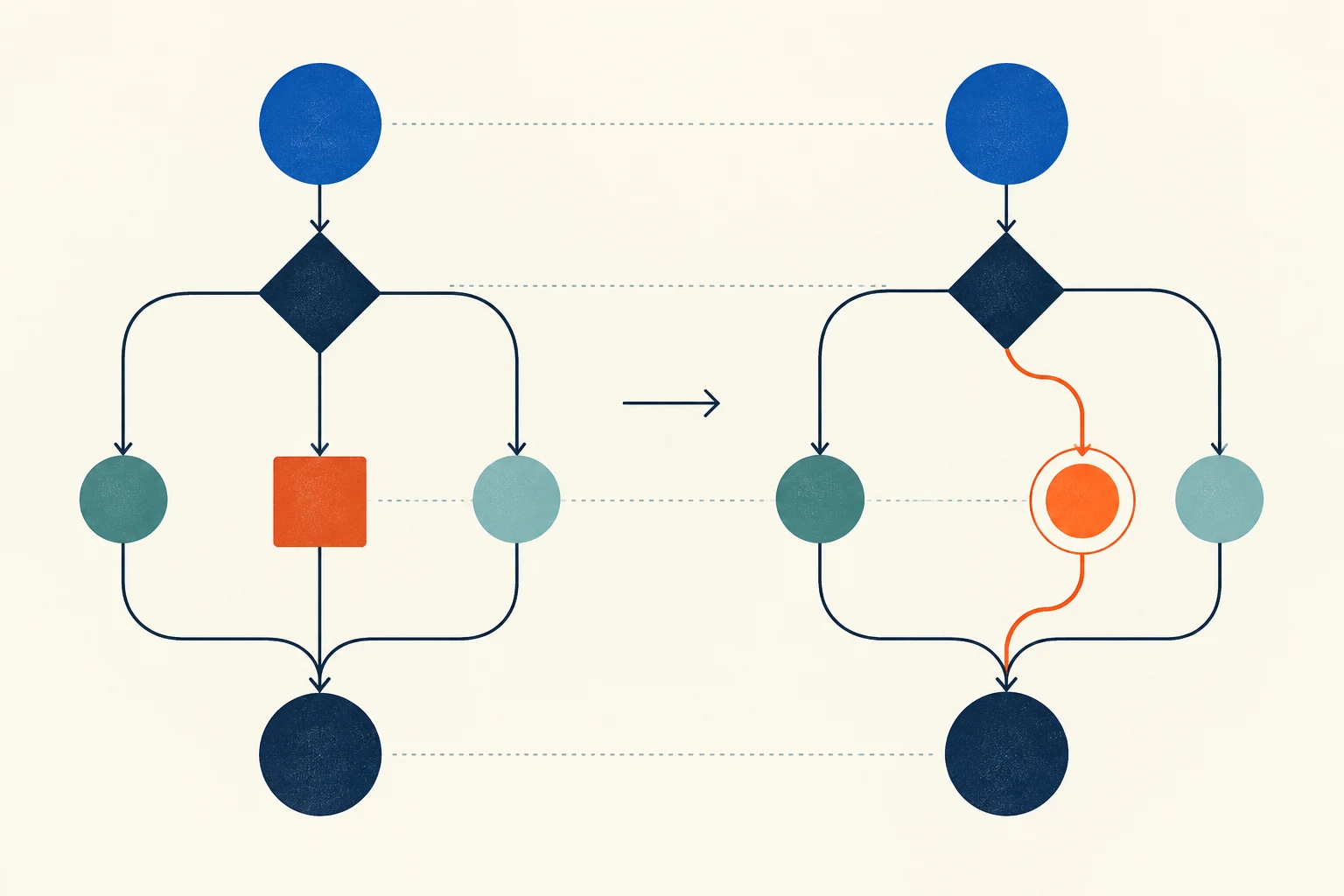
For a customer escalation diagram, you might ask: “Separate urgent safety reports from routine defects. Keep the current owners and add a clear handoff to the on-call lead.” That request tells the system what should change and which existing information should stay. It is easier to judge than a general request to improve the chart.
State the constraints that matter
Protect facts that should not move: role names, deadlines, counts, policy wording, or source-backed conditions. Mention any unresolved item that must remain unresolved. Without these constraints, a stylistic or structural edit can unintentionally make a tentative point look like a confirmed instruction.
If the diagram already distinguishes two teams, say that they must remain separate. If the customer has not approved a proposed response time, do not let the revised chart display it as a commitment. A clear boundary gives you something specific to verify when the draft returns.
Make one substantial change at a time
When several aspects need work, prioritize the one that affects comprehension most. First separate the urgent route; then shorten labels; then adjust the palette. One request per pass makes it easier to see what changed and whether the result solved the problem. It also reduces the chance that a broad rewrite will erase useful distinctions.
For example, if a comparison currently has six criteria and an unreadable legend, first ask to group criteria into two meaningful categories. Review the revised structure before requesting shorter labels. If the first change merges unrelated criteria, you can correct that without also trying to diagnose a new layout and tone.
Compare the revision with the original
Read the new diagram from the starting point and trace each route that matters. Check that labels, owners, and relationships still agree with the source. A changed arrow can alter responsibility just as much as changed text. Where the revision added a statement, identify whether it came from your request, from the original source, or from a new assumption.
If the result is close but contains one exact error, correct that part manually. If the whole structure still misses the goal, restate the task with a more useful example or choose a different layout. There is no benefit in accepting a revision merely because it was generated quickly.
Keep a recoverable working copy
Before a major AI edit, save the current board or export its project JSON. That gives you a way to return to the earlier structure if the new version is less useful. Use descriptive titles when you keep alternatives so the team can tell which one is current and which one records a previous direction.
After accepting an edit, revisit the style and export at the destination size. An edit that adds text may make the old layout too crowded. A short final review by someone who uses the process can confirm whether the requested improvement is visible in real work.