Agree on the audience and desired action
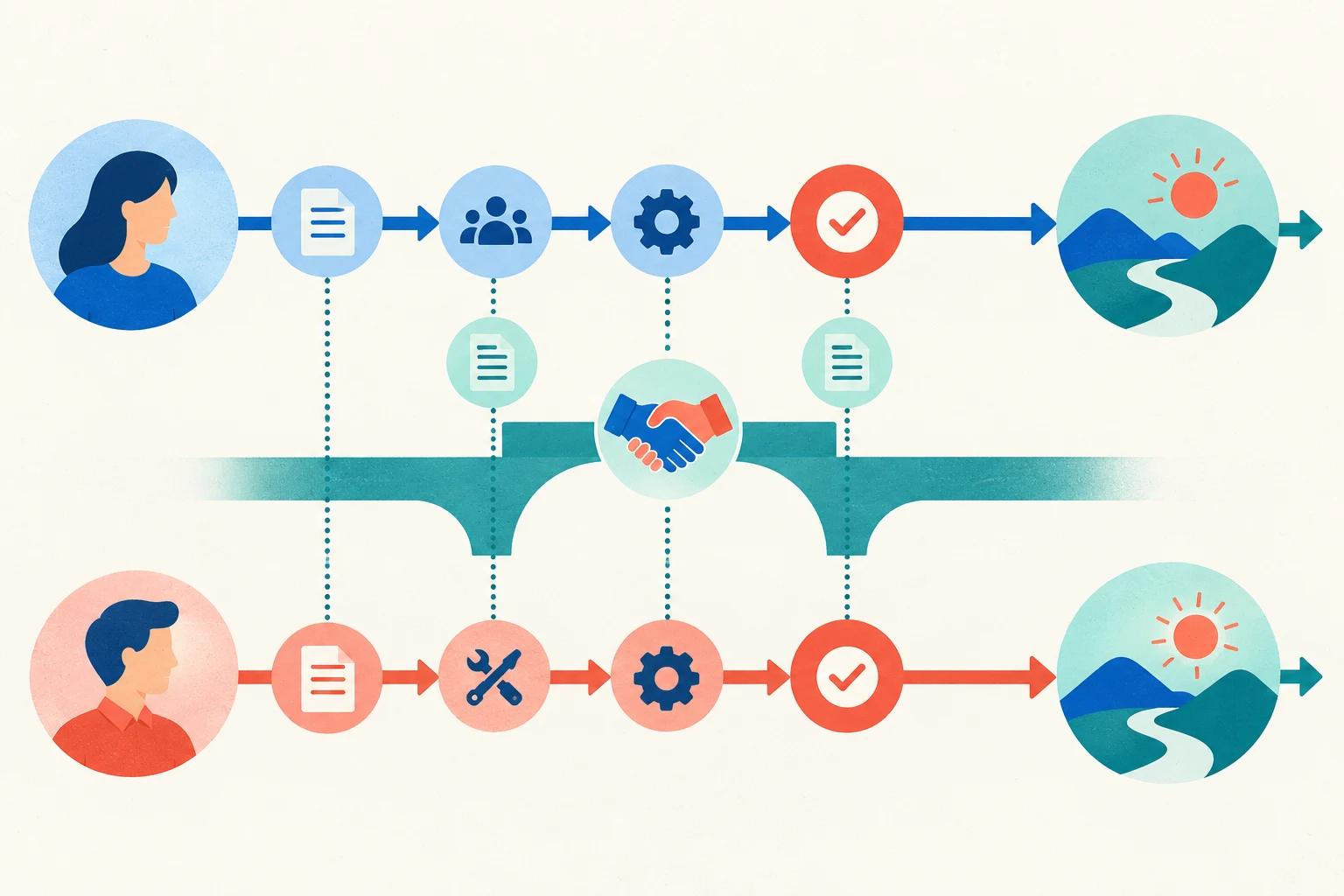
Campaign planning goes astray when channel plans appear before the audience and action are clear. Identify who should receive the message, what they already know, what they need to understand, and what action is appropriate. A campaign can contain several audiences, but each needs a reason to receive a particular message. Avoid using a broad label like “customers” when product access or relevance differs materially across groups.
For a new reporting feature, active administrators may need setup instructions, while executives may need a concise explanation of the new report’s purpose. The desired action differs: configure a report versus review a summary. Show these audience paths separately and connect them to the same core promise. If access is limited during a pilot, do not send a call to action that implies universal availability. Campaign logic should match the actual product state, not a marketing calendar alone.
Create one message spine with useful variations
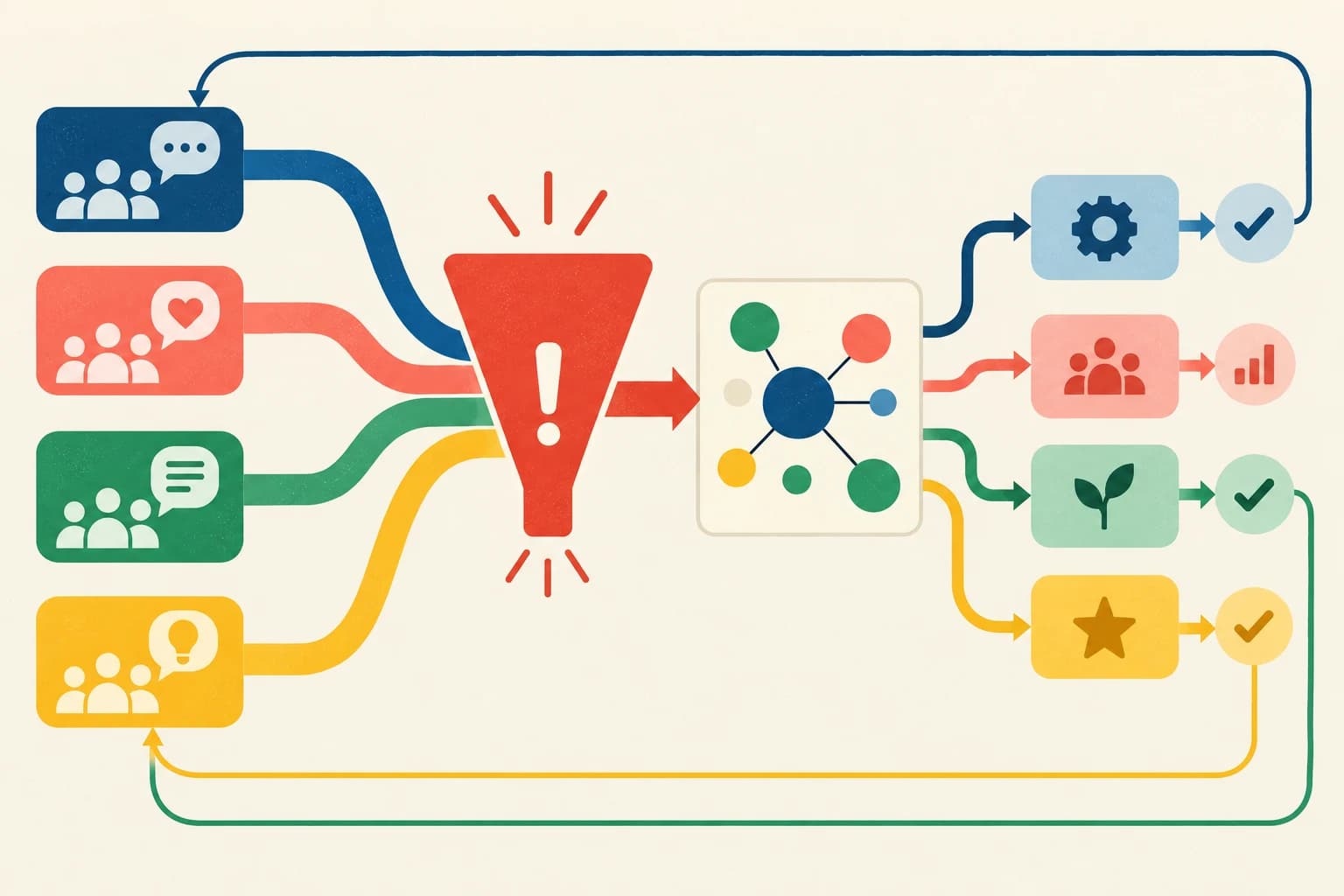
A message spine keeps the campaign coherent across email, help content, social posts, and in-product communication. Write the core problem, promise, proof, and next action, then identify what each channel must add. Repeating identical copy everywhere can ignore context; rewriting the promise independently in each channel creates contradiction. Keep approved claims and their evidence in a source note so writers know what they may say confidently.
If the feature reduces the steps needed to assemble a report, describe that observable behavior rather than claiming it saves a fixed amount of time without evidence. A launch email may explain who can use it and how to begin; a help article can show the detailed workflow; an in-product note can point to the first action. The visual plan should link variations to the core message and note any claim that needs review, especially if it touches security, compliance, or performance.
Map assets and review dependencies
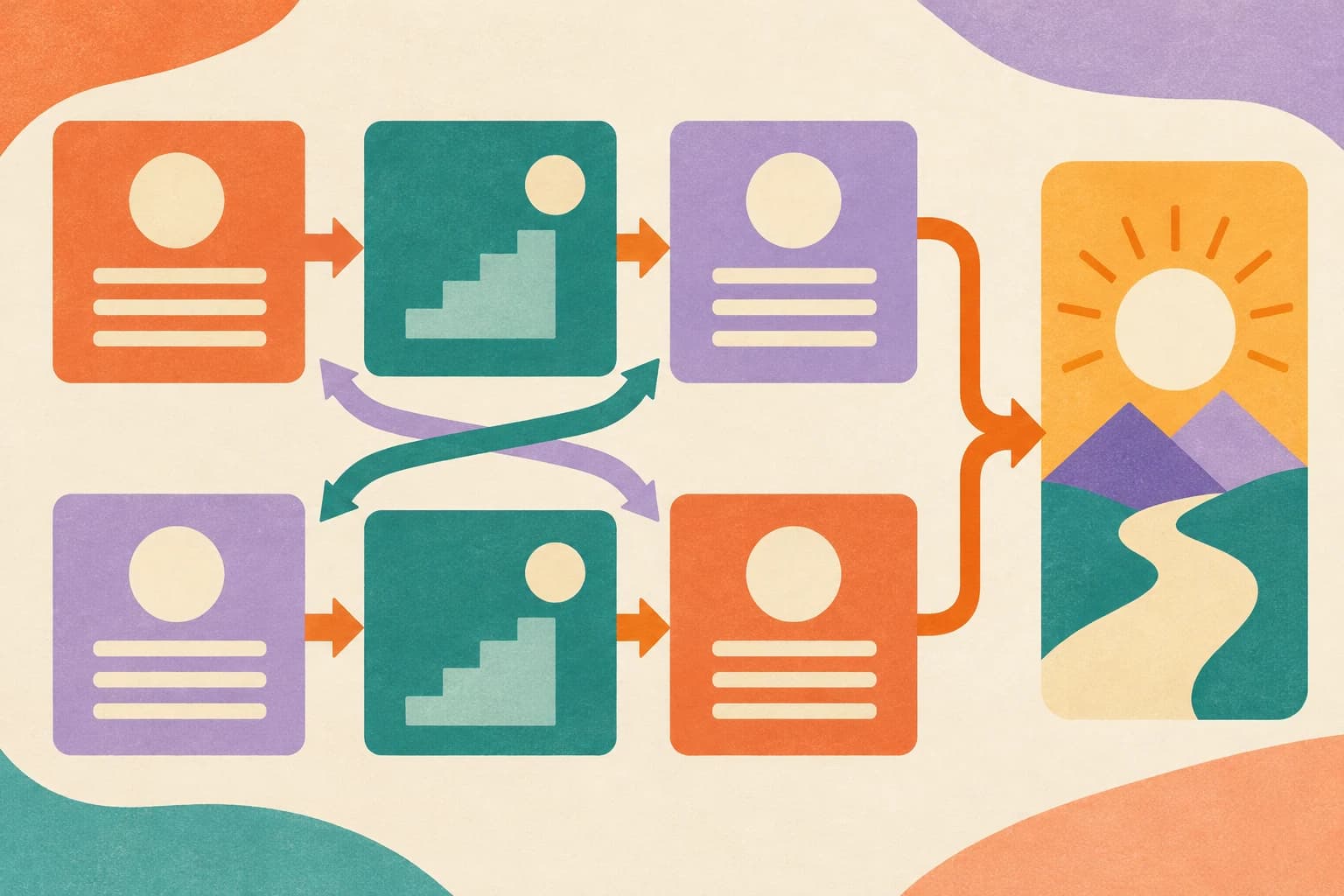
List the assets required for each audience and channel, then identify what must be stable before an asset can be finalized. Screenshots depend on the interface; support content depends on confirmed behavior; legal review depends on exact claims; localization depends on approved source copy. Mark owners and review windows. A launch date is not a dependency plan. It cannot make an unfinished product or an unavailable approver ready by itself.
For the reporting feature, the help article can be drafted against a prototype, but screenshots should wait until labels are final. The email can be reviewed for audience and claim accuracy while engineering verifies rollout eligibility. Connect each dependency to the affected asset so a change has a visible impact. If a review deadline is missed, show which pieces can proceed and which must pause. This gives the campaign lead options to reduce scope or move timing without silently publishing stale material.
Protect approvals from becoming a bottleneck
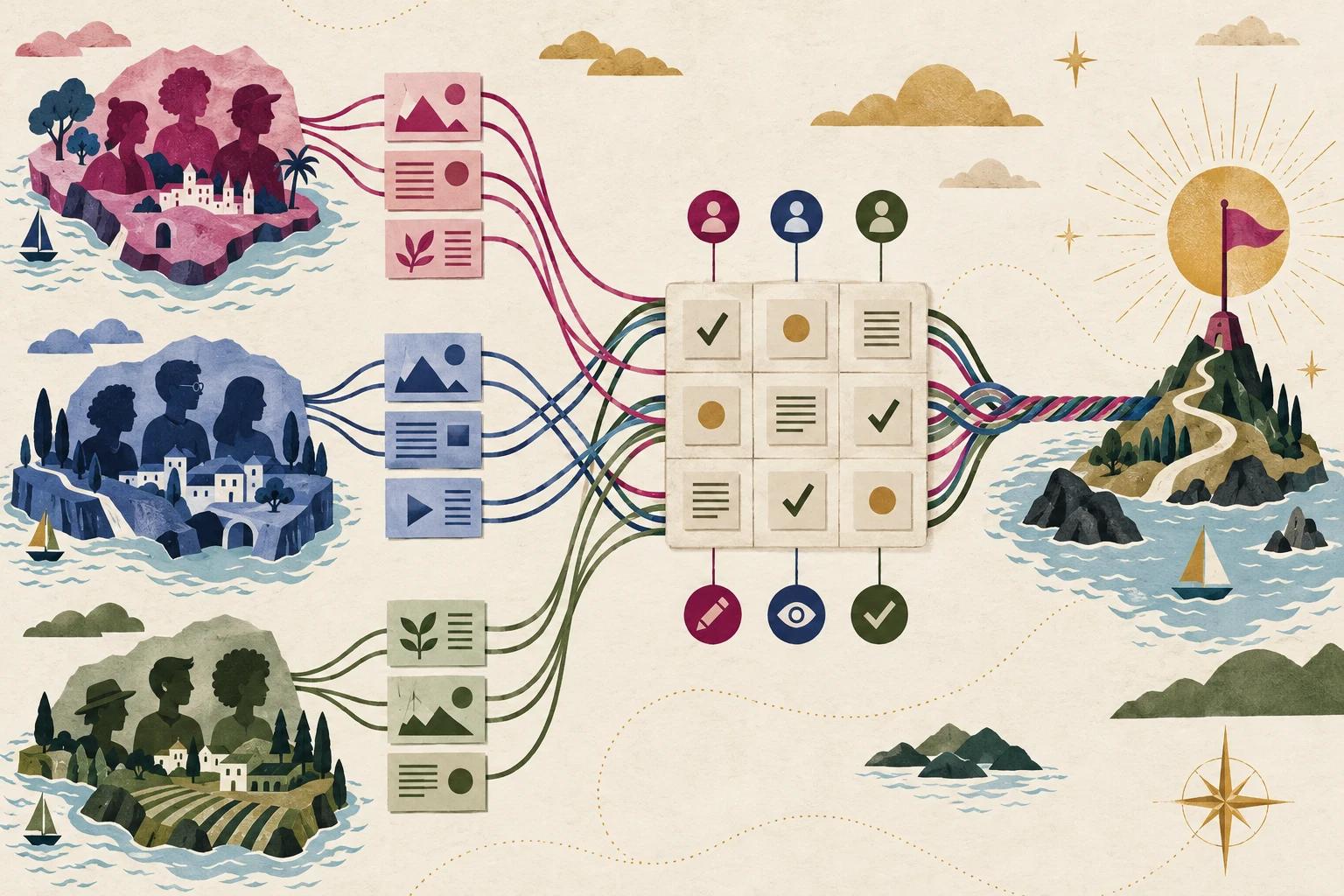
Name the person accountable for each type of approval and define what they are reviewing. “Stakeholder sign-off” often hides several unrelated checks. Product may confirm accuracy, legal may review a specific claim, brand may review visual consistency, and support may verify that instructions are usable. Ask reviewers for focused feedback and give them the relevant source material. Broad approval requests tend to produce late opinions about issues no one was asked to assess.
Establish a change route for material revisions. If a product label changes after the help article is approved, identify whether support and localization must review the new text. Not every punctuation adjustment should reopen every approval. Clarify what counts as a substantive change and who makes that judgment. A campaign map helps reveal the true critical path and prevents the team from sending the same draft to every reviewer multiple times without explaining what has changed.
Schedule around readiness rather than optimism
Campaign dates should reflect product readiness, audience availability, review time, and support coverage. Show the earliest safe launch window and the decisions that can move it. If a launch is tied to an event or seasonal moment, explain the tradeoff of shifting it. Use ranges or conditional dates when certainty is limited. A crisp calendar graphic can make an uncertain plan appear settled, so label forecasts clearly.
If the feature will reach pilot users gradually, plan communication around eligibility rather than a single global send. The team might announce the capability to eligible administrators first, then broaden the message after support confirms the first wave is behaving as expected. Identify the signal and person responsible for that widening decision. This coordination may require a marketing update after the product schedule changes. The map should show that dependency so customer-facing teams do not work from different launch dates.
Learn from response without overclaiming
Choose campaign signals that match the desired action and interpret them carefully. A click shows interaction with a link, not that the recipient understood or adopted the feature. A support question may indicate an unclear message, a confusing product state, or a normal need for help. State the measurement window and data source. Do not invent a target or declare success based on a single convenient metric.
For the reporting feature, the team could examine setup completion among eligible administrators alongside common support questions and qualitative feedback. If setup is low, the cause may be access, timing, or value—not simply weak copy. Review signals with product and support owners and decide whether to clarify the message, improve the flow, or adjust rollout. Capture what the campaign taught so the next launch does not reuse an assumption without checking whether it still holds.
Use Autodiagram to connect campaign audiences with message assets, approvals, and launch dependencies. Update branches as copy is approved, then export a PNG for the campaign kickoff.