Compare the new rule with current practice
A policy update can look small in a document while changing many operational tasks. Start by identifying the exact language that changed and the current behavior it replaces. Ask policy owners to confirm the authoritative interpretation. Distinguish a clarification from a new obligation. A team should not infer legal or regulatory meaning from a summary diagram; the diagram helps route impact analysis to qualified reviewers.
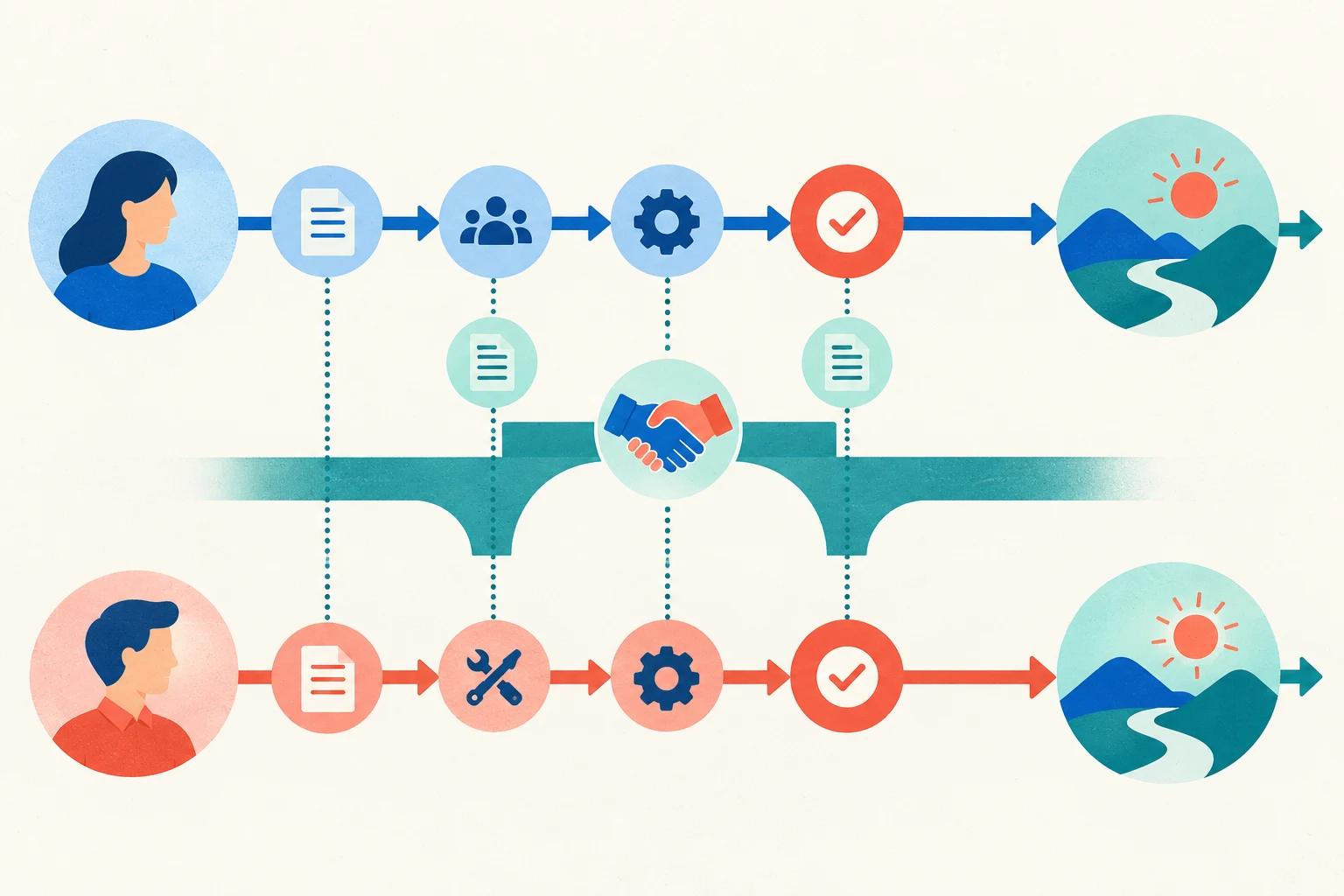
If a vendor-access policy changes the approval requirement for external accounts, compare the old and new approval paths. The change may affect account creation, renewal, incident response, and records retention. Identify which of these are confirmed impacts and which need investigation. A simple “policy updated” announcement does not tell teams whether their process or system needs to change. The comparison gives the impact review a concrete starting point.
Trace roles, systems, and downstream decisions
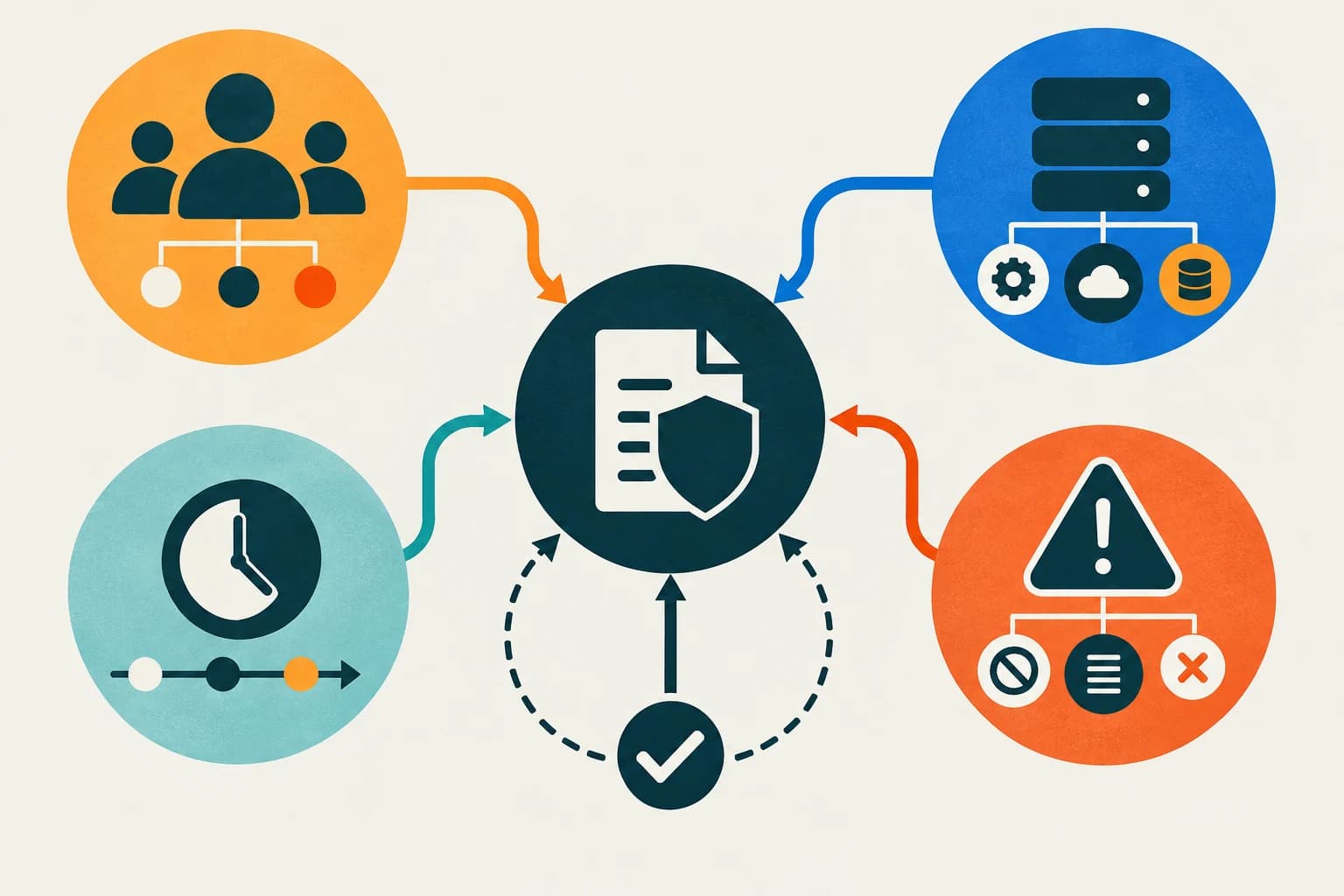
Follow the rule through the work. Identify who collects information, approves an exception, configures access, audits the result, and communicates with affected people. Map systems that enforce or merely record the policy. A policy may require a decision that no current tool can represent; that gap needs an owner before rollout.
For external accounts, procurement may collect vendor details, an application owner may approve access, IT may configure the account, and security may review exceptions. If a renewal is missed, access could continue beyond the intended period. Show where the policy’s new approval must occur and who verifies completion. This reveals whether a control is automated, manual, or absent. Avoid assigning one department the whole impact if work crosses several teams.
Identify affected groups and timing
Affected groups include people who perform the process and people whose work depends on its output. Consider contractors, vendors, managers, support, and regional teams where appropriate. Map when the change takes effect and whether existing accounts or active work receive a transition period. If timing differs by contract or jurisdiction, route the question to the proper authority rather than assuming a global rule.
A new approval may apply immediately to new vendor accounts while existing accounts are reviewed at renewal. That distinction changes both workload and communication. Show which group needs to act first and the deadline or trigger. If a system migration is required, the effective date may need coordination with IT capacity. A clear time path prevents employees from treating a future rule as active today or continuing an old process after the required change.
Make exceptions and interim guidance safe
Some work cannot stop while an exception is reviewed. Define who can authorize an exception, what evidence they need, how long it lasts, and where it is recorded. If interim guidance is required, obtain approval from the policy owner and communicate its scope. Avoid informal workarounds that contradict the policy or leave no audit trail.
A vendor may need temporary access to resolve an urgent service issue before the standard approval is complete. The map should identify the emergency approver and any time limit or additional control, as specified by the organization. If no approved exception exists, employees need to know to pause and escalate. Do not invent a workaround to make the diagram feel complete. Highlight the policy question as unresolved and obtain authoritative direction before rollout.
Plan communications and enablement by task
An announcement should tell each audience what changes in their work, where the authoritative policy lives, and what to do when a case is unclear. Provide task-specific guidance for roles that must act. Managers may need a briefing to answer common questions, while system owners need implementation details. Do not send every audience the same dense policy summary and assume it will be actionable.
Procurement may need a new vendor intake field, application owners may need to review current access, and vendors may need updated instructions for submitting requests. These messages have distinct timing and owners. Keep the wording consistent with the approved policy and route personal or sensitive questions privately. A communication map helps leadership see whether an affected group has been missed before employees encounter the rule through a denied request.
Verify implementation and learn from questions
After the effective date, check whether the expected behavior occurs and whether systems support it. Review exceptions, rejected requests, access records, and help questions through appropriate governance. Do not interpret low question volume as proof of compliance; employees may be unsure where to ask. Assign an owner to investigate whether a gap reflects training, tooling, conflicting rules, or capacity.
If vendor accounts remain active after renewal, the team should determine whether the new process was misunderstood, the system lacks an expiry field, or ownership is unclear. Each cause requires a different response. Update the policy guidance and impact map when the approved rule or workflow changes. Preserve a link to the authoritative policy and mark the review date. An impact assessment is complete when affected work has a safe route, not when an announcement has been sent.
Create a policy impact map in Autodiagram for affected roles, systems, transition points, and approved exception routes. Keep legal text authoritative elsewhere and export an SVG for enablement.