Start with work that depends on the tool
Replacing an internal tool is not just a procurement or configuration project. Discover the tasks people perform with it, the information they rely on, and the other systems connected to those tasks. Identify user groups and meaningful differences in their work. If leaders begin with a feature comparison, they may preserve functions no one needs while overlooking a spreadsheet or informal workaround that carries an important part of the process.
A team replacing a request tracker might find that engineering uses it for triage, finance exports it for monthly reconciliation, and operations relies on email alerts for urgent requests. Those are three separate needs. Map the current routes and owners before deciding whether the new system supports them. Observe real work where possible and ask what happens when the tool is unavailable. This baseline gives the project a way to evaluate the transition beyond whether accounts were created.
Choose a migration route that protects continuity
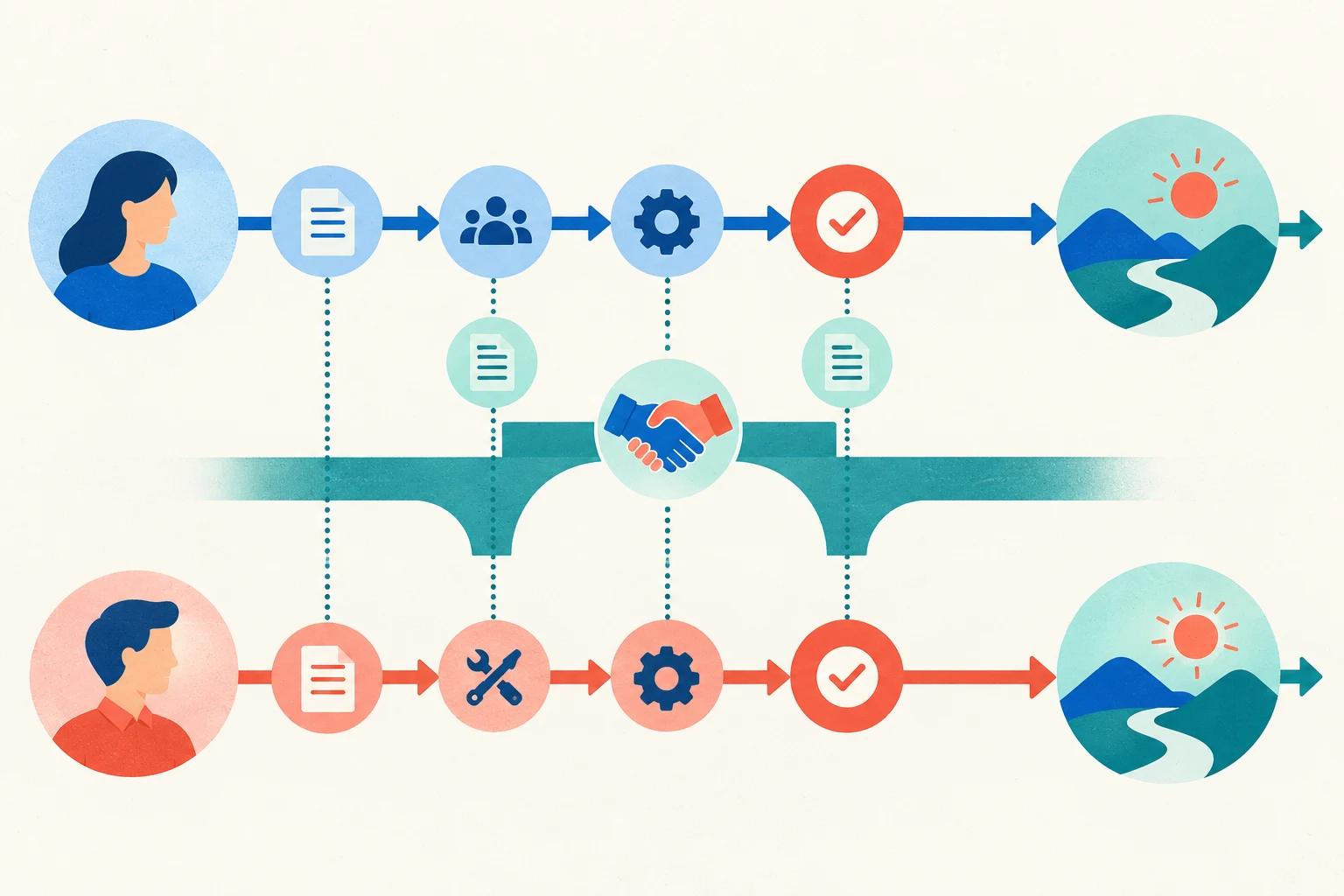
Migration can happen all at once, by group, by record type, or through a period of parallel operation. Each route shifts risk differently. Show which data and users move when, who validates the result, and how the old system remains available if needed. Parallel systems can reduce immediate disruption but create confusion about which record is current. An all-at-once change can simplify the future state while concentrating risk in one window.
For the request tracker, finance may need historical records for a reconciliation cycle while engineering can move active work sooner. A staged approach could preserve read-only access to history and route new requests to the new tool. That creates a clear owner for legacy records and prevents duplicate entry. The team should test permissions, attachments, and export behavior with representative samples. Do not announce a cutover date before the owners of downstream tasks confirm they can complete their work in the new route.
Support people through different learning needs
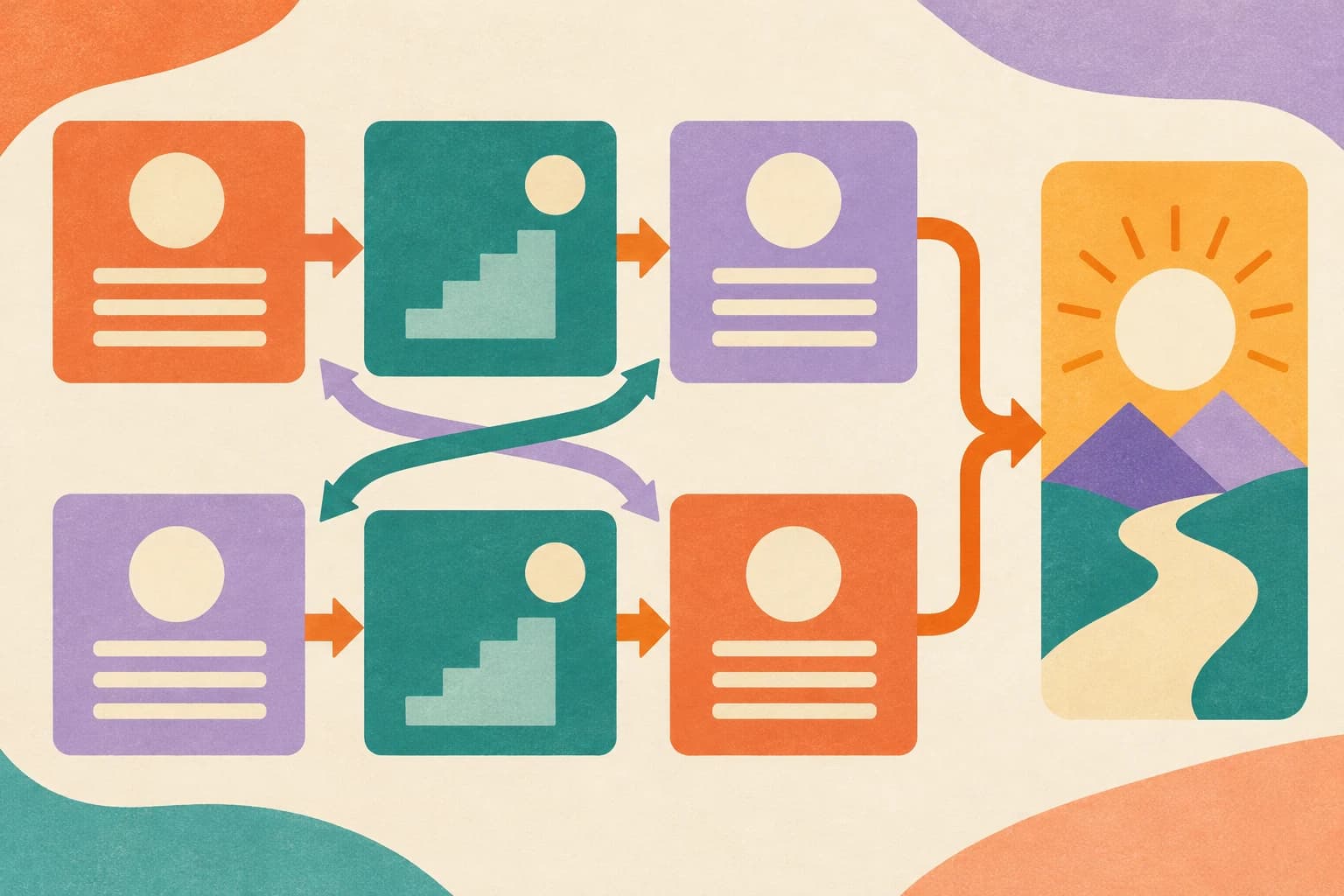
People learn a tool in the context of a task. Provide short guidance for common workflows, hands-on sessions for complex roles, and a route for questions during the transition. Avoid assuming that one all-hands demonstration prepares every user. Identify champions or local contacts who can help, but do not make them unofficial support staff without capacity or authority. Include accessibility and language needs in the enablement plan.
An engineer may need to learn how to triage and link work, while finance needs to export a reliable report. Separate guides should use the same core terminology but follow each role’s actual task. A practice environment can help if it contains safe sample data and resembles the real setup. Ask users to complete a representative job and notice where they hesitate. Training feedback can reveal a configuration problem, not just a need for more instructional slides.
Set a support and escalation route
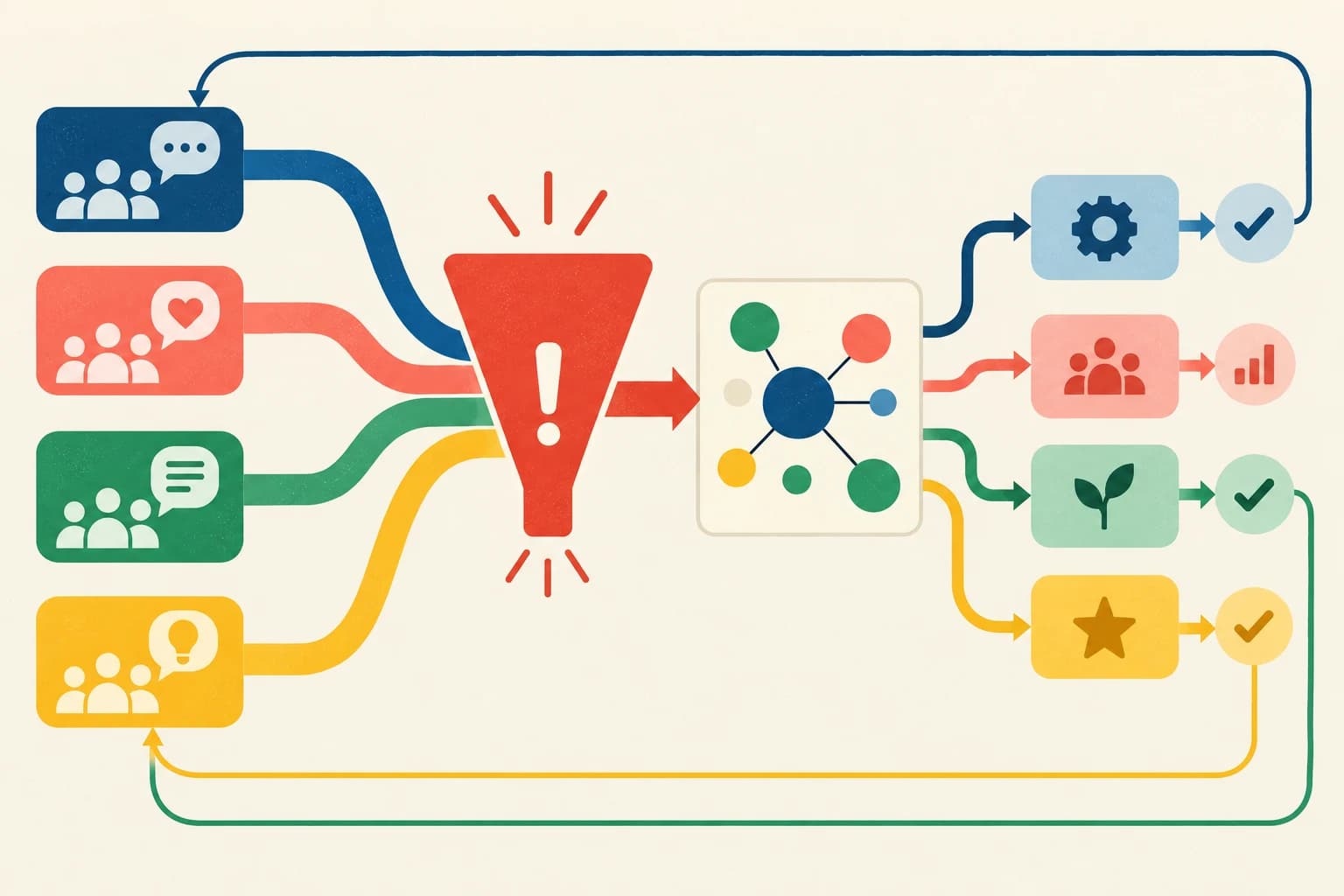
A transition creates a period when users may encounter unfamiliar errors. Define where they report problems, what information to include, and who owns each class of issue. Distinguish access problems, data mismatches, workflow questions, and platform defects. If the old system remains available, clarify which cases should still use it and for how long. Keep a visible owner for critical tasks so someone does not lose work while waiting for general help.
If a finance export appears to omit records, users need a way to compare the old and new output and identify whether the issue is filtering, permissions, or migration. Provide a temporary escalation owner and a method to preserve the source record. Avoid telling people to re-enter data until the team understands whether that creates duplicates. The support route should include a way to communicate status back to affected users and to identify a repeated issue that deserves broader intervention.
Measure adoption through task completion
Login counts alone do not show whether the new tool supports work. Check whether users can complete important tasks, where they return to the old system, and which errors create manual work. Select measures that respect privacy and the tool’s governance. Combine system data with interviews or observation; telemetry may show that a report was exported but not whether it answered the user’s question.
For the tracker, the team could review whether finance completes reconciliation from the new export, whether engineering triages incoming requests there, and how many urgent requests arrive through the expected route. Define a comparison period that accounts for normal work cycles. If adoption lags, ask whether the issue is training, permissions, performance, missing functionality, or unclear policy. Do not interpret every old-system use as resistance; it may reveal an unaddressed dependency the migration plan needs to respect.
Retire the old route with a clear decision
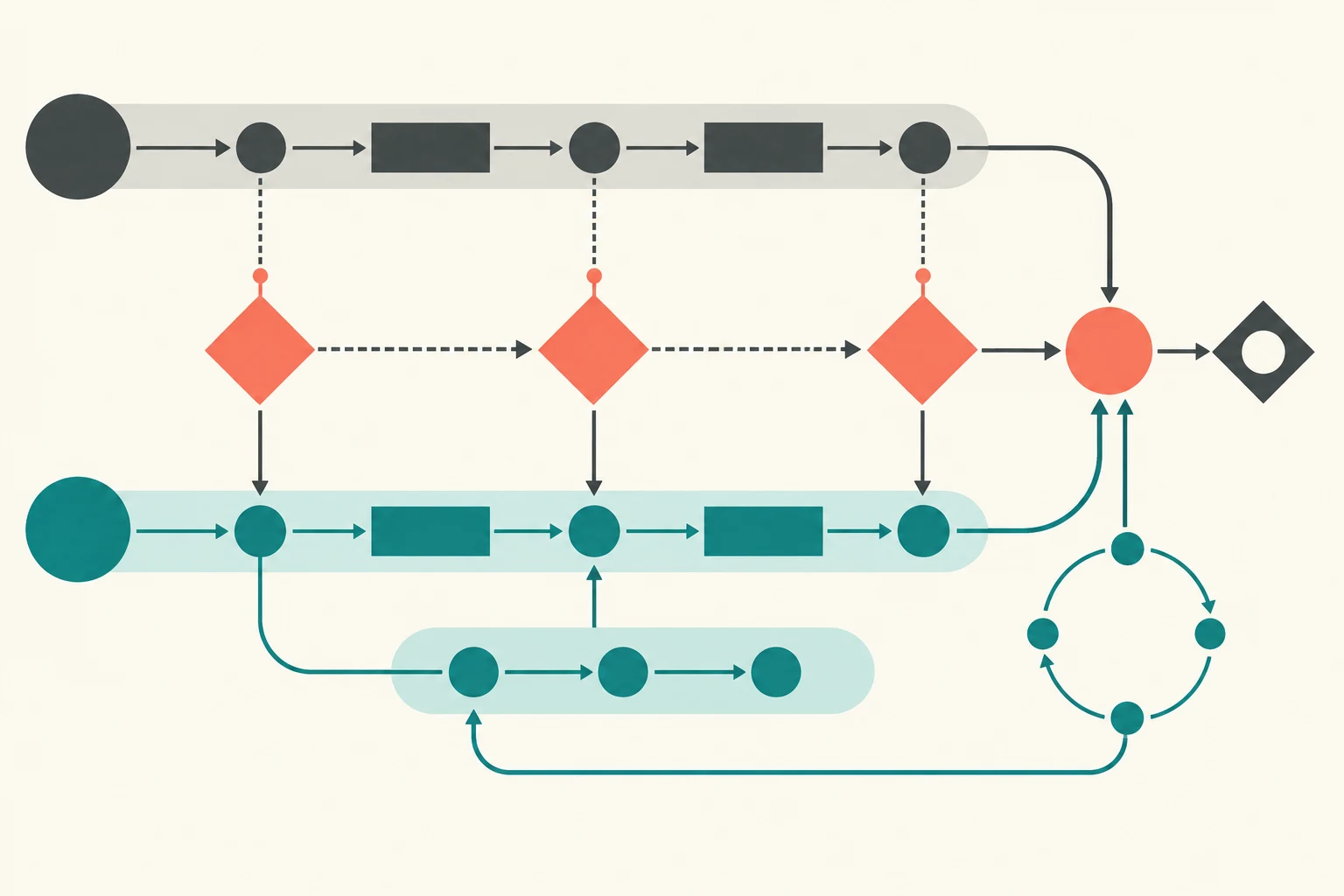
Sunsetting the old tool should be a deliberate gate with a named decision owner and evidence. Confirm required records are preserved, outstanding dependencies have moved, access changes are communicated, and support can handle residual questions. State the final date, what happens to old links, and where archived information can be retrieved. If the retirement depends on successful completion of a business cycle, show the event that confirms it rather than relying on a calendar guess.
The team might keep the old tracker read-only until finance completes a cycle and records management confirms retention. At the review, it can approve retirement, extend access for a specific need, or revise the archive plan. Document the choice and owner. Continuing two tools indefinitely can create cost and confusion, but shutting down prematurely can jeopardize important work. The transition map makes this balance visible and turns retirement into a supported outcome rather than an afterthought.
Map the old-to-new tool transition in Autodiagram, including role-based learning, support, migration, and retirement. Update branches as validation proceeds and export a PNG for team briefings.