Choose a first use that matters to the customer
Feature training is more useful when it is organized around something a customer wants to accomplish. Begin with the user’s role, task, and current knowledge. Avoid treating a feature tour as the learning objective. A customer should leave able to complete a real workflow or know how to request help when a prerequisite is missing. Ask what success looks like for their organization rather than assuming every account has the same starting point.
For a team adopting shared report views, a first successful use could be creating a view for a weekly operations meeting and giving the right colleagues access. The trainer should know whether participants can create and share views under their permissions. If an account has not configured roles, that setup may precede the lesson. The training map can show prerequisites and help the account owner determine whether to schedule a general session, a role-specific walkthrough, or a technical setup conversation.
Sequence setup, demonstration, and learner practice
A training session should move from necessary setup to a short demonstration and then to customer practice. Demonstrate the task with realistic sample content, explaining decisions that a user may need to make. Let participants try the workflow in their own environment or a safe training space. Watch rather than taking control immediately; pauses and mistaken clicks reveal where labels or instructions are unclear.
The trainer can create a sample report, choose a date range, save it as “Weekly orders,” and share it with a colleague role. Then the participant creates a view for their own meeting and explains why they chose those filters. If the interface differs by permission, show how to confirm the role and route an access request. This makes the session practical without exposing unrelated customer data. A polished demonstration alone can create the illusion of understanding when no learner has attempted the task.
Teach boundaries and recovery alongside the happy path
Customers need to recognize what to do when an action fails or the result looks wrong. Include one or two realistic exceptions that change the next step, such as insufficient permission or an unavailable data source. Explain which actions are safe to retry and when to stop. Avoid presenting support as a failure; it is a legitimate path for cases the learner cannot resolve safely.
If a saved view contains no rows, the learner can check whether the selected date range includes activity and whether their role has access to the source. If the report still appears inconsistent with the source record, the correct next step may be to contact support with the report name and time. Do not ask customers to change permissions or export sensitive data without approval. Showing the recovery route builds confidence and reduces unsafe trial-and-error.
Tailor the session to roles and account context
A single account may include administrators, daily users, and managers who consume results. Their goals and permissions differ. Gather role context before training and decide which tasks belong in a shared session. Provide separate short references where needed. Avoid teaching everyone every setting simply because it exists; information overload makes it harder to remember the action that matters for each person.
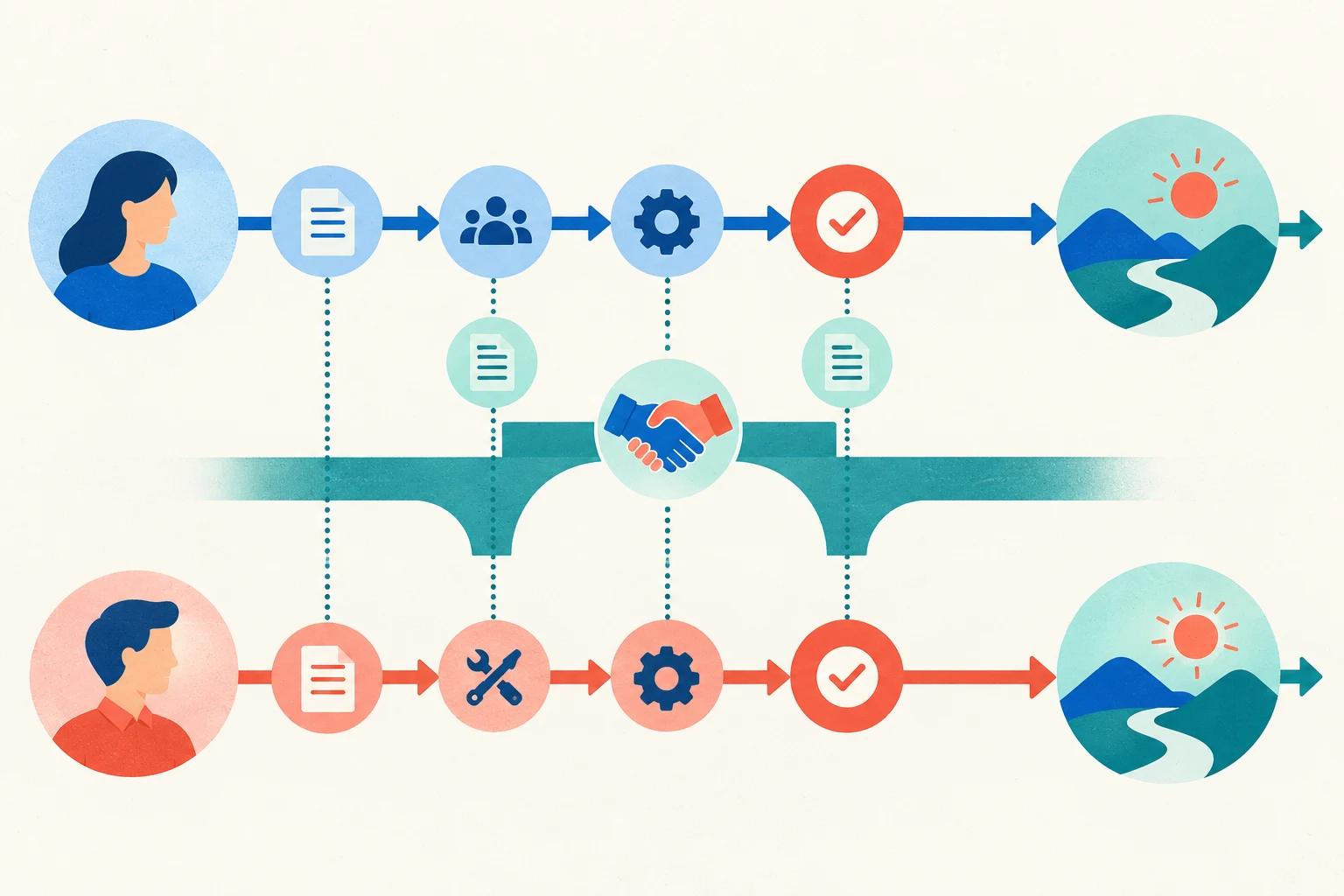
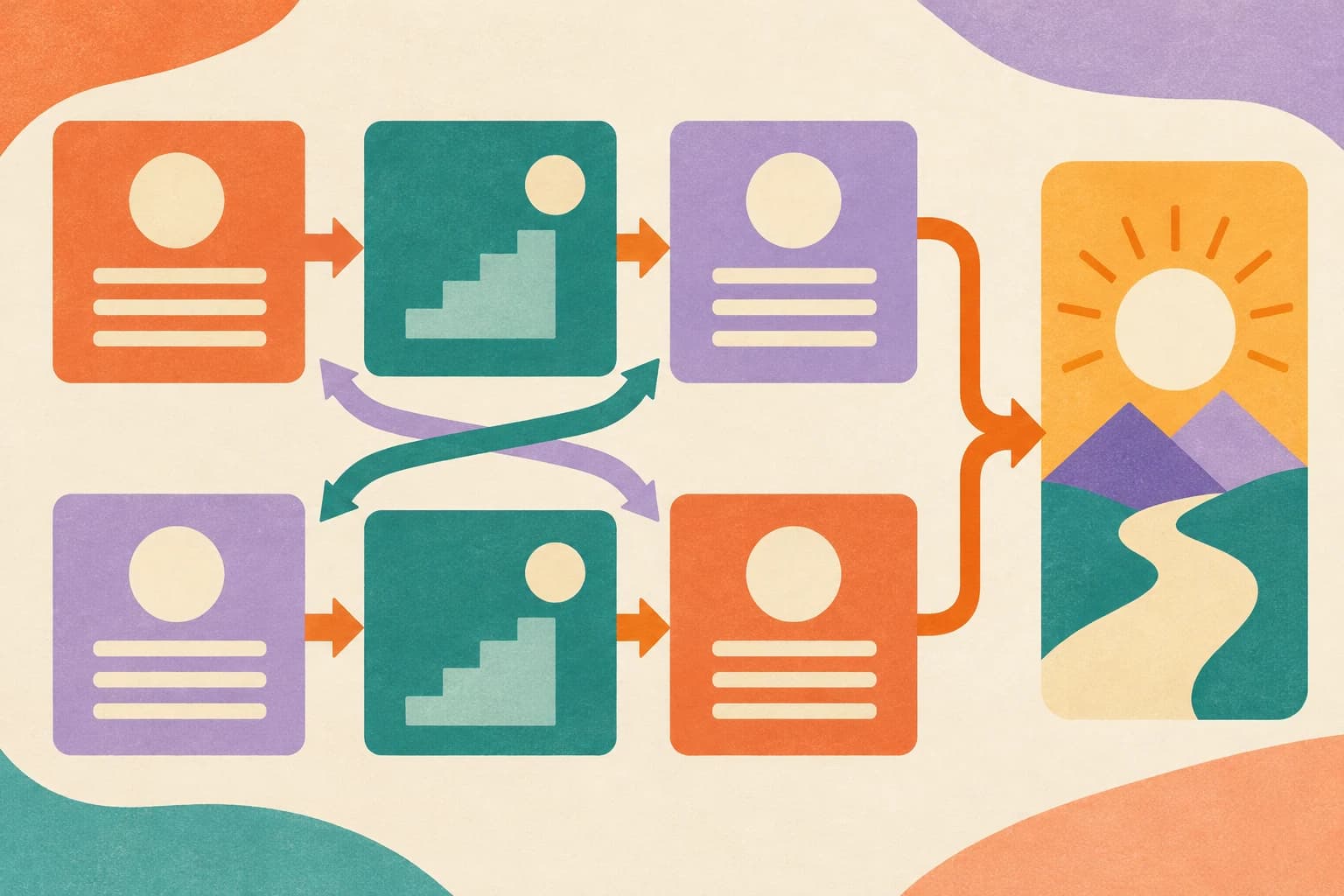
An administrator may need to manage sharing and default access, while an operations manager needs to create and interpret a weekly view. The training map can show a shared introduction followed by a role-specific path. If some users cannot attend live, offer a current recording or written guide when appropriate and protect any data shown. Ask the customer to identify who will support colleagues locally, but make sure that person has the knowledge and time to do so.
Leave durable references and clear contacts
After the session, provide a concise job aid, the authoritative help article, and a contact path for unresolved issues. Confirm that the material matches the customer’s product version and role. Tell participants what details help support diagnose a problem and what information they should not send. Do not promise a response time unless the support team has approved it.
For shared views, a job aid might show the steps to create, rename, and share a view, with a note about who can change access. It should link to the product’s current help page and note the date it was reviewed. The account owner can follow up to ask whether the participant completed the weekly task. This is more informative than sending a deck and assuming the customer is ready. Keep follow-up proportional and respectful of the customer’s workload.
Check adoption and improve enablement
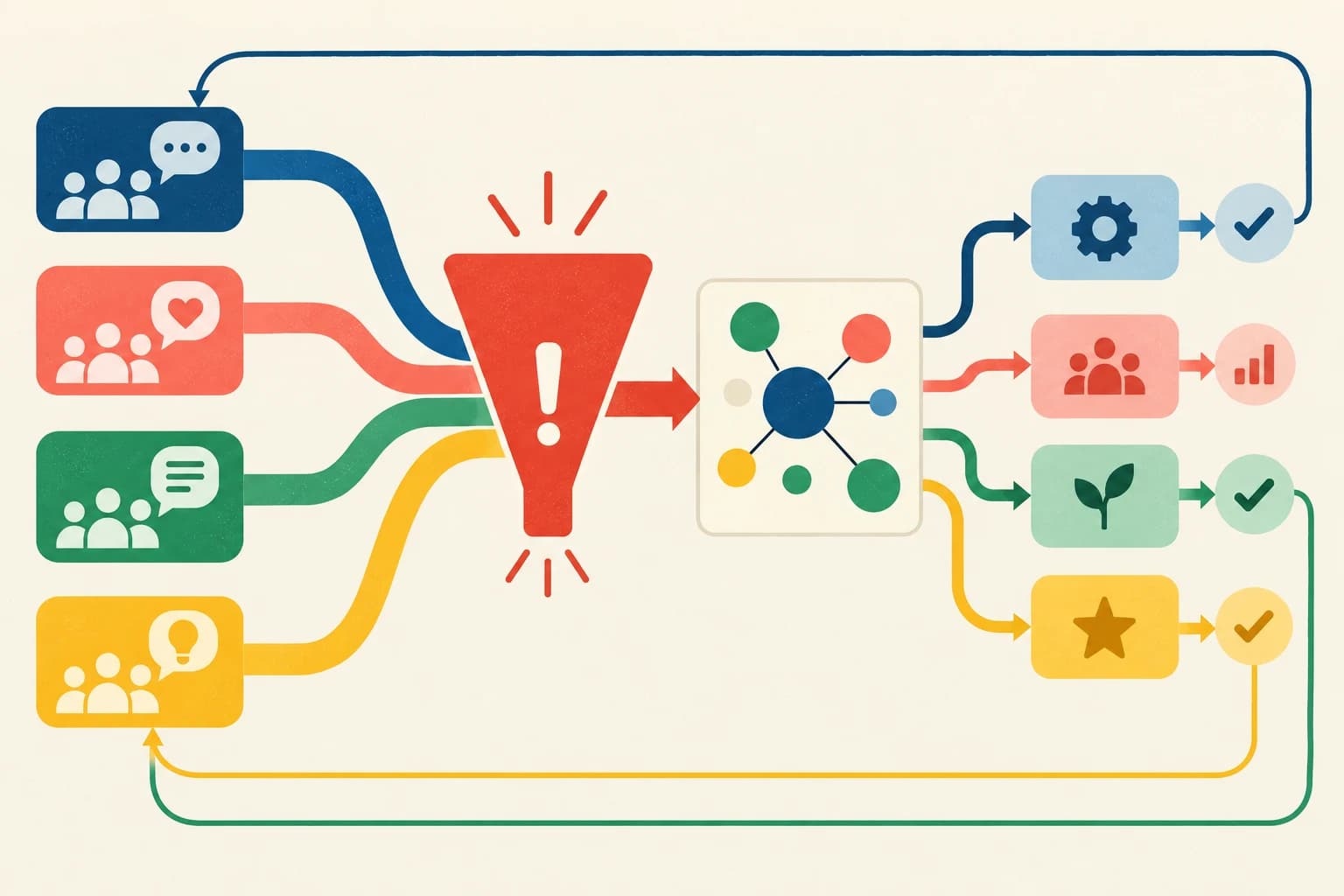
Evaluate whether customers can complete the task after training and what barriers remain. Ask for a concrete account of the next use, observe a follow-up when appropriate, and review support themes. A positive session rating can indicate that the instructor was clear but does not prove the workflow transferred. If the customer cannot use the feature because of permissions or data quality, fix the underlying condition rather than repeating the lesson.
If customers consistently create views but cannot share them with the intended roles, the product or account configuration may need attention. If they understand sharing but forget where to create a new view, the job aid could be clearer. Use those distinctions to update training. Record recurring product gaps for the product team without turning one account’s workaround into a universal requirement. Customer enablement is a loop: prepare, practice, support, observe, and revise.
Autodiagram can show a customer’s path from prerequisites through first practice, exceptions, and follow-up. Edit branches for different roles and export a PNG for the enablement session.