Prepare a sequence for reading
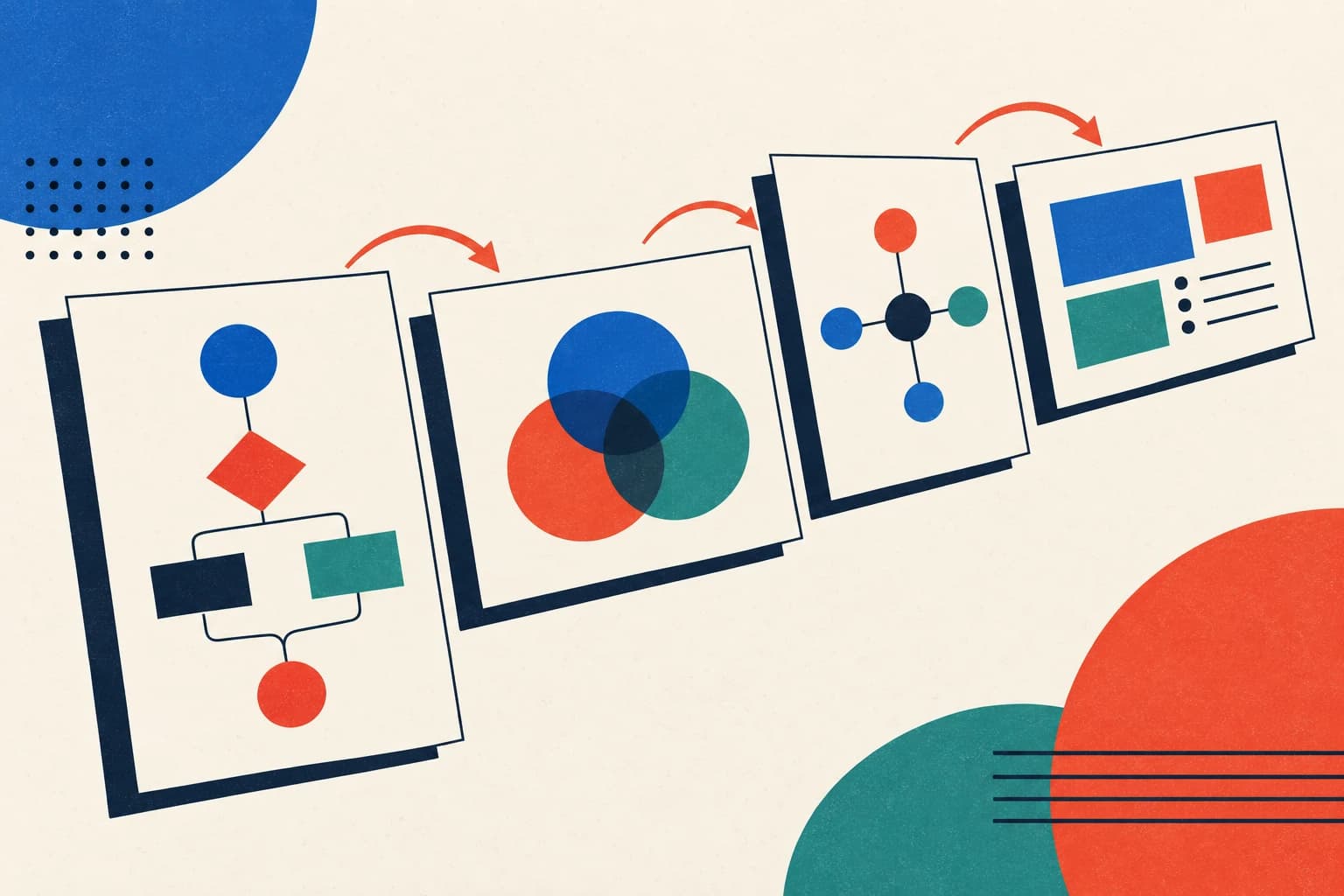
A board PDF puts each diagram on its own page. Before exporting, decide the order and arrange the frames accordingly: top to bottom, then left to right. Remove duplicate or unfinished frames and make sure each diagram has a title that will make sense when viewed on a page by itself.
For a project handoff, you might show the current process first, the decision points next, and the escalation route last. A clear sequence helps readers build context. If pages are reference sheets rather than a story, group them and name each page so a reader can find the relevant section.
Understand the page sizes
The PDF export creates one page per diagram and sizes each page to that diagram’s dimensions, rather than forcing every diagram onto one fixed page shape. This avoids automatic letterboxing, but it can produce pages with different orientations or proportions in the same file.
Open the PDF and inspect the page sequence in your target viewer. If a reader expects standard paper dimensions, you may want to place the exported pages into a document template instead. Do not assume a multi-page diagram PDF is a print-ready report with uniform margins.
Check titles and content
The PDF pages are rendered diagrams, so check their titles, labels, values, and branding before export. Unlike the PowerPoint deck, the PDF does not add a separate editable title above every page; the diagram image carries its own title and content.
Look for text that is too small at print size, clipped descriptions, or a logo placed over a corner label. A diagram may fit its page dimensions exactly and still be hard to read if it contains too much detail. Simplify or split crowded frames before creating the final file.
Choose PDF for the right reason
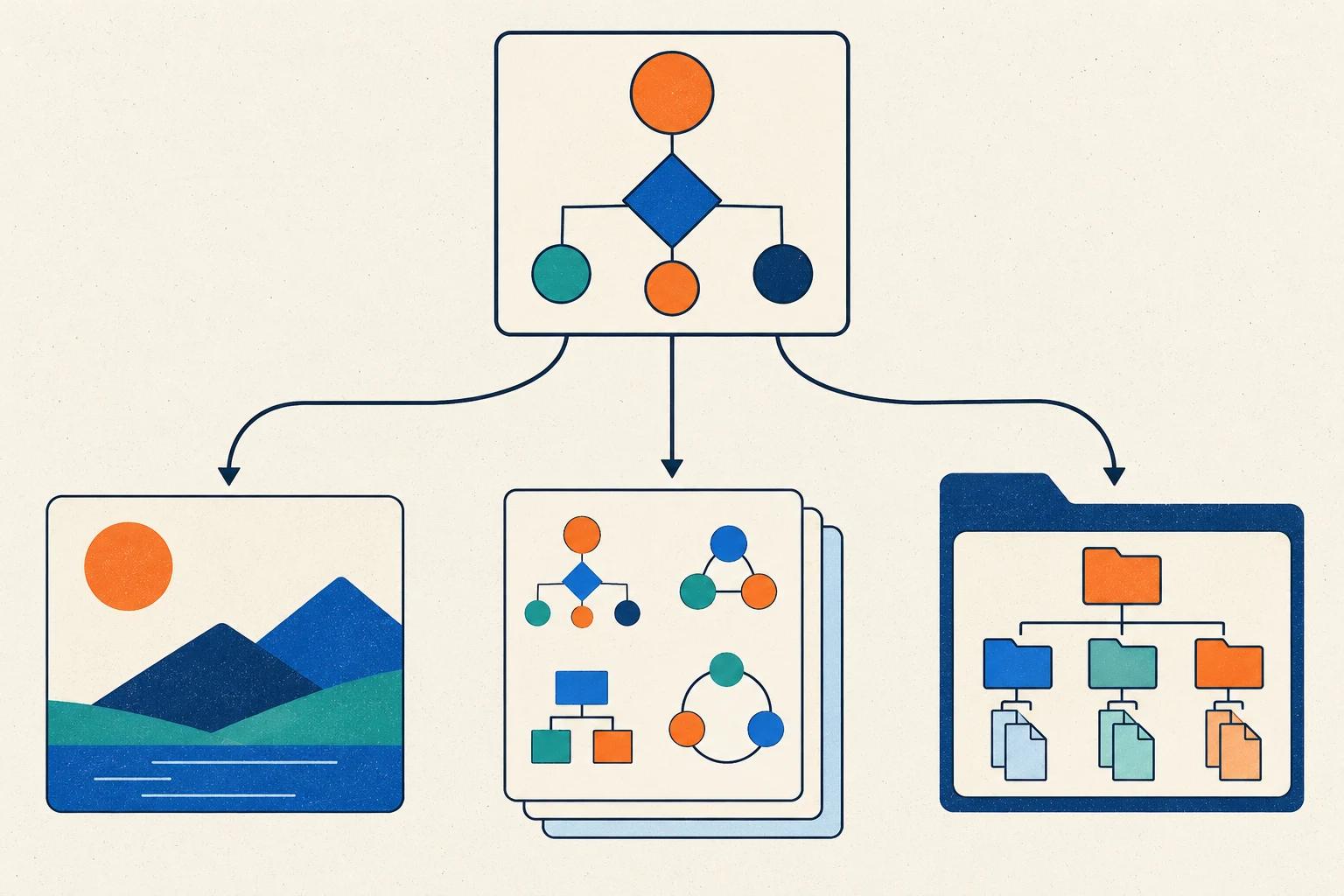
A multi-page PDF is useful when readers need a stable package that can be opened, stored, or printed. It is a snapshot, so later changes to the board do not update a downloaded PDF. Keep the editable board or JSON project if the diagrams will need future revisions.
If viewers need a current version without receiving another attachment, a read-only share link may be more convenient. If they need to comment or edit, establish a separate collaboration workflow. The PDF format changes how the board is delivered; it does not change who owns the source.
Distribute and archive clearly
Use a filename that identifies the board and version date. If the content is sensitive, store it in an approved location and check who can access it. When a new PDF replaces an old one, remove or mark the earlier copy so recipients do not act on stale information.
Archive the source alongside the PDF when policy permits. If the team later questions a label or order, the board gives an editor a place to correct it and produce a new package. A clear export process makes the diagrams easier to use and easier to maintain.