Know what the project file is for
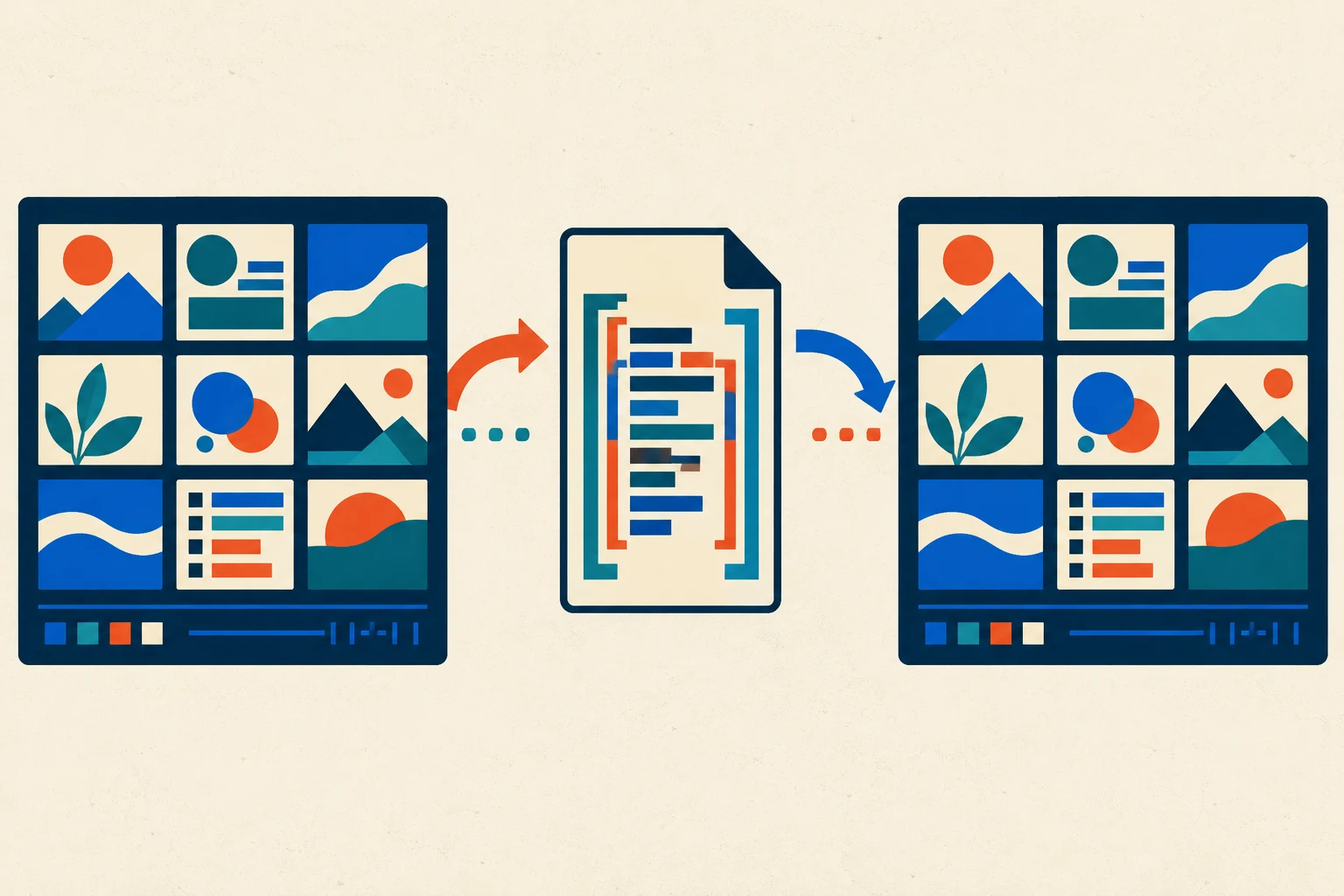
An image export is convenient for sharing, but it is a snapshot. Project JSON preserves editable board and diagram data so you can continue working in Autodiagram. Use it as a backup before a major redesign, a handoff, or a move to another browser or device.
The project file is not a universal diagram format. It is intended for Autodiagram to read and restore its board structure. Keep it alongside any source documents or data tables needed to verify the content, especially when the diagram will inform an operational or financial decision.
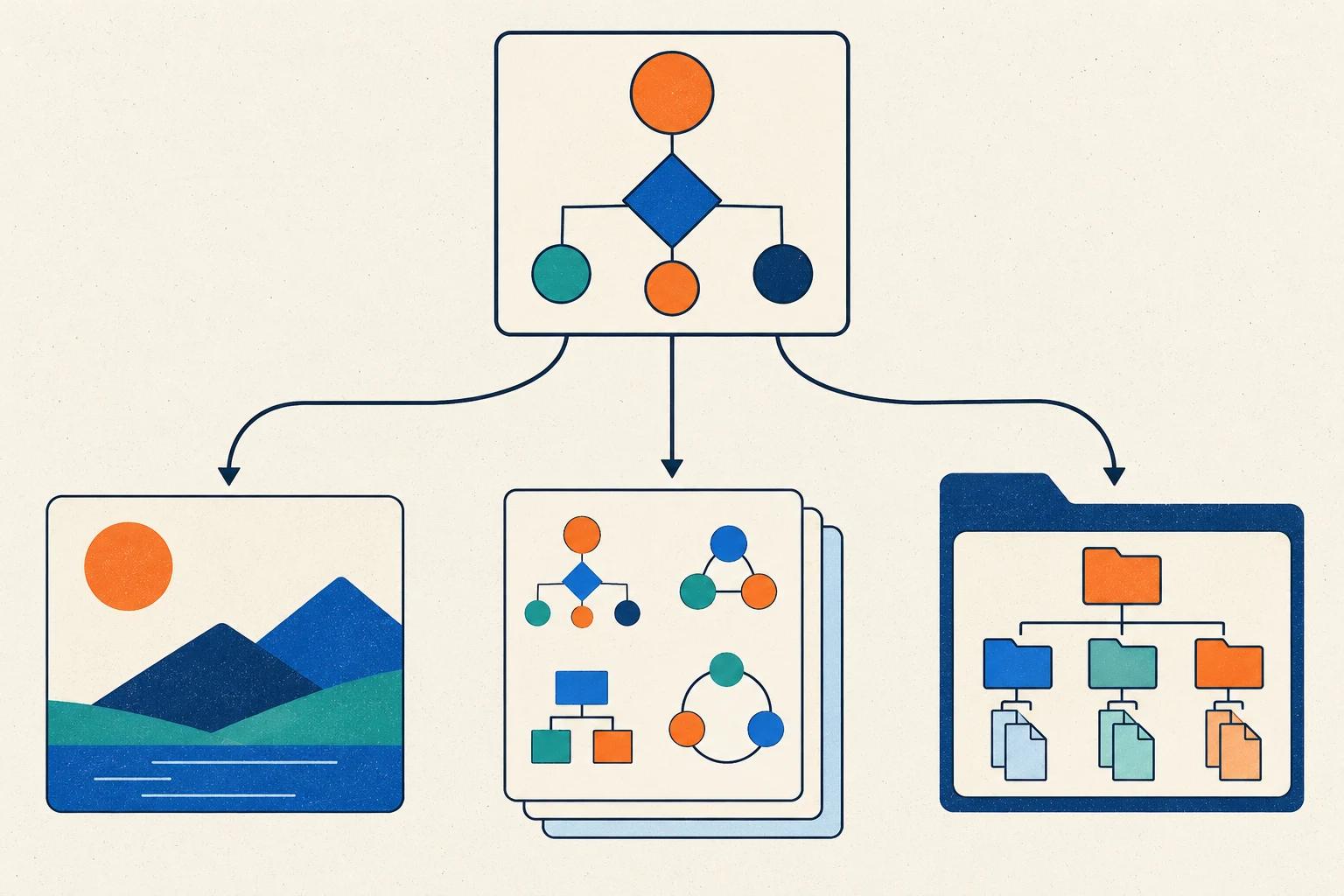
Export the right scope
Choose whether you need a single diagram or the full board. A board may contain multiple frames and their positions, while a one-diagram project contains only that view. Give the file a descriptive name that identifies the topic and date, and store it somewhere that is included in your normal backup routine.
For a client project, consider keeping a dated copy before applying a new brand kit or restructuring the board. The extra file can be useful if someone needs to compare the previous approved version with the new one. Avoid ambiguous names such as “final-final” that make the current source difficult to identify.
Import deliberately
Use the import project control in the editor and select a JSON project file. The import path checks that the file matches the supported board or diagram structure. If it rejects the file, confirm that it was exported by Autodiagram and was not edited into invalid JSON or stripped of required fields.
Importing creates work in the browser or account context where you opened the editor. Review the board title, frames, and content before editing. If the file came from another person, check that you recognize the source and are comfortable bringing its content into your workspace.
Keep backup copies understandable
Use a simple naming pattern such as “support-handoff-2026-10-12.autodiagram.json.” Keep one current working copy and move old versions to an archive folder rather than deleting them immediately. If a project includes confidential material, use storage approved by your organization and limit access to people who need it.
When multiple people exchange versions, include a short note explaining which copy is current and what changed. A JSON file is editable, but its structured data may not be easy to inspect at a glance. A companion PNG or PDF can help reviewers understand what they are receiving before they import it.
Verify a restore before relying on it
After importing, open representative diagrams and confirm that labels, relationships, styles, and frame positions match the source. Check native syntax or custom brand elements if the board uses them. A backup is only useful if it can be restored into a state that supports the work you need to do.
Keep both the imported copy and the original backup until you are confident the restored board is complete. For important projects, periodically verify the backup rather than waiting until a device is unavailable. A small restore check can catch a missing or outdated file before it becomes urgent.