Understand the two starting points
Autodiagram offers no-signup text tools that turn each line into a designed diagram in the browser. They follow the text you provide: labels, descriptions, and supported indentation become visible structure. This is a good fit when you already know what the content should say and want a quick layout.
The editor adds AI drafting and editing for people who want help finding a structure from notes or a document. AI may organize or summarize supplied material, so its output needs review. Choosing between the tools is about the kind of work you need, not a claim that one route is always better.
Use a text tool for exact short content
When your outline is already clear, write a title and one idea per line, then choose an appropriate tool and layout. A colon can separate a label from its description. The text tool redraws from your input in the browser and can download an SVG or PNG without asking you to create an account.
For a five-step orientation checklist, the deterministic route can be useful because the labels come from your own lines. You still need to check whether the chosen layout fits, but the tool is not trying to interpret an open-ended request or invent supporting material.
Use AI when the source needs structuring
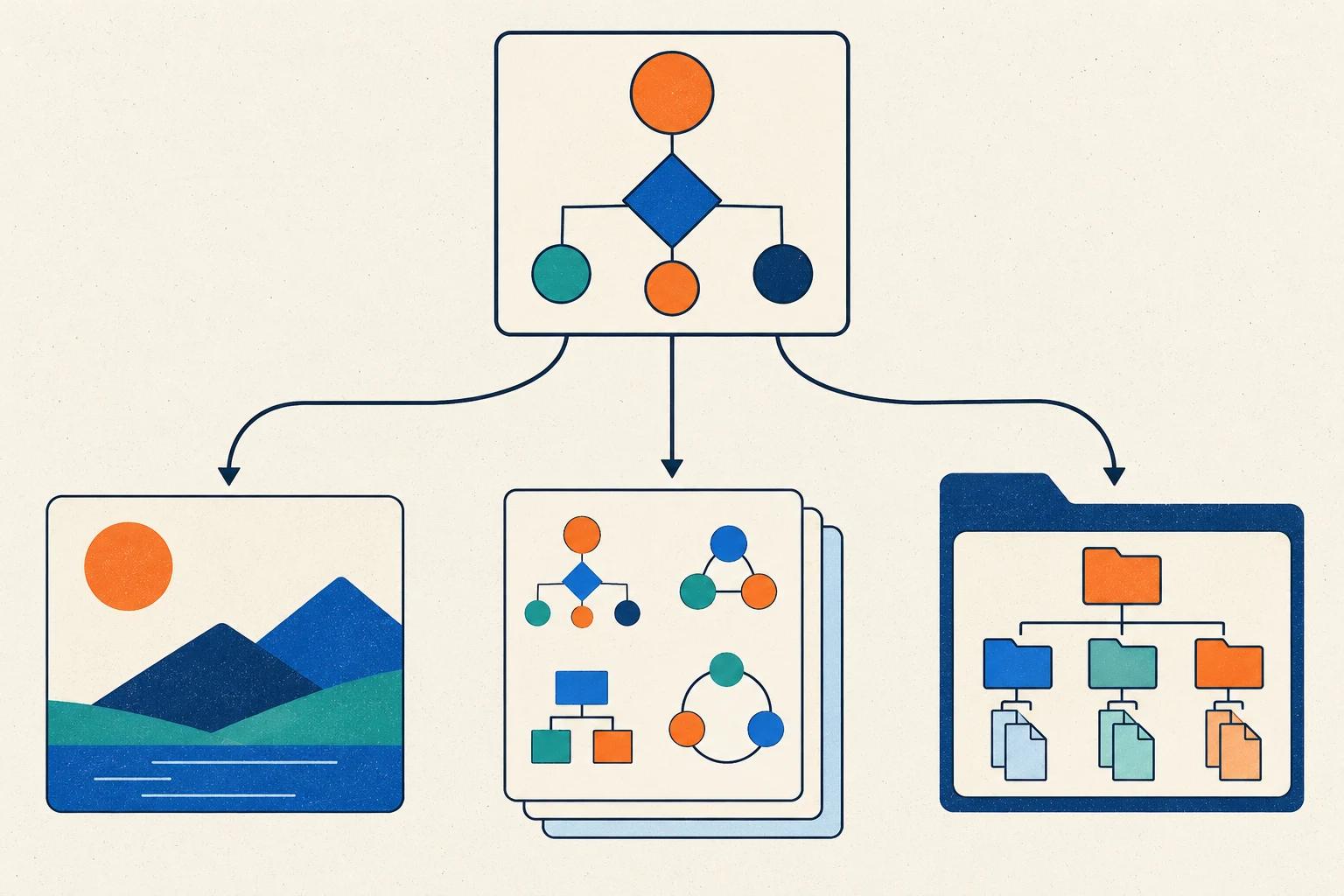
If you have a long report, a meeting transcript, or rough notes that do not yet have a useful shape, the editor can help draft diagrams from the material. PDF input is available in the editor; use a prompt that narrows the task and identifies the facts that must remain exact.
Treat every generated diagram as a draft. Compare names, values, and decisions with the source, and correct any unsupported relationship. AI can save time on the first organization pass, but it does not replace checking facts or determining whether a diagram is appropriate for its audience.
Move into the editor for continued work
A free tool can be enough for a quick graphic. Open a result in the editor when you want to work with more layouts, adjust style controls, add the diagram to a board, use AI, or keep an editable project. The editor offers richer options, while the free tools are deliberately narrow and direct.
If you are moving from a text tool to a longer project, make a note of the original text and check what transfers. Continue with the content and style controls that fit your task rather than assuming every tool has the same editing surface.
Pick the route based on risk and effort
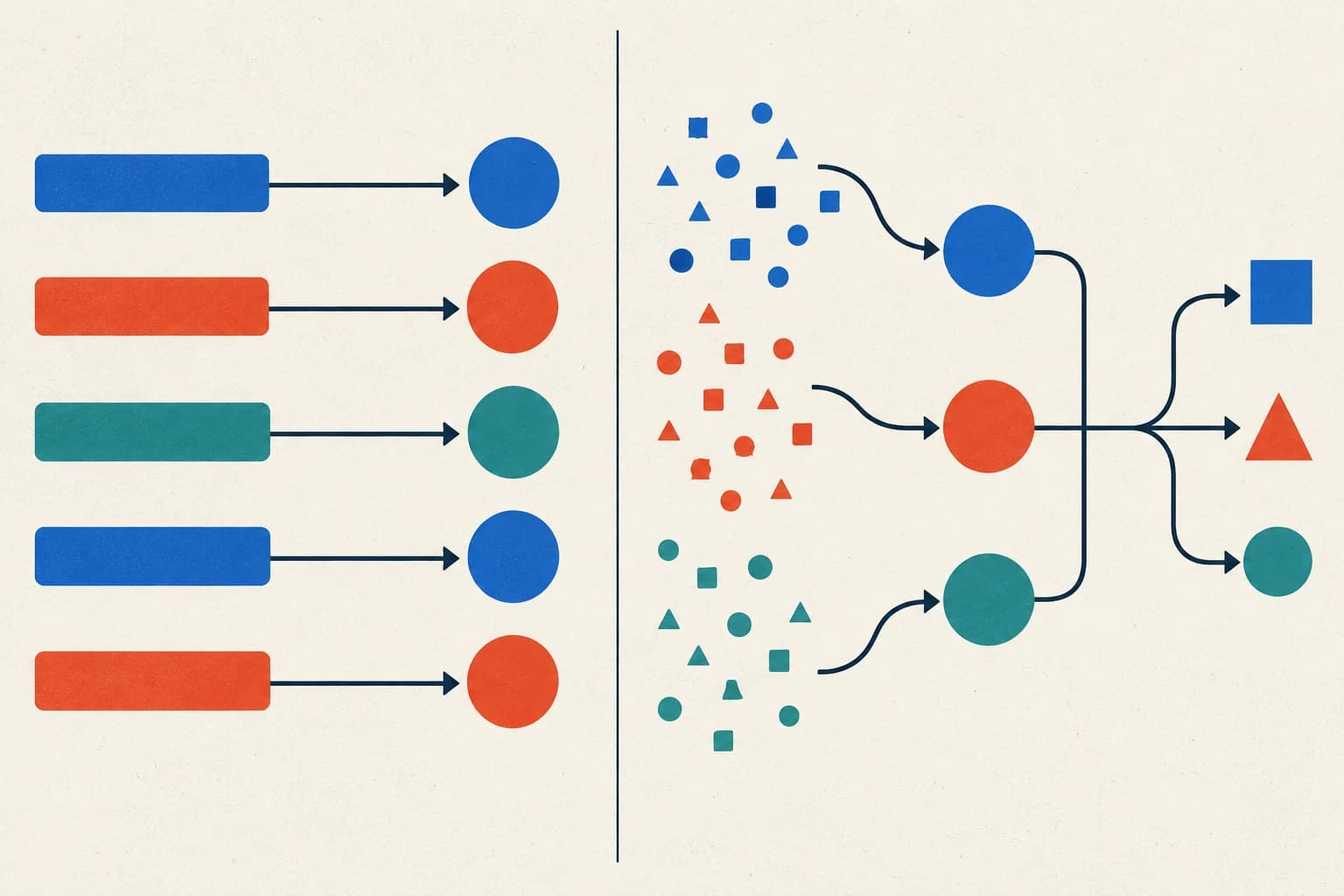
Use explicit text when exact wording and a fast result matter. Use AI when interpreting and arranging material is the hard part, and keep the review step. For sensitive content, follow your organization’s data rules before using any external service; a browser-only deterministic tool may be preferable for text that should not be sent for AI processing.
Both routes benefit from a reader check. Confirm that the diagram answers a real question, then export or share it in a format people can use. Autodiagram’s value is the combination of quick text-based starts, AI-assisted drafting, and editable visual choices—not a promise that you can skip judgment.