Define the release promise and audience
Launch readiness begins with a precise account of what is changing, who will see it, and what they should be able to do. “Release the new dashboard” does not say whether access is universal, staged, or limited to a plan. State the user-facing promise and relevant exclusions. If the release is experimental or incomplete, explain that clearly to the intended audience. Teams cannot prepare support or documentation when the rollout boundary remains vague.
For a redesigned project workspace, the first release might be available to a small group of existing users while the prior view remains accessible. That scope affects communications, support scripts, and analytics. Show the user journey from announcement to first use and the condition for widening access. Avoid implying that internal readiness means every edge case is solved. The map should make the promise precise enough for teams to spot a mismatch before customers encounter it.
Bring work streams together at the right gates
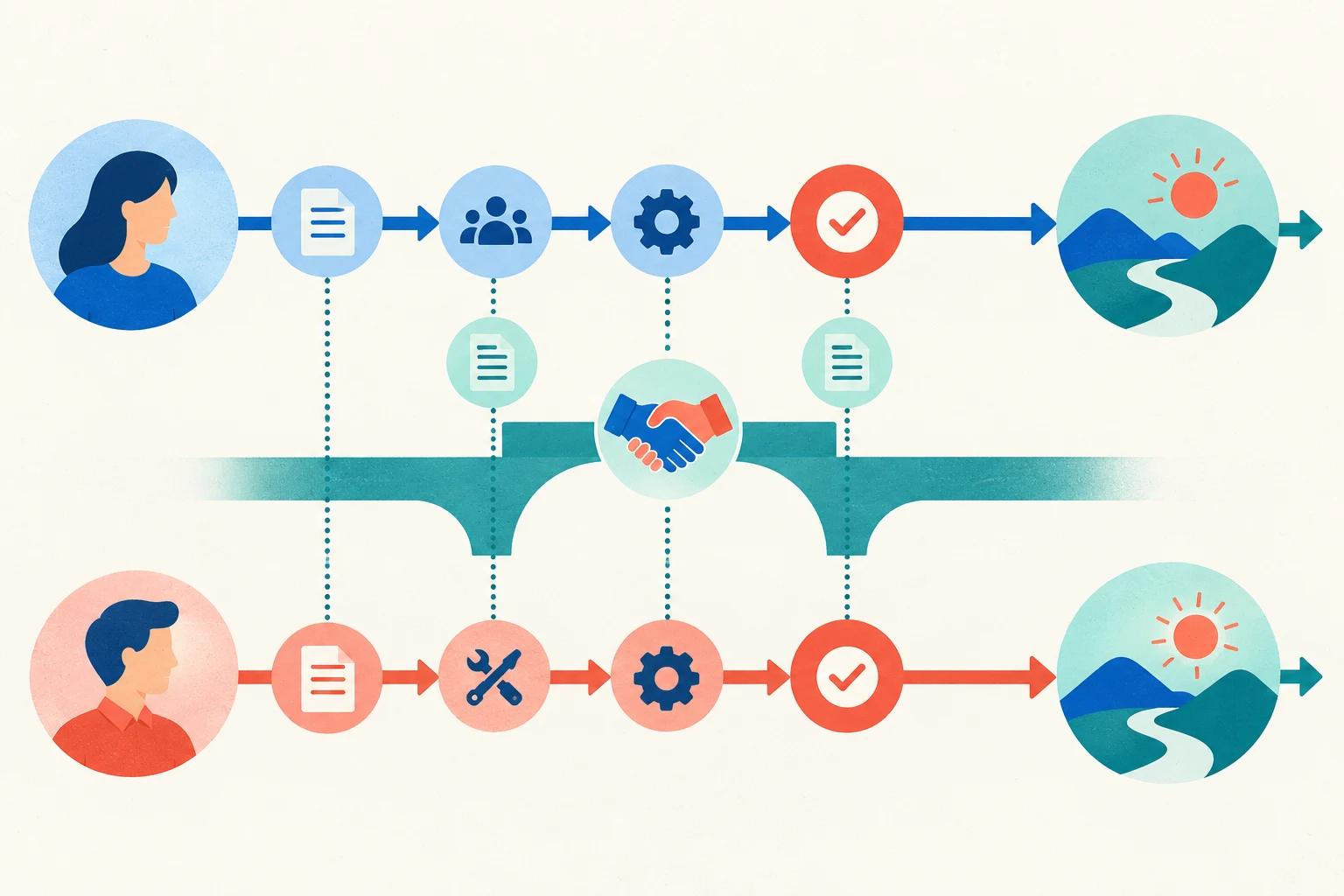
Product, engineering, design, support, documentation, analytics, and operations often work on different schedules. Map the few dependencies that must converge before rollout. A support guide can be drafted before final copy is approved, but published instructions need the final interface labels. Analytics events can be designed early, while validation depends on a working build. Mark these relationships so teams can progress in parallel without mistaking a draft for a finished dependency.
Create gates for decisions that materially affect users: accessibility review, data handling, support coverage, or rollback readiness may be relevant depending on the change. Give each gate an owner and evidence. A checklist item marked complete without an artifact or review can create false confidence. Gates should reflect the actual release risk; duplicating every team’s entire process on one map makes it unreadable. Keep detailed checklists linked and put only the cross-functional coordination points in view.
Prepare support with realistic cases
Support needs to understand what users will see, what can go wrong, and what to ask before escalating. Provide a concise explanation of the change, known limitations, and approved troubleshooting route. Use cases that resemble likely questions rather than only ideal demonstrations. If the release changes where a setting lives, show both the new path and how to help users who still rely on old instructions.
For the workspace redesign, a user may not see the new view because rollout has not reached their account, or may have hidden a panel they expected to find. Those cases require different explanations. Support should know how to distinguish them and what information is safe to collect. Do not promise support can resolve a defect that requires an engineering fix. Show how customer communication continues while the technical team investigates, and identify the escalation contact for launch period questions.
Make monitoring and rollback choices explicit
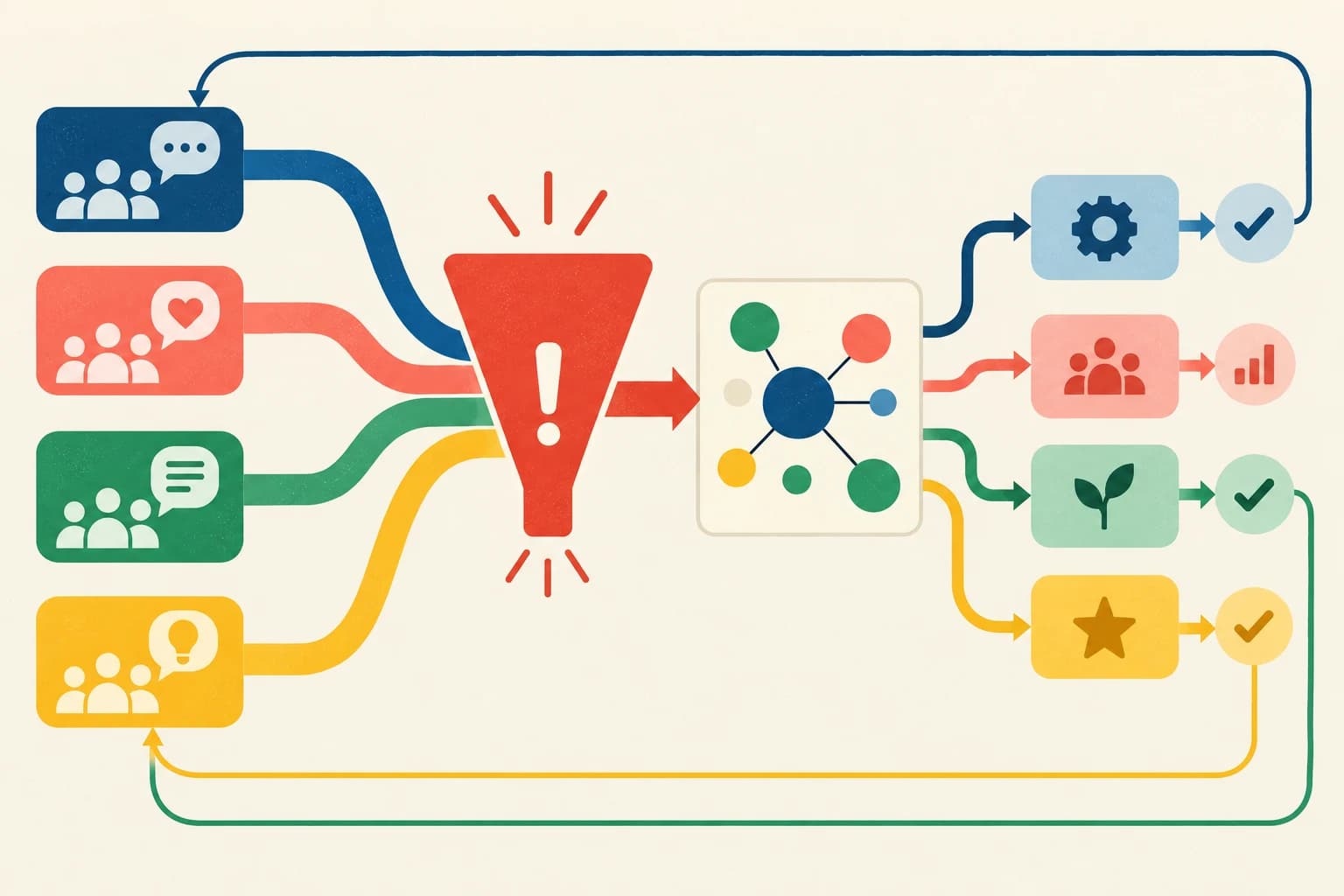
A rollout plan should identify which signals the team will watch and who can act on them. Pick signals tied to user impact and operational health; avoid monitoring a long list without assigning a response. Define a pause or rollback condition before the launch when possible, and confirm who has authority to call it. If rollback is impossible or costly, the plan needs stronger validation and a clear mitigation route.
For a staged interface release, the team might monitor errors in the new view, completion of the primary task, and support reports about missing information. A single complaint should not automatically trigger rollback, but a repeated pattern may justify pausing expansion. State who evaluates the reports and how quickly the decision returns to the group. Describe what users experience if access is paused. This makes monitoring actionable and keeps the team from debating thresholds for the first time during a live issue.
Coordinate communication and timing
Release communications should reach the right people at a time when they can use the change. Connect the message, destination, owner, and timing to the rollout stage. A broad announcement before access is available can create avoidable confusion. Conversely, a quiet change may leave users without guidance when behavior meaningfully shifts. Consider internal enablement, customer notice, in-product explanation, and support readiness as related but distinct communications.
For the workspace, an internal note can prepare account teams before a limited pilot; pilot participants can receive a direct explanation and a feedback route. A broader help article can wait until the interface and rollout boundary are stable. Show who approves each message and where the current wording lives. Do not reproduce sensitive launch details in a publicly shared visual. If dates change, make one owner responsible for coordinating the update so channels do not tell different stories.
Run a readiness review that can change the plan
A readiness meeting should inspect evidence and resolve gaps, not merely collect green checkmarks. Bring the actual support guide, rollback plan, validation result, and communication draft. Ask each owner what would make them recommend pausing. If a team cannot answer because a prerequisite is unfinished, decide whether to delay, reduce scope, or accept a clearly bounded risk with an accountable sponsor. The result should be a decision, not a vague request for confidence.
After launch, compare actual questions and signals with the map’s assumptions. Did support see an unanticipated case? Did the staged group understand the promise? Did the pause condition work as intended? Capture the adjustment and update the readiness map before the next rollout. A reusable map is not a frozen checklist; it is a record of what coordination this product change required. Use it to improve future releases without carrying irrelevant gates into every launch.
Autodiagram can map launch work streams, readiness gates, support, monitoring, and rollout conditions. Edit owners as evidence changes and export a PNG for the cross-functional review.