Pick the information worth carrying forward
A transcript records what was said, but most readers need to know what changed. Scan for decisions, actions, owners, dates, dependencies, and questions that still need evidence. A side conversation or repeated explanation may be useful context, yet it does not automatically belong in the diagram set.
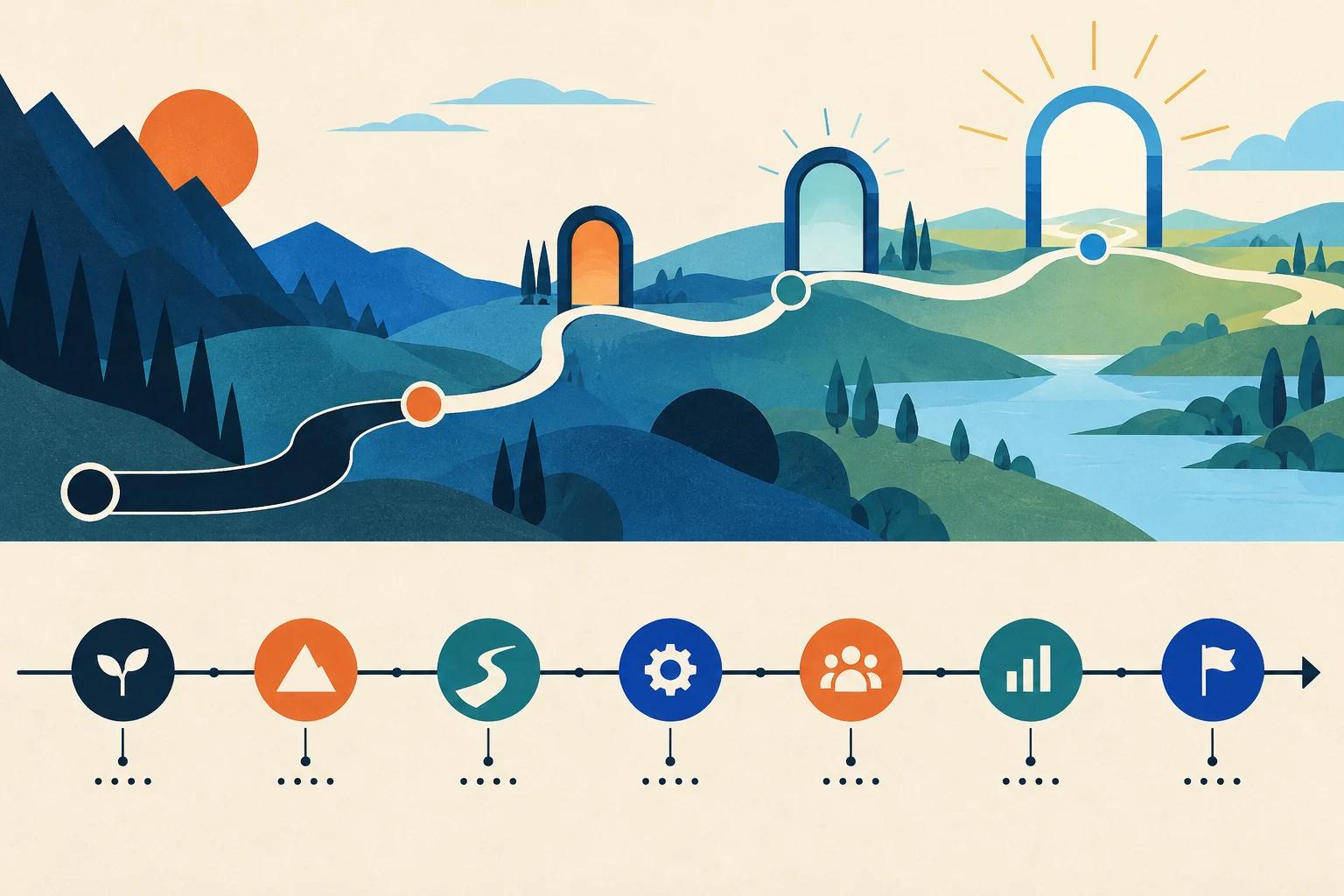
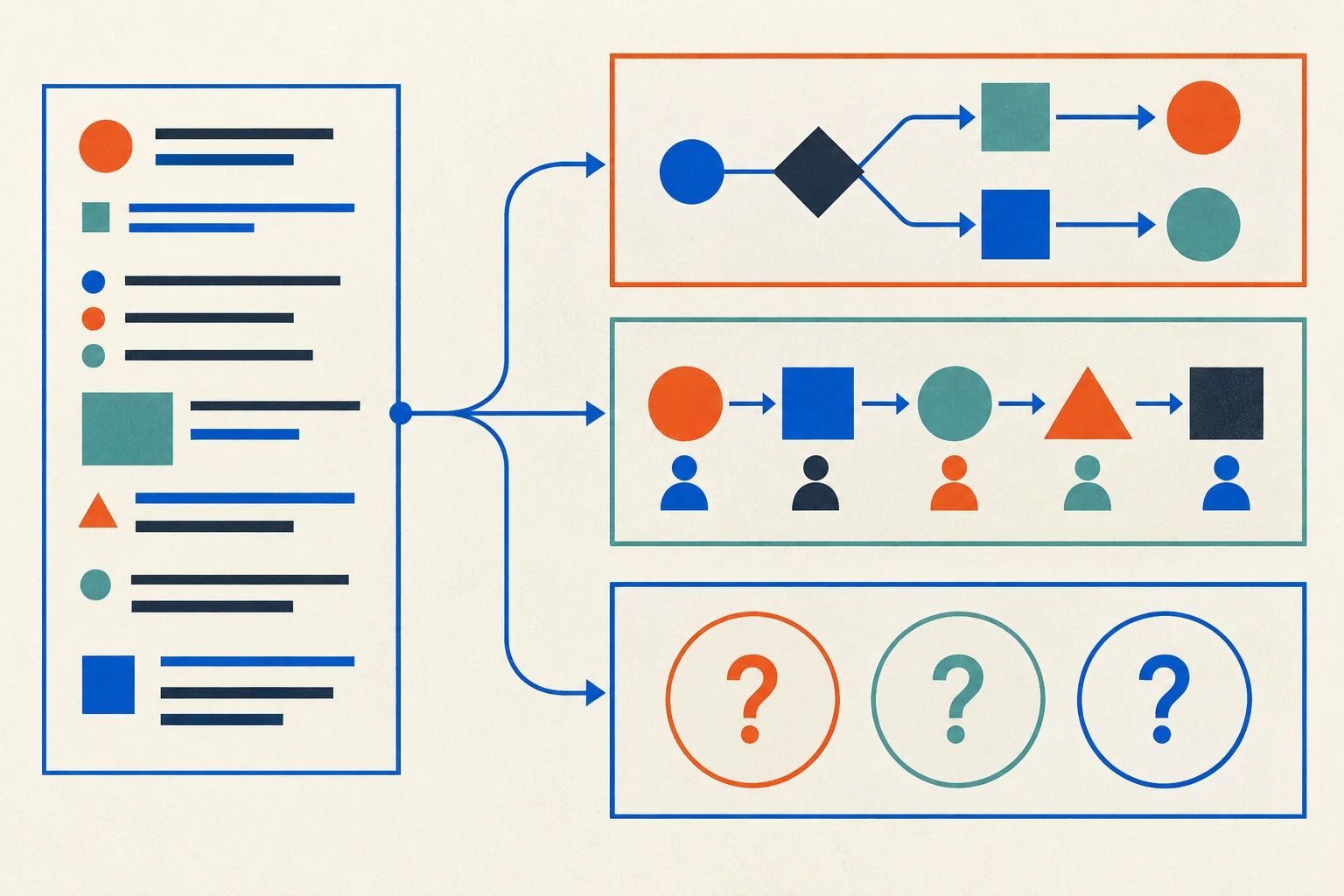
For a launch planning meeting, the useful outputs may be a sequence of readiness gates, a comparison of two rollout options, and a short list of unresolved support needs. Those are different jobs. A single chart that tries to capture all three can become hard to scan and harder to update.
Create a concise brief for each view
Use one prompt per audience or question. A readiness sequence might show what must happen before launch; a comparison can show the tradeoffs between a limited pilot and a broad release. Include exact decisions and distinguish a confirmed commitment from a proposal that the group discussed but did not approve.
If you paste the full notes, identify which sections matter and what to ignore. For example: “Use the decision and action sections only. Do not treat comments marked ‘idea’ as approved. Show the owner and due date when present; preserve missing owners as open.” The more explicit the boundary, the less cleanup the first draft needs.
Use the document workflow deliberately
Autodiagram can work from pasted notes and supports PDF input for turning a longer document into diagram drafts. A transcript PDF may include headers, speaker labels, or page furniture, so state the meeting topic and the desired result in the accompanying prompt. For text, select the relevant passages rather than submitting unrelated background.
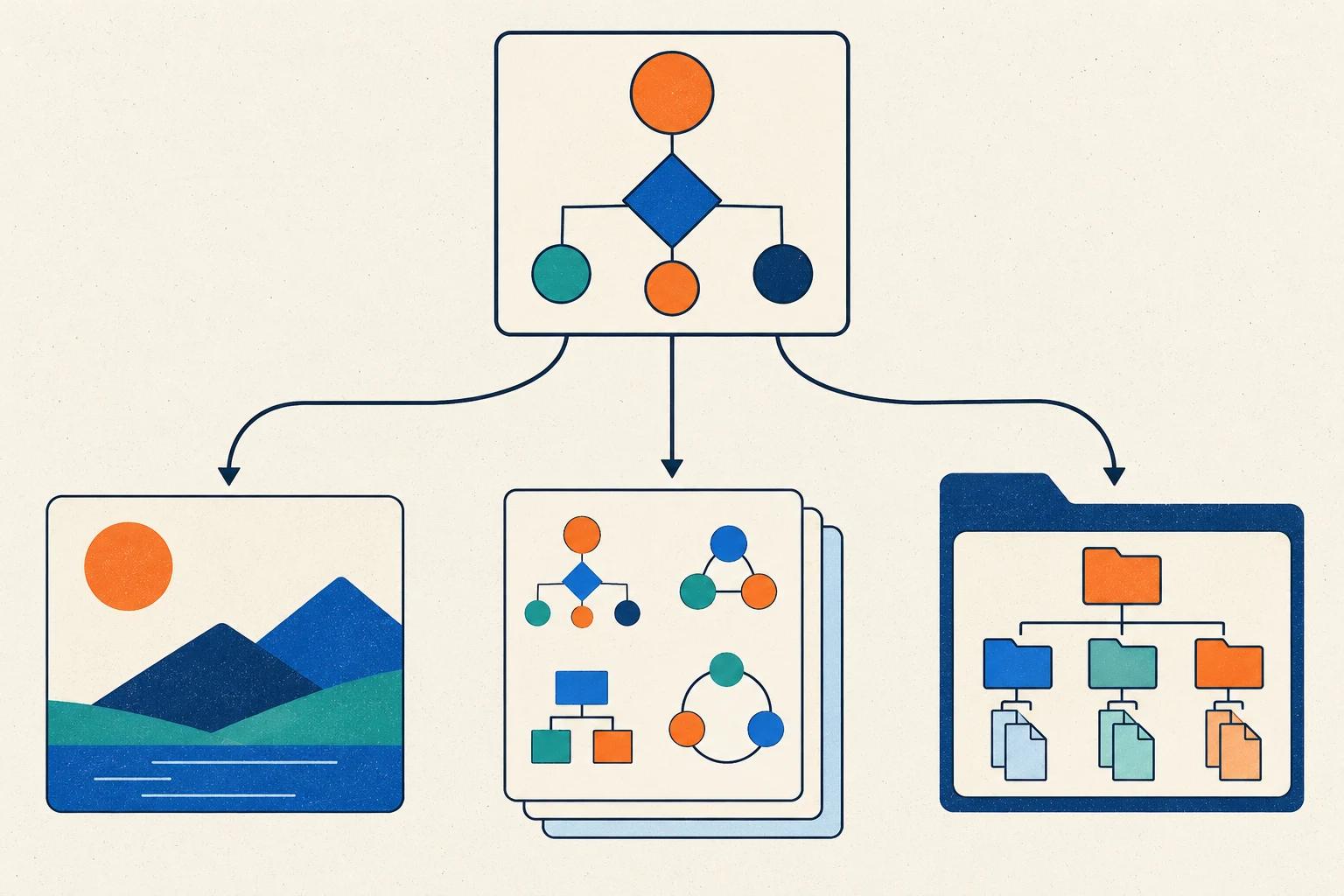
If the document contains several distinct topics, ask for a small set of diagrams with a clear purpose for each. Review the returned drafts individually. A generated set is a starting point; it does not decide which statements were formal decisions or whether an owner accepted an action.
Keep the source-to-output trail
Compare each node with the notes and retain the source file in the same project folder or board description. Correct names, dates, and commitments manually. If a sentence is ambiguous, keep it in an “unconfirmed” note or ask the meeting owner instead of turning the most plausible interpretation into fact.
It can help to add a short source label such as “Launch review, 12 May” to the diagram title or companion record. If a decision changes later, update the diagram and note the new source. This makes it easier for a colleague to distinguish the current plan from a previous meeting’s snapshot.
Choose the right output for the reader
A team working from the result may want an editable board or project JSON backup. A group that only needs to review the conclusion can receive a read-only share link. A deck can put each diagram on its own slide, while a PNG is convenient for a document or message. Pick the format based on how readers will use the result.
Before sending anything, ask a participant to verify the decisions and actions against the record. Confirm that the diagram does not imply agreement where the notes show disagreement, and that every action has the owner and timing the group actually accepted. That review is the difference between a useful meeting artifact and a confident-looking summary.