Choose how the board should travel
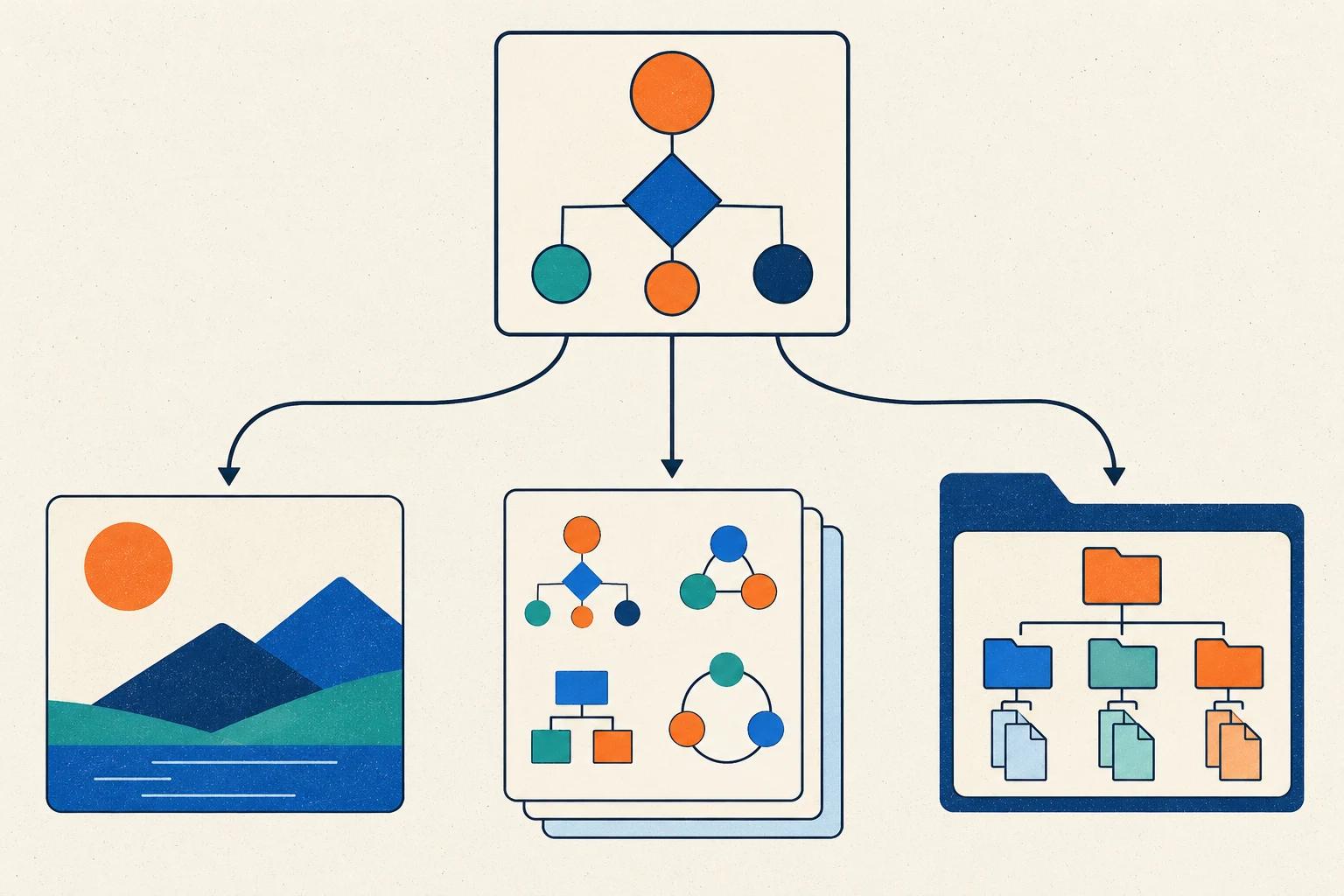
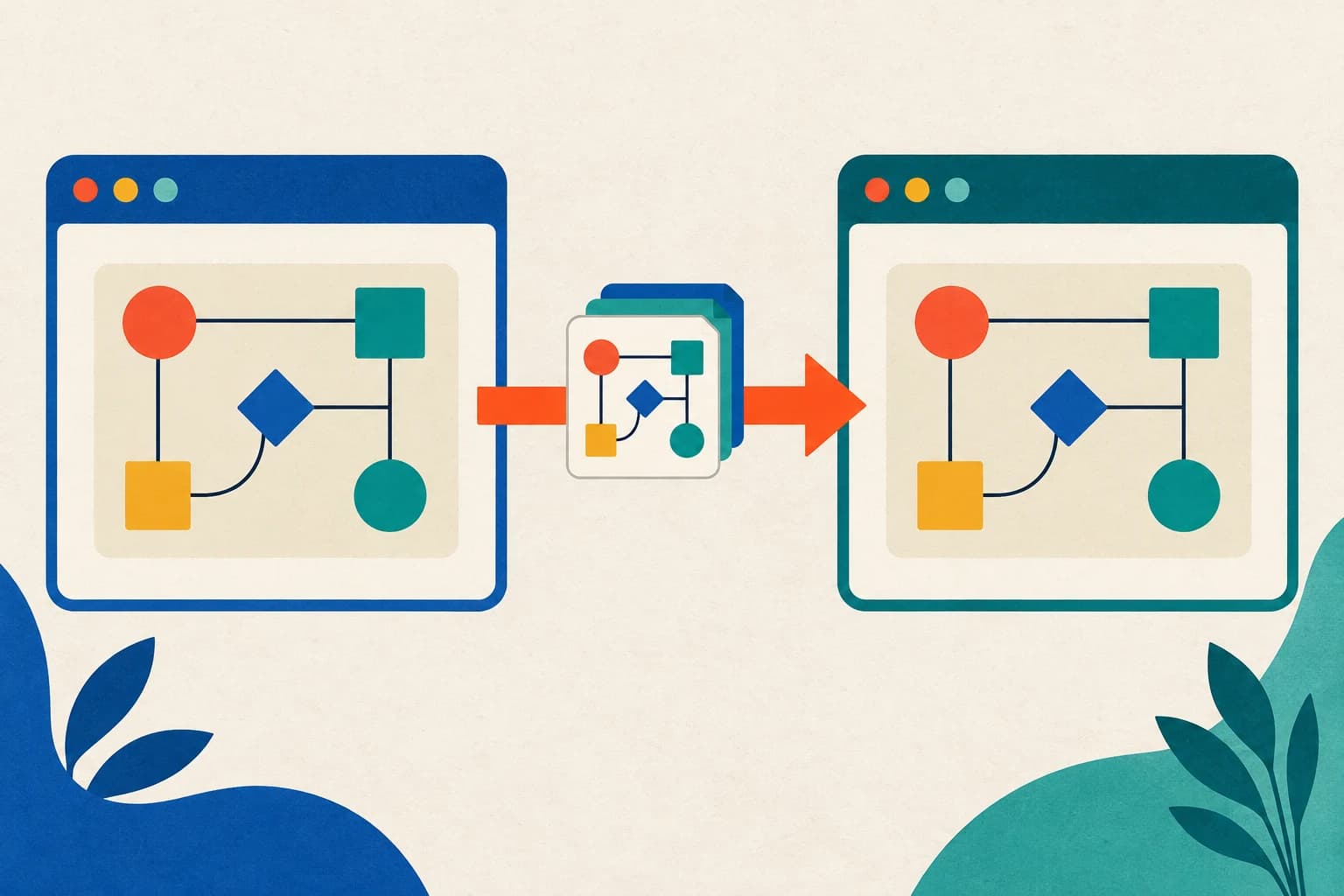
Autodiagram can save diagrams locally in the browser and can sync boards for signed-in users. If you need to move a board between browsers or keep an offline copy, export the project as JSON and transfer the file through a location you control. That is an explicit handoff rather than an invisible background merge.
For work that must stay in a managed environment, use your organization’s approved file storage. A project may contain customer details, internal processes, or draft plans even when it looks like a simple diagram. Treat the backup with the same care as the source notes.
Identify the latest source
Before exporting, open the board you intend to move and confirm its title and last changes. If you use more than one browser or device, check which copy has the latest content. Avoid exporting an older tab after you have made newer edits elsewhere.
Give the file a name that includes the project and date, then place it in a transfer location both environments can access. If the board is part of a group workflow, tell collaborators which version you are moving so they do not continue editing a different copy.
Import and inspect the receiving board
Open the destination browser, sign in if needed, and import the saved project JSON from the editor. Once it appears, verify that all expected frames are present and that their positions, text, and styles look right. A board with several diagrams may require more than a quick glance at the first frame.
If a file does not import, check that it is an Autodiagram project export and that it was not partially copied or manually altered. Do not delete the old browser copy until the new board opens and you have confirmed the details that matter.
Understand that file transfer is a copy
An exported project file does not remain connected to the board it came from. Edits to one copy do not update another copy automatically. If both browsers continue to change, you will need to decide which version is authoritative and reconcile later edits carefully.
For ongoing access across devices, account sync may be more convenient when available and appropriate. For a one-time handoff or backup, the project file is transparent and portable. Pick one working source after the transfer and tell collaborators where it lives.
Close the transfer cleanly
After verifying the destination, decide whether the source copy should remain as a fallback or be removed from a shared device. Retain the JSON backup according to your project’s retention policy, and remove extra copies from temporary locations when they are no longer needed.
If you share the board with colleagues, use the relevant read-only or account workflow rather than assuming the import shares access. A successful file transfer moves the editable project; it does not automatically grant permissions or notify collaborators.