Give the board a useful scope
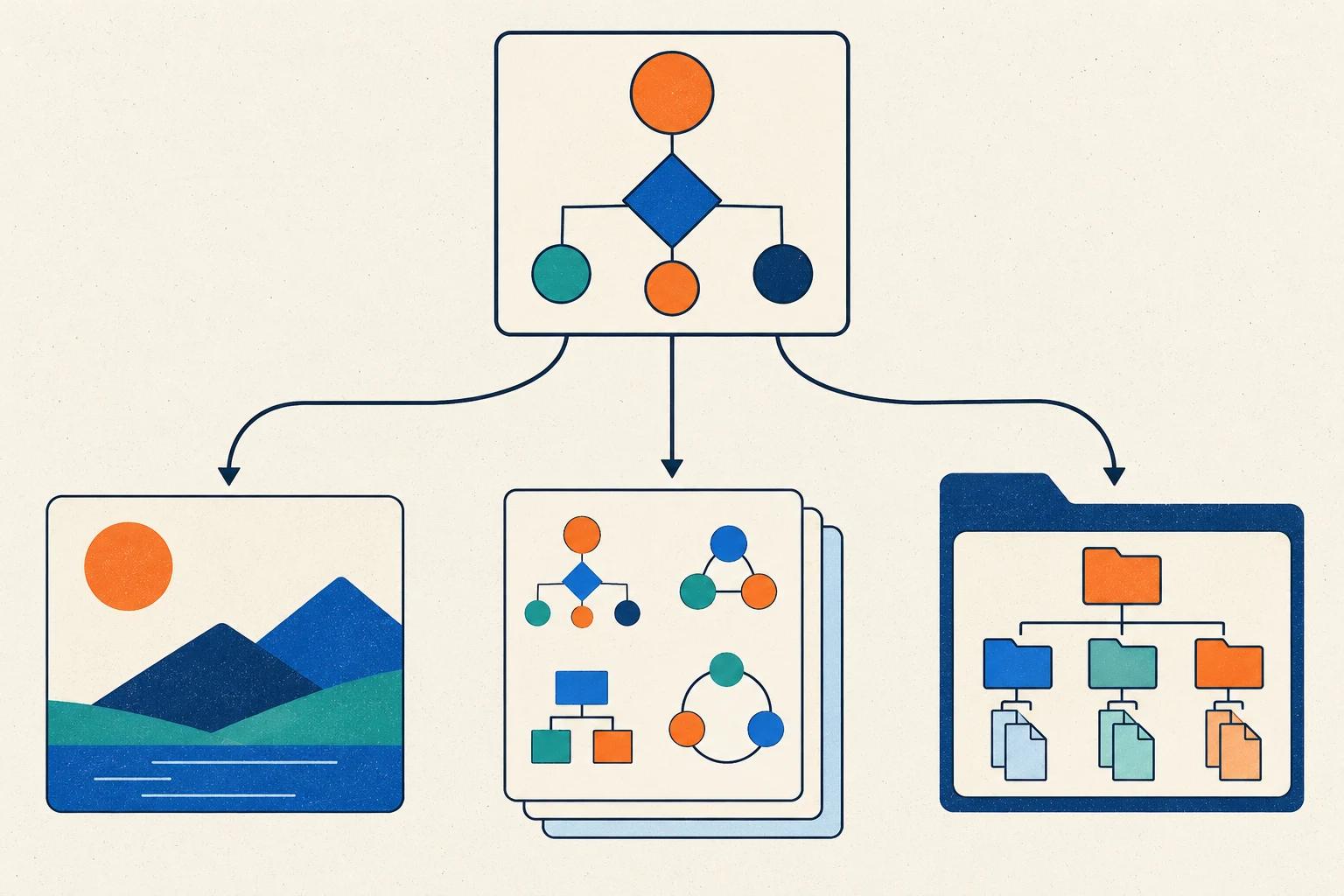
A board is a workspace for multiple diagrams, so begin with a scope that can hold more than one view without becoming a dumping ground. A product launch, an onboarding program, or a quarterly planning effort can each justify a board when several diagrams share context and owners.
If the diagrams serve unrelated teams and have different permissions, keep them on separate boards. A focused board makes it easier to find the current artifact, share the right work, and export a deck. A broad title such as “Ideas” can become hard to navigate as the board fills.
Make each diagram answer one question
Keep a distinct frame for each reader task. One diagram may show launch gates, another may compare rollout options, and a third may explain support readiness. Separate views allow each title, layout, and audience to stay clear without turning one canvas into a crowded all-in-one map.
Use titles that describe the question or conclusion, such as “What must be ready before pilot?” or “Who supports the first customer group?” A title like “Chart 2” does not help someone navigate the board later. Keep a consistent naming style so the connection among diagrams is visible.
Arrange frames in a reading path
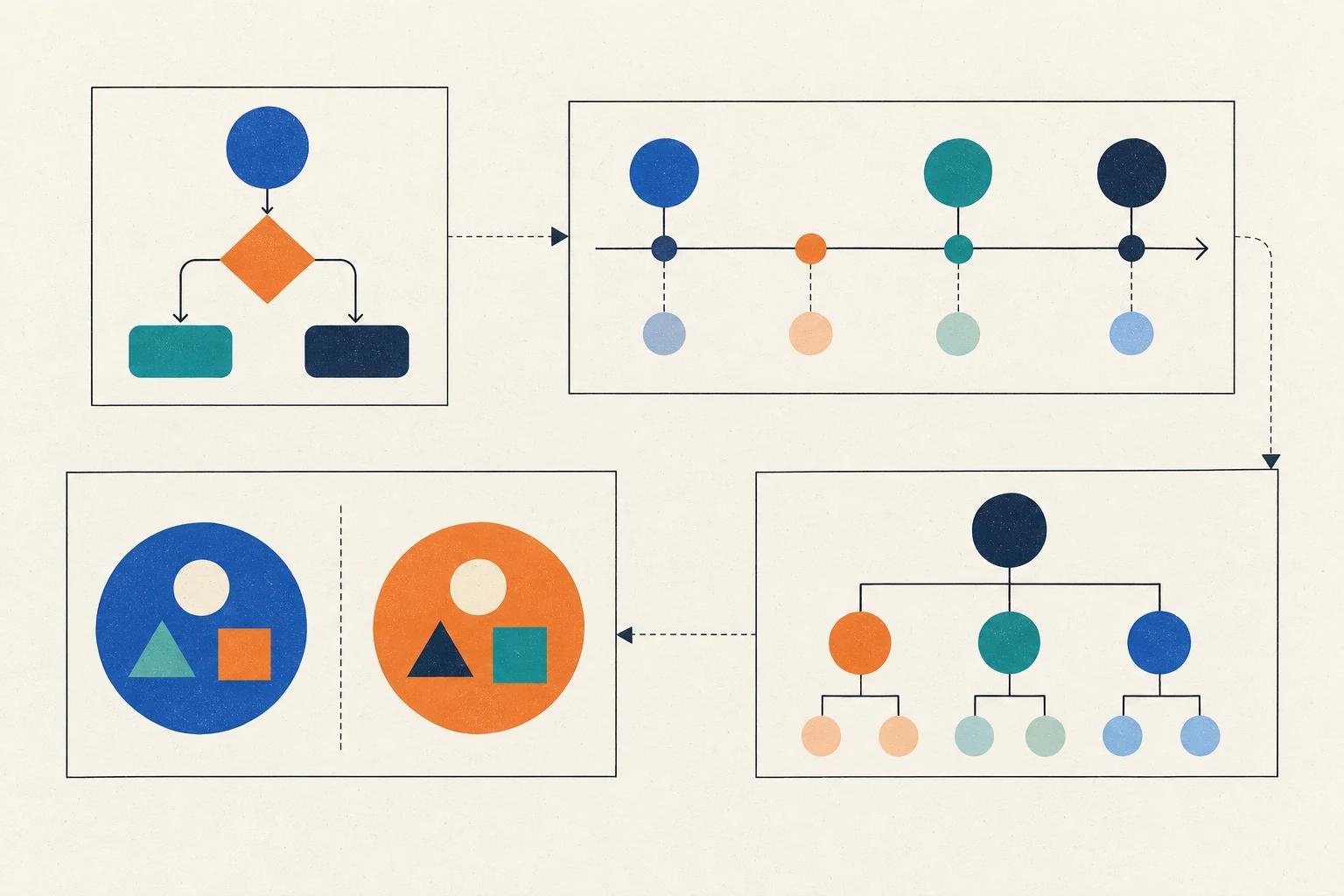
Place diagrams in an order that reflects how a colleague should explore them. The board canvas lets you position frames spatially; a left-to-right route can suggest a sequence, while columns can group views by audience or theme. Do not rely on position alone: title each diagram so the order remains clear in an export.
If the board will become a PowerPoint or PDF deck, remember that the export orders diagrams by their board positions from top to bottom, then left to right. Arrange the frames deliberately and preview the resulting sequence. A layout that looks tidy on the canvas may produce a surprising slide order if two rows are slightly misaligned.
Maintain the project as it changes
Rename the board to match its current purpose and remove frames that no longer help. Export a JSON project backup before a major reorganization. If colleagues need a current view, share the board through a read-only link; edits to the board update what viewers see, while the link does not let them co-edit.
Before handing off the board, identify who owns future edits and which diagrams are approved for reuse. A board with several focused views can become a useful project reference, as long as readers know which frame answers their question and whether its information is current.