Choose a bounded reading task
A PDF can contain more information than one diagram can hold. Before uploading, decide whether you need a process, a set of milestones, a comparison, or a short overview. Name the audience and what they should understand or do after reading. A bounded task gives the generation step a useful target.
For a quarterly report, “show the three operating changes and their effects” is more useful than “summarize this PDF.” If the report contains a table whose values must remain exact, say so. If the goal is to explain the narrative rather than reproduce every metric, state that boundary too.
Prepare the file and the request
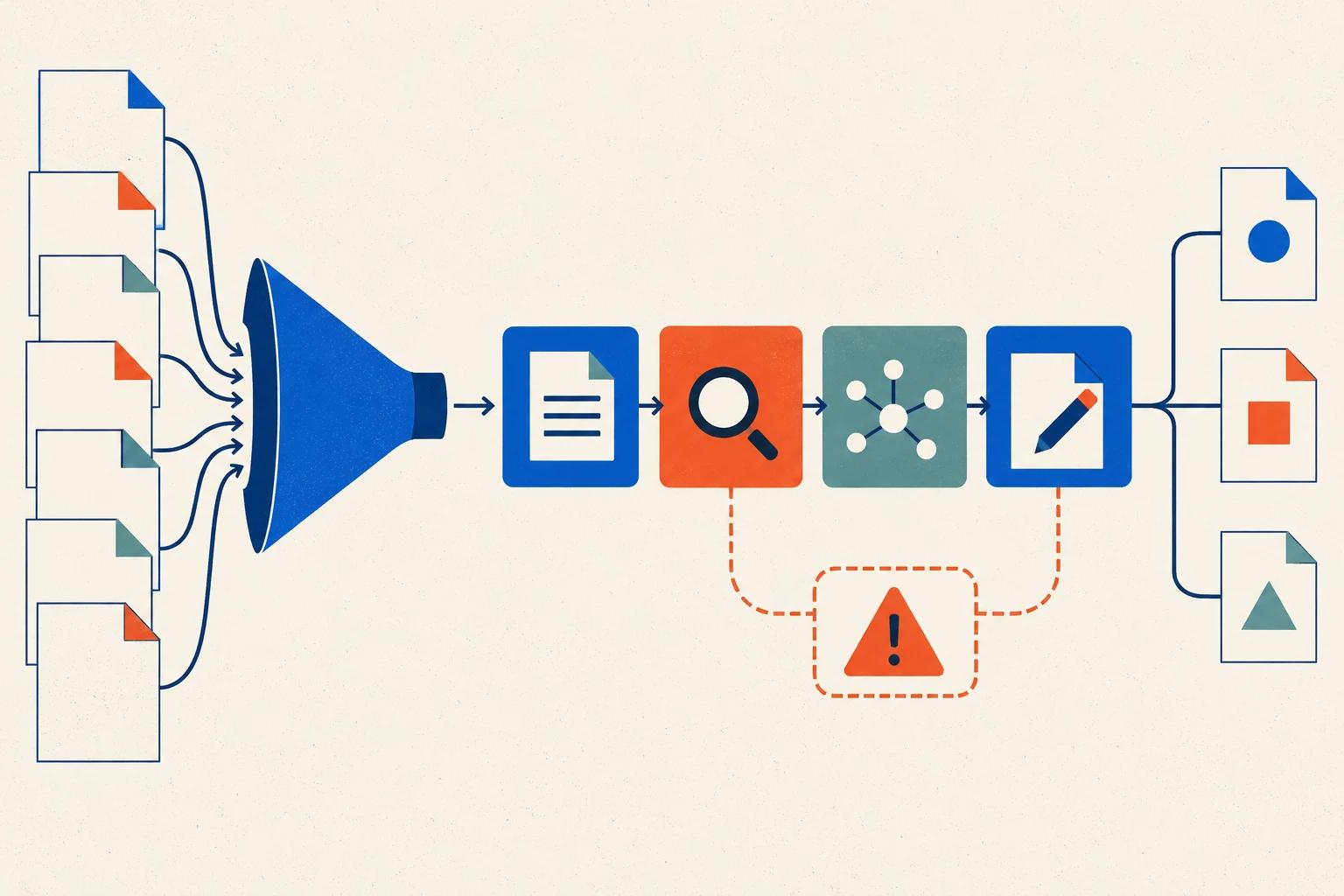
Use the document mode in the editor and attach the PDF. Add a short instruction that identifies the relevant pages or topic when you know them, the desired diagram shape, and any facts that must be preserved. Keep confidential or personal material out unless you are authorized to process it through the service.
For a policy report, you might ask for the approval sequence and exception route, while explicitly asking the draft to keep unresolved policy questions visible. This helps avoid turning explanatory background into a new process rule. It also gives you a clear checklist for reviewing what comes back.
Inspect the resulting drafts
Read the title and labels first, then compare values, names, dates, and cause-and-effect statements with the PDF. Look for the difference between “the report says” and “the diagram infers.” A short visual can create a stronger impression of certainty than the source supports, so preserve qualifications that affect how the conclusion should be used.
Check whether a caveat disappeared because it seemed secondary. A result that shows a rise in one measure without the report’s sample period may be misleading. Add the period, source, or limitation to the label or description, or remove the claim if the diagram cannot show it responsibly.
Edit for the reader’s next step
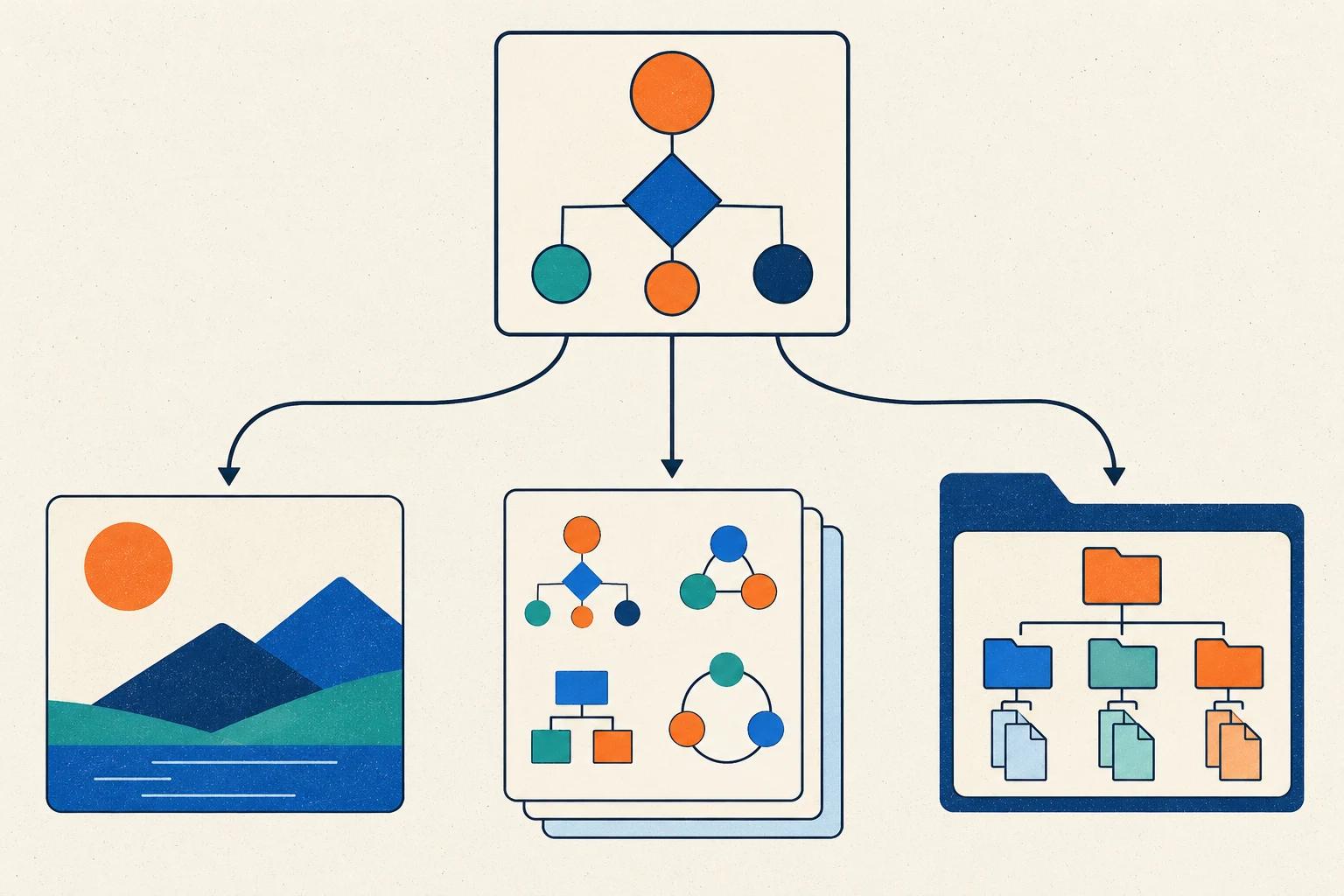
Use the editor to adjust the title, wording, relationships, and layout. If the PDF produced several diagram drafts, keep only those that serve a distinct purpose. A leadership overview and a detailed operating sequence may both be valuable, but repeated versions of the same point add weight without improving understanding.
When the result is too dense, split it into a few separate views or move supporting details into a note. Do not shrink labels until they are unreadable. The diagram should make the structure visible, while the PDF remains the source for detailed evidence and definitions.
Keep the source attached to the work
Save the original PDF alongside the project JSON or board record, subject to your organization’s retention rules. Use a descriptive title and, when appropriate, record which pages informed the diagram. If the report is revised, check whether the visual still matches the current version before reusing it.
When another person will rely on the diagram, ask them to verify a few important claims against the PDF. A draft can accelerate reading, but the human review remains responsible for confirming whether the summary is faithful and whether a missing detail changes the decision.