Start with constraints before collecting projects
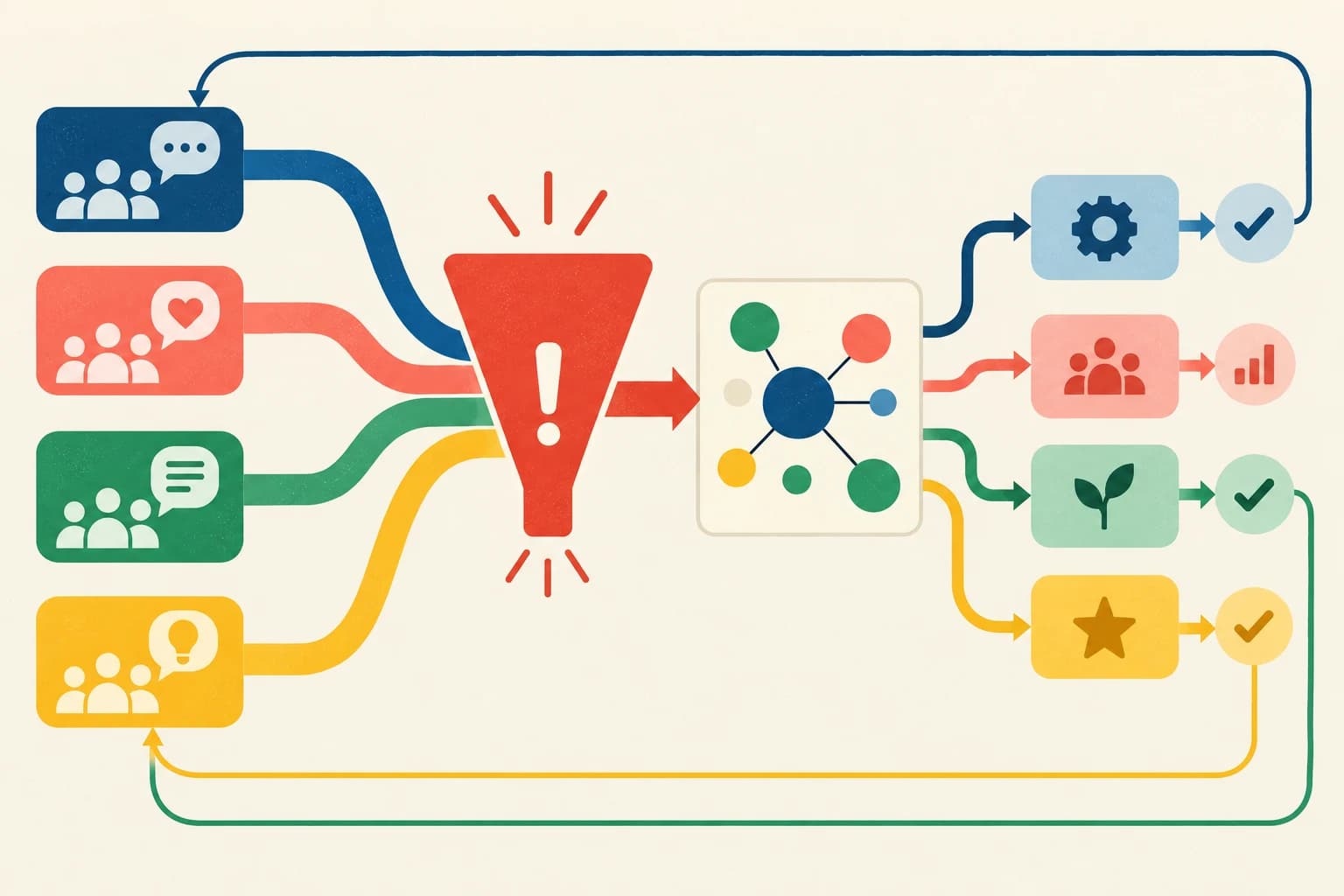
Quarterly planning often begins with every team submitting its preferred projects. The resulting list usually exceeds available people and time. Start by clarifying fixed obligations, team capacity, key dates, and strategic outcomes. Include maintenance, support, compliance, and operational work rather than treating them as invisible overhead. A realistic picture of constraints lets leaders choose what fits instead of asking each team to make private sacrifices.
A product group might have two engineers temporarily supporting a data migration, a scheduled accessibility review, and ongoing support for a high-volume workflow. Those commitments change what new work is feasible. Make them visible alongside proposed projects. Capacity estimates should come from the people doing the work and acknowledge uncertainty. The map can show the gap between demand and capacity so the planning conversation begins with a real tradeoff rather than an optimistic ranking exercise.
Describe outcomes rather than collecting labels
A priority should name a change someone can observe, not merely a project title. “Revamp onboarding” can hide several possible aims: reduce setup errors, clarify permissions, or help administrators invite a team. Ask the sponsor to choose the outcome and identify why it matters this quarter. Initiatives with the same label may target different needs, while different projects may contribute to one outcome.
Suppose a team wants new administrators to configure a workspace without a support call. One initiative could clarify the permission steps; another might improve the invitation state. The plan should show their relationship to the outcome and the evidence that would indicate progress. If a project has no credible link, it may still be necessary work, but its rationale should be stated separately. This prevents strategic language from being stretched to justify every request in the portfolio.
Expose dependencies and sequencing
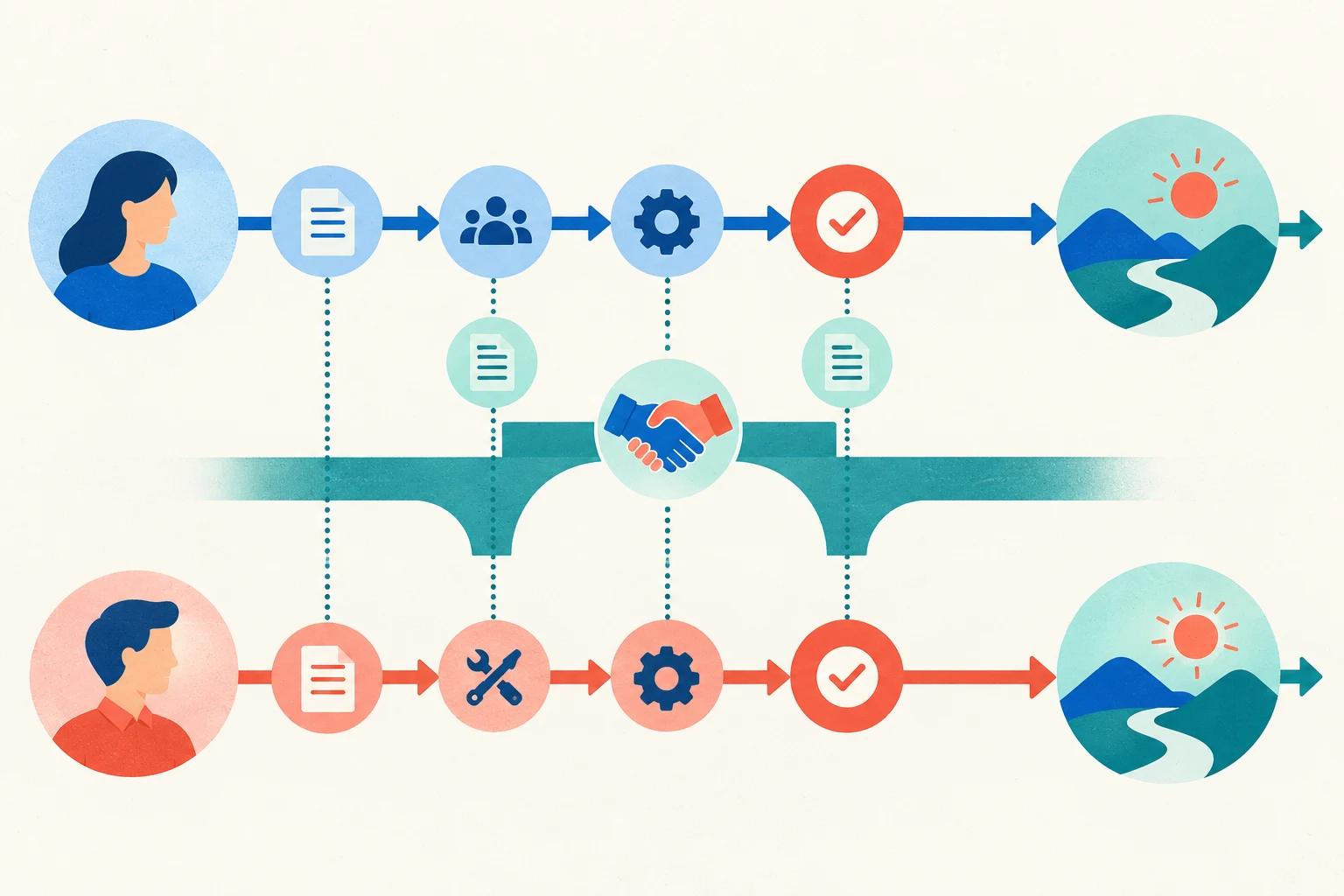
Projects compete for shared specialists, data, approvals, and customer access. Map those dependencies across teams and identify where sequencing matters. If two efforts require the same researcher or security reviewer, their dates cannot be planned independently. Surface the owner who can negotiate the conflict. Use a dependency label that explains what is needed, not simply a line between boxes.
An analytics improvement may depend on a new event definition from the product team, while a customer dashboard depends on validated data. Both could draw on the same data specialist. The map reveals that the portfolio has a shared capacity constraint rather than two isolated project risks. Leaders might sequence the event work first, reduce the dashboard scope, or add capacity. They should make that choice explicitly so downstream teams do not discover the conflict after both projects have announced a date.
Distinguish commitments from options
A quarterly plan can include firm commitments, likely work, and candidates that depend on capacity or evidence. Label these states. Presenting every item in one column of dates can make stakeholders believe all work is promised. If a project needs a discovery result before commitment, show the decision gate and the condition for proceeding. This preserves flexibility without making the plan vague.
A team might commit to improving invitation clarity and list a larger permissions redesign as a candidate pending research and security review. The first has an owner and defined outcome; the second has a question to resolve. If the research indicates that the smaller change is insufficient, the sponsor can decide whether to trade another priority for broader work. A plan that distinguishes these states supports honest conversations with partners and customers about what the team can deliver.
Make tradeoffs and stop decisions visible
When a new priority arrives, something else usually moves, shrinks, or loses capacity. Show the cost of adding work and the person authorized to decide. A planning map should make room for stop decisions: projects that no longer support the outcome can be paused or removed. Continuing because work has already begun is not always rational, especially when new evidence changes its value.
If an urgent compliance task arrives mid-quarter, leadership may shift a lower-value feature and explain the effect on its milestone. If the team instead absorbs the new task, quality or support capacity may suffer. Make the alternatives visible. For a project that no longer fits, record what will be preserved and what will stop. This turns change into a managed decision rather than a hidden accumulation of overtime and missed commitments.
Revisit the portfolio as evidence changes
A quarterly plan should be reviewed at a rhythm that catches material changes without turning every week into a full replanning session. Compare actual capacity, decision delays, and outcome evidence with assumptions. Identify which owner can propose a change and who approves it. Use the review to rebalance the portfolio when a dependency, customer need, or operational condition shifts.
If invitation support cases fall after a small copy change, the team may decide that the larger redesign can wait. If they persist because of a permission problem, the outcome needs a different intervention. The review should distinguish those possibilities. Keep the strategic outcome stable when appropriate while revising tactics. A well-maintained plan gives partners confidence because it explains both the commitments and the route for changing them responsibly.
Autodiagram can make quarterly outcomes, commitments, candidates, capacity, and cross-team dependencies visible on one board. Revise branches as owners confirm capacity and export an SVG for portfolio review.