Agree what the evaluation must answer
A product evaluation can become a series of demonstrations without ever testing whether the product fits the customer’s work. Begin with the decision the customer needs to make and the criteria they care about. Separate must-have requirements, preferences, and unknowns. Ask how the customer will judge success and who participates in that judgment. An evaluation should be designed around evidence, not just access to a trial account.
A finance team considering a reporting platform may need to reconcile a particular transaction type, control who sees account data, and export a summary for an audit. The evaluation can test those tasks using approved sample data. A polished demo of unrelated dashboards will not answer whether the platform suits the workflow. Write the criteria before the trial begins so both parties can distinguish a successful demonstration from a meaningful fit test.
Select realistic tasks and safe test data
Choose a small set of tasks that represent the customer’s intended use, including at least one boundary or failure case. Use synthetic, sanitized, or otherwise approved data. Confirm data-handling terms, access, and retention before importing anything. Do not ask a customer to put sensitive information into an evaluation environment merely because the product appears ready for it.
The finance team might test importing a sanitized transaction file, filtering by period, and exporting a summary. A second case can test what happens when a required field is missing. The solution engineer should observe whether participants can complete the task and what they expect at each step. If the test environment differs from production, state that limitation. This preserves safety and prevents a successful sample workflow from being mistaken for proof that every real dataset will behave the same way.
Assign roles on both sides
An evaluation needs a customer business owner, task users, technical contact, and decision maker, with matching vendor roles for product questions, setup, and commercial matters. Clarify who can grant access, who can approve data use, and who records findings. If the champion is the only participant, the evaluation may miss the concerns of security, finance, or daily users.
The finance manager can define success, analysts can perform the reconciliation, IT can review identity and data exchange, and procurement can explain timing. On the vendor side, a solution engineer owns technical setup, a product specialist resolves behavior questions, and an account owner coordinates commercial follow-up. Put these routes in the plan. When a question exceeds the solution engineer’s knowledge, mark it for verification rather than improvising an answer during the call.
Time-box the evaluation without pressuring the outcome
Set a practical evaluation window, milestones, and check-ins that allow the customer to complete the test. Avoid artificial urgency that prevents responsible review. Identify the dependencies that affect timing, such as user access, security approval, or sample data preparation. If a dependency slips, decide whether the evaluation extends, narrows, or pauses; do not count an incomplete test as a failed customer effort.
A two-week window may be appropriate for a particular team, but that period is not universal. The plan should reflect the customer’s calendar and the complexity of the tasks. A midpoint review can surface setup issues before the final decision. The seller should ask what remains and who can help, not simply ask whether the customer is ready to buy. The evaluation’s purpose is a clear decision, including a reasoned “not a fit” if evidence points that way.
Record observations and open questions
Capture what happened during each task, the evidence, and the customer’s interpretation. Keep observed issues distinct from requested features and future hypotheses. Assign an owner and due point to technical questions. If a limitation is confirmed, record its effect on the customer’s workflow. A useful evaluation report should make it possible to compare the product with the original criteria, not only list successful screens.
If analysts can import data but cannot preserve a required identifier in the export, record that specifically. Do not soften the finding into “export needs some work” or promise a fix without product review. Ask whether a supported alternate route meets the need. The customer can then assess the tradeoff. Mark unknowns such as performance at larger volume and determine whether they are in scope for the evaluation or require a separate technical validation.
Close with a decision and next route
End with the customer’s assessment against the stated criteria, unresolved issues, and an agreed next step. That might be purchase review, additional validation, a different product, or no further action. Record who owns each route and by when the parties will reconnect. Avoid treating an enthusiastic response as a final decision if procurement, security, or daily users have not weighed in.
The finance team might conclude that the platform handles reconciliation but needs a separate identity review before a decision. The account owner can coordinate that review while the technical owner supplies evidence. If the export limitation makes the product unsuitable, record the reason and thank participants for the time. A well-run evaluation respects the customer’s ability to decide and gives both teams an honest basis for the next step.
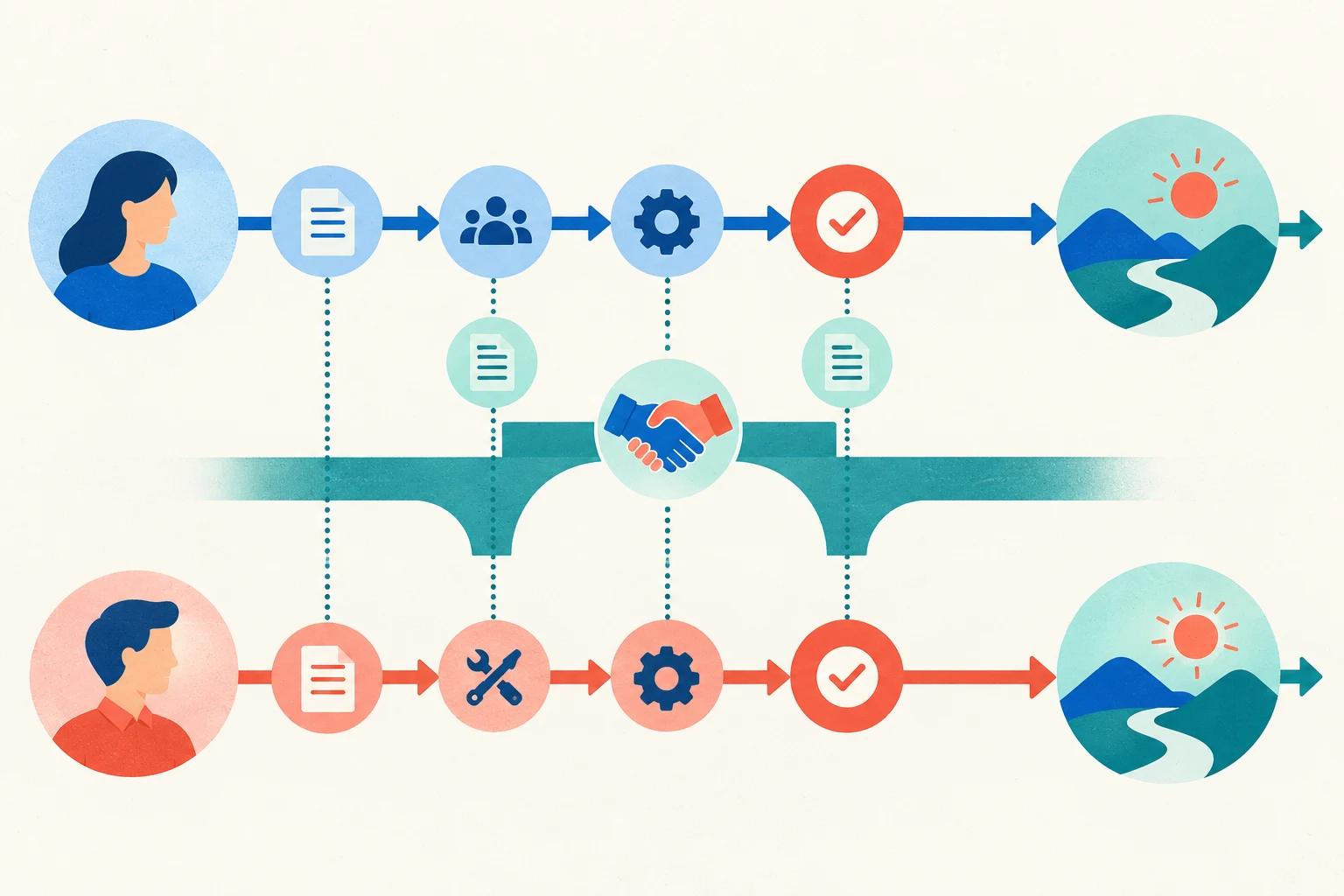
Autodiagram can map evaluation criteria, safe test tasks, customer roles, questions, and fit decision. Update the outline as technical checks resolve and export a PNG for the shared kickoff.