Write from the reader’s goal and vocabulary
Title and opening language should help a reader recognize their situation. Use the words customers use where they are clear, then connect them to the product’s interface labels. State what the article helps them do and what information they need. Avoid internal team terminology or a generic symptom label that does not distinguish the relevant cases.
A title such as “Find an export that did not arrive” is more specific than “Export troubleshooting.” The opening can ask whether the job shows as complete in the export history. If it does, the reader checks destination access; if it failed, they record the time and job identifier before contacting support. This first branch gives readers a concrete way to proceed. It also helps search and support teams route a reader who has not yet identified the underlying cause.
Mark safe actions and stop conditions
Every instruction should be safe for the intended user and role. Explain which actions are reversible and when to stop. Do not ask users to expose private data, change permissions, or repeat an operation that could create duplicates unless the action is approved and clearly bounded. If a step applies only to administrators, label that role. When a case requires internal access, direct the reader to support rather than implying that they should troubleshoot beyond their authority.
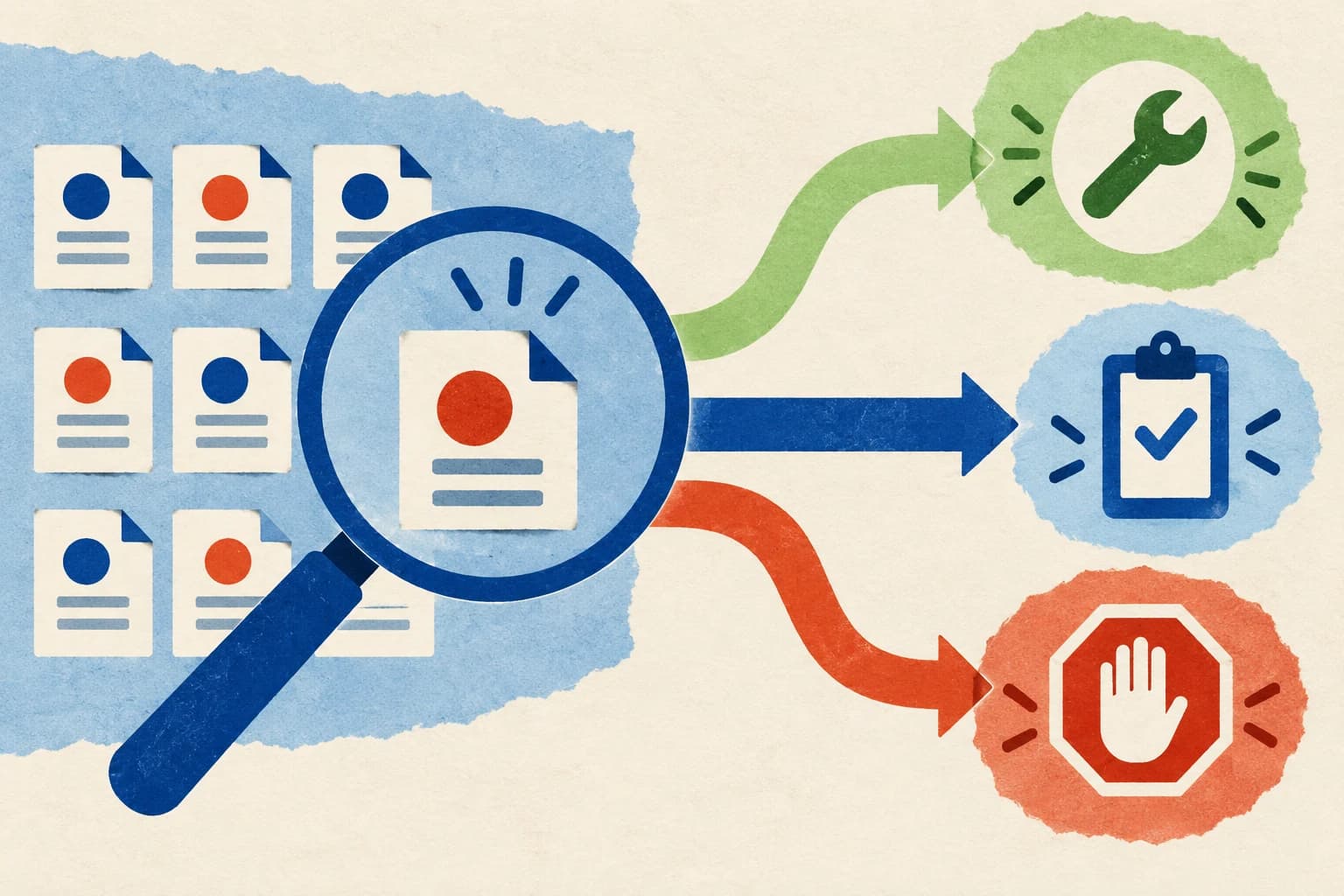
For an export that appears delayed, the reader might check the job status and verify the chosen date range. If the job is still processing, the article can tell them where to find the expected status according to actual product behavior. If the job failed, ask them to contact support with the job identifier rather than repeatedly submitting it. Only publish instructions the product team has verified. The map can show stop conditions in a visible branch so readers do not continue into a risky guess.
Include a concise evidence packet for support
When self-service does not resolve the problem, tell the reader what information will help support investigate and how to send it safely. Useful items may include the time, product area, relevant identifier, steps taken, and expected versus actual result. Collect only what is necessary and warn users not to send passwords, secrets, or unrelated personal information. Link to the approved contact route and explain what happens next only if the team can support that expectation.
For a failed export, the packet might include the job identifier, timezone, selected range, and whether another destination worked. A screenshot can help if it excludes sensitive rows and credentials. Support should be able to map the information to the internal case without asking the user to repeat the full history. This improves the handoff and reduces unnecessary disclosure. The article author should check the organization’s support and privacy guidance before publishing any collection instruction.
Use examples to clarify branches
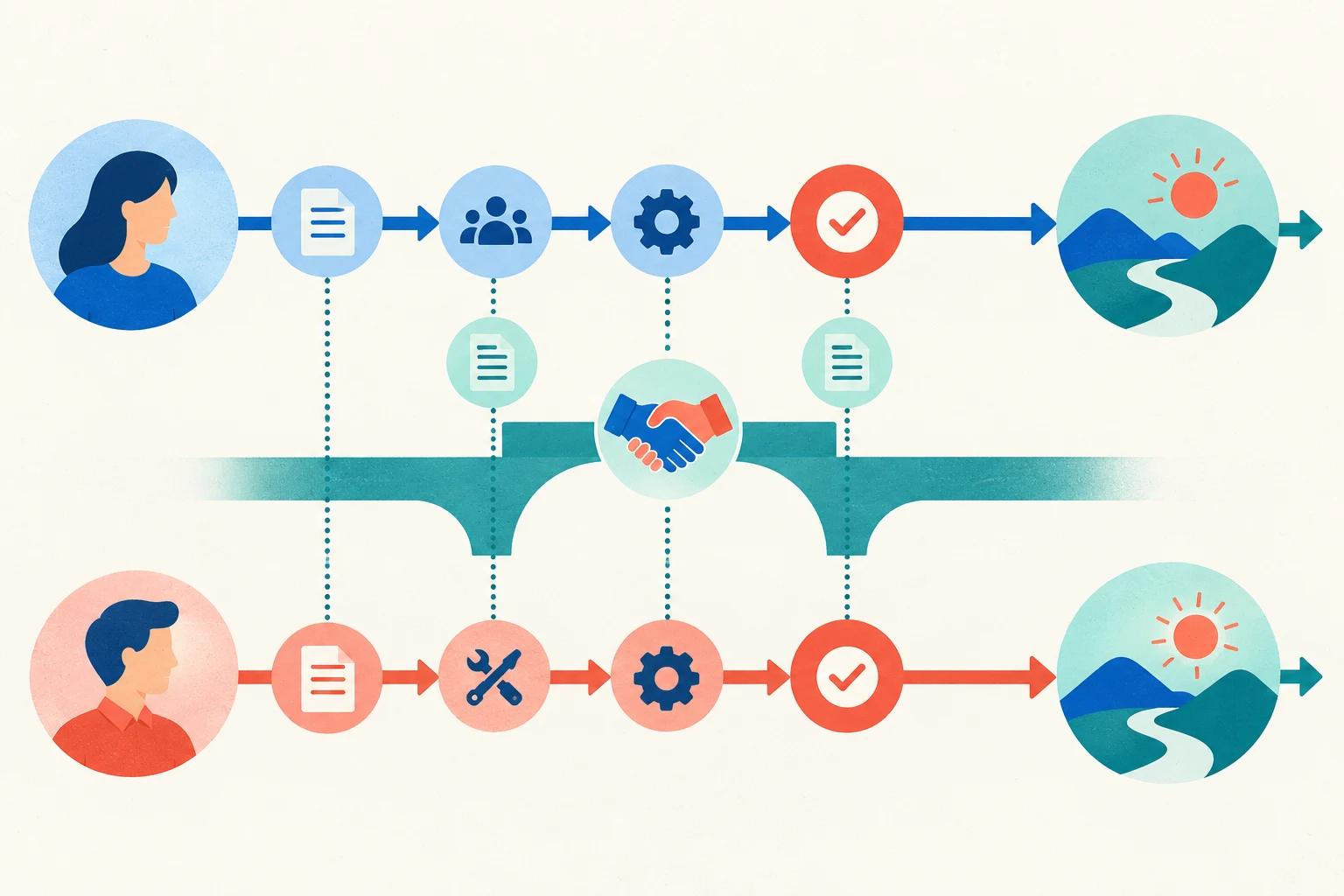
A short example can show how the diagnostic route works without replacing the reader’s own evidence. Choose cases that differ on one meaningful condition. Explain why a person with a completed job but no file should check destination access, while a failed job needs a support investigation. Make clear that examples illustrate the path and do not guarantee a particular diagnosis.
For instance, “If the history says complete at 09:10 but the shared drive has no file, confirm that the destination folder is still accessible to your account.” This is actionable only if the product has a verified status and the user is allowed to inspect access. A second example could show a failed job routed to support. Do not invent screenshots, interface labels, or expected timing. Confirm every example against the product version readers will use.
Maintain the article from actual outcomes
Publish with an owner, review date, and feedback route. Watch whether the article resolves the case, whether readers abandon at a particular step, and which questions support still receives. A high view count does not prove the guide is useful. Compare feedback with case details; a reader may arrive from a search query that does not match the article’s scope.
When the export workflow changes, update screenshots and instructions together. If support cases reveal a new failure branch, verify it with the responsible product team before adding it. Retire obsolete guidance and redirect readers to the current article. Knowledge content is part of the product experience: it can reduce uncertainty when accurate and increase risk when stale. A regular editorial pass should check both factual correctness and whether the reader can find the next safe action.
Autodiagram can help support writers sketch diagnostic branches and safe stop conditions before drafting a help article. Verify labels against the product and export an SVG for review.