Separate workstreams before ordering dates
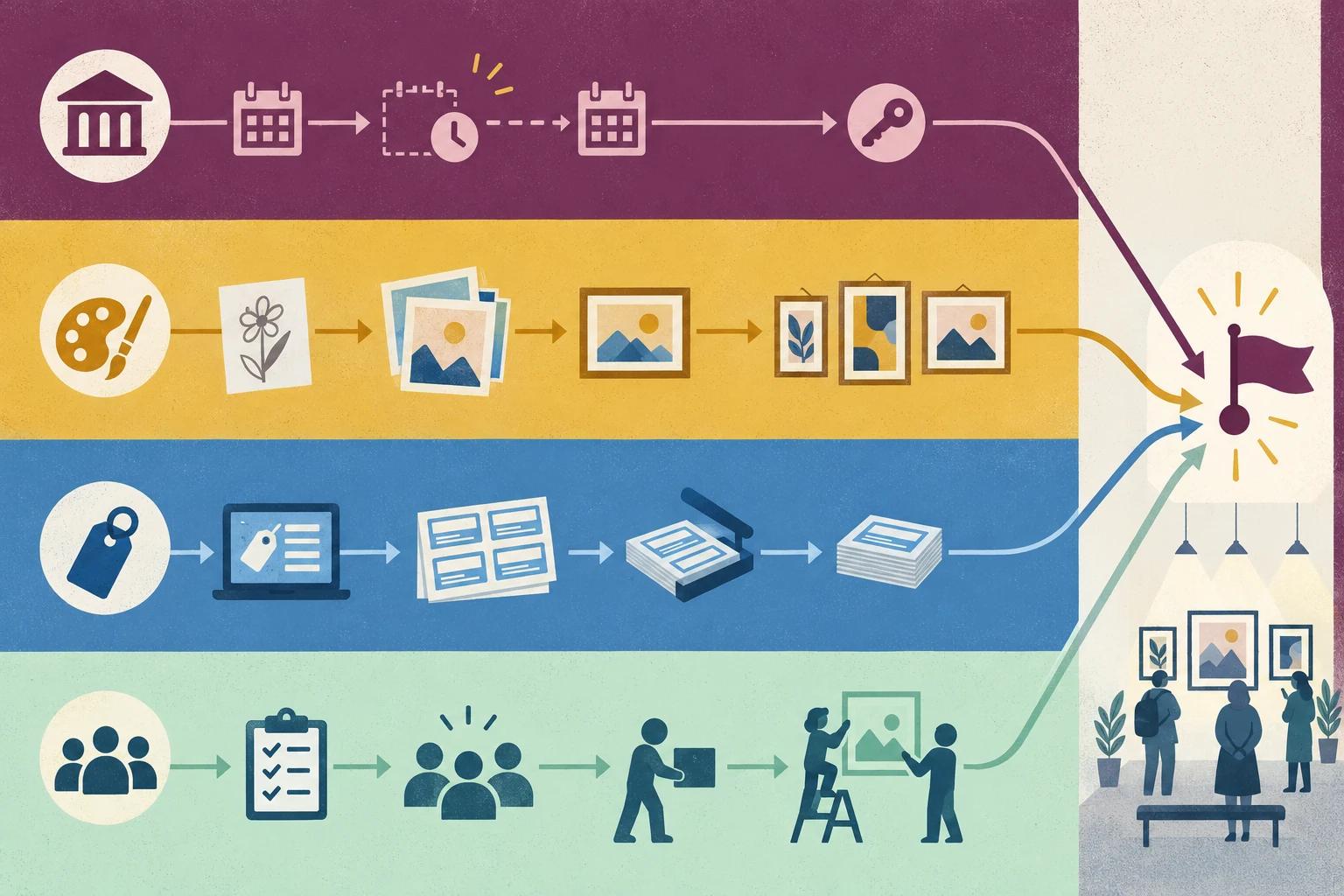
A school exhibition involves several streams: students create work, staff book the room, volunteers prepare labels, and organizers coordinate visitor access. Putting every task on one line suggests a single sequence, even when people can work in parallel. Create a lane for each group that needs to coordinate, not one lane for every individual task owner.
Set the opening day as a shared endpoint, then map backward. Room booking must be confirmed before installation; student work can continue while volunteer shifts are arranged; labels require final titles but not necessarily completed framing. Backward planning reveals which activities truly depend on one another and which can proceed at the same time.
Give each lane a clear owner and output
Name a responsible role and the output expected from each lane. “Student work” might end with a catalog of submitted pieces; “volunteer coordination” with a staffed installation and welcome schedule. Avoid naming a lane only “Admin,” because it conceals whose work is represented and makes it hard to identify a stalled stream.
Within a lane, show events at the right level: room reserved, final work list due, labels proofread, installation complete, doors open. A task such as “send reminder email” belongs only if its timing affects another milestone. Each lane should remain concise enough to scan across the page without turning the timeline into a full project-management board.
Connect genuine dependencies
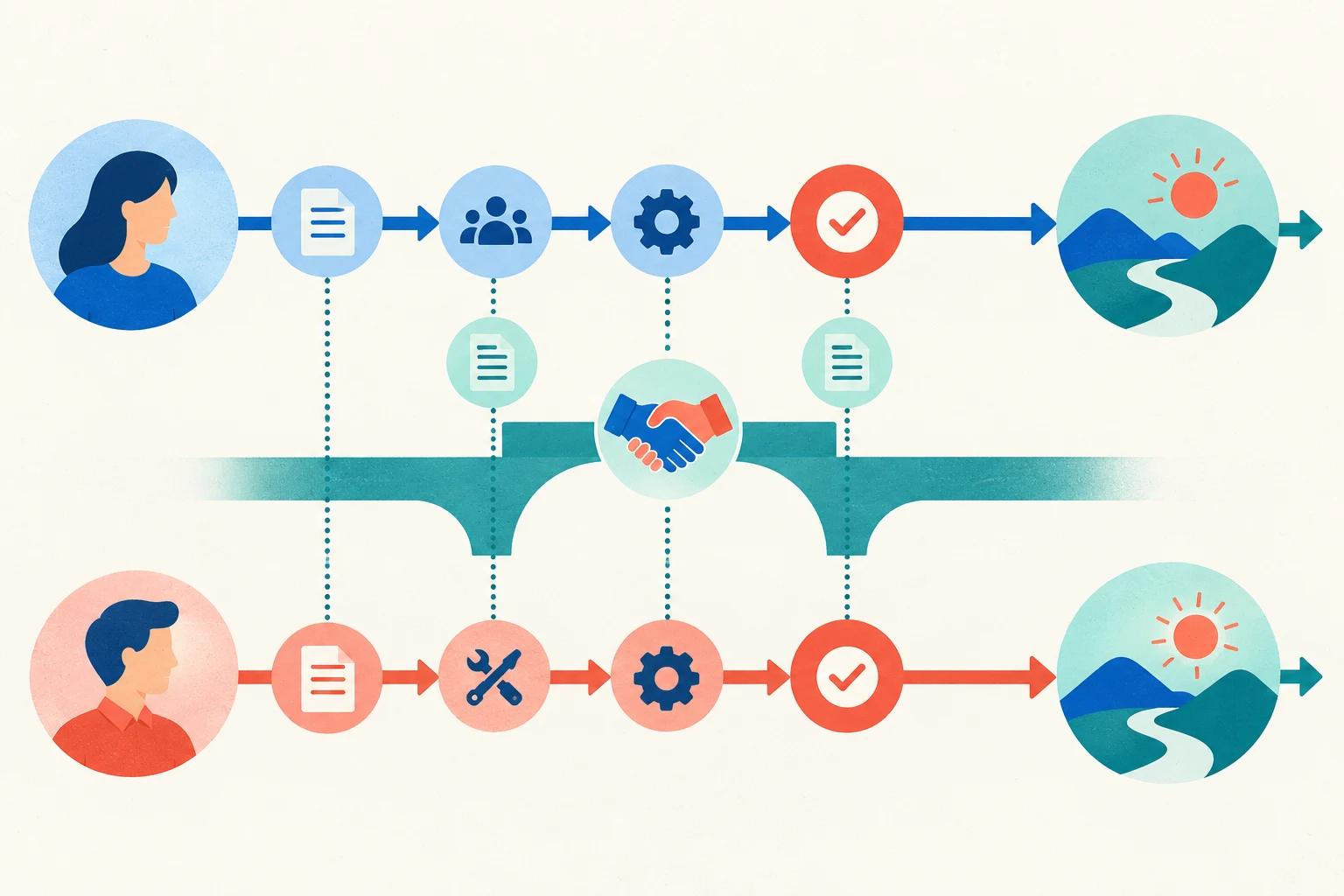
Use connectors between lanes when one output enables another task. Final artwork titles may be needed before labels can be printed. Room confirmation may be required before arranging furniture. Draw these dependencies and label the item that passes between owners. A line from “work complete” to “event” is too broad to help a coordinator anticipate what must be ready.
Avoid connecting tasks simply because they happen near each other. Volunteer recruitment may overlap with room booking without depending on it. If the booking slips, recruitment can continue. Showing the independence helps the team know what can still move when a date changes. Connect only the constraints that affect the path to opening day.
Walk through a schedule change
Suppose the room becomes available one week later than expected. The lane view should make clear that installation moves, while student submissions and label drafting can continue. The connector from room confirmation to installation shifts the dependent milestone; the other lanes remain active. This lets organizers revise the plan without restarting every activity.
Now consider a late student submission after labels are sent to print. The map should show the cutoff or the reprint consequence. A visible dependency helps the team make a deliberate choice: include the work with a revised label run, or hold it for a later display. Without the relationship, people may discover the cost only when the deadline passes.
Keep the view useful for coordination
A multi-lane timeline can become too wide when every detail receives a date. Group routine preparation and put the checklist elsewhere. Use lane labels, milestone names, and dependency lines that remain readable at the size the organizers will share. If the line crossings dominate, divide the view into setup and event-day timelines with a clear connection between them.
At each weekly check-in, ask owners to report changes to milestone conditions or dependencies, not just whether their tasks are “green.” Update the timeline when a shared date moves and identify which lanes are affected. The map’s central value is helping people coordinate overlapping work; a current, modest view is more useful than an exhaustive plan no one can read.
In Autodiagram, outline each exhibition workstream—room, student work, labels, volunteers—and choose a timeline arrangement that keeps concurrent milestones visible. Edit the dates and dependency wording as owners confirm them. If the overview gets crowded, simplify the labels before changing style; export SVG for a planning document or PNG for the weekly check-in.