Make one visible change at a time
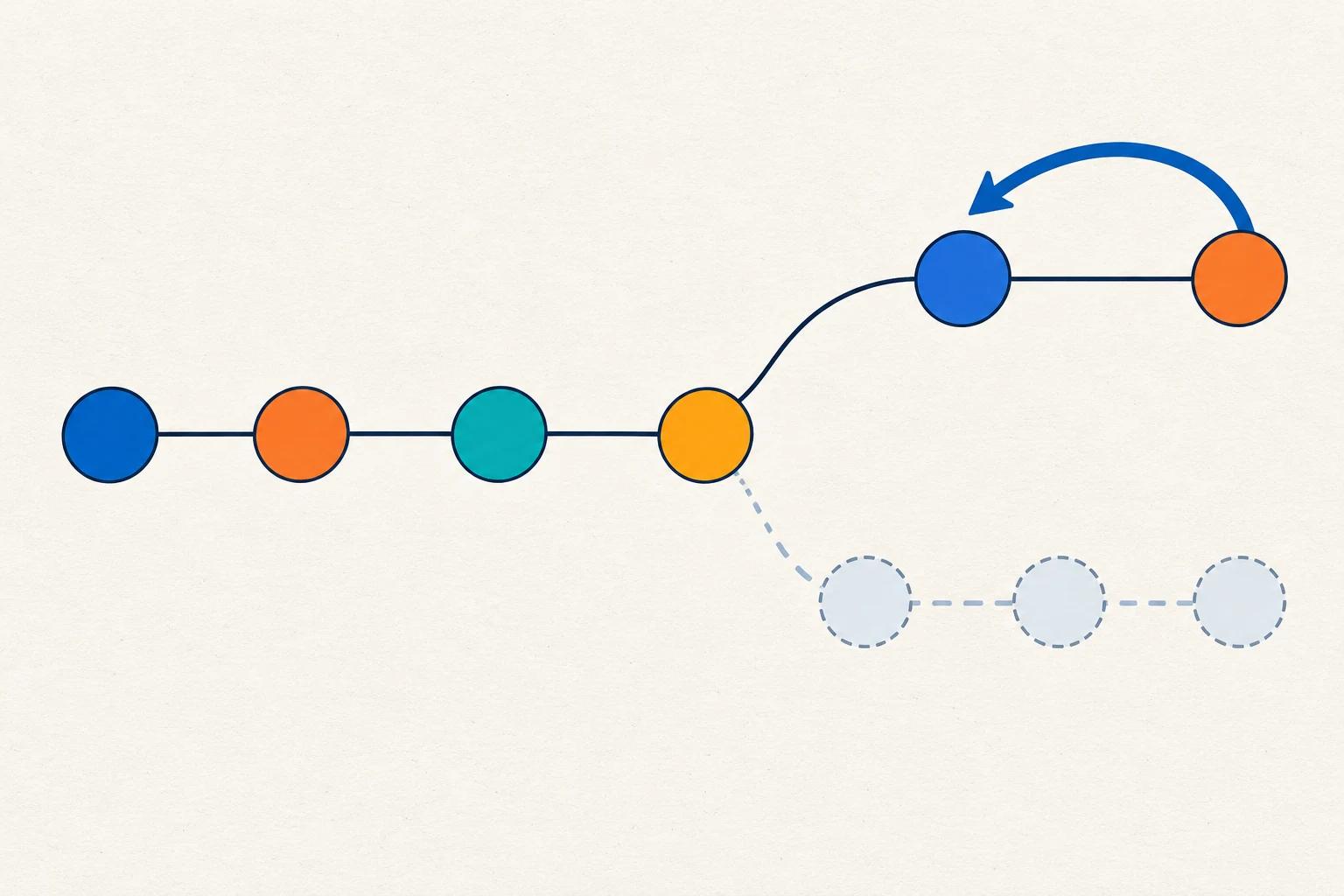
Undo and redo are most useful when you can identify what a recent edit changed. Adjust one meaningful part of the diagram, inspect it, and decide whether the result helped. If you simultaneously rewrite labels, change the layout, and restyle every node, it becomes harder to know which part caused the improvement or the problem.
You can use the editor’s undo and redo controls, or the documented keyboard shortcuts, to move through committed edits. Text that is still an unapplied outline draft is not yet the same as a completed board change. Apply the redraw before expecting it to become part of the editing history.
Undo a structural mistake promptly
If moving or removing an item causes the diagram to imply a wrong order, undo while that change is recent. Restore the previous version, then decide whether a different edit would preserve the source relationship. Undo is especially helpful for testing alternatives without having to remember every original label and position.
For example, you may remove a branch that looks redundant, then realize that it handles a real exception. Undo returns the previous structure so you can revise the label or group the exception more carefully. Confirm the restored version in the preview before continuing.
Use redo when an experiment was useful
After undoing an edit, redo can restore it if you decide the new version was actually clearer. This is helpful when you are comparing two arrangements and want to retrace a recent choice. Move deliberately: a series of undo or redo actions can take you farther back than you intended.
Check the title, labels, and key relationships after each history change. The board may look similar while a subtle description or value has changed. If you are comparing two substantial approaches, save or duplicate the project rather than relying on memory of a long history stack.
Separate history from backup
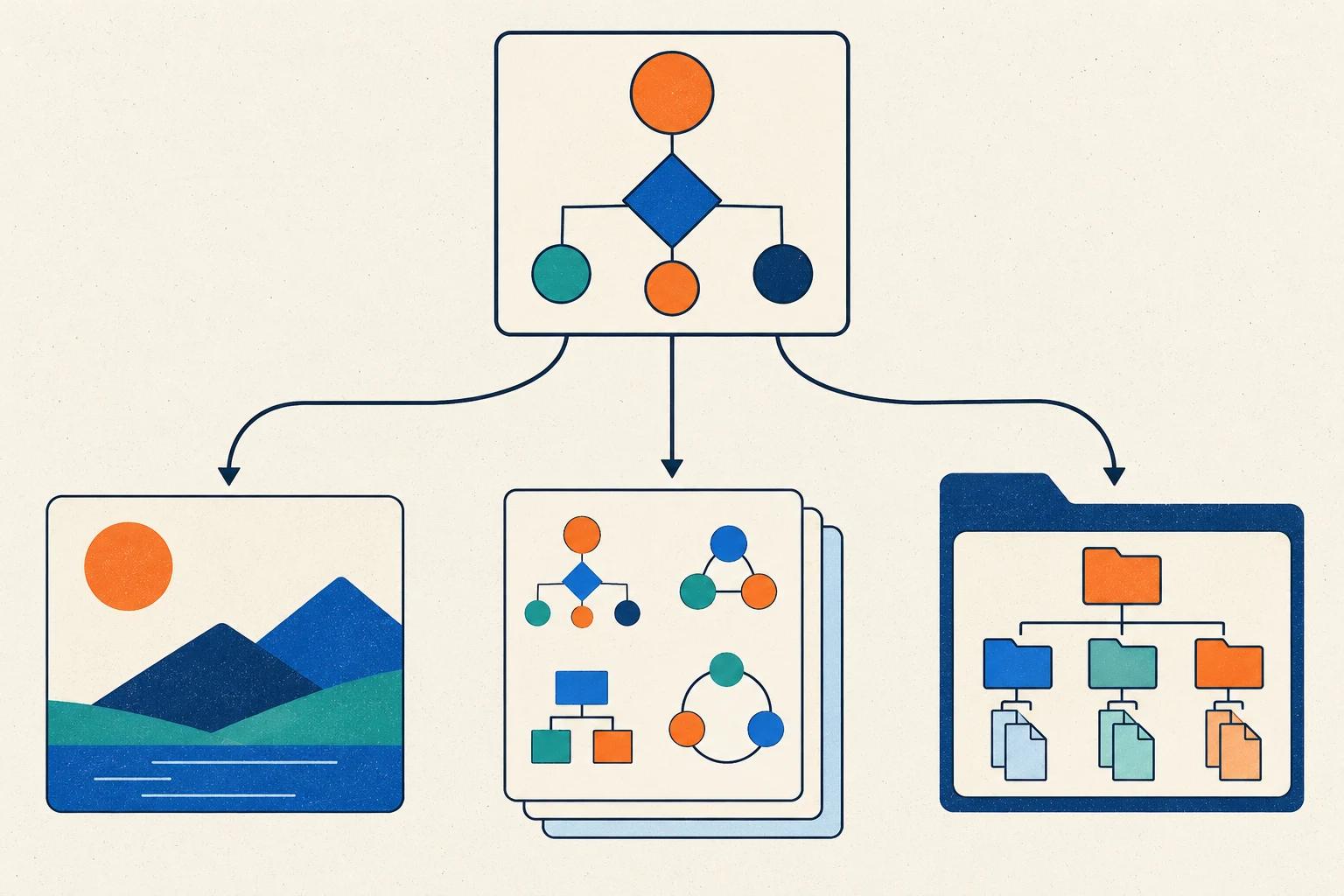
Undo and redo help with recent editing decisions, but a downloadable JSON project is a more portable backup. Export a project before large changes, especially when the board contains many diagrams or a native syntax edit. Put the copy somewhere you can retrieve it and name it with a date or purpose.
An undo stack is not a replacement for version history or a shared record of why a choice changed. For synced boards, version history can provide saved snapshots; for a local project, your exported file preserves a point-in-time copy. Choose the recovery path that fits the importance of the work.
Finish from the intended version
When you are satisfied, confirm that the visible board is the version you want others to receive. Then export a PNG, SVG, PDF, or PowerPoint as appropriate, or create a read-only share link. If you redo a change after exporting, export again; the earlier file is a separate snapshot and will not update on its own.
For a team process, record which version was approved and who should maintain it. A clear handoff can prevent someone from reviving an older screenshot when the current board has changed. Recovery tools make experimentation safer, but communication keeps versions understandable.