Autodiagram vs Canva
Autodiagram is a strong choice when your work starts as notes, steps or a hierarchy. Turn that structure into a diagram, adjust its content directly, and export a sharp SVG for the document or presentation you already use.
Typed notes work without an account. AI generation requires sign-in.
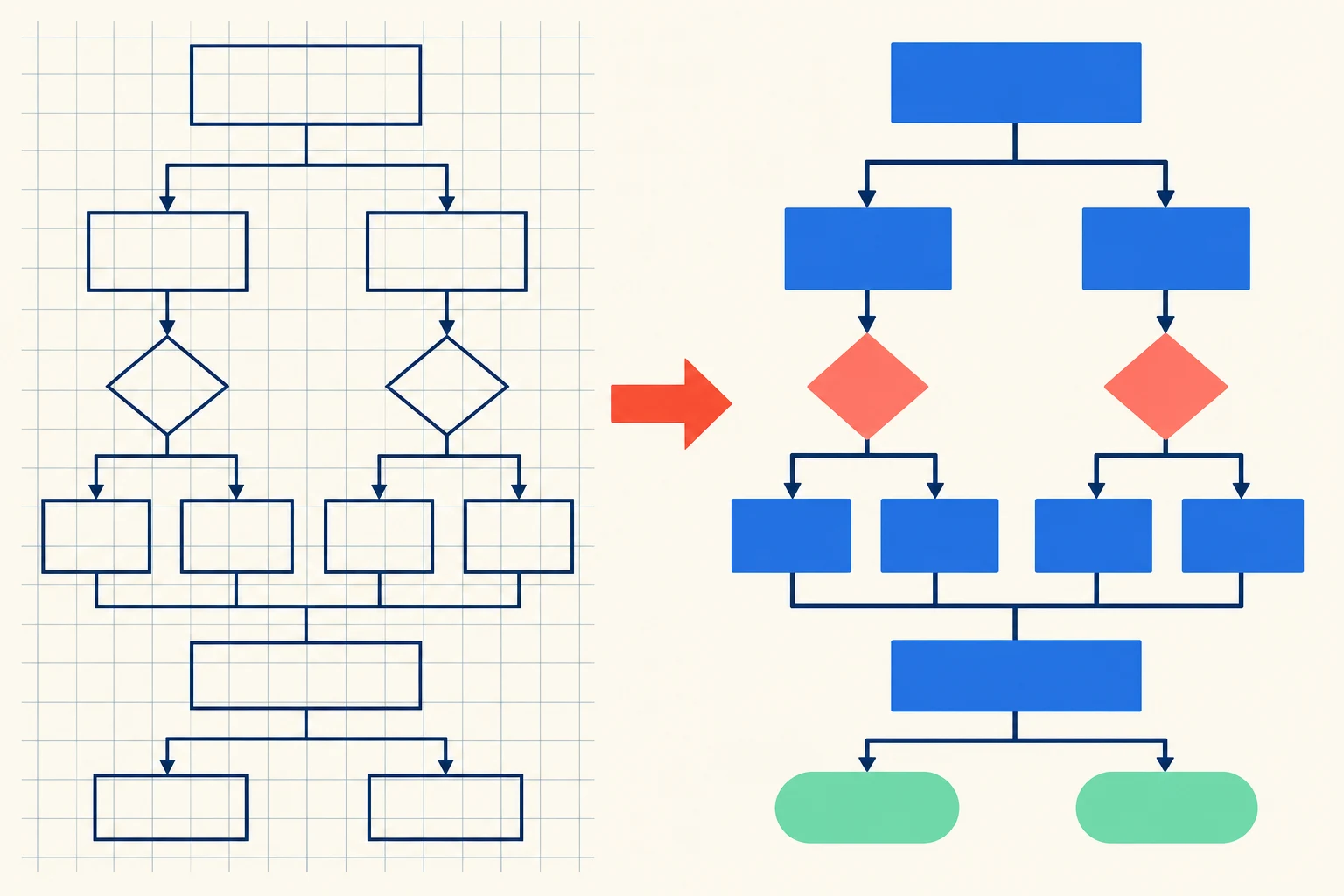
Give your diagram a structure before a style.
- You start from notes or a document and want the structure laid out for you, not a template to fill in by hand.
- You want SVG export on a free plan.
- You want version history on a free plan (24 hours) as well as on Pro.
- You only need diagrams and infographics, not a full design suite.
Make an onboarding journey from a short outline
# A useful first week
Before arrival: Confirm access and equipment
Day one: Meet the team and choose a starter task
First draft: Review work with a buddy
Week review: Agree the next contribution
Use a timeline or step layout to give these notes a reading order. Edit the checkpoints in Autodiagram, then export SVG or PNG to place the diagram in your existing presentation.
Make your first diagramThe tools behind a clearer diagram.
Start with the capabilities you’ll use to write, edit, share and reuse your work.
| Autodiagram | Canva | |
|---|---|---|
| AI: text to visual | Create from a prompt, refine in words. 1 credit each; needs an account | PartialGenerates charts and designs from a prompt; infographics start from templates |
| Document to visuals | Pasted text on Free (1 diagram). PDF upload and up to 8 diagrams at once on Pro | PartialImports PDF and PPTX files as editable designs |
| Templates | 355 layouts: processes, timelines, mind maps, charts and more | 1.6M+ on Free, 3.6M+ on Pro, across all design types |
| SVG export | PartialPro | PartialPaid plans |
| PNG export | 1× on Free; 2×, 3× and transparent on Pro | |
| PowerPoint (PPTX) export | PartialPro. One diagram per slide as an image, with an editable title | Presentations only; layouts may shift in PowerPoint |
| PDF export | Pro: a whole board as a multi-page PDF | Standard and print PDFs |
| Share links | Read-only links that update with the board; passwords on Pro | View, comment or edit links |
| Live embeds | Live iframe embeds that update with the board | Public embeds that update with the design |
| Version history | 24 hours on Free, 30 days on Pro | PartialPaid plans; not on Canva Free |
| Real-time co-editing | No co-editing; share read-only links or embeds | Live co-editing and comments |
| Brand kit | Pro: palettes, fonts and logo | Free: 1 kit, 3 colors. Pro: 5 kits |
| Full slide editor | Exports decks, but has no slide editor | |
| Freeform diagram canvas | Diagrams come from text and layouts, not free drawing | Whiteboards and free design |
“—” means we couldn’t confirm it on Canva’s own pages. Canva facts were checked on October 8, 2026.
Pricing, as of October 2026.
Autodiagram
- $0: all 355 templates, 10 AI credits per rolling 30 days, 5 cloud boards, exports with a small mark
- Pro: $8/month or $72/year, 500 AI credits a month on Claude or ChatGPT
- Top-ups: 200 credits for $4, never expire
Canva
- $0: up to 20 AI uses, 1 brand kit (3 colors), 5 GB of storage
- Pro: US$144/year for one person, 10× the AI of Free, 5 brand kits, 100 GB
- Business: US$250/year per person, with collaboration and team admin tools
Yearly prices from Canva's US pricing page. Canva also offers monthly billing.
Prices change. Check the source before you buy: Canva pricing (US) · Canva: download file types · Canva: version history · Canva: embed designs · Canva: generate charts with AI · Autodiagram pricing
Bring your next diagram into Autodiagram.
Create the diagram in Autodiagram, export SVG or PNG, and place it in a Canva presentation or post when that suits your workflow.
SVG keeps the diagram sharp at any size. For a quick image, PNG works anywhere; Pro adds 2×, 3× and transparent backgrounds.
Autodiagram Pro can also export a whole board as PowerPoint. Each diagram remains an image with an editable slide title; make diagram revisions in Autodiagram and export the updated board.
Check specialist requirements before switching
Canva is a general design platform for presentations, social posts, documents, whiteboards and more, with millions of templates, real-time collaboration and AI tools such as prompt-generated charts and designs.
- You design many kinds of content: slides, social posts, video, print.
- Your team co-edits designs in real time.
- You want a full slide editor and stock photos, graphics and fonts.
- You need an open whiteboard as well as diagrams.
The table above shows both products’ capabilities so you can check your requirements.
Questions, answered.
Is Autodiagram a Canva alternative?
For diagrams and infographics, yes. Autodiagram is purpose-built for turning text into structured diagrams. Canva also covers broader formats such as social posts, video and print.
Can Canva make a diagram from text?
Canva's AI can generate charts and designs from a prompt, and it has diagram templates you fill in. Autodiagram turns notes, prompts or documents directly into one of 355 diagram layouts.
Which is cheaper?
As of October 2026, Canva Pro is US$144 a year for one person. Autodiagram Pro is $72 a year or $8 a month. Both have free plans.
Can I use Autodiagram diagrams in Canva?
Yes. Download SVG or PNG and upload it to Canva. Exports from Autodiagram Free carry a small "Made with Autodiagram" mark; Pro exports are clean.
Does Autodiagram support team editing like Canva?
No. Autodiagram has no real-time co-editing. You can share a read-only link or a live embed that updates when you edit.
More comparisons.
Paste your notes.
Make your point.
Start with typed notes for free. Explore AI, brand kits and deck exports when your work calls for them.
Create your diagram free