Autodiagram vs Napkin AI
Choose Autodiagram for a direct route from an outline to a diagram you can edit, export as SVG, and keep current through a live link. Start with typed notes for free; bring in AI when you want help shaping the content.
Typed notes work without an account. AI generation requires sign-in.
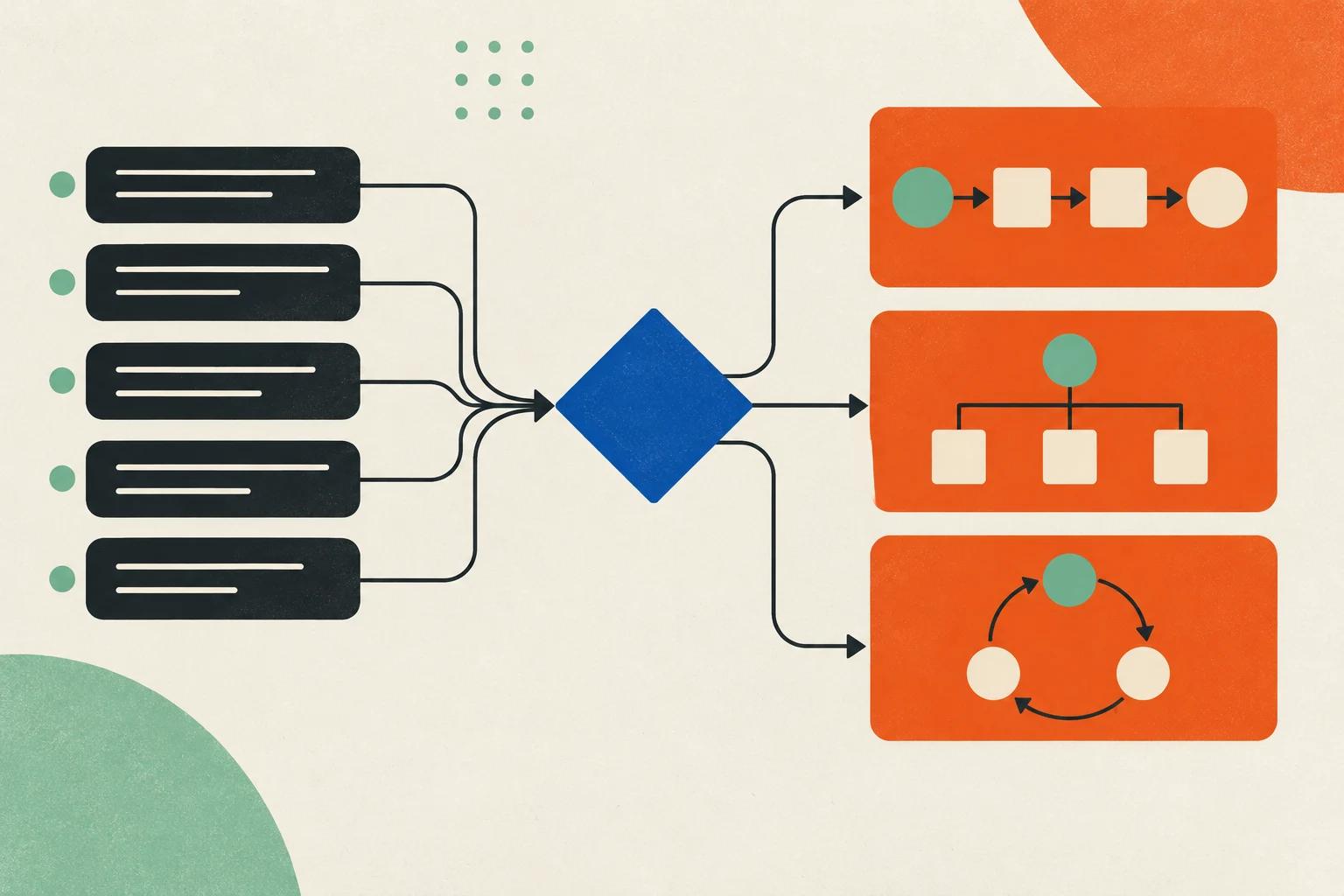
Make clear diagrams part of your everyday writing.
- You want diagrams from typed notes without an account, with AI only when you ask for it.
- You need live share links and iframe embeds that update when you edit the board.
- You want version history you can restore in one click.
- You want a lower-priced paid plan: Pro is $8/month or $72/year.
Turn a launch checklist into a process diagram
# Launch readiness
Research: Confirm the customer problem
Design: Test the proposed flow
Build: Deliver the agreed scope
Launch: Review feedback and next steps
Paste this outline into Autodiagram, choose a process layout, then edit a label or switch its palette. Your written structure remains the starting point for every revision.
Make your first diagramThe tools behind a clearer diagram.
Start with the capabilities you’ll use to write, edit, share and reuse your work.
| Autodiagram | Napkin AI | |
|---|---|---|
| AI: text to visual | Create from a prompt, refine in words. 1 credit each; needs an account | Select text and pick from generated visuals |
| Document to visuals | Pasted text on Free (1 diagram). PDF upload and up to 8 diagrams at once on Pro | Imports PPT, DOC, PDF, HTML and MD on every plan |
| Templates | 355 layouts: processes, timelines, mind maps, charts and more | — |
| SVG export | PartialPro | PartialPlus and Pro |
| PNG export | 1× on Free; 2×, 3× and transparent on Pro | Unlimited on Free |
| PowerPoint (PPTX) export | PartialPro. One diagram per slide as an image, with an editable title | Partial"PPT" export on Plus and Pro |
| PDF export | Pro: a whole board as a multi-page PDF | Unlimited on Free |
| Share links | Read-only links that update with the board; passwords on Pro | Link sharing |
| Live embeds | Live iframe embeds that update with the board | — |
| Version history | 24 hours on Free, 30 days on Pro | — |
| Real-time co-editing | No co-editing; share read-only links or embeds | Shared Teamspaces with real-time editing and comments |
| Brand kit | Pro: palettes, fonts and logo | PartialPlus: 3 brand styles. Pro: unlimited, with your own fonts |
| Full slide editor | Exports decks, but has no slide editor | Napkin Slides builds decks |
| Freeform diagram canvas | Diagrams come from text and layouts, not free drawing | — |
“—” means we couldn’t confirm it on Napkin AI’s own pages. Napkin AI facts were checked on October 8, 2026.
Pricing, as of October 2026.
Autodiagram
- $0: all 355 templates, 10 AI credits per rolling 30 days, 5 cloud boards, exports with a small mark
- Pro: $8/month or $72/year, 500 AI credits a month on Claude or ChatGPT
- Top-ups: 200 credits for $4, never expire
Napkin AI
- $0: 500 AI credits per week, PNG and PDF export, Napkin branding on visuals
- Plus: $9 per person/month, 10,000 AI credits a month, PPT and SVG export, no branding
- Pro: $22 per person/month, 30,000 AI credits a month, unlimited custom branding
Monthly prices. Napkin says yearly billing saves 25%. Paid plans are per seat.
Prices change. Check the source before you buy: Napkin AI pricing · Napkin AI product page · Autodiagram pricing
Bring your next diagram into Autodiagram.
Napkin and Autodiagram both export SVG and PNG, so you can make a visual in either and place it in the same slide or doc.
There's no direct import between them. To move a diagram into Autodiagram, paste its source text into the editor: headings, bullets and indentation become the structure, and you can pick from 355 layouts.
Check specialist requirements before switching
Napkin AI turns text into diagrams, flowcharts, mind maps, infographics and charts. You write, paste or import content, select it, and Napkin suggests visuals. Napkin Slides builds whole decks.
- Your team needs to edit the same visuals together in real time.
- You import Word, PowerPoint, HTML or Markdown files, which Napkin accepts on every plan.
- You prefer Napkin’s text-selection workflow and its weekly credit allowance. Credits are measured differently across products.
- You want an AI tool that builds full slide decks as well as single visuals.
The table above shows both products’ capabilities so you can check your requirements.
Questions, answered.
Is Autodiagram a Napkin AI alternative?
Yes, for turning text into diagrams and infographics. Autodiagram also parses typed notes into diagrams in your browser without AI or an account, and adds live embeds and version history. It doesn't have real-time co-editing.
Which is cheaper, Napkin AI or Autodiagram?
As of October 2026, Napkin Plus is $9 per person a month and Napkin Pro is $22. Autodiagram Pro is $8 a month or $72 a year. Credit counts are not directly comparable: Napkin describes approximately one credit per selected word, while Autodiagram charges per generated diagram. Autodiagram also includes SVG export on Free.
Can I export to PowerPoint from both?
Napkin lists PPT export on its Plus and Pro plans. Autodiagram Pro exports a whole board to .pptx with one diagram per slide; each diagram is an image with an editable slide title, not native PowerPoint shapes.
Can I turn a PDF into diagrams?
Napkin imports PDFs on every plan. Autodiagram turns pasted text into a diagram on Free, and PDFs or long documents into up to 8 diagrams at once on Pro.
Can my team edit together?
Napkin supports real-time editing in shared Teamspaces. Autodiagram doesn't: one person edits a board, and others view it through a share link or embed.
More comparisons.
Paste your notes.
Make your point.
Start with typed notes for free. Explore AI, brand kits and deck exports when your work calls for them.
Create your diagram free