Autodiagram vs Lucidchart
Autodiagram is built for people turning notes into clear visuals for slides, reports and everyday explanations. Start without an account, choose from diagram layouts, and spend your attention on the story the diagram tells.
Typed notes work without an account. AI generation requires sign-in.
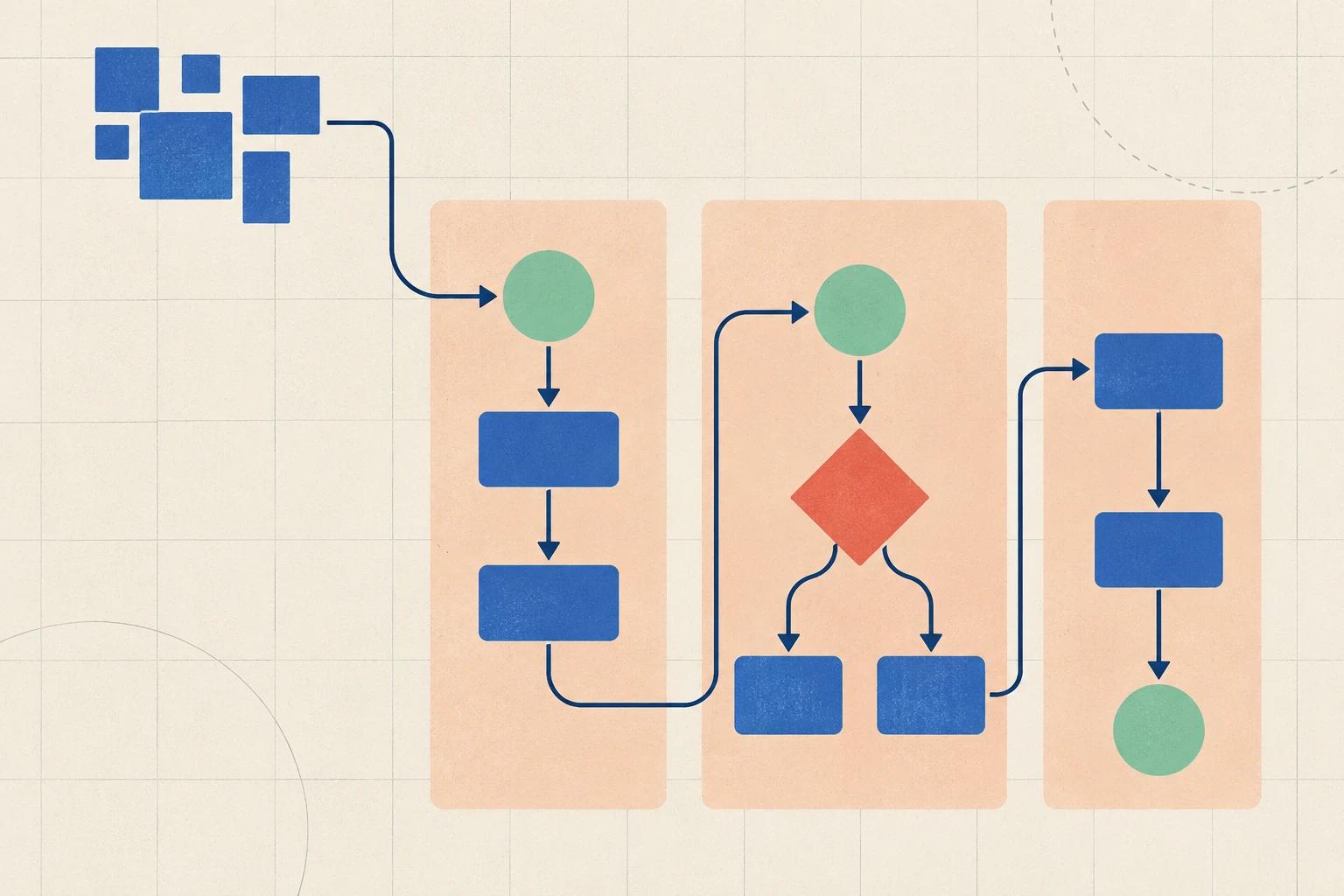
Write the idea. Let the layout do the arranging.
- You want presentation-ready infographics, such as timelines, funnels, roadmaps and charts, not just boxes and lines.
- You'd rather write notes than place shapes; the layout and styling are done for you.
- You want unlimited local diagrams on a free plan.
- You want local-first diagrams that save in your browser, no account needed.
Give a project update a readable shape
# Project update
Completed: Customer interviews and initial prototype
In progress: Testing the revised checkout flow
Next: Review findings and choose the release scope
Choose a status or list layout, keep the three groups distinct, and update the text as work changes. Export the result for a report or sign in to share a read-only board link.
Make your first diagramThe tools behind a clearer diagram.
Start with the capabilities you’ll use to write, edit, share and reuse your work.
| Autodiagram | Lucidchart | |
|---|---|---|
| AI: text to visual | Create from a prompt, refine in words. 1 credit each; needs an account | Lucid AI generates and edits diagrams on all plans |
| Document to visuals | Pasted text on Free (1 diagram). PDF upload and up to 8 diagrams at once on Pro | PartialGenerates diagrams from a text description or image file |
| Templates | 355 layouts: processes, timelines, mind maps, charts and more | 100 on Free; premium templates on paid plans |
| SVG export | PartialPro | |
| PNG export | 1× on Free; 2×, 3× and transparent on Pro | |
| PowerPoint (PPTX) export | PartialPro. One diagram per slide as an image, with an editable title | PartialLucid presentations export to PowerPoint |
| PDF export | Pro: a whole board as a multi-page PDF | |
| Share links | Read-only links that update with the board; passwords on Pro | Publish as a link that stays up to date |
| Live embeds | Live iframe embeds that update with the board | Embedding makes the document public |
| Version history | 24 hours on Free, 30 days on Pro | PartialRevision history with versioning on Team |
| Real-time co-editing | No co-editing; share read-only links or embeds | |
| Brand kit | Pro: palettes, fonts and logo | — |
| Full slide editor | Exports decks, but has no slide editor | PartialPresentation mode |
| Freeform diagram canvas | Diagrams come from text and layouts, not free drawing | Shape libraries; Visio import and export on paid plans |
“—” means we couldn’t confirm it on Lucidchart’s own pages. Lucidchart facts were checked on October 8, 2026.
Pricing, as of October 2026.
Autodiagram
- $0: all 355 templates, 10 AI credits per rolling 30 days, 5 cloud boards, exports with a small mark
- Pro: $8/month or $72/year, 500 AI credits a month on Claude or ChatGPT
- Top-ups: 200 credits for $4, never expire
Lucidchart
- $0: 3 editable documents, 75 shapes per document, 100 templates, Lucid AI
- Individual: $9/month billed yearly, unlimited documents and shapes, Visio import and export
- Team: $10 per user/month billed yearly, revision history, integrations
Lucid lists annual prices; monthly billing is also offered. Enterprise is priced by sales.
Prices change. Check the source before you buy: Lucidchart pricing · Lucid AI help · Lucid: export or print · Lucid: publish or embed · Autodiagram pricing
Bring your next diagram into Autodiagram.
You can use Autodiagram for visuals in slides, documents and reports while keeping a separate tool for specialist technical diagrams.
To move content across, paste the text outline into Autodiagram: headings, bullets and indentation become the structure. Lucidchart's diagram files don't import directly.
Check specialist requirements before switching
Lucidchart is an online diagramming app for flowcharts, ERDs, org charts and technical diagrams. You draw on a freeform canvas with shape libraries, collaborate in real time, and use Lucid AI to generate or edit diagrams.
- You need technical diagrams: ERDs, cloud architecture, network or Visio files.
- You want a freeform canvas with shape libraries and precise control.
- Your team edits diagrams together in real time.
- You need integrations such as Microsoft 365, Confluence or Jira (Team plan).
The table above shows both products’ capabilities so you can check your requirements.
Questions, answered.
Is Autodiagram a Lucidchart alternative?
Yes, for presentation diagrams and infographics. Choose Autodiagram to turn notes into designed visuals and edit their structure directly. Specialist ERDs, network tooling and Visio-file workflows require capabilities beyond that focus.
Which free plan is more generous?
Lucidchart Free allows 3 editable documents with 75 shapes each. Autodiagram Free allows unlimited local diagrams, 5 cloud-synced boards and 10 AI credits per rolling 30 days.
Do both have AI?
Yes. Lucid AI generates and edits diagrams from text. Autodiagram AI creates a diagram from a prompt and refines it in words, and From document turns notes or a report into several diagrams at once.
Can I collaborate in real time?
Lucidchart supports real-time collaboration. Autodiagram doesn't; you share read-only links or live embeds instead.
How do the prices compare?
As of October 2026, Lucidchart Individual is $9 a month and Team is $10 per user a month, both billed yearly. Autodiagram Pro is $72 a year or $8 a month.
More comparisons.
Paste your notes.
Make your point.
Start with typed notes for free. Explore AI, brand kits and deck exports when your work calls for them.
Create your diagram free