Start with the asset and its condition
Maintenance begins with an object or place whose condition changes through use. In a shared workshop, tools are borrowed, worn, returned, and repaired. A static checklist can say what to inspect, but a cycle explains how observations become prioritized work and how completed repairs return the asset to service.
Define the scope: hand tools, power equipment, or the whole room. A map covering everything may become too broad for a volunteer to use. Begin with one category, such as shared hand tools, and identify the inspection trigger—after use, on a weekly sweep, or when a user reports damage. Use the workshop’s actual safety policy to set inspection frequency.
Show the sequence from inspection to action
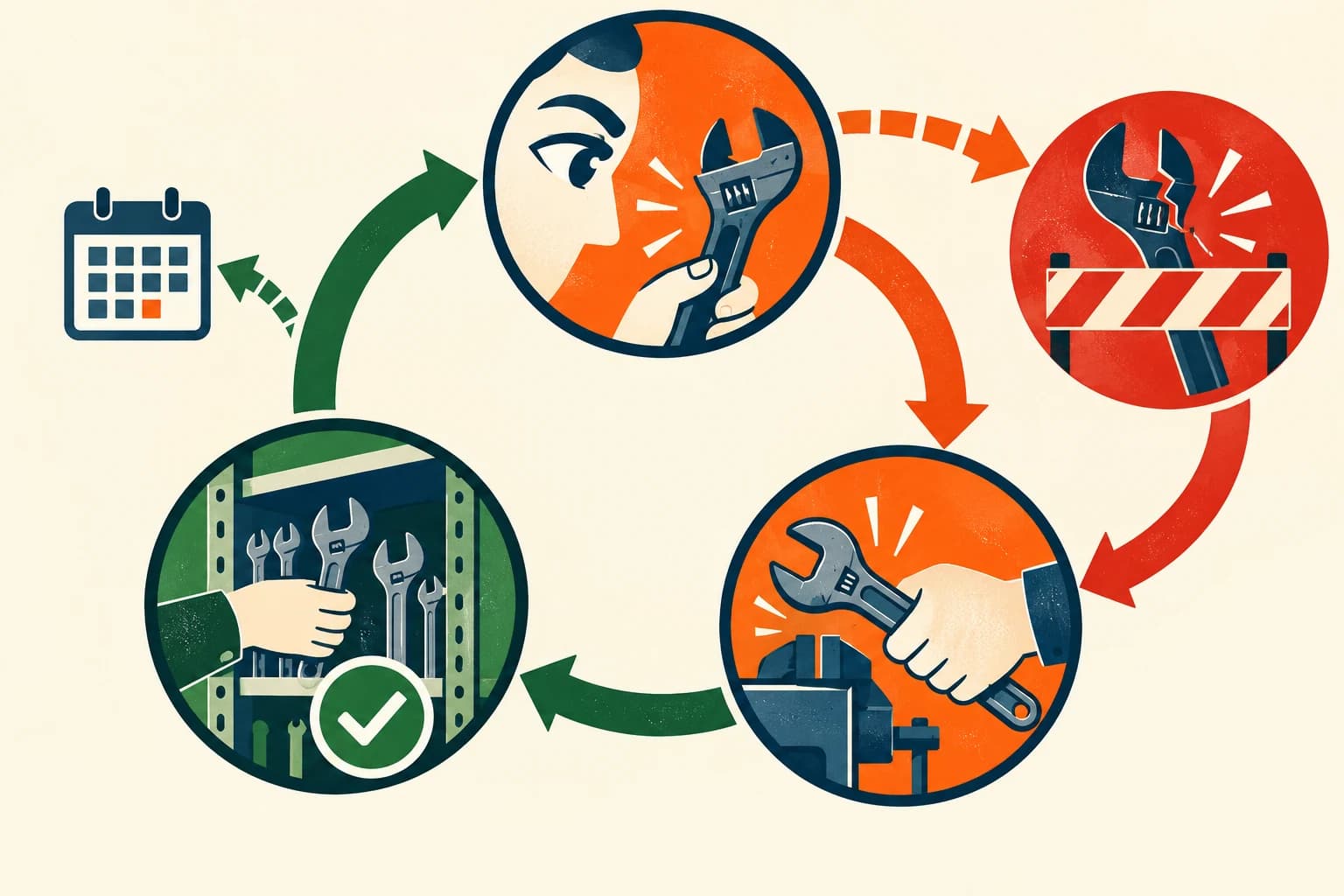
A practical route might be: inspect the tool, record wear or damage, decide whether it remains safe to use, assign repair or replacement, verify the result, and return it to storage. Put “remove from use” on the unsafe branch so a damaged tool does not remain available while a repair is pending. That outcome should be immediate and unmistakable.
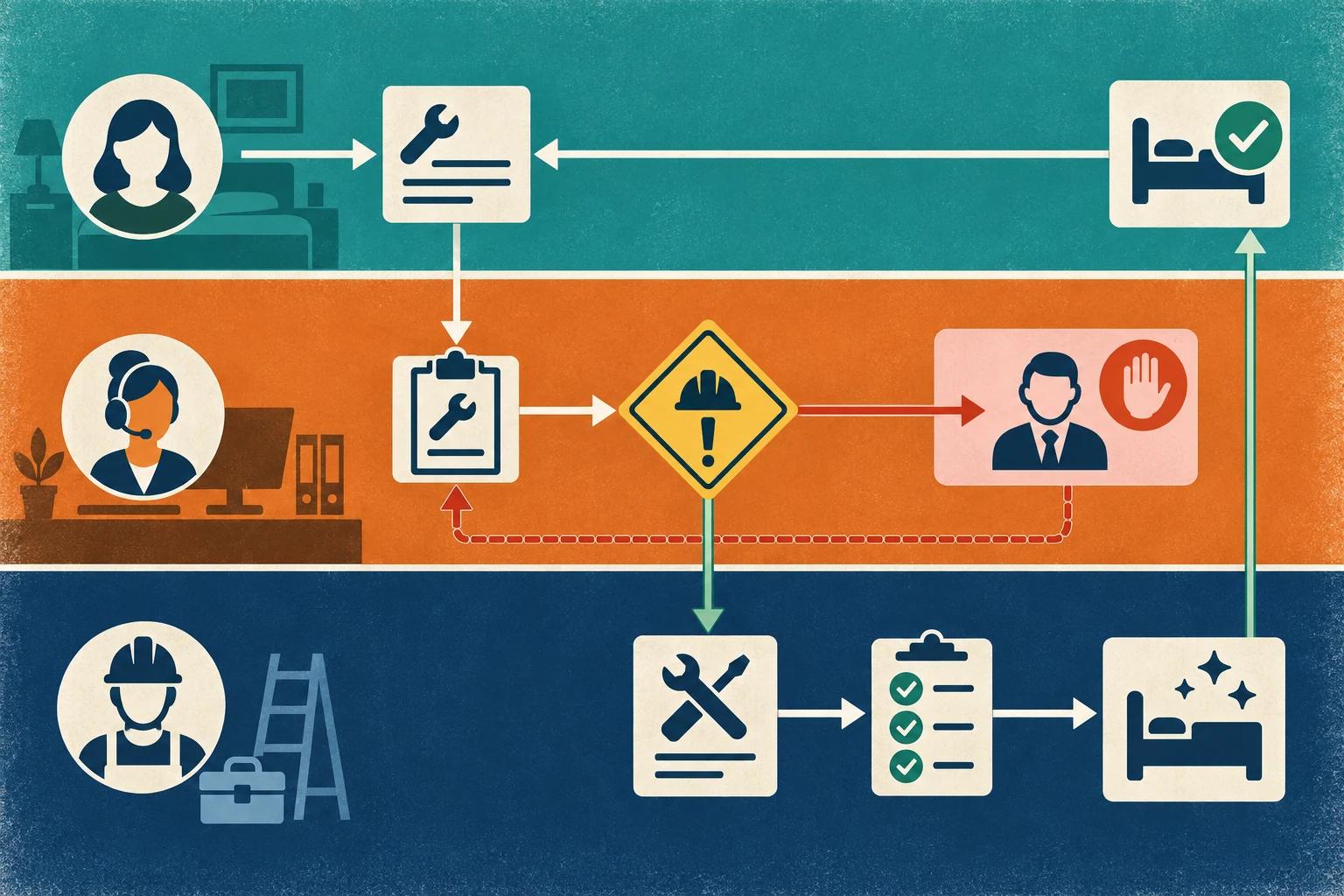
The person inspecting may not be qualified to repair. Show the handoff to a trained maintainer and state what information follows: asset label, observed issue, date, and storage location. A note such as “handle loose” gives more useful context than “broken.” The map should not imply that every volunteer can make a technical repair because they noticed the problem.
Prioritize without hiding the rule
Not every issue requires the same response. A missing storage label may wait for the next maintenance session; a cracked handle or failed guard may require immediate removal. Use explicit condition descriptions and link to safety guidance. Do not rely on color alone to distinguish urgent from routine, and do not invent a severity scale the workshop has not adopted.
If several repairs compete for limited capacity, show a decision owner and the criteria used, such as safety, availability of replacement parts, or disruption to planned work. The cycle can include “schedule repair” without pretending that all work happens immediately. Make the status visible so users know whether an item is safe, unavailable, or awaiting confirmation.
Close the loop with verification
A repair is not complete when someone says they fixed the tool. The maintainer checks the relevant function, records the result, and returns it to approved storage. If verification fails, route back to repair or replacement rather than reintroducing the item to circulation. This return path is the difference between an activity list and a control process.
For a repaired drill, the verification step may depend on manufacturer guidance and the maintainer’s training. Do not put a casual improvised test in the diagram. Point to the appropriate procedure and identify the qualified role. The visual should make the verification requirement visible while leaving technical instructions to a source that can be maintained safely.
Use patterns to improve the workshop
Inspection records may show that a particular tool repeatedly returns with a loose component or that several users cannot find the correct storage place. Review patterns at an agreed interval. Repeated damage may call for a training change, a different tool, or a storage adjustment; the cycle allows maintenance observations to inform prevention.
Do not treat an incident count as a complete diagnosis. Ask users what happened and inspect the equipment before assigning cause. A maintenance map can capture a branch for “review recurring issue” and route it to a workshop lead. Keep the reasoning in a log so the diagram stays readable and the team can learn from actual evidence.
Make the next inspection dependable
After verification, return the tool to service and set the next check trigger. That may be after each use, at a weekly workshop reset, or at another interval specified by the policy. State who checks and how a missed inspection is noticed. Without a restart point, the cycle closes visually but not operationally.
Pilot the map with a volunteer who did not help create it. Give them a normal return and a damaged-tool report; watch whether they know where to record the issue and whether they leave the item safe. Revise confusing labels and confirm the route with the maintenance owner. A clear cycle supports care over time while keeping technical judgment with people qualified to make it.
In Autodiagram, outline inspection, recording, prioritization, repair, verification, and the next check; select a cycle layout that makes the restart trigger visible. Edit the safety branch to say who removes an item from use. Export PNG for the workshop board or SVG for the maintenance guide after the qualified owner checks the wording.