Decide what each connector means
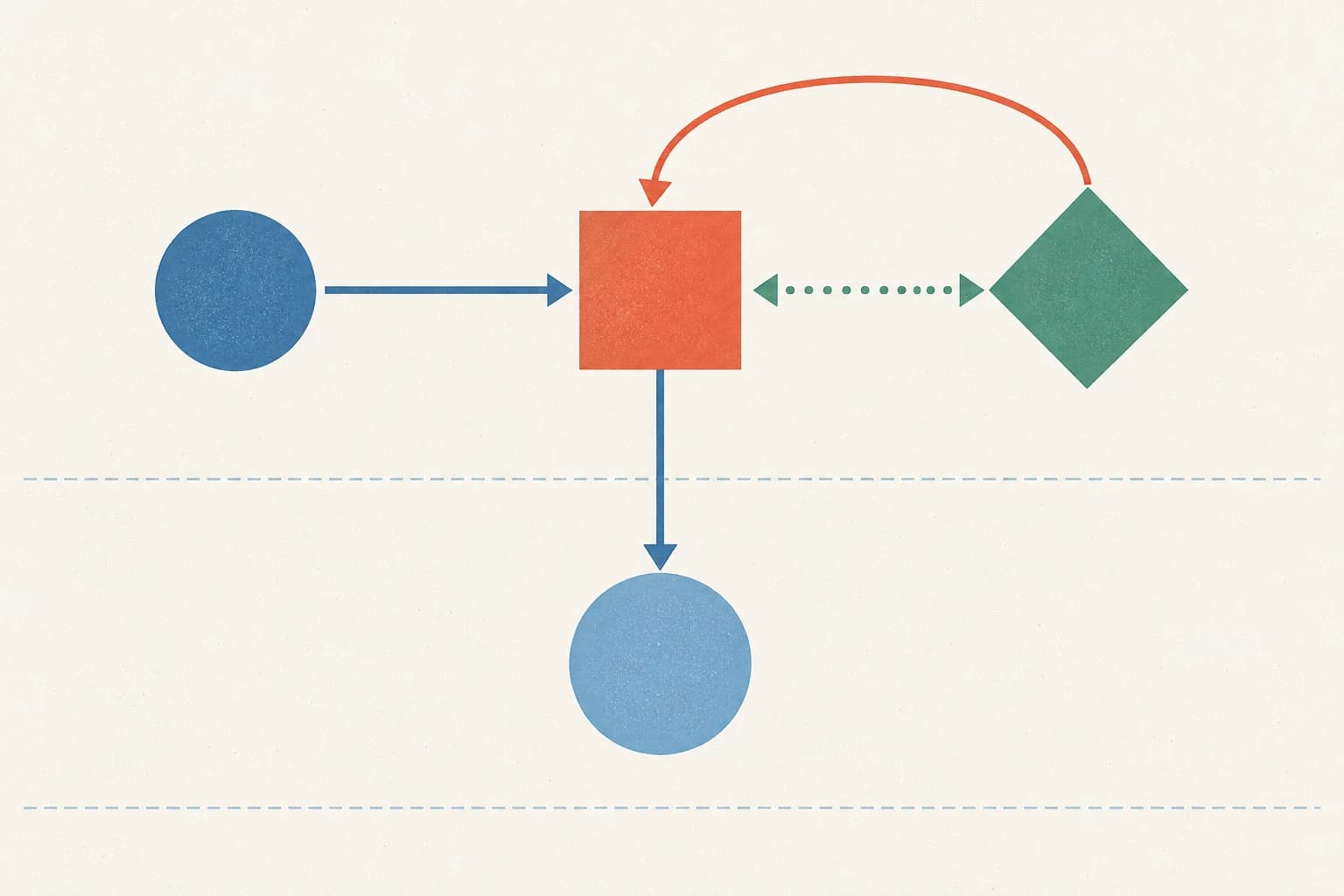
An arrow can show sequence, data movement, ownership transfer, influence, or a conditional route. A reader who sees only an arrowhead may assume one of these meanings without knowing which one the author intended. Before drawing connectors in a review process, choose a consistent meaning for each style and explain exceptions.
For a request workflow, solid arrows might represent the order of required steps. A labeled line between “support” and “engineering” can show a transfer of responsibility. If the same style is used for both, the map should make that distinction clear through labels or lanes. Keep the visual vocabulary small enough for readers to learn quickly.
Attach decisions to their conditions
At a decision diamond, label each outgoing connector with the condition that sends work down that route. “Yes” and “no” can work for a nearby question, but longer diagrams may need labels such as “reproduced” and “needs more detail.” These phrases remain meaningful if the connector moves during a layout change.
Keep labels close to their lines and avoid placing a condition where it could be associated with another branch. If multiple lines leave the same node, use spacing and direction consistently. Trace each route visually from the decision to its target. A connector that crosses another path can accidentally appear to join it, especially on a small screen.
Draw an actual review handoff
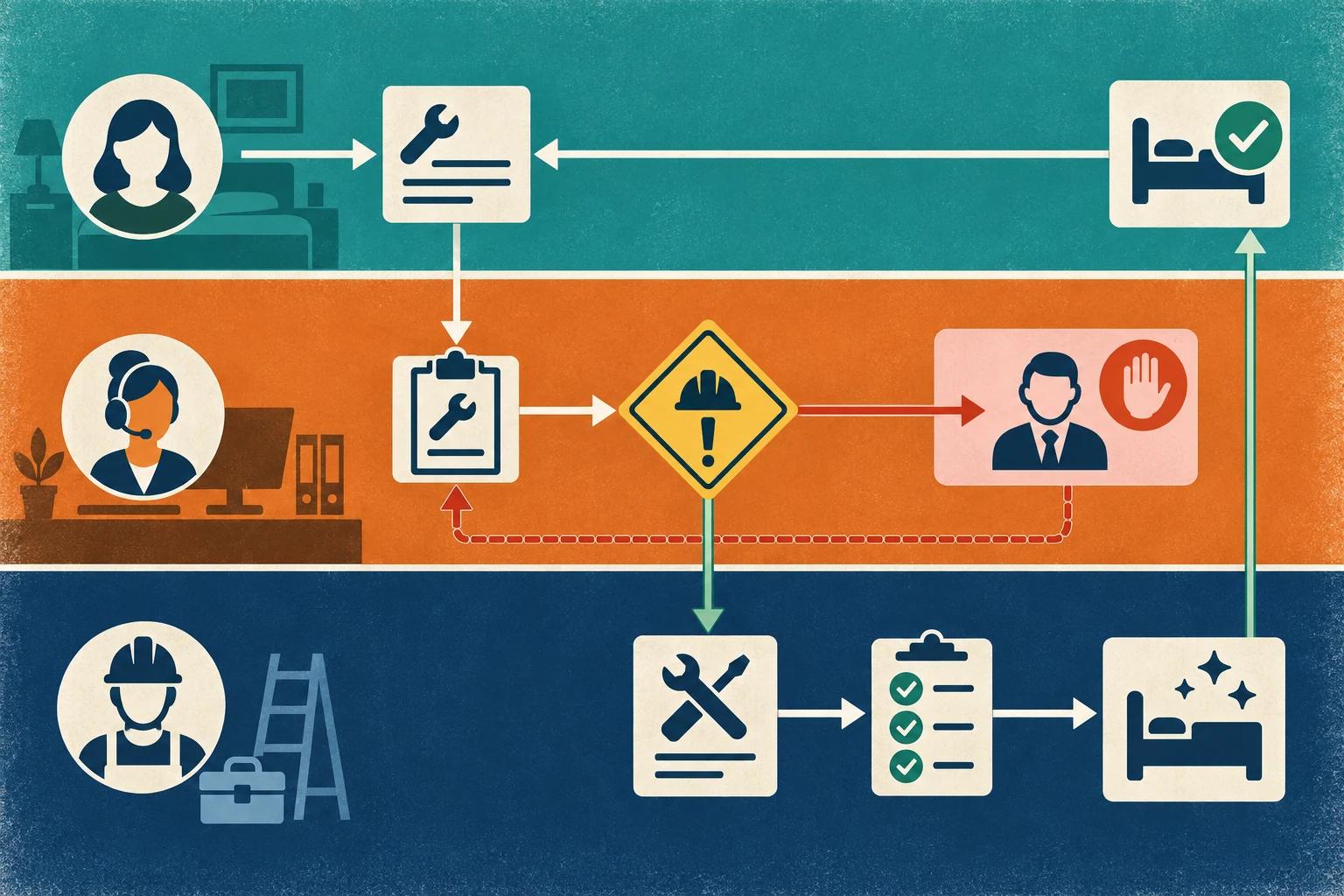
Imagine support receives a report about a broken export. Support records steps and an example file, then engineering attempts reproduction. Label the connector “reproduction details attached; engineering accepts triage.” That line communicates both the payload and the ownership change. A generic arrow labeled “send” leaves the receiving responsibility unclear.
If engineering cannot reproduce the issue, route the work back to support with a named request for information. Use a return connector labeled “customer supplies sample file,” then show where engineering resumes. The return path is part of the relationship. Without it, readers may think the report exits the process permanently or restarts from the beginning.
Use direction carefully for influence
Some diagrams show ideas influencing one another rather than moving in sequence. A policy decision may shape a design, while user testing may prompt the team to revisit the policy. A one-way arrow can overstate the direction of influence. Use a two-headed connector only when the relationship is truly reciprocal, and label both effects if needed.
When a relationship is hypothetical, mark it as a hypothesis. An arrow from “late review” to “launch slip” may imply causality the team has not verified. Write “may delay” or add a question marker. Connectors visually assert relationships, so their certainty should match the evidence behind them.
Reduce crossings without hiding logic
Connector crossings make a diagram harder to scan. Rearrange nodes, use separate lanes, or group shared steps to reduce them. If two lines must cross, use a clear bridge or spacing convention only when it remains readable in export. Do not bend an arrow around the page merely to keep a decorative symmetry.
A dense relationship map may need to be split into a process view and a dependency view. Each can answer a clearer question. Keep a reference between them so readers understand that one shows sequence and the other shows influence. A connector-free layout may look clean while concealing the very relationship the audience needs to see.
Review connector meaning with a cold reader
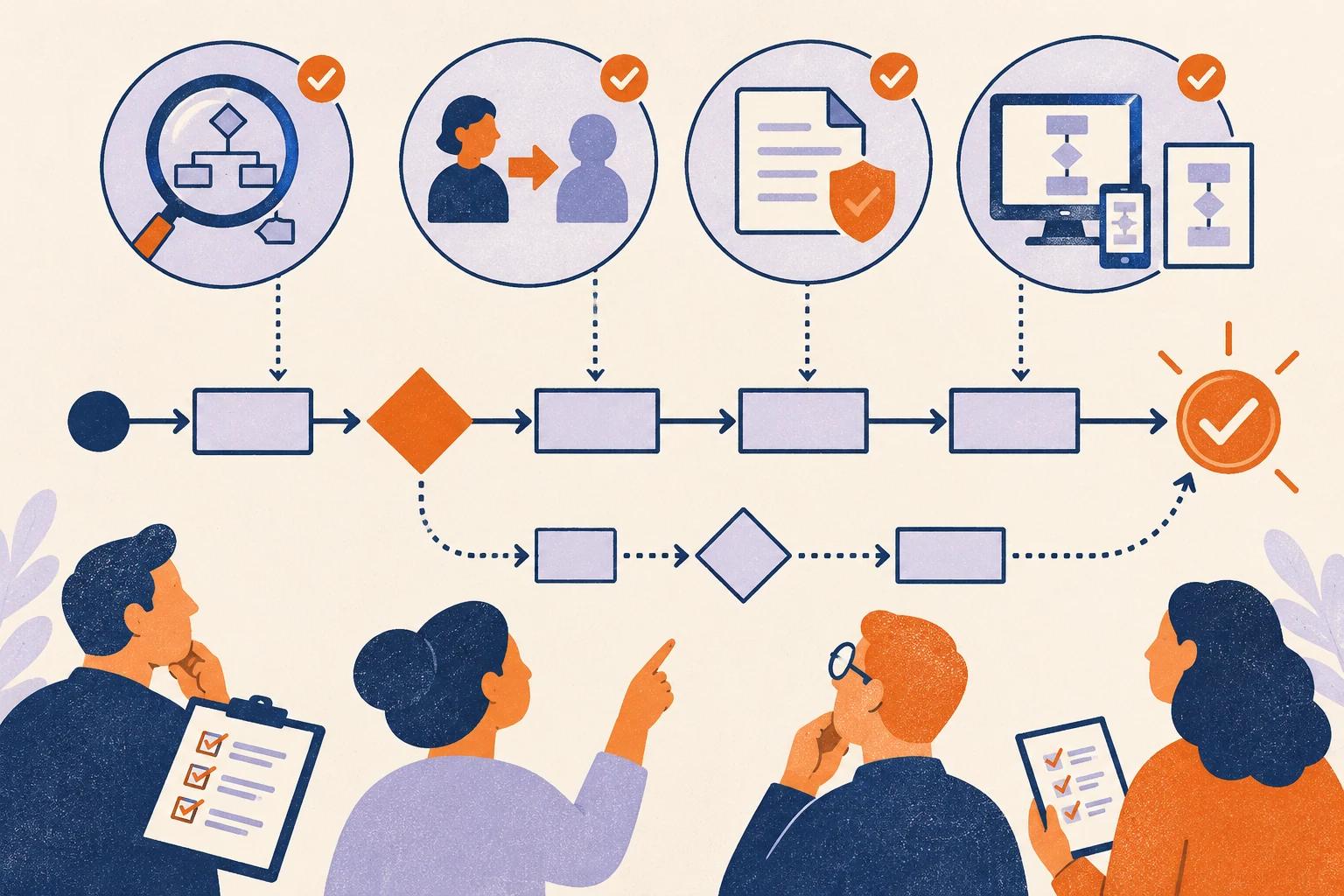
Ask someone unfamiliar with the map to trace one normal route and one exception. Have them describe what each arrow means at the point where they hesitate. If they infer a handoff where you intended sequence, add a label or use a lane boundary. The reader’s interpretation, not the author’s intention, determines whether a connector is clear.
At final size, check arrowheads, line contrast, and nearby labels. Connectors should remain visible without overpowering the nodes. Add a short legend for any line style that carries special meaning. A small amount of explicit labeling prevents a large amount of guesswork and makes the diagram more dependable when it is shared without an explanation.
Draft the support-to-engineering handoff in Autodiagram with conditions and payloads written into the text outline. Choose a process or relationship layout, then edit connector labels so transfers, sequence, and return paths are distinct. Once a cold reader can trace the routes, export SVG for documentation or PNG for a team discussion.