Review meaning before appearance
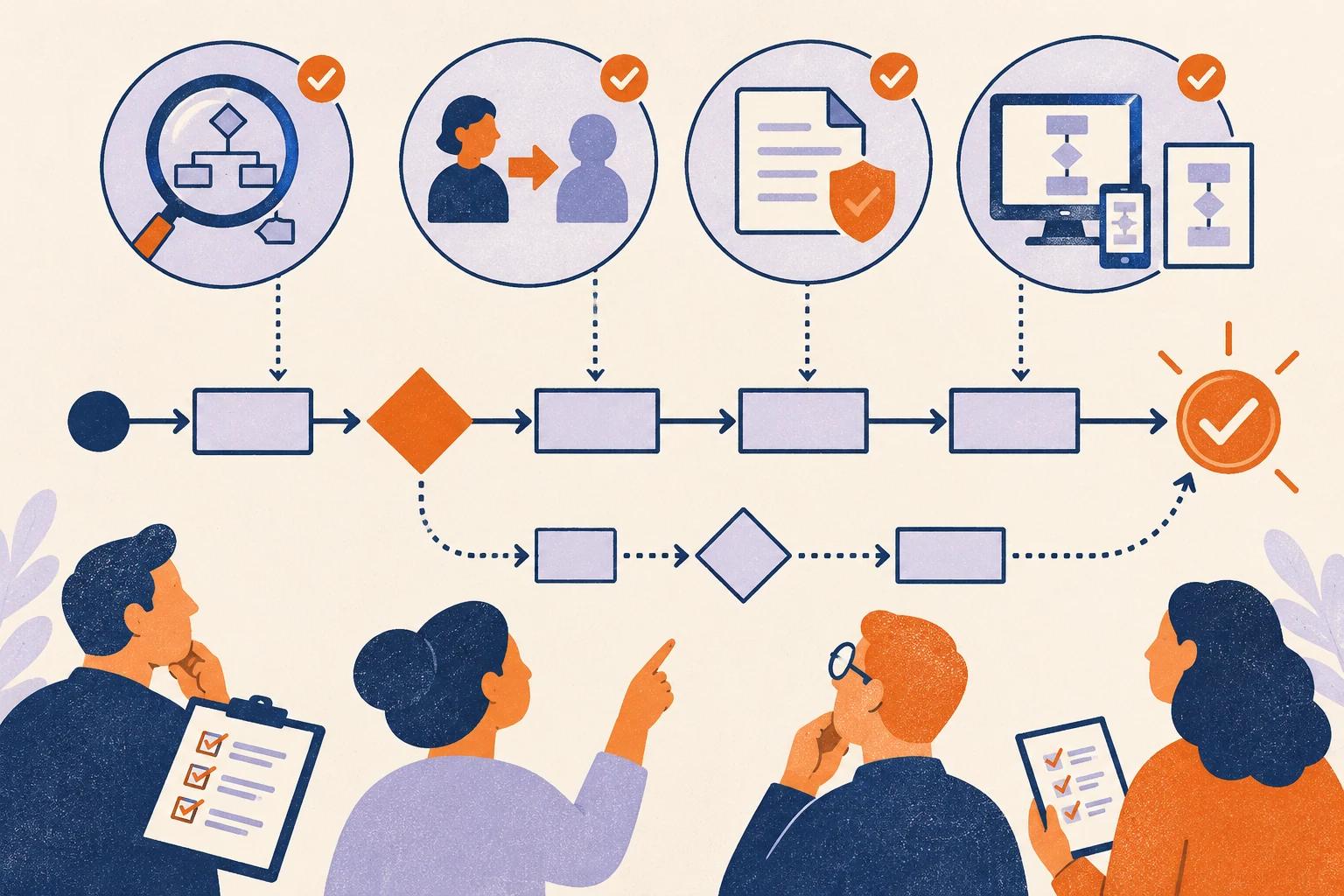
A diagram can look polished and still send people down the wrong path. Begin review with scope, logic, and ownership. For a workflow handed to another team, confirm where it begins, what outcome it promises, and whether the listed roles actually perform each action. Visual refinements come after the representation matches the work.
Ask the map owner to state the purpose in one sentence. Then compare the title and first node with that sentence. If the diagram covers only standard requests but the title promises all cases, either narrow the title or add the missing routes. Scope mismatch is a common source of misuse because readers trust a confident heading.
Read the chart cold
Give a reviewer the diagram without narrating it. Ask them to identify the starting point, follow the normal path, and explain what happens when one condition is false. Watch for pauses at unlabeled arrows, unfamiliar abbreviations, and endpoints that do not state a next action. Their interpretation is more useful than asking whether they like the design.
Have them read each decision as a question and both branches as complete outcomes. If a label says “yes” but the question is far away, reposition or restate it. If a node says “pending,” ask who owns the wait and what releases it. Small wording gaps become operational gaps when the author is not present to explain them.
Test ordinary and awkward cases
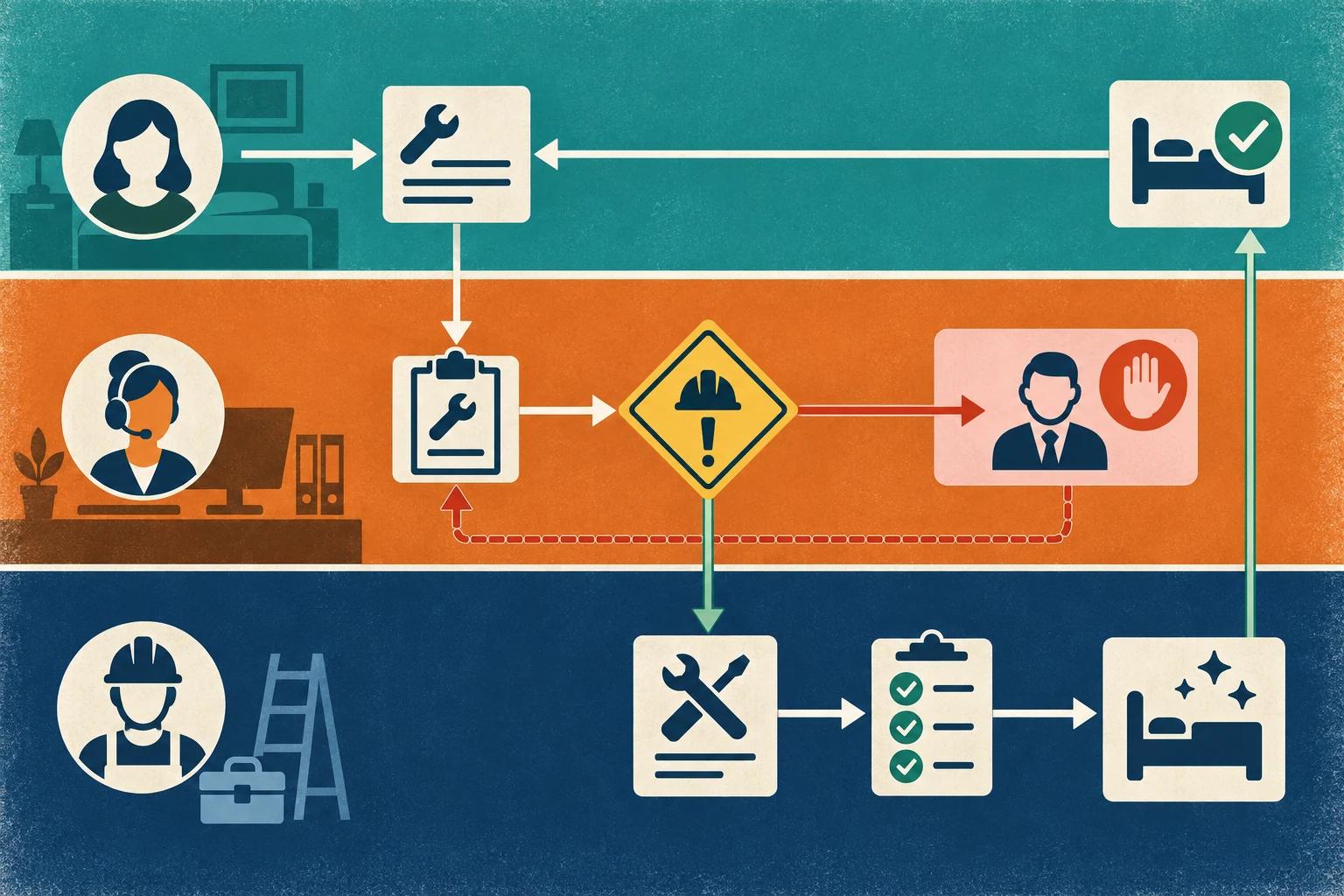
Choose a typical example and trace every step. Then choose an awkward case: missing information, conflicting answers, a handoff with no response, or an urgent exception. Record where the path fails or asks the reader to improvise. A process map should not represent every imaginable scenario, but it must handle foreseeable cases that change risk or responsibility.
For each branch, verify that the connector reaches the intended node and that the branch condition is accurate. Check whether two different conditions lead to the same action and could be combined, or whether a shared-looking path hides a distinct policy. This logic review is often easiest with someone who performs the work and someone who receives its output.
Inspect readability in the final context
Review the exported file in the place it will be used. Check text size in a slide, connector visibility in print, and reading order on a phone. Ensure status and relationship meanings do not depend on color alone. If the diagram has many branches, split it or supply a simplified overview with a clear link to detail.
For a digital image, provide nearby text that explains the sequence and key relationships. Confirm that the title, labels, and legend remain legible when compressed into a document. A diagram can be technically accessible in its editor but unusable after export or embedding; review the actual artifact people will receive.
Make review actionable
Collect comments by issue type: incorrect fact, unclear label, missing route, ownership gap, or visual barrier. This helps the owner separate logic changes from cosmetic preferences. Resolve conflicting comments with the process owner and record why a change was accepted or declined. Do not let the review turn into a set of unprioritized personal style requests.
Before sharing, close the loop with reviewers and state which version is current. If the map remains provisional, mark its status visibly. Keep a short change note for substantial revisions. A careful review helps readers act with confidence, and a small amount of governance keeps the diagram trustworthy after it leaves the hands of its creator.
Use Autodiagram’s editor to revise the labels and structure after a cold reader traces the normal and awkward cases. The text-first outline makes it easy to adjust a missing step; layout, palette, and font controls help prepare the final view. Export the reviewed diagram as PNG or SVG and keep its source policy link with the file.