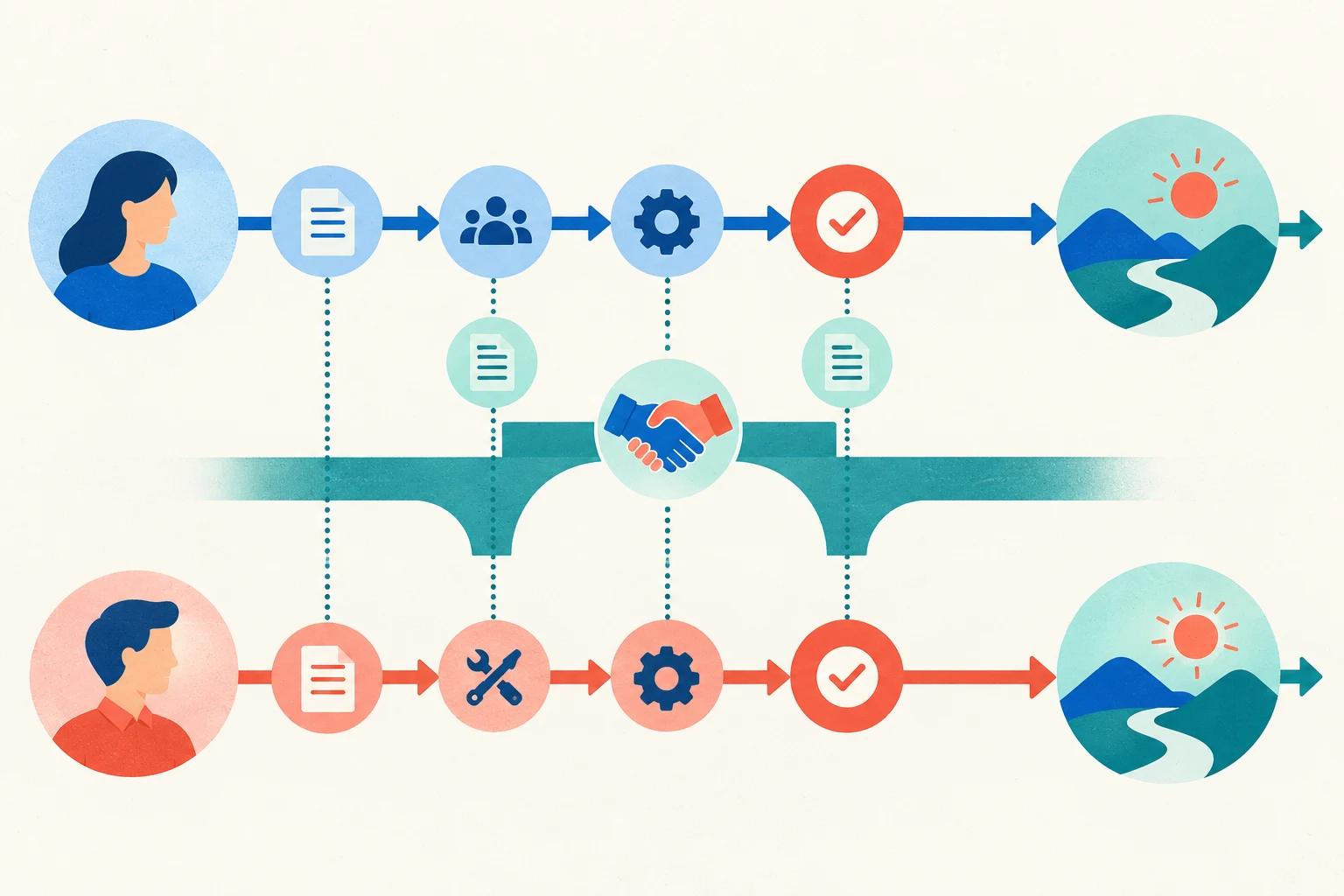
Treat escalation as a change in work, not a label
A case marked “escalated” can still be ownerless. Define what changes when a case crosses a boundary: who investigates, who updates the customer, what evidence is expected, and what response urgency applies. Choose observable triggers tied to impact or expertise. A vague priority label creates inconsistent routing, especially when support and product teams interpret severity differently.
Consider a customer who cannot download an invoice after changing account ownership. Support can verify the account context and reproduce the steps. Product may need to investigate if the invoice is generated with the wrong owner. If the issue affects only one account, the case may remain with its support owner while product consults; if multiple accounts show the same behavior, product incident procedures may apply. The map should distinguish these routes and show why ownership changes.
Separate the investigation owner from the customer contact
Technical ownership and relationship ownership often differ. The receiving team should not inherit customer communication by assumption, and the support owner should not be expected to diagnose code they cannot access. Show one person accountable for the next customer update and one role accountable for the investigation. They coordinate through a shared record that keeps the case context intact.
For the invoice issue, the support lead can remain the customer contact while a product engineer checks invoice ownership behavior. The support lead tells the customer what is being investigated and when to expect the next update. Engineering reports findings and any safe workaround through the case. If support needs to hand the relationship to an account manager, record the transition explicitly. This prevents customers from receiving silence while internal teams assume someone else has replied.
Define a useful evidence packet
The receiving team needs enough information to act, but an escalation should not be a dump of every message or data field. Define a concise packet: customer impact, affected scope, time and environment, steps to reproduce, expected and observed results, attempts made, and unresolved questions. State what sensitive data must not be included and where approved evidence belongs. A packet template should support thought, not encourage people to invent an answer for every field.
For the invoice case, support might provide a sanitized account identifier, invoice period, role change time, browser or client context if relevant, and whether a new invoice reproduces the problem. If no second account is affected, say so. The product engineer can begin with that evidence and ask a targeted follow-up. Avoid a speculative root cause like “permissions bug” unless a test supports it. The packet’s purpose is to reduce rework while keeping facts and guesses distinct.
Create branches for urgent and uncertain reports
Some reports need a fast path before the cause is known. Define what signals require immediate incident or security handling and which approved channel to use. Tell staff what to preserve and what actions to avoid. If uncertainty itself is high consequence, provide a route to a designated specialist rather than asking the frontline team to decide alone. Keep sensitive investigative steps in the proper restricted procedure.
If an invoice appears to expose another customer’s data, the case should not wait in the ordinary product queue. The support owner needs a secure route to the privacy or security lead and a way to preserve evidence without sharing it broadly. If a report is simply that an invoice is unavailable to the account owner, normal triage may be sufficient. State the observable difference in plain terms. The escalation map should help employees act safely before they know the full diagnosis.
Make time and fallback rules match actual coverage
Response expectations should reflect the team’s real operating model. Identify support hours, on-call coverage, and a fallback when the named owner is unavailable. Avoid promises that exceed the organization’s service commitments. If an issue can wait until the next business period, say what the case owner should tell the customer and what to do if impact increases.
A case arriving after the product team’s working hours may remain with support unless it meets an on-call threshold. The map should name the current on-call route, not a person’s stale contact details. When coverage rotates, keep the schedule in an authoritative source and link to it. Set an internal checkpoint for the next staffed period. This prevents both unnecessary paging and unsafe delay by making the threshold and fallback visible.
Review where cases stall or repeat
After closure, inspect whether the case moved cleanly, whether the customer received updates, and whether the receiving team asked for information that should have been included. Repeated back-and-forth suggests the evidence packet or trigger needs revision. A case returned to support may mean product confirmed the behavior is expected, but support still needs a clearer explanation. Record the resolution in the source of truth so similar cases can be handled consistently.
If invoice ownership reports repeatedly arrive without the role-change time, add that field to the intake guidance. If the issue spans several accounts, update the map to route that pattern earlier. Avoid reacting to every unusual case with a new permanent branch. Ask whether the map would have changed a decision and whether the pattern is likely to recur. Continuous review keeps escalation paths useful without making them complicated enough that staff stop following them.
Use an Autodiagram flowchart to show support escalation conditions, evidence needs, communication ownership, and coverage fallbacks. Keep individual cases private and export the reusable guide as PNG.