Map the work across roles
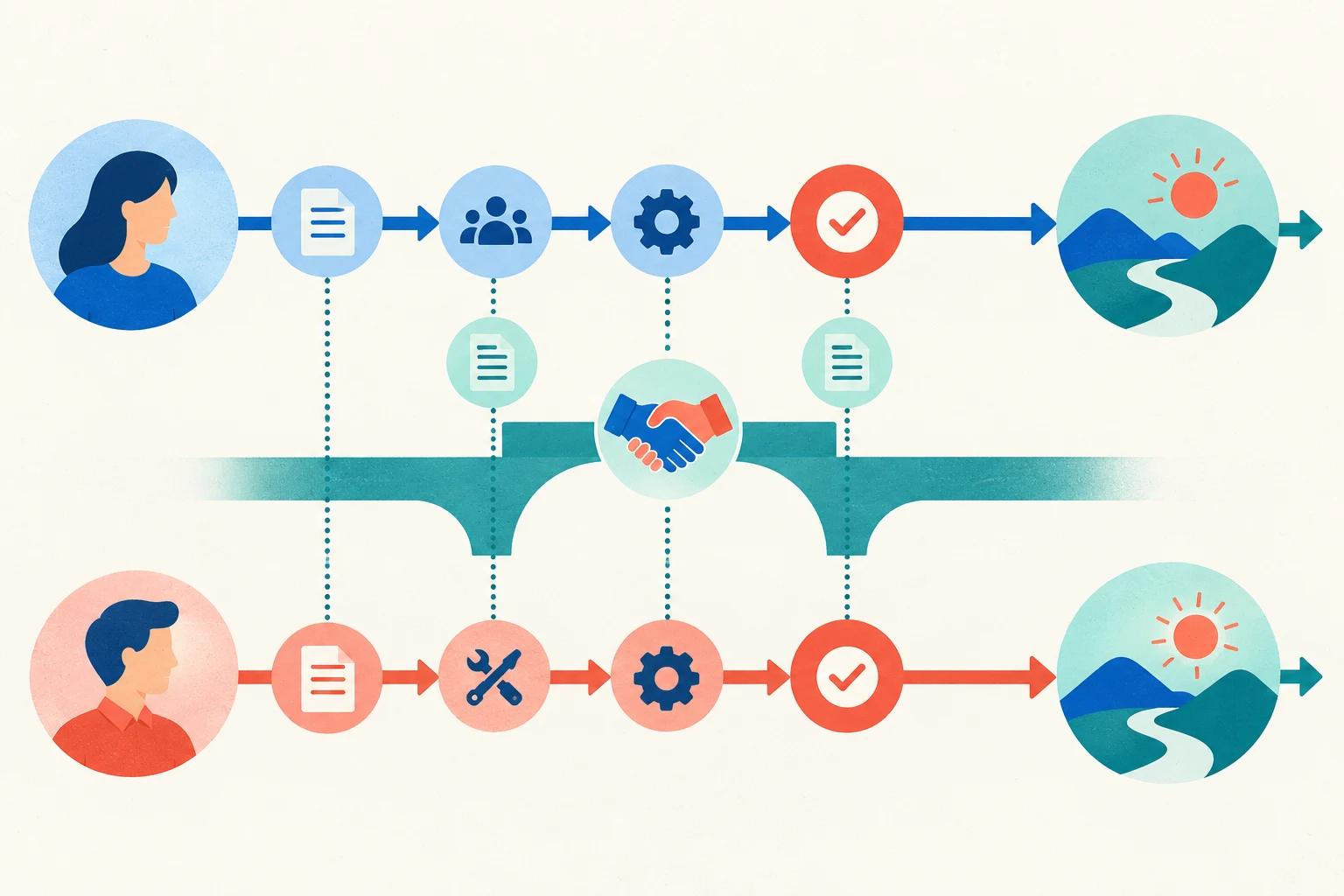
When a process crosses team boundaries, the most consequential moment is often the handoff. A bug report may be “sent to engineering” while nobody knows who accepts it, how much evidence is required, or who tells the customer what happened. Use swimlanes or clearly named role labels so the diagram shows both the work and the owner.
Set the scope from the support team’s first report through the customer update. Leave code review conventions and unrelated incident response outside this map unless they affect that route. Name roles rather than people: “Support,” “Triage engineer,” and “Assigned engineer” survive staff changes and make it easier to discuss the workflow with multiple teams.
Define what a useful report contains
Start with an incoming report. Support confirms the affected feature, gathers the customer’s steps, records expected and actual behavior, and notes the browser or device when relevant. Do not require every field for every issue. Instead, identify the minimum information engineering needs to reproduce or classify the problem and mark optional context separately.
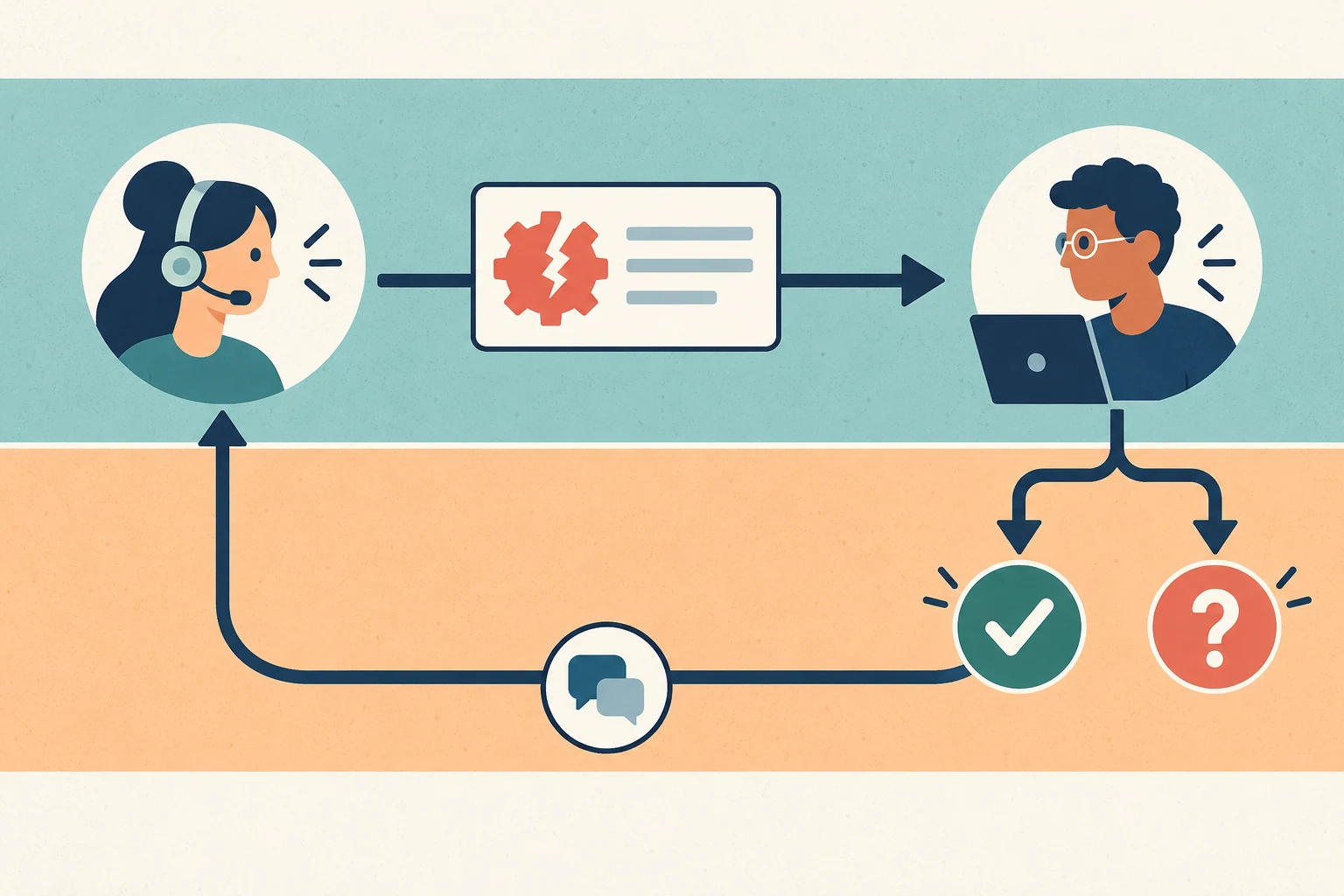
A handoff is complete only when the receiving role can act. Show a decision such as “Can the issue be reproduced from the report?” If no, support requests a specific missing detail and keeps ownership of the customer conversation. If yes, triage assigns a severity and owner. This avoids a common queue failure in which a ticket changes teams but does not become anyone’s responsibility.
Make acceptance and return paths explicit
Draw the engineering lane receiving the report and recording acceptance. The assigned engineer can reproduce the issue, identify a cause, and choose a disposition: fix, known limitation, duplicate, or unable to reproduce. Each disposition needs a return path to support, with enough explanation for a clear customer-facing answer. Engineering should not be expected to compose the customer update by default.
For a duplicate report, connect it to the existing issue and return the reference to support. For a fix, show where the release or availability condition is checked before support says it is resolved. These branches preserve a single source of technical work while allowing support to close the loop. The diagram should show the information moving with ownership, not only the ticket changing columns.
Choose a handoff signal
A connector that crosses lanes needs a clear trigger. Label it with an event such as “reproduction steps attached” or “triage accepts report,” rather than a vague “send.” A handoff can happen in a ticketing tool, but the visual need not claim a specific integration. It describes the responsibility and evidence that should accompany the transfer, regardless of which tool stores the record.
If a response is overdue, show the escalation owner and the condition that triggers escalation. Avoid inventing a universal service-level promise. Use the team’s agreed response window, or leave a visible placeholder until the relevant owner confirms one. The point is to reveal the missing agreement, not disguise it with an arbitrary timer in a diagram.
Test the edge cases together
Walk through a clear, reproducible defect; a report missing key details; and a behavior that is expected but surprising to the customer. Ask representatives from both teams to narrate each path. If support believes engineering sends the response while engineering expects support to do so, the drawing has surfaced a real ownership gap that prose alone may have concealed.
Finally, review the map after a workflow change. A new triage role, changed evidence standard, or altered release handoff can make the picture wrong. Record a process owner and a review date in the surrounding documentation. Keep the diagram focused enough to be read during a live ticket discussion, and link to deeper debugging guidance rather than adding every technical procedure to the page.
If teams disagree about who owns an intermediate step, record the disagreement as an open question and resolve it with the process leads. Do not disguise a policy gap with a connector that implies consensus. The diagram can guide discussion while its draft status is visible.
In Autodiagram, outline the support, triage, and engineering actions as indented text, then select a process layout that leaves room for handoff labels. Refine the steps in the editor so the acceptance and return paths are explicit. When the two teams agree on ownership, export the flow as SVG for a handbook or PNG for a ticketing conversation.