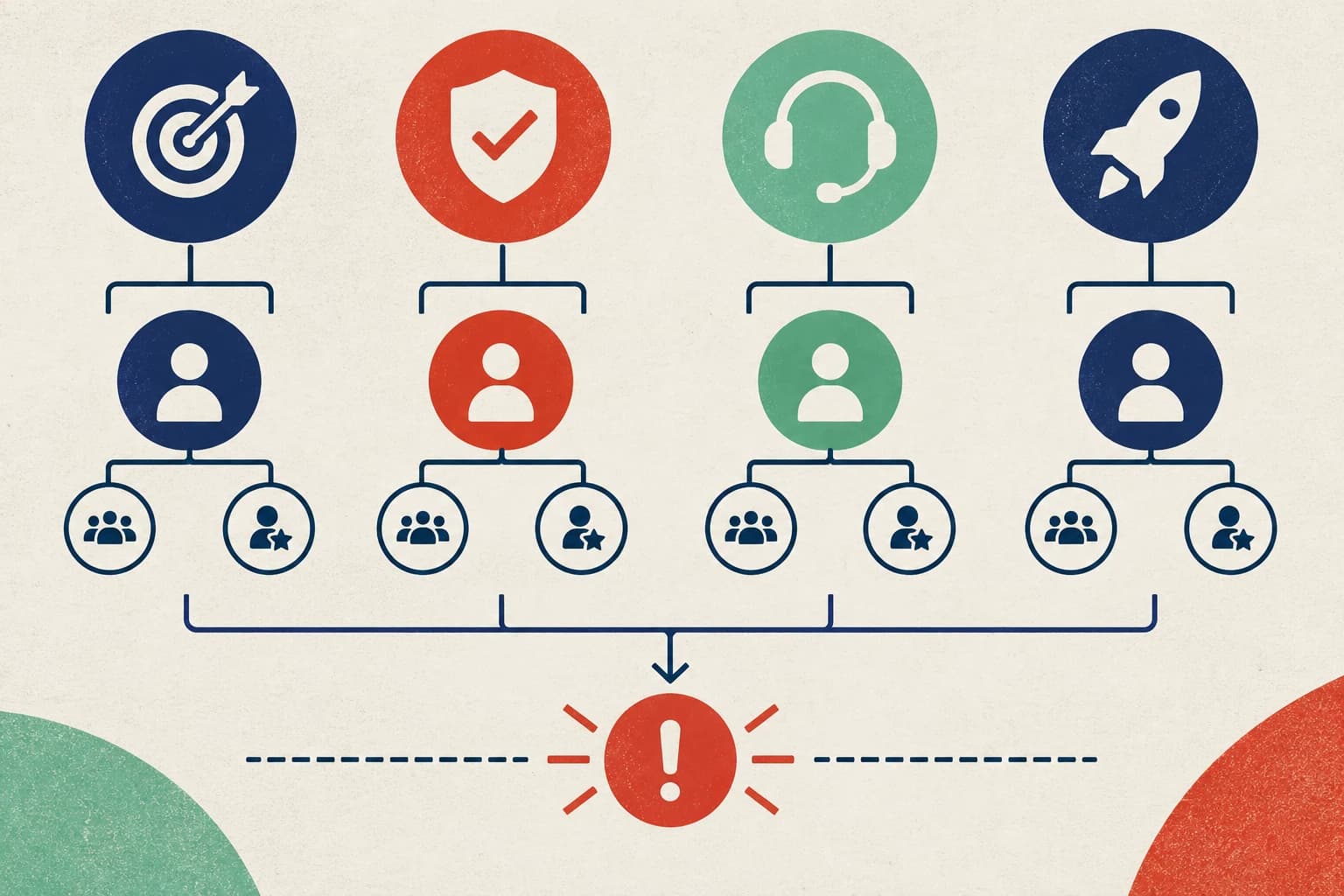
Define the kind of ownership you need
A product release may involve people from design, engineering, support, and operations. An org chart shows reporting relationships, but a release map needs to answer different questions: who makes each decision, who supplies input, who reviews risk, and who communicates the outcome? Reusing an org-chart hierarchy can obscure these distinctions.
State the scope, such as “release decisions for version 2.4.” Then list decision areas: scope, readiness, support preparation, and rollout. Give each area one accountable owner, even when several people contribute. Clear ownership prevents a decision from disappearing into a group chat where everyone is involved and nobody is responsible for closing it.
Walk through a release decision
Suppose a release includes a change to account recovery. The product lead records the user problem and proposed scope. Security reviews the threat implications; support checks the help content; engineering estimates implementation and rollback. The decision owner collects those inputs and records whether the change meets the agreed release criteria.
If security identifies a concern, the owner can ask for a mitigation or defer the change. The diagram should make that route visible without granting the reviewer authority they do not have. Conversely, if policy gives security a veto on a specific risk, state that authority explicitly. The distinction between advice and approval is operational, not cosmetic.
Make escalation and disagreement usable
People may disagree about readiness. Show what happens when a required reviewer does not approve or an input is missing. A practical route might send the question to the release owner for resolution, or to a named governance group if policy requires it. Avoid a dead end labeled “blocked” with no owner or next step.
Do not depict escalation as a way to overrule legitimate safety concerns. The map should identify the authority that can resolve scope or timing, while preserving non-negotiable policy gates. If the organization has not settled who can decide, mark the gap and ask leadership to define it before publishing the hierarchy as guidance.
Prevent the diagram from becoming a people directory
Prefer roles over individual names so the map survives staff changes. Keep personal contact details in a maintained directory. If a temporary release requires a named delegate, add that name to the release record rather than changing the reusable diagram. A responsibility map should help locate authority, not list everyone who might attend a meeting.
Likewise, avoid a branch for every department that has a minor interest. Include roles whose input changes the decision or whose work is required. If a group only needs an update, show it under communications. That distinction keeps the map compact and prevents the false impression that every stakeholder must approve every choice.
Check the map against the next release
Ask each role to identify a decision they own, an input they owe, and the person who resolves a disagreement. If two roles believe they are the final approver, clarify the authority. If no one recognizes responsibility for support readiness, add an owner or change the scope. The map should reflect how work is supposed to happen, not merely how it happened once.
After a release, compare the map with the real decisions. A last-minute review may expose a missing role or an unnecessary gate. Revise the responsibility structure with the people who rely on it and keep the decision record for the specific release separate. This lets the reusable map explain governance while each release file documents what happened in practice.
In Autodiagram, outline release decision areas and nest the accountable role, contributors, and required reviewers beneath each. Choose a hierarchy layout, then edit the wording so consultation is not mistaken for approval. Use a separate process view for the release sequence if needed; export the responsibility map as PNG or SVG for the release playbook.