Write the route before the shapes
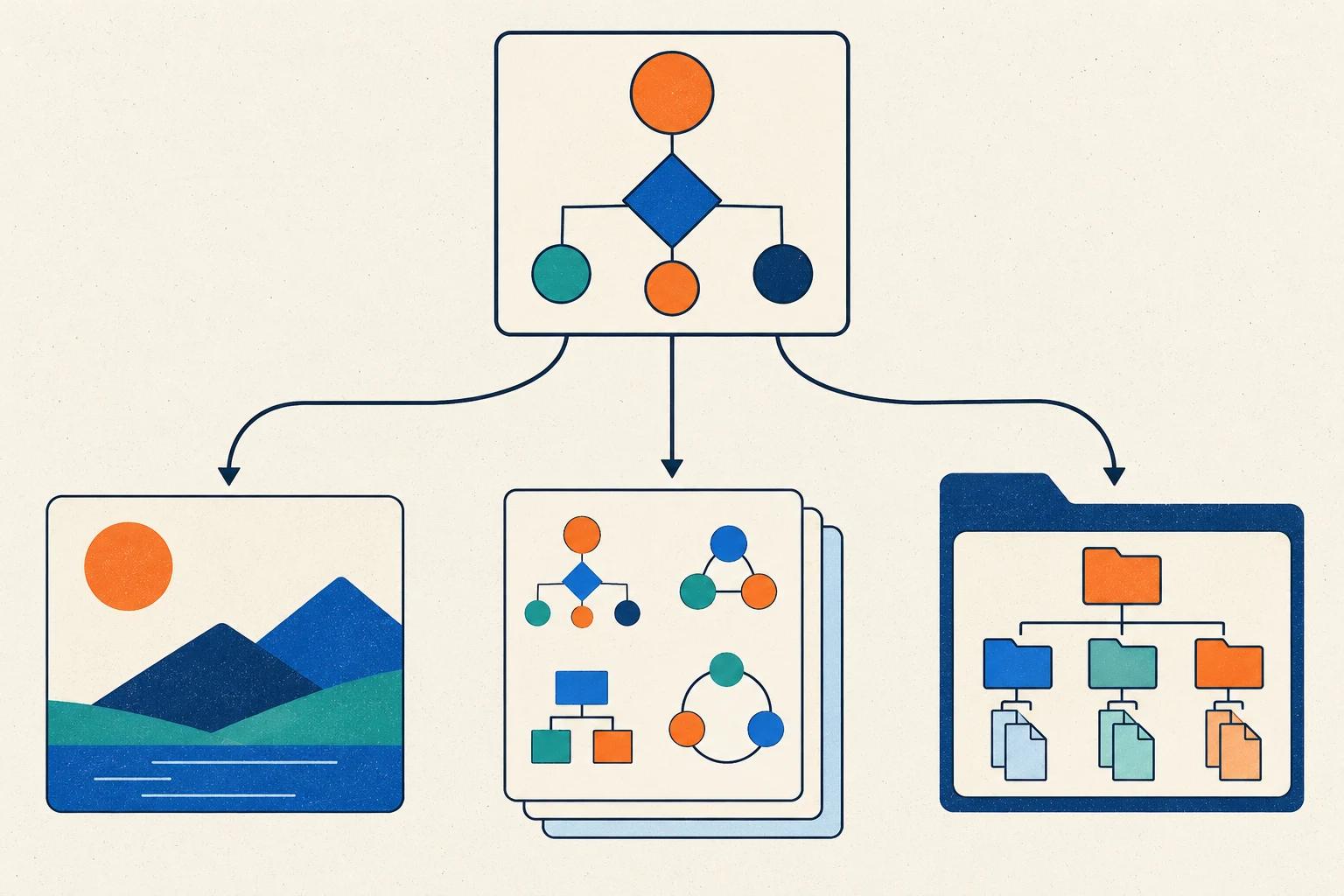
The free flowchart maker turns an ordered list into a linear or looping process. Begin with a title and short action lines. Write the ordinary path first, then identify questions that genuinely change what happens next. For those decisions, keep each path as its own flow or open the editor and use an indented outline with a tree layout. A branching diagram should reflect a real route, not a guess about what a process probably does.
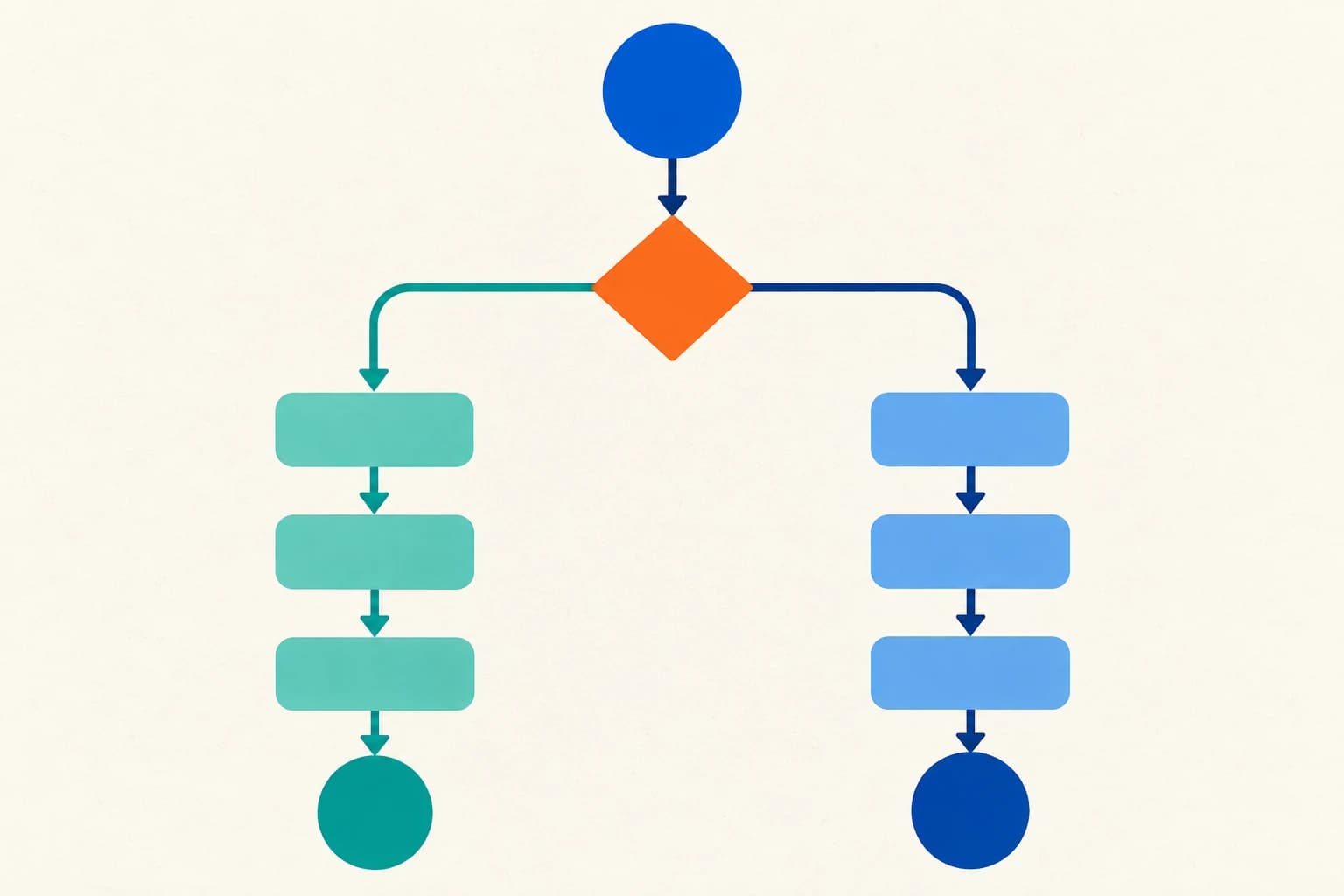
For a late invoice, you might map “Receive question,” “Check payment status,” then branch to “Payment pending” or “Payment posted.” Give each branch a meaningful next step. If both answers result in the same action, there may be no need for a decision in the chart.
Keep labels concrete
Use verbs for steps and clear questions for decision points. “Review” leaves the reader wondering what to inspect; “Compare invoice with purchase order” names the work. A decision label should describe the condition whose answer determines the next route.
Keep policy thresholds grounded in the source. If a payment counts as late only after a particular number of days, include that rule only after the responsible owner confirms it. The tool will draw the text you give it; it cannot verify whether your organization’s process is current.
Preview the branch structure
Preview the free tool’s straight, winding, looping, or step layouts for the common route. These layouts do not turn a question into arbitrary yes/no edges. When the next action depends on an answer, open the editor, put the outcomes on indented lines, and select a tree layout. Follow each branch from the starting point to an outcome. For a route that rejoins an earlier node, use explicit relationships in native syntax and inspect the result, or explain that return in a separate flow.
The deterministic tool does not add missing steps, so incomplete text remains incomplete in the result. That can be a strength when exact structure matters, provided you review it. If you need help organizing rough notes, use the AI editor to draft a starting point and then confirm it against the real process.
Check exception handling
Run one ordinary case and one exception through the chart. A payment that is merely delayed may follow a different route from a duplicate charge or a mismatched amount. Avoid collapsing cases when their resolution or owner differs.
If the process is too detailed for a clear single view, show the common route and point to a separate procedure for specialized exceptions. The diagram should orient people, not replace every policy paragraph or exact instruction needed to resolve a case.