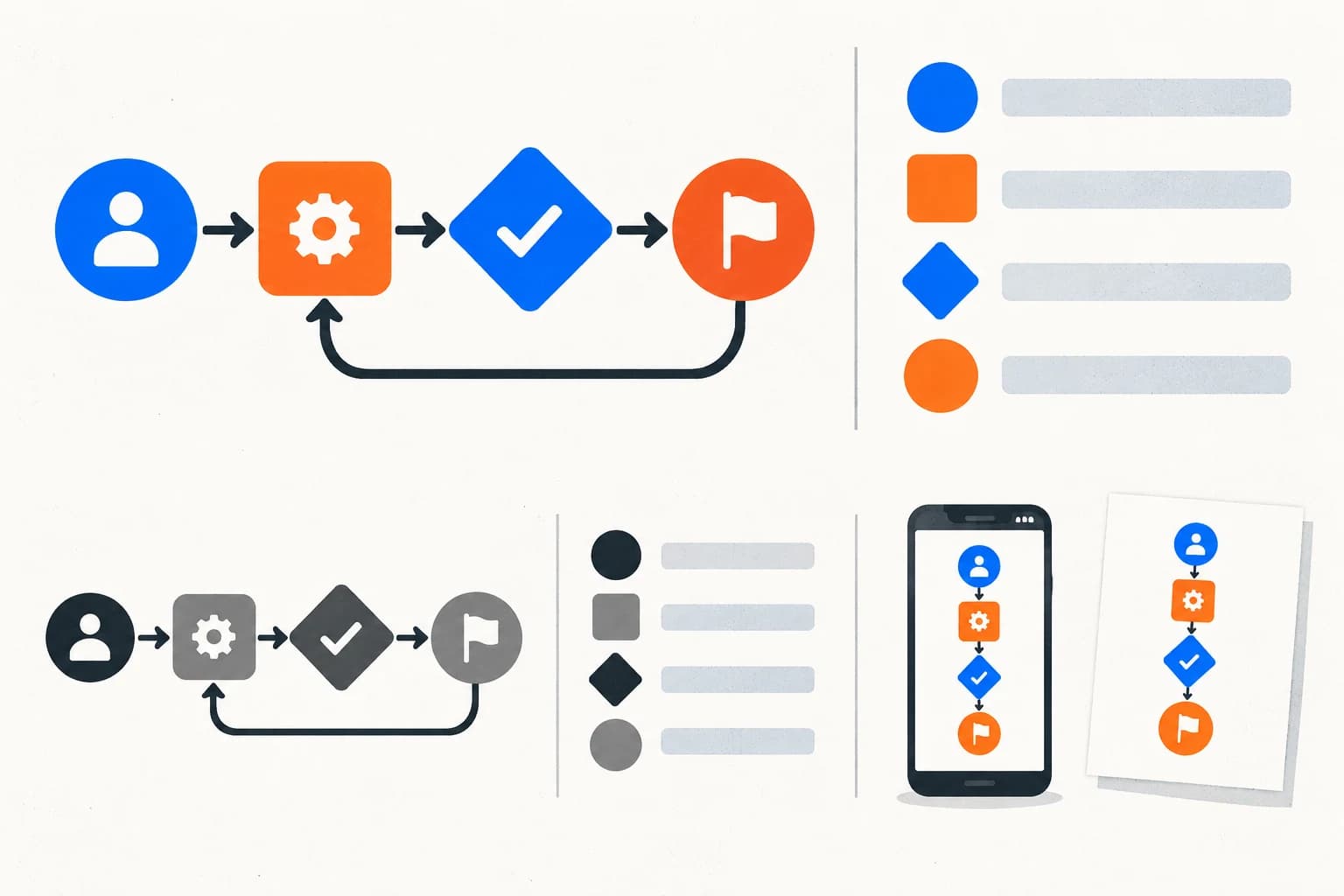
Start with decisions people need to make
A content matrix can prevent a campaign from sending the same message to everyone. For a public service change, residents may need to know how to use the service, volunteers may need to explain it, and partner organizations may need referral details. Begin with the questions each audience must answer, not with a list of channels the communications team wants to fill.
Avoid treating an audience as a single person with one need. Some residents may use the service regularly; others may be discovering it for the first time. Note meaningful differences when they change the content or timing. The matrix is a planning tool, not a claim that every member of a group behaves alike.
Build rows around useful audience groups
Choose groups based on different information tasks or relationships to the change. “Residents,” “volunteers,” and “partner organizations” may be a workable first pass. If language access or limited internet changes the communication route, represent that need as an attribute or separate path rather than assuming a single channel serves everyone.
Use audience labels that people recognize and check for omissions. Frontline staff, caregivers, or people who rely on a translated version may need a place in the plan. Do not multiply segments without a reason; too many narrow categories can produce an unmanageable content calendar. Keep only distinctions that change the answer, format, or distribution method.
Choose columns that guide production
Useful columns might include audience question, key information, channel, timing, and owner. A resident’s question could be “What changes on Monday?” A volunteer’s might be “What do I say when someone asks for help?” A partner may need a referral route and effective date. The cells lead directly to content tasks rather than abstract messaging pillars.
If cells become long paragraphs, use short labels and link to a brief. The matrix should allow the team to see gaps and overlaps across audiences at a glance. It is not the place to draft every sentence. Keep detailed copy in its working document, with a stable reference from the relevant cell.
Check one audience at a real moment
Imagine a resident arrives at the usual service location on the first day after the change. What should the sign explain? Where can they get help? What happens if they do not have a smartphone? This walkthrough exposes missing practical information that a campaign slogan cannot supply.
Now follow a volunteer preparing for a shift. They need the effective date, a plain-language explanation, and a way to escalate a question they cannot answer. If the matrix only plans social media posts, the volunteer has no reliable reference. Include internal briefing content and a contact owner so the public message and front-line guidance stay aligned.
Use channels with their constraints in mind
A web page can hold detailed and current instructions, while a printed flyer may reach people at a physical location. A text message can alert a subscriber but has limited room for context. Choose channels based on access, urgency, and update needs. Do not assume that posting the same copy everywhere produces equal reach or comprehension.
If the information changes often, designate a source of truth and make other materials point to it where practical. A printed notice may need a date and phone contact because it cannot update itself. For partners, a short briefing may be more useful than a public post. The matrix helps surface these channel-specific needs before production begins.
Assign ownership and check coverage
Give each content task an owner and a review path. The service lead verifies policy; communications edits for clarity; a translator or access specialist reviews the relevant formats. These roles should be confirmed rather than assumed. A blank owner cell is a production risk, not an invitation for someone to pick up the work at the last moment.
Before publishing, scan across each audience row to see whether its core question is answered, then scan down each channel to detect conflicting dates or promises. Ask a representative reader to find the information they need. Update the matrix when the service changes and retire obsolete content. An audience-content plan is effective when it connects real questions to clear, maintained answers.
In Autodiagram, place audience questions, content needs, channels, and owners into a compact outline, then choose a comparison layout to inspect coverage. Edit cells to identify a source of truth and language or access needs. Export PNG for the campaign review or SVG for a communications plan that will be resized.