Start with the outcome and boundaries
A project plan becomes difficult to use when it begins with a long task inventory and never states what the work is meant to change. Write the intended outcome in terms a stakeholder can recognize, then name what is outside the effort. For a new account setup, the outcome might be that a first-time administrator can invite a teammate and configure a basic workspace without staff assistance. It would not automatically include a full permissions redesign or migration of every legacy account.
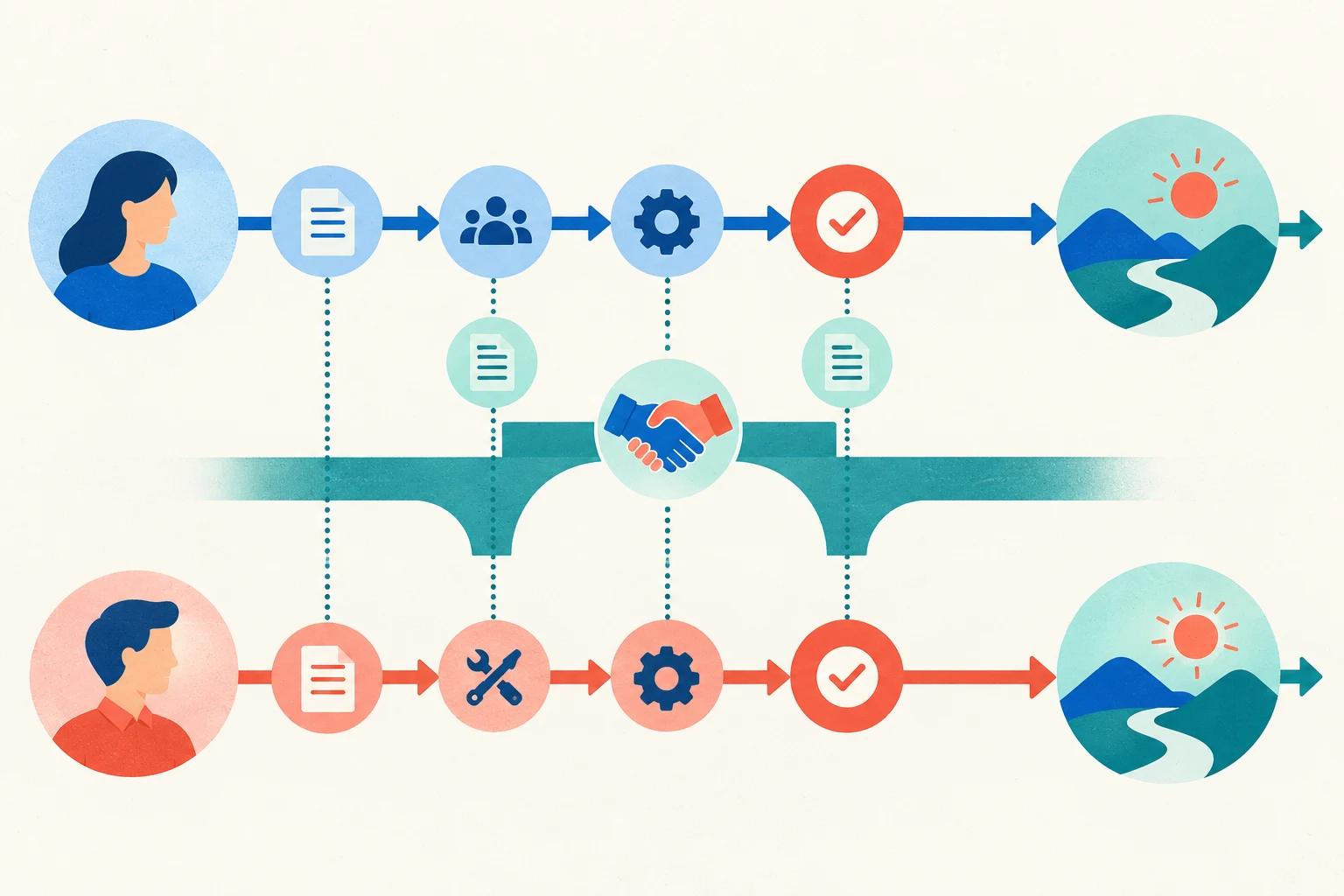
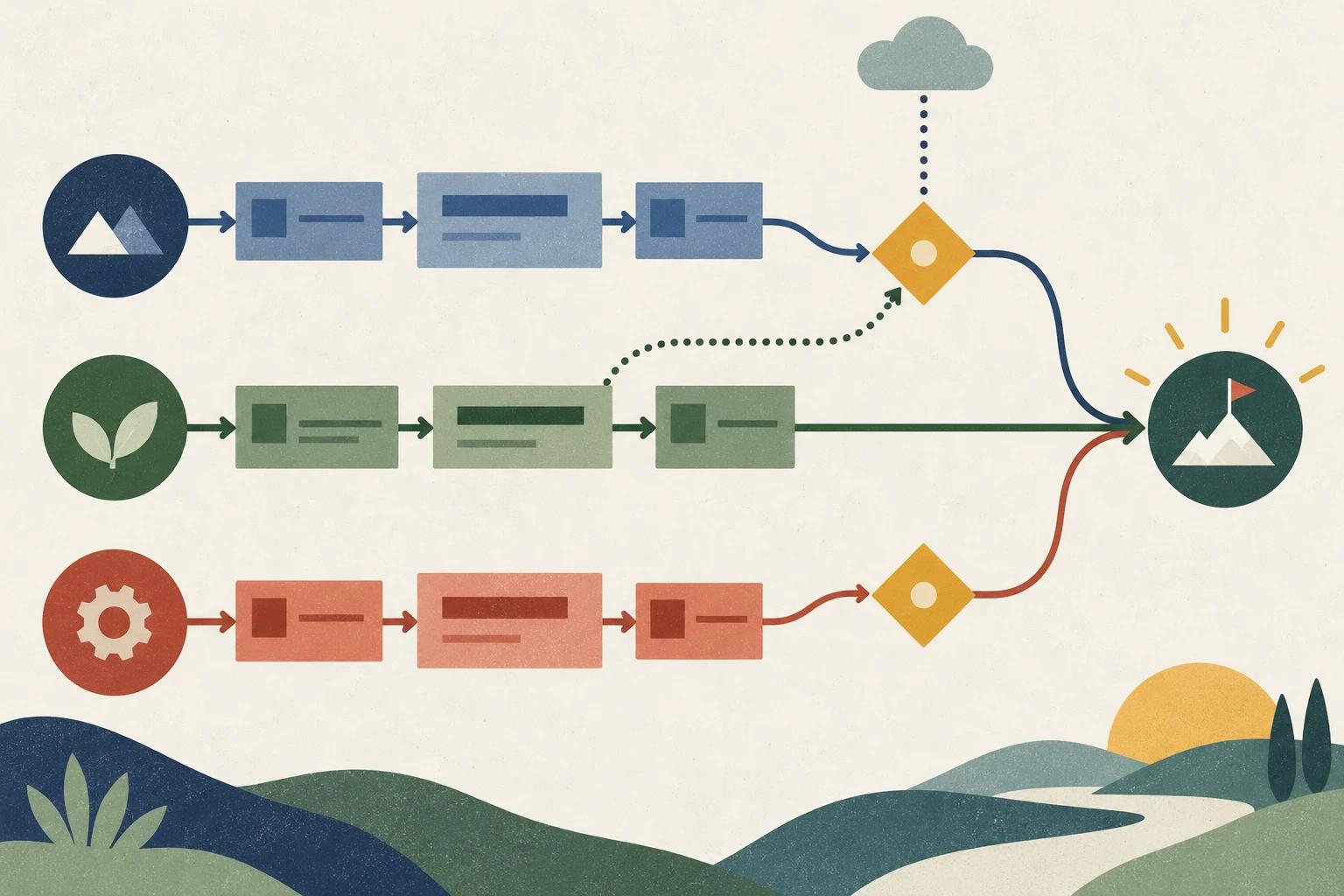
Boundaries prevent the plan from expanding every time someone raises a related idea. Keep candidate improvements visible, but distinguish them from commitments. Ask who can approve a scope change and what evidence should trigger that decision. The map can show the initial outcome, a decision gate for changing scope, and the work streams that support delivery. This lets contributors understand why tasks exist and gives sponsors a place to resolve tradeoffs rather than adding invisible work.
Map work streams before dates
List the major kinds of work before assigning dates: product discovery, technical investigation, design, implementation, migration, support preparation, and release decisions might all matter. Then mark dependencies between them. A date attached to a task that still lacks an input can create false confidence. Use a dependency label such as “requires approved data model” or “can start with a test fixture” so the team can distinguish a true blocker from a preference.
For the account setup project, interface implementation may begin against a stable draft while migration planning waits for an inventory of old account roles. Security review could run alongside design if its questions are raised early. The map should reveal these parallel paths and their convergence points. Resist connecting everything to everything; show only relationships that change sequencing, risk, or ownership. Too many arrows make the plan look rigorous while obscuring the few dependencies that deserve attention.
Make decision gates explicit
A gate is a decision with a defined owner and evidence, not just a milestone with a date. Examples include whether the user problem is understood well enough to commit, whether a migration can be tested safely, and whether the release is ready for the intended audience. Put the decision question, decision maker, contributors, and evidence beside the gate. If the decision can be reversed cheaply, note that; a reversible choice may deserve a faster path than a costly or risky commitment.
For example, the sponsor might approve a limited pilot after usability sessions show administrators can complete the essential setup and support staff can explain the recovery route. Those sessions do not prove every future case is handled. State the scope of the evidence. A gate should prevent a specific category of avoidable surprise, not provide the comforting appearance of a checklist. If evidence is inconclusive, the map needs an explicit path to gather more information or revise the plan.
Assign ownership and capacity honestly
Every major work stream needs one accountable owner and collaborators whose commitments are understood. “Engineering” or “the product team” is a group label, not a person who can surface a delay. Show the owner’s role and the decision or deliverable they own. Check capacity with the people doing the work before the plan is presented as fixed. A roadmap that assumes every specialist can support several parallel projects may be attractive and unusable.
Dependencies also consume attention. A security reviewer, data specialist, or customer-facing lead may be needed at a narrow point, so identify that request early. If a task depends on an external vendor or a separate team, show the contact and what response is needed. Avoid hiding an unresolved external dependency behind a date. A useful plan gives sponsors a chance to negotiate scope, sequence, or staffing while there is still room to change those choices.
Treat risks as routes, not decorations
A risk belongs in the plan when it can change a choice, schedule, or outcome. For each meaningful risk, show an early signal, a response, and the owner. “Migration may be difficult” is a mood. “If existing accounts contain roles the new model cannot represent, pause migration and ask the product owner to choose a supported mapping” gives the team a route. Where probability is hard to assess, record uncertainty without inventing a precise score.
Include an alternative route for the risks that would force a major change. Could the project launch to a smaller group? Can a manual step provide a temporary bridge? What cannot be safely rolled back? These questions help the team decide how much validation to do before committing. Keep contingency work distinct from the main path so it does not appear to be guaranteed scope. Revisit risk branches as evidence changes; stale warnings can obscure new problems.
Update the plan as a working agreement
Use the map in regular project conversations. Ask what changed, which dependency is now active, and what decision needs an owner. Update dates only after checking the reasons behind the change. A slipped date may be a symptom of a missing decision, a new discovery, or work that was larger than assumed. The plan should help the group name the cause and choose a response, not just make the red date move to next week.
Record significant changes with a brief explanation so stakeholders can understand the current route. Archive completed branches or mark them done instead of letting the plan grow indefinitely. When the project closes, compare the delivered outcome with the original boundary and capture which assumptions held. This makes the next plan more grounded. A shared diagram can support this conversation, but the team still needs one agreed source for task status and the formal project record.
Autodiagram can turn your work streams, dependencies, and decision gates into an editable project visual. Start with concise labels, branch from genuine blockers, and export an SVG for the project brief.