Define the event that changes the owner
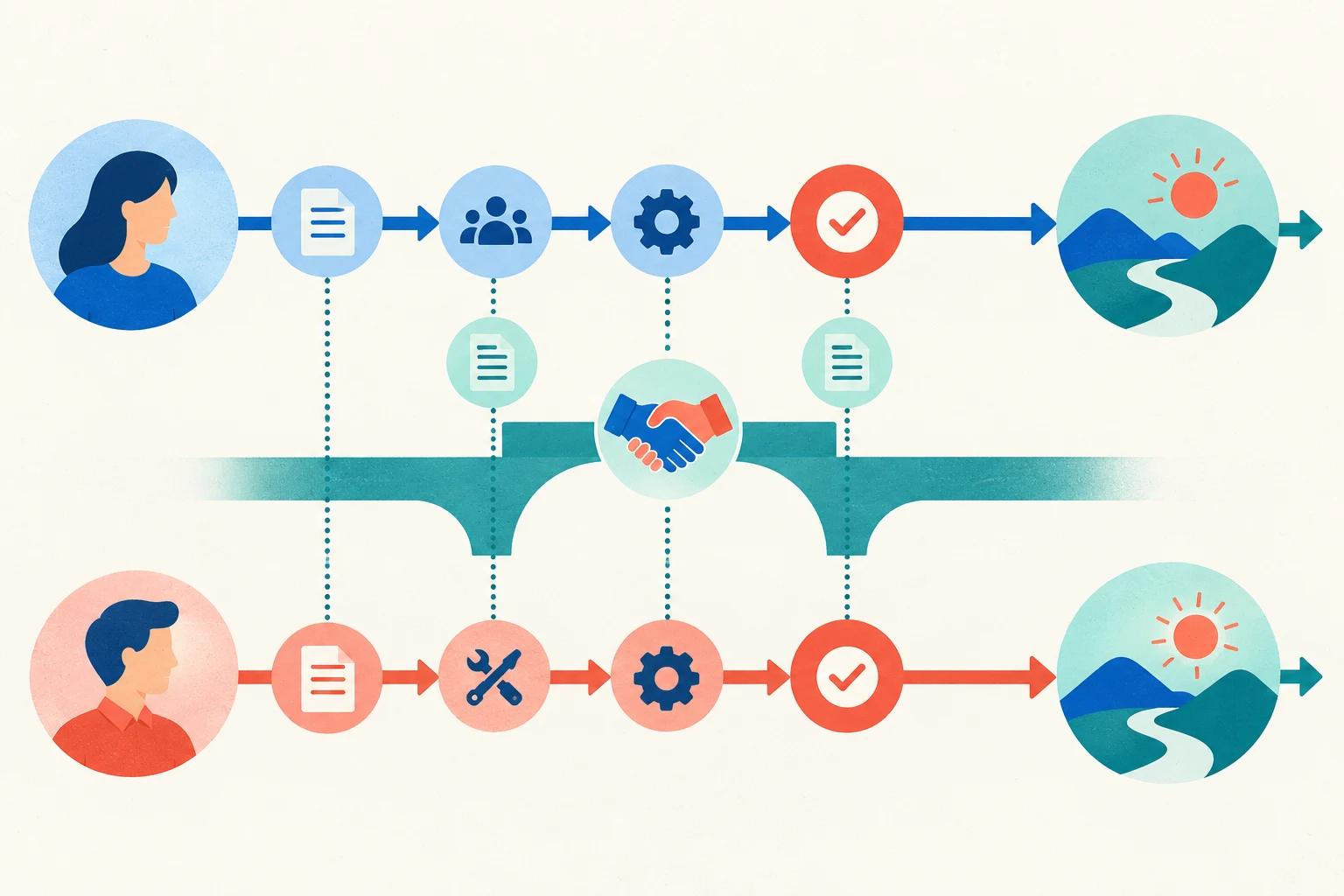
Escalation maps often list severity labels without saying what actually moves work from one person to another. Begin with observable triggers: a repeated failure across accounts, suspected exposure of customer data, an outage affecting a core task, or a case that has exceeded a team’s response boundary. Each trigger should point to a named role and an immediate next action. A category like “high priority” is not enough unless people can recognize it consistently in the queue.
Imagine a customer reports that a scheduled export contains stale figures. Support first confirms the affected workspace, export time, and comparison source. If one report is involved, the case stays with the support owner while they check cache and refresh behavior. If several customers show the same pattern, the owner opens the engineering escalation and links the related cases. The map clarifies the transition while leaving technical diagnosis to the people responsible for it.
Make the handoff packet short but complete
The receiving team needs a compact packet that supports investigation, not a pasted transcript. Include the user impact, affected scope, time first observed, steps already tried, expected versus actual behavior, and any safe reproduction. Preserve relevant identifiers according to company policy, and avoid copying secrets or unnecessary personal data into a broad channel. If evidence is unavailable, state that plainly. An explicit gap is easier to address than a confident but unsupported theory.
For the stale export, a useful handoff might include the report identifier, timezone, refresh timestamp, one sanitized sample row, and whether a manual refresh changed the result. It should also state what the customer needs next and when support will update them. Keep internal diagnosis separate from customer-facing language. A hypothesis can guide engineering investigation, but it should not be repeated to the customer as a confirmed cause until evidence supports it.
Keep the customer relationship in view
Escalation does not transfer the whole relationship to engineering. Show who remains responsible for communicating with the customer, who owns technical investigation, and how those owners coordinate updates. Without this distinction, each side may assume the other is replying. Set a practical next contact time based on the team’s real commitments, and tell the customer what is known, what is being checked, and what workaround is safe if one exists.
If the issue affects a time-sensitive customer task, the map can route to a temporary workaround review before the underlying defect is understood. That route should include a check for risks: Does the workaround alter data? Does it require elevated access? Can the customer reverse it? Avoid suggesting a manual fix merely because it seems fast. The support owner should confirm that the workaround is approved and explain its limits in plain language.
Add a path for urgency and uncertainty
Some cases do not fit established labels. Give people a safe path for uncertainty, especially when potential harm is serious. The map should identify the incident contact, what information to preserve, and which actions to avoid while specialists assess the situation. A suspected security incident, for example, may require a restricted reporting channel and careful evidence handling. Do not embed sensitive investigative details in a widely shared escalation diagram; link to the approved internal procedure instead.
Urgency also needs a response when the usual owner is unavailable. Name an alternate role and a time-based fallback, but use the team’s actual coverage model rather than inventing a universal response promise. A routing map that says “page the escalation lead” without identifying the current on-call route will fail during the exact moment it is most needed. Test the route with someone outside the immediate team and check that they can find the contact without private explanation.
Close the loop across teams
Define what “resolved” means for the customer and what “closed” means for the internal case. The customer may confirm that work resumed while an engineering follow-up remains open; conversely, a patch may be deployed while the customer still needs help recovering a failed task. Keep these states visible so a technical status does not accidentally stand in for customer confirmation. Record the next owner and any remaining follow-up before the escalation leaves the active queue.
After closure, connect the case to a durable fix or a known limitation when appropriate. Update the support note if the next person would repeat the same investigation. If the issue was a one-off, say why it does not justify a new process branch. This prevents every unusual case from accreting permanent complexity. Review repeated escalations for patterns in routing, documentation, or product behavior, and assign a person to decide whether the map itself needs to change.
Practice the route before a real incident
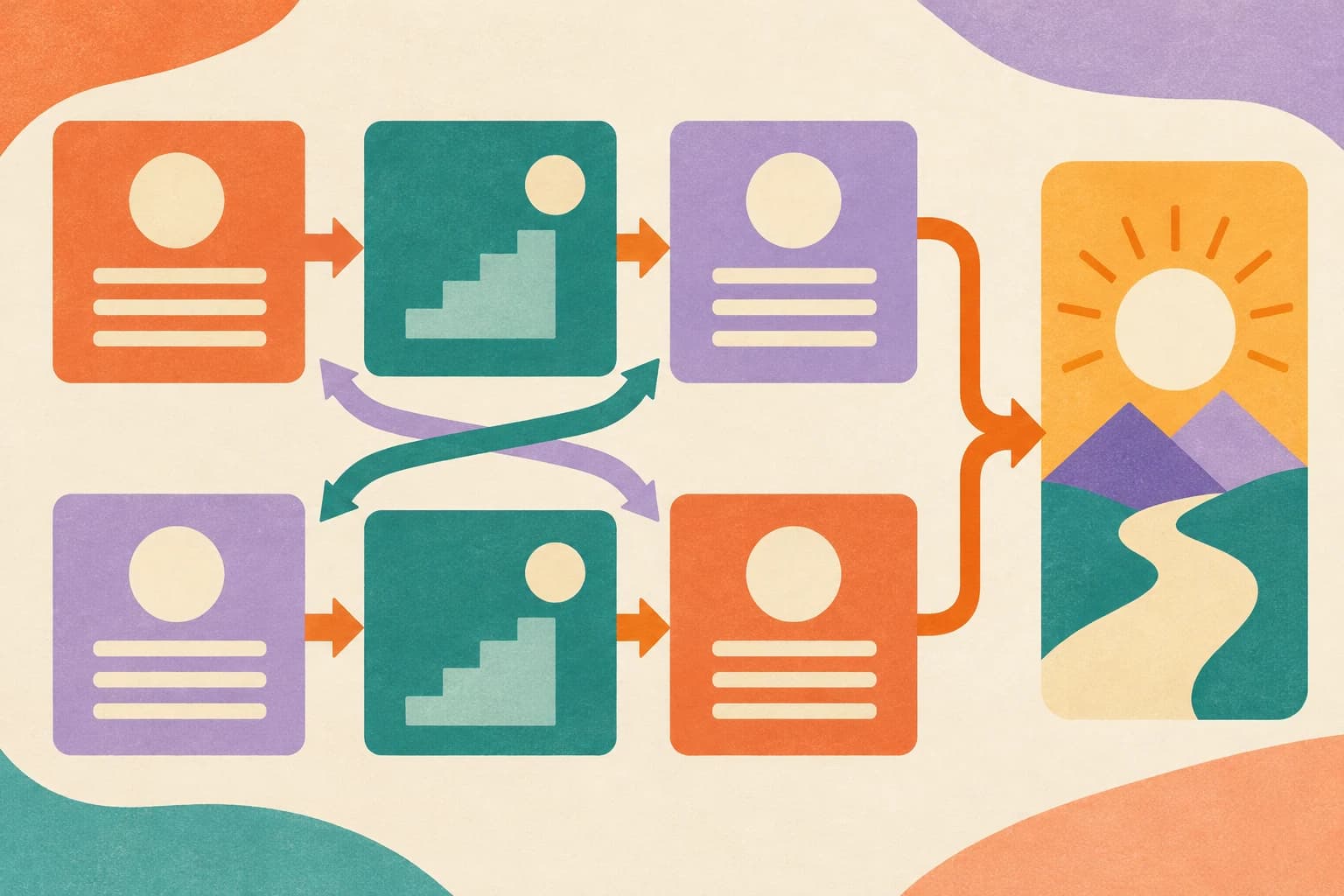
Walk through a realistic case with support and engineering together. Give each participant only the information they would have at that stage, then note where the map asks them to make an assumption. Does support know when it has enough evidence? Can engineering find customer impact quickly? Is there an owner for the next update? A tabletop exercise should expose ambiguity without turning into a performance test of individual staff.
Revise the smallest part that failed and run the scenario again. Keep the escalation thresholds, packet fields, and customer-update responsibility legible at a glance; move detailed technical instructions into linked references. The map is useful when a new teammate can route an ordinary case confidently and knows how to ask for help when the situation falls outside the ordinary path.
Use Autodiagram to lay out escalation triggers, evidence, customer contact, and specialist ownership from a simple outline. Keep case details in the ticketing system; export the reusable route as an SVG for support training.