Make the purpose and audience explicit
An eligibility tree can help applicants understand whether a program fits, or help staff screen applications consistently. Those are related but different jobs. For a community workshop, write the title and opening note for the intended reader: prospective participant, intake volunteer, or program coordinator. Use language they can answer without interpreting internal policy terms.
State what the tree decides and what it does not. It may determine whether someone meets age and service-area requirements, but it should not promise admission if seats are limited or accommodations need a conversation. A plain boundary note protects readers from mistaking an initial screen for a final enrollment decision.
Translate rules into answerable prompts
Suppose participation requires a minimum age and residence in a defined service area. Ask for age at the date of the workshop, not a vague “old enough?” Ask for a town, postal area, or other accepted location evidence, using the program’s actual rule. Define borderline cases such as someone who will reach the required age on the first workshop day.
Put the criteria in an order that helps the reader. If age is the simplest disqualifier, ask it first; if the service area is more likely to need clarification, the order may differ. Avoid collecting sensitive details before they are needed. The diagram should not ask for more personal information than the eligibility check requires.
Keep the clarification route humane
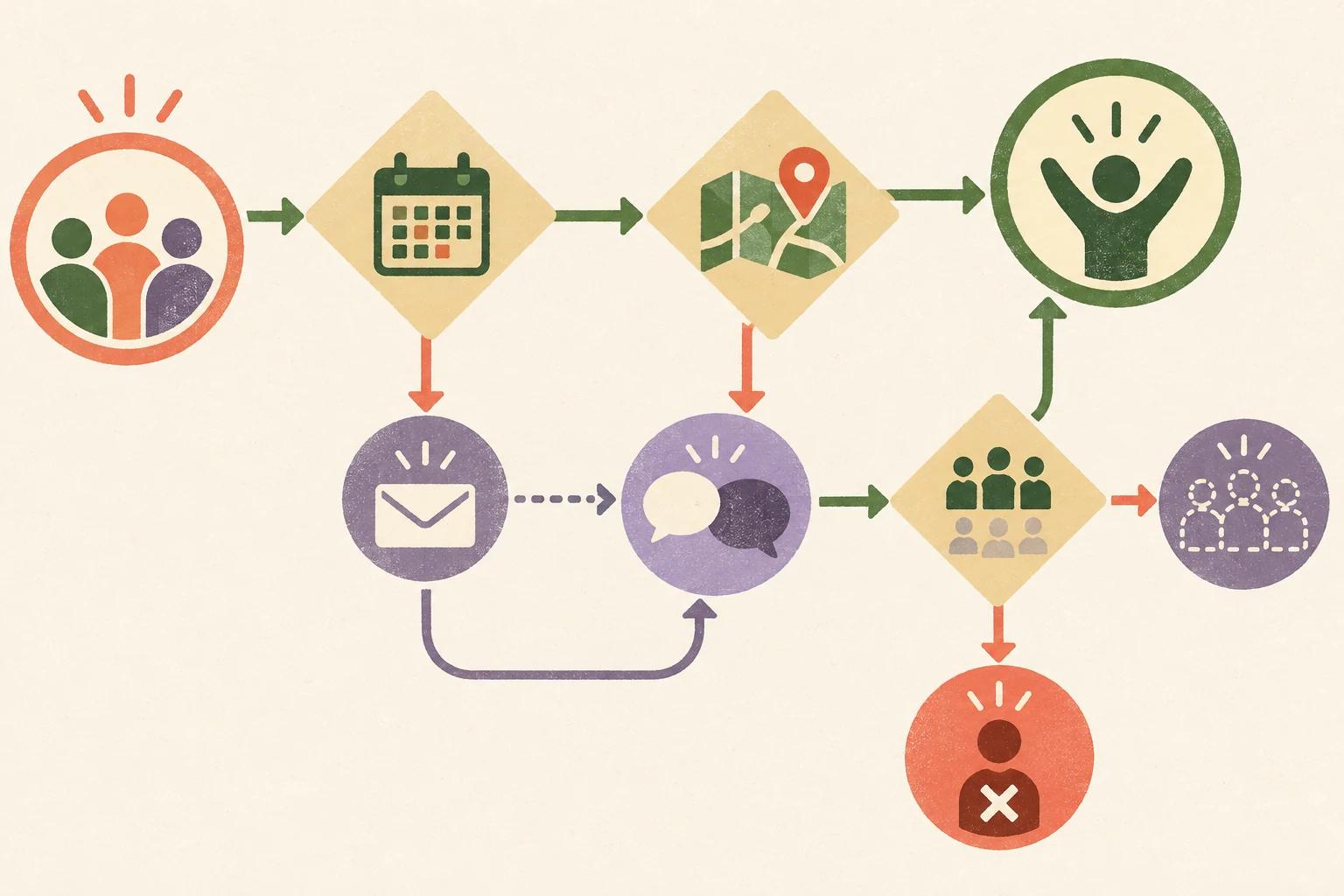
A missing address or unclear age should lead to “ask for clarification,” not an immediate rejection. Give the applicant a clear way to provide what is missing and identify the staff role that reviews the answer. A route that treats incomplete paperwork as ineligibility can exclude people who simply misunderstood a form or need help using it.
Accommodation requests deserve a route to a knowledgeable person, not a yes-or-no gate that presumes the program cannot adapt. The tree can explain that participation details need discussion and point to the coordinator. Do not make an unsupported promise that every request can be met; do make it clear that the question will be handled by someone with authority and relevant information.
Walk through borderline applications
Consider an applicant who lives just outside the named area but attends a partner school inside it. If the written policy includes partner-school participants, the diagram should show that evidence and route. If nobody knows whether the exception exists, do not invent one. Mark the policy question and ask the program owner to settle it before the tree guides intake decisions.
Try a second case: an applicant meets the age rule but leaves the location field blank. The route should request the missing detail and hold the decision, then re-enter the location check after a response. A third applicant requests an accommodation. That route should connect to a private, appropriate conversation rather than displaying sensitive details on a shared screening board.
Separate eligibility from capacity decisions
A person may qualify yet still face a waitlist because the workshop has limited seats. Represent eligibility and seat availability as separate decisions. Otherwise readers may interpret “no space” as “not eligible,” making later reporting and communication confusing. The final outcomes might be eligible and enrolled, eligible and waitlisted, or not eligible under a named criterion.
For a waitlist, explain whether a place is offered in order of application, by program priority, or through another agreed rule. If the selection rule is outside the tree’s scope, link to it. A diagram can expose an unfair or missing rule; it should not conceal it behind a generic “review application” box.
Check language, access, and consistency
Ask an intake volunteer to screen sample applications using only the map. Then ask an applicant unfamiliar with the program to explain the public version. Notice whether terms like “resident,” “partner,” or “accommodation” mean the same thing to both groups. Revise the wording where interpretation diverges, and provide a contact route for someone who cannot answer a question in the available format.
Compare decisions across several cases that differ by one fact. If two applicants receive different routes for the same reason, clarify the criterion or evidence standard. Review the tree with the program owner when eligibility policy changes. A well-made eligibility diagram offers consistent guidance while leaving room for respectful human support where a rigid branch would misrepresent a person’s situation.
Autodiagram can turn the age and service-area screening steps into a branched outline: put “clarify” and accommodation discussion beneath their own conditions instead of under rejection. Select a process layout and edit leaf nodes to separate eligibility from seat availability. Once program staff validate the wording, export PNG or SVG for applicant-facing guidance.