A leaf should resolve the reader’s immediate task
People often design a decision tree’s questions carefully, then leave the endings as “high priority” or “low priority.” Those labels describe an assessment but do not tell a maintenance coordinator what to do. A useful leaf states the action, its owner, and when to return to the decision if the situation changes.
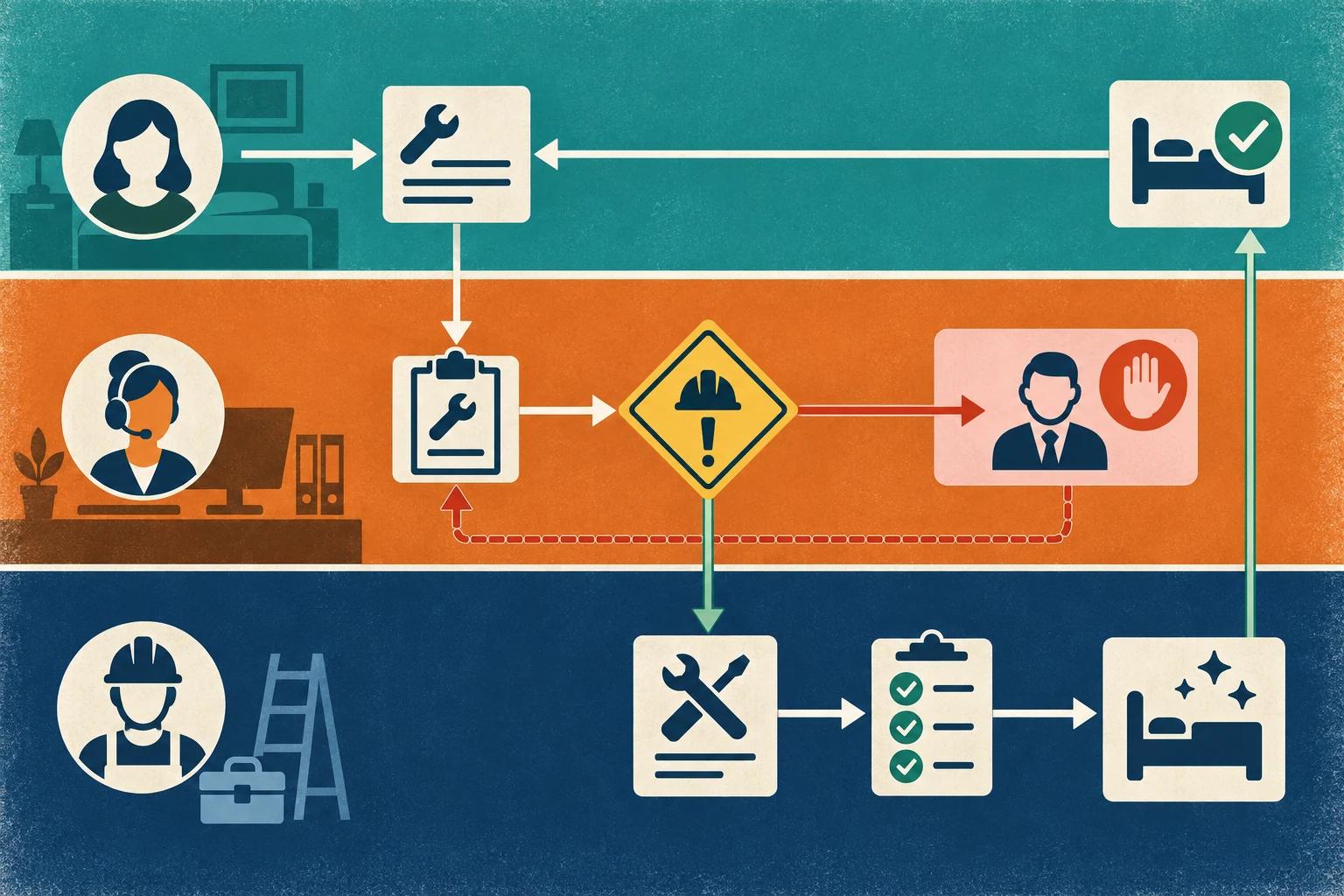
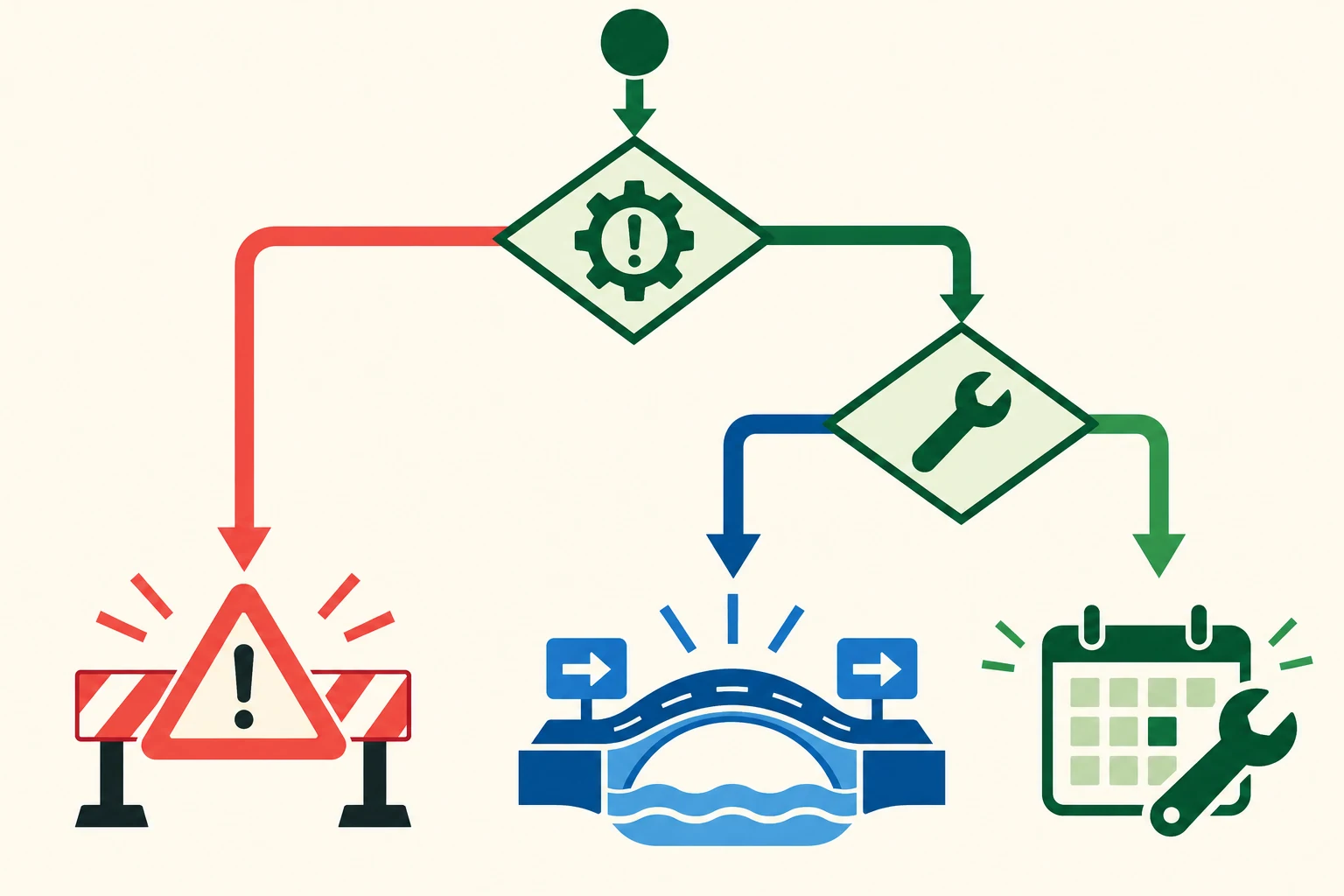
For a maintenance request, distinguish an immediate safety concern, a service outage, and routine wear. “Stop use and contact the duty supervisor” is an action. “Urgent” is only a classification. The leaf can include a priority label as supporting information, but readers should not have to search another document to learn what the label means.
Choose a stop condition that can be recognized
Start with a question such as “Does the issue create an immediate safety concern?” Define the concern in the local maintenance guidance: exposed wiring, unstable equipment, or another condition the organization explicitly treats as unsafe. The tree should not ask a volunteer to make a technical judgment beyond their training. When uncertain, provide a conservative escalation route.
If the answer is yes, stop the routine sequence: keep people away from the affected area and alert the designated supervisor. Include the actual local contact method in the published version or point to a maintained contact list. The map itself should not hard-code a personal phone number likely to become stale. It can name the responsible role and show where current contact details live.
Route service interruptions separately
A second decision can ask whether the issue blocks an essential service. A broken room booking tablet may be inconvenient; a failed access door may prevent the building from opening. Define “essential” for the setting rather than leaving it to interpretation. If the service is blocked, the coordinator may need to notify affected users and arrange a temporary alternative while repair is scheduled.
This path should return to the repair workflow after the temporary workaround is in place. Show who confirms restoration and who tells users the workaround can end. Without a closure step, a workaround can linger long after the original issue is fixed. Keep communication and technical repair as linked responsibilities if different people own them.
Make routine outcomes complete
When neither a safety issue nor a service blockage applies, the request can enter normal scheduling. A useful ending might say “Log asset and schedule next available maintenance slot.” If parts are required, add a decision about availability only if it changes the action: order a part and set an expected revisit date, or proceed with the repair.
Avoid terminating a path at “parts unavailable.” That outcome leaves the requester and the asset in limbo. Name who informs the requester, how the asset is marked out of service if needed, and what event restarts work. A decision tree is a promise of a usable route; every stop should therefore state what happens next, even if the next action is waiting for an external condition.
Use stop rules without over-escalating
Escalating every inconvenience can overload supervisors and teach staff to ignore the tree. Keep the safety stop strict, but distinguish it from routine urgency. Define a threshold such as whether a required service is unavailable, and let the coordinator schedule lesser problems. Do not assign severity based on a vague feeling when observable indicators are available.
At the same time, a short tree should not bury serious edge cases. If the facility has specialized equipment, create a linked procedure with its own stop rules. Avoid adding so much detail that a volunteer must navigate a page of exceptions before they can report an obvious hazard. Use the tree to get them to a safe next action, then let trained staff diagnose.
Test each ending with an actual request
Try a request about a loose chair, a room with no power, and a door that will not latch. For each one, ask a new coordinator to follow the questions and explain the final action in their own words. If they stop at “priority one,” the leaf is unfinished. If they route a safety concern to routine scheduling, revisit the definition or order of questions.
Maintenance policies and contact roles change, so assign the diagram an owner. A practical review checks that each stop condition still matches current guidance and that every role has an active escalation route. The value of a stop rule lies in reducing hesitation at the moment of decision; clear action language is more dependable than a dramatic warning icon.
Build the maintenance tree in Autodiagram with each safety or service question on its own line and action outcomes indented below. Choose a process layout, then refine the leaf labels to include the supervisor, coordinator, or technician who acts. Adjust the typography for a workshop notice and export the finished map as PNG or SVG alongside the maintenance policy.