Orient readers around the outcome
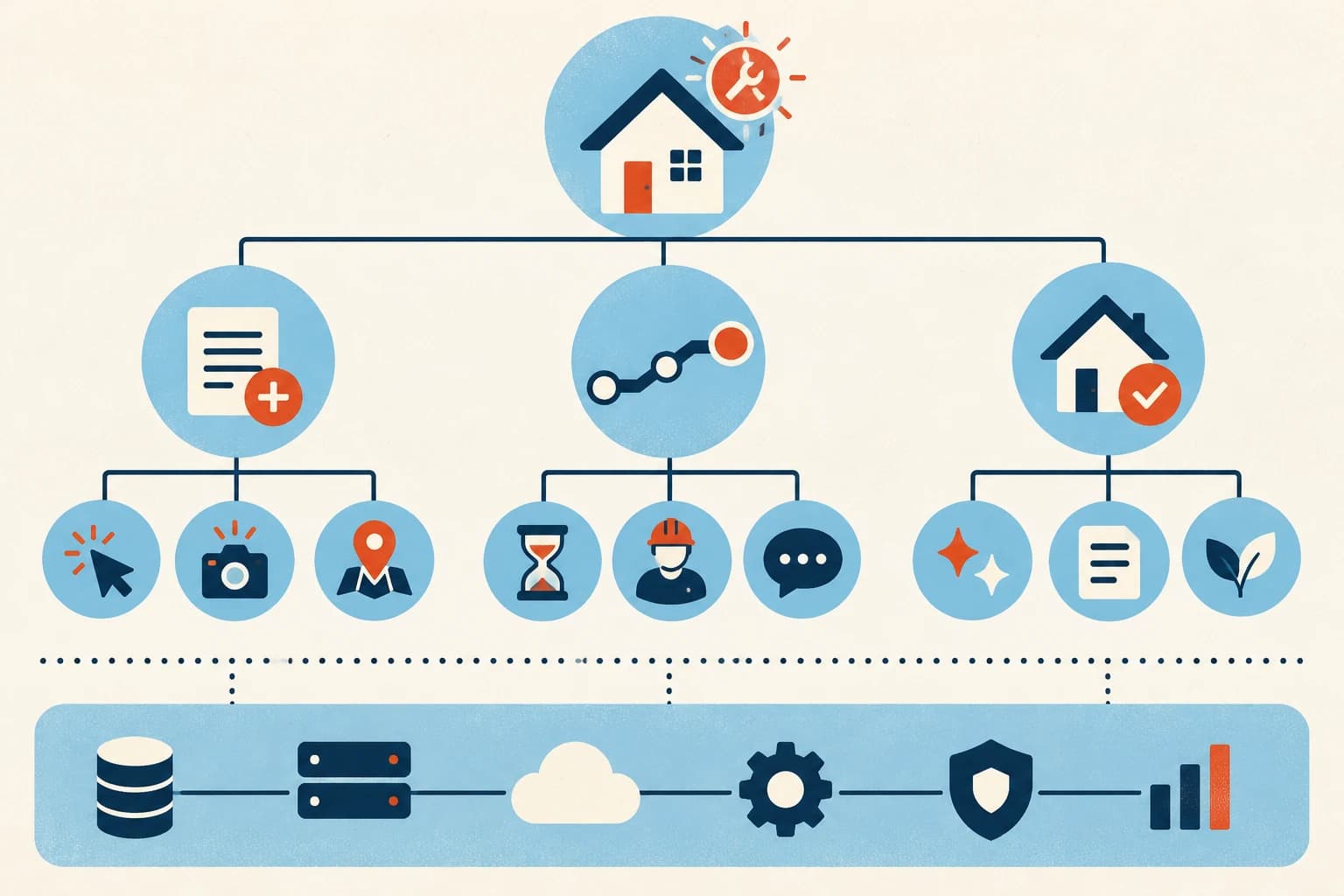
A hierarchy’s top node receives the most visual authority. For a digital service, “database” or “platform team” may be central to implementation but says little to new staff about why the service exists. Start with the user outcome: “Residents can request and track a repair.” The structure below can then explain what makes that outcome possible.
Ask what a reader should understand after seeing the top node. If the answer is a business goal, use that goal. If the diagram is an infrastructure inventory, a system name may be appropriate. The right root depends on purpose; there is no single best hierarchy independent of audience and task.
Branch into capabilities before implementation details
Under the resident outcome, branches might include submit a request, receive updates, and see resolution status. These capabilities describe what the service enables. Beneath them, a more detailed map can show intake, triage, assignment, and notification processes. Keep technology components—form, database, messaging service—in a separate technical view unless staff need them to understand ownership.
This layered approach avoids mixing product promise with engineering implementation. A capability can be supported by several systems, and systems can change while the user need remains. If staff need to know where data is stored, link to the architecture view. The top-level hierarchy should not force a new employee to learn a database diagram before they understand the service.
Walk from outcome to a concrete example
A resident reports a streetlight outage. The request capability includes a form with location and issue details; the tracking capability lets the resident see that the request is received and assigned; the resolution status communicates inspection or repair. These branches connect a high-level service promise to concrete interactions without detailing every screen.
Check each branch by asking whether it contributes to the parent outcome. If “internal reporting dashboard” sits at the same level as “resident updates,” it may describe a staff capability rather than an outcome. Place it under the relevant operational branch or create a second hierarchy for internal service delivery. A single map should not hide different audiences under one apparent level.
Expose ownership where it helps
New staff often need to know who maintains a capability. Add role labels or an adjacent ownership column: service team owns intake, field operations owns inspection, communications owns public guidance. Keep this distinct from the conceptual hierarchy. A role is accountable for a branch; it is not necessarily a child that the capability contains.
If ownership is shared, state the boundary. The service team may maintain the status interface while field operations provides the repair state. That dependency is worth a cross-link. A clean hierarchy should not imply a single team controls the entire user experience when work passes between roles.
Keep implementation and exceptions in their proper views
Technical components, detailed workflows, policies, and edge cases can each need their own diagram. A hierarchy that includes all of them becomes a dense map no new employee can scan. Keep the overview to a few levels and link to the detailed process for emergency reports, duplicate requests, or outages in the notification service.
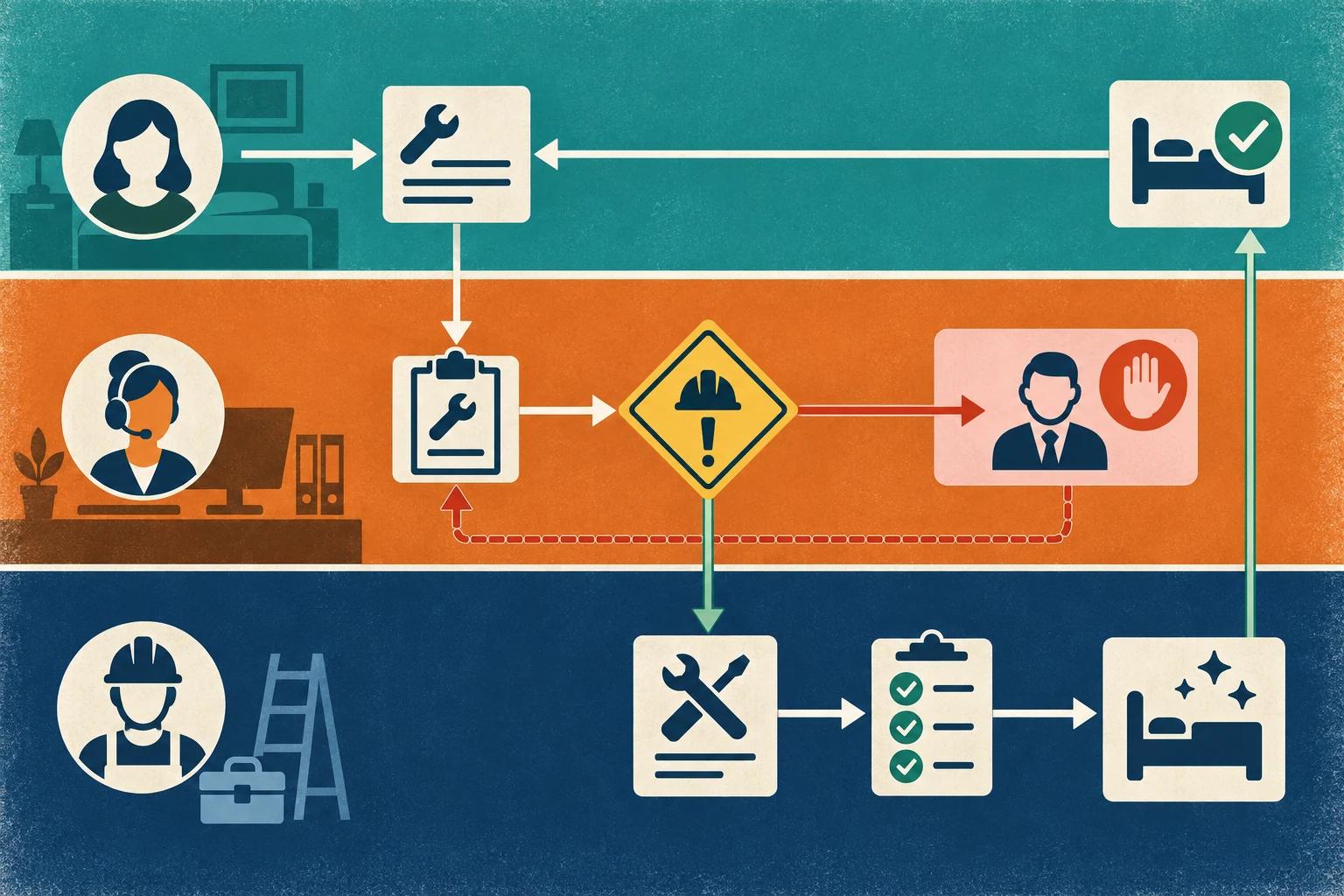
A note can show an important boundary: the map describes the standard repair request, while emergency hazards use a separate hotline. That caveat prevents the overview from being misused. Do not bury a critical exception in a tiny footnote; if it changes the user’s immediate action, make the route visible or create a prominent adjacent callout.
Check the root with new readers
Show the hierarchy to someone new and ask them to describe the service in one sentence. If they begin with the system name rather than the user need, the root may be too technical for your purpose. Ask them to trace the streetlight example to an owner and find where a resident receives an update. Their route tests both orientation and practical usefulness.
Revisit the top node when the service purpose changes. A redesign may add new audiences or outcomes, requiring branches to be reorganized. Keep the architecture and capability views connected by stable names. The hierarchy is an entry point for understanding; it should make the service’s purpose obvious before introducing the machinery that delivers it.
Start the Autodiagram outline with the resident outcome, then nest service capabilities such as submit, track, and resolve a repair request. Choose a hierarchy layout and edit implementation details into a linked technical view rather than the service overview. Adjust styling for new-staff orientation and export the map as PNG or SVG.