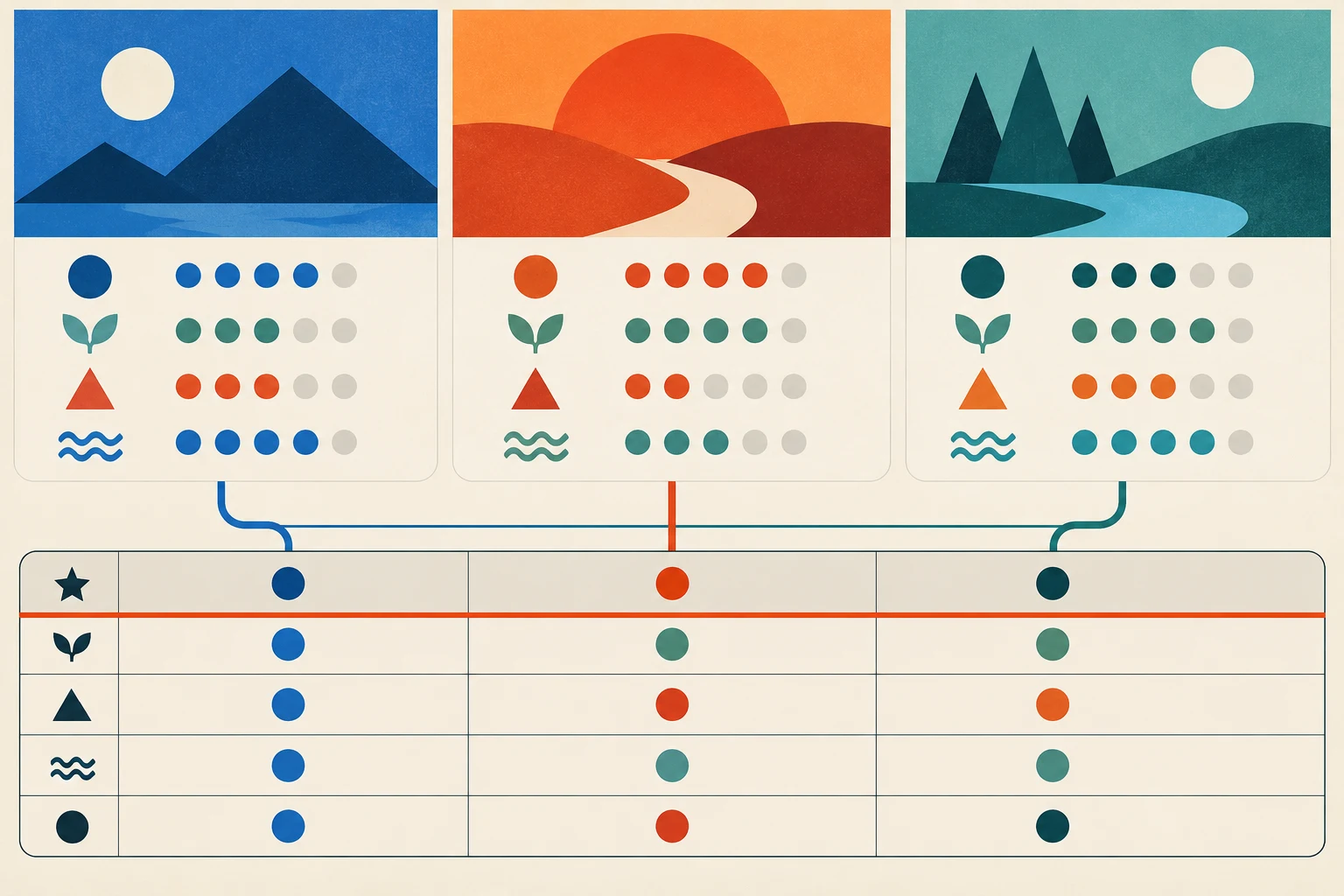
Compare Three or More Options Without Forcing a Two-Sided Chart
Use a larger comparison layout when the choice has more than two alternatives or shared criteria.
Good ideas deserve to be understood. Notes on visual thinking, thoughtful diagrams, and making the complicated click.
Make room for the big picture. ↙Use a larger comparison layout when the choice has more than two alternatives or shared criteria.
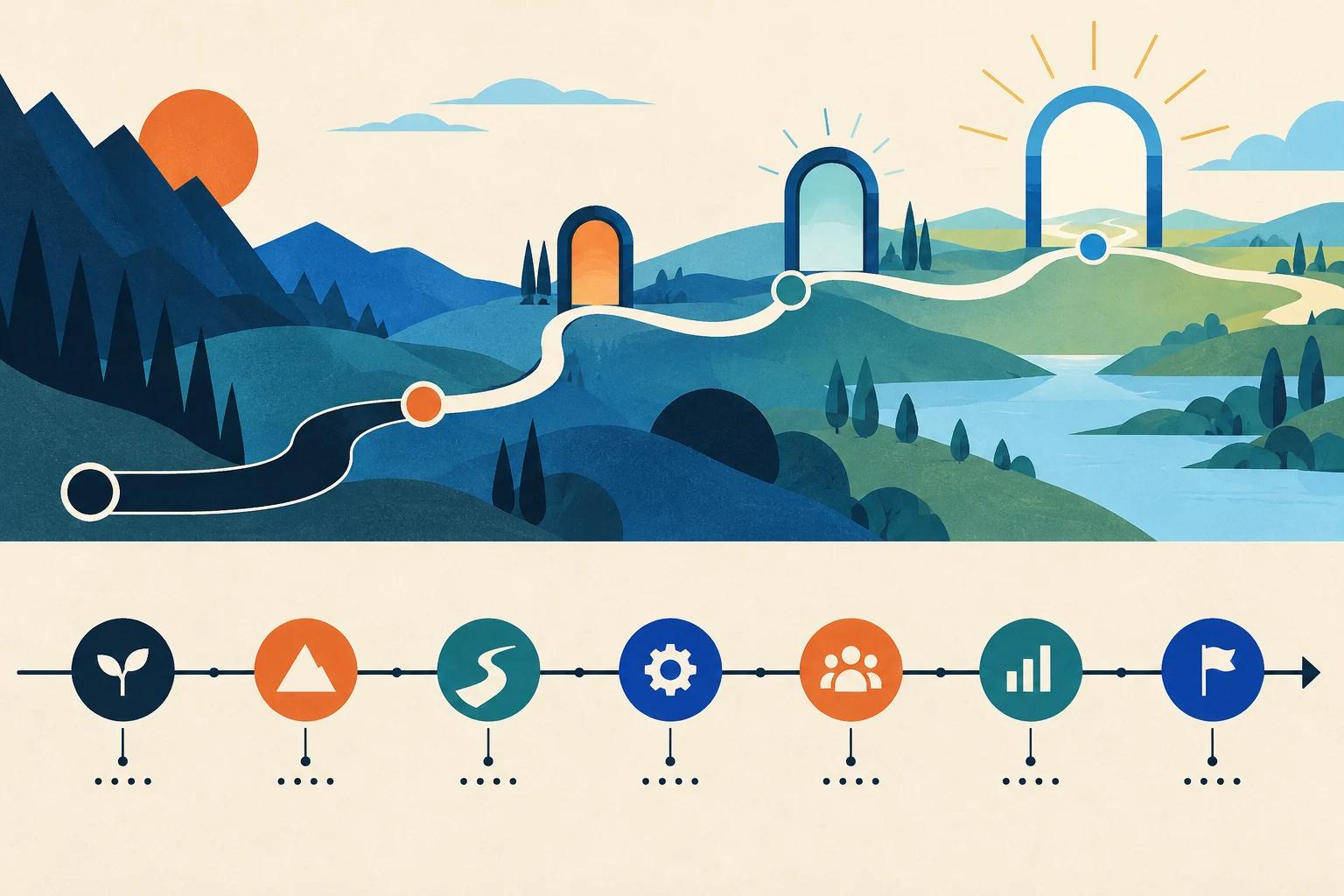
Use a forward-looking roadmap for priorities and a timeline when event order or dates tell the story.
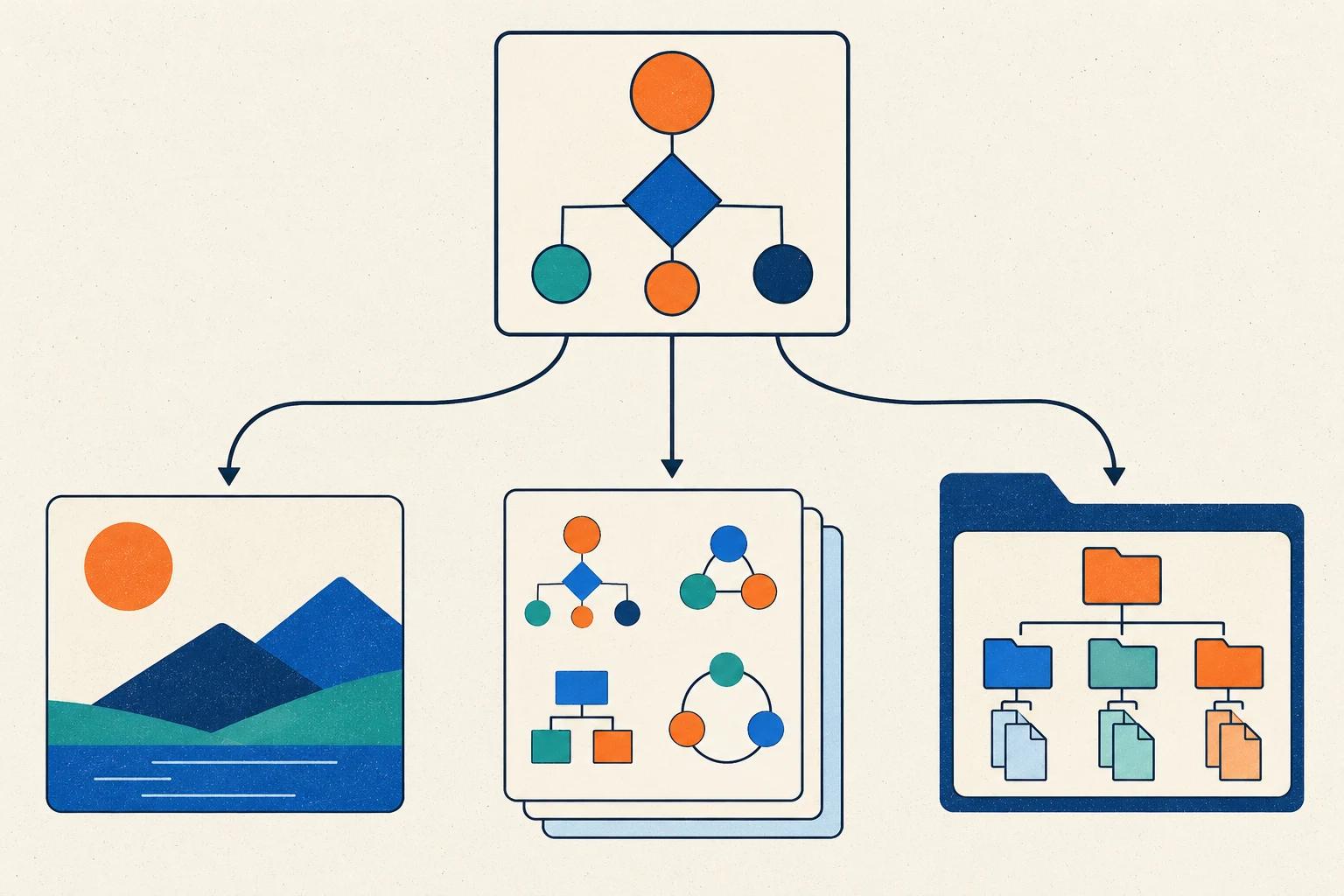
Select the export scope and file type that match how much of your project the reader needs.
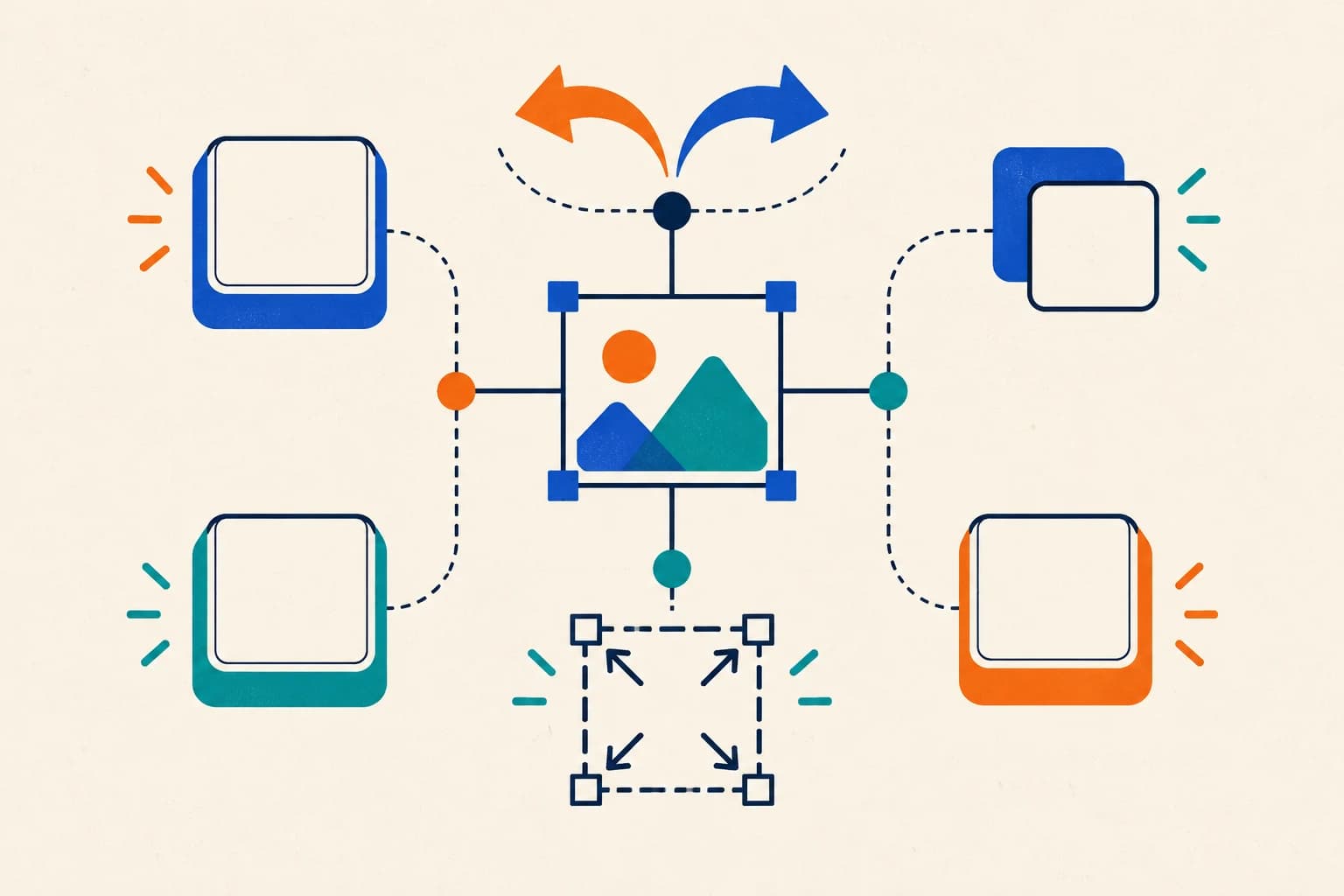
A practical guide to the editor’s save, history, duplicate, fit, and selection shortcuts.
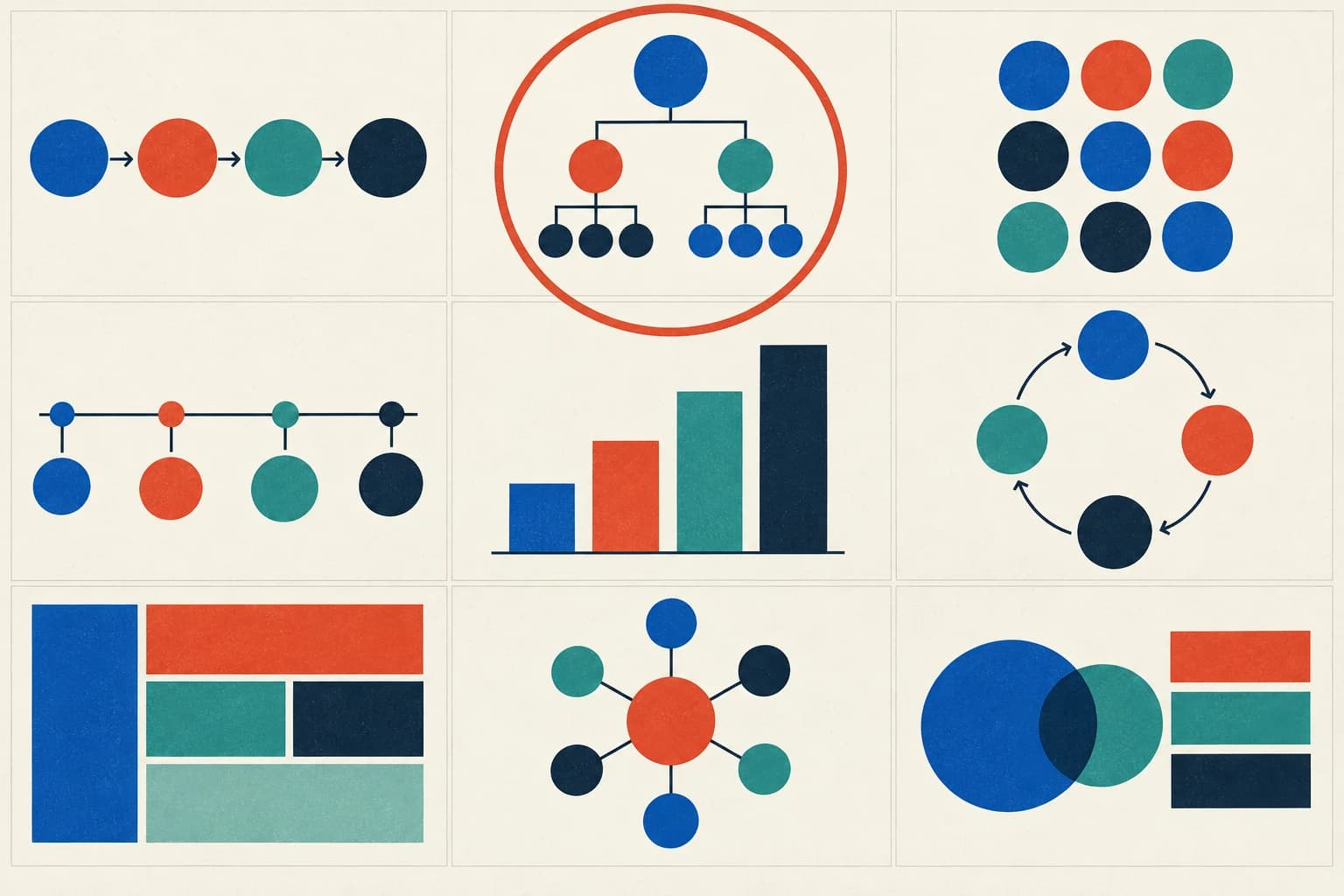
Search and filter the library by the kind of diagram you need, then open a starting point in the editor.

Package a set of diagrams into a shareable PDF while preserving each page’s intended size.
Use an approved logo asset and corner placement without letting the mark compete with the diagram.

Add an access barrier for a shared board and verify that the recipient experience works.
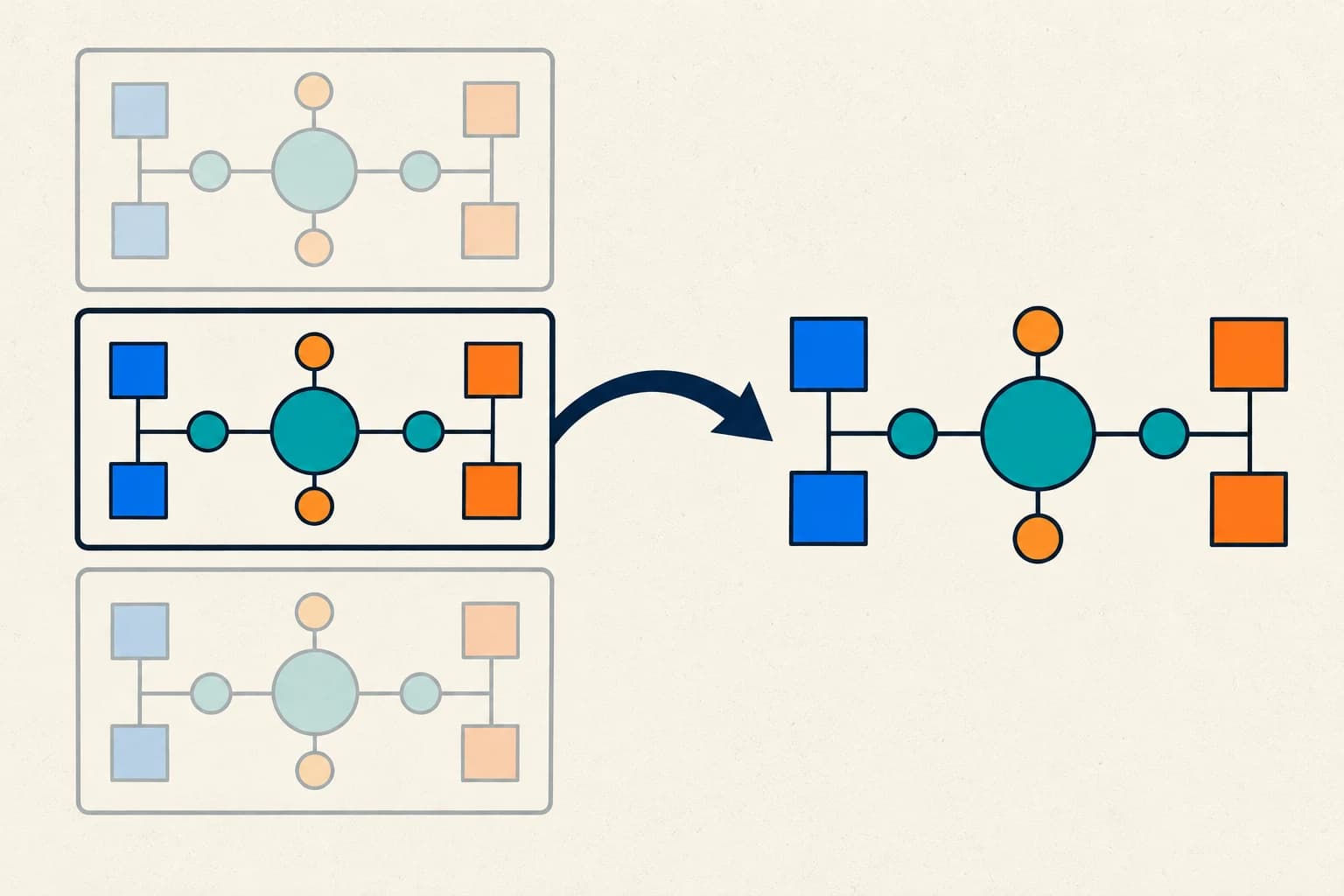
Use version history to recover a prior synced board, then review the restored content before sharing.

Understand where your diagrams live before you move devices or invite collaborators.

Create a single slide visual from an outline, then decide whether an image or a whole-board deck fits.
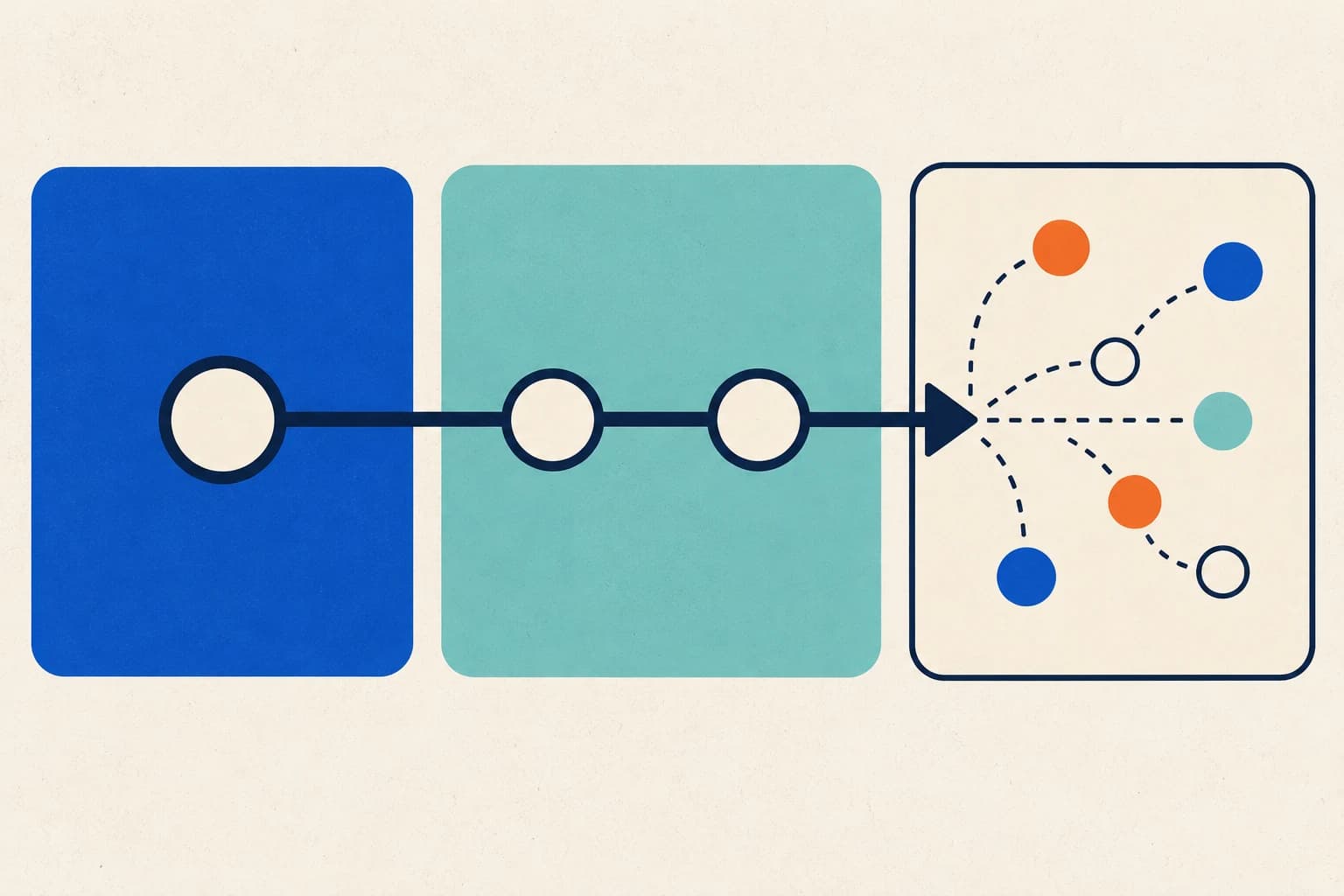
Show product direction without turning uncertain ideas into fixed delivery dates.