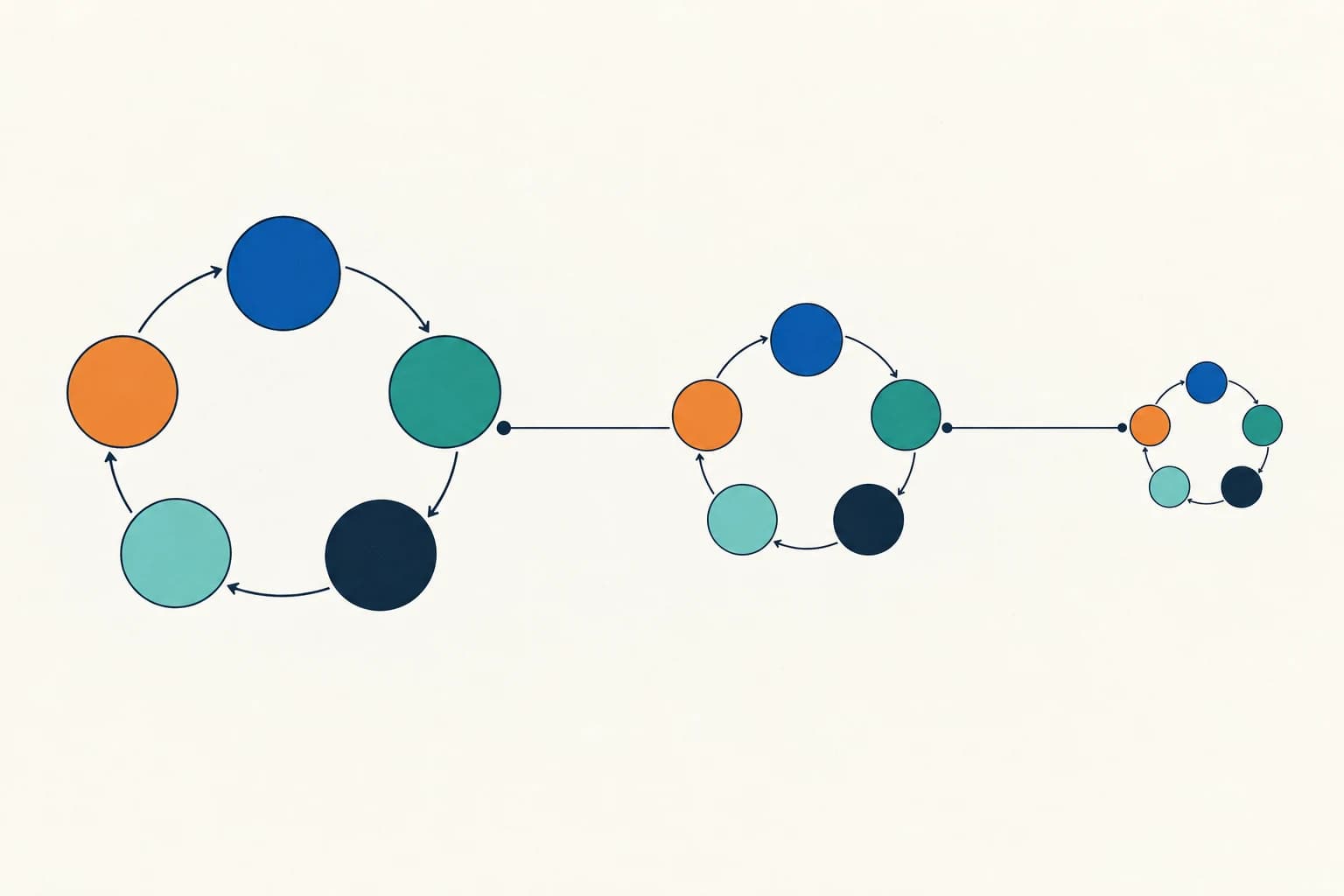
Export SVG When Your Diagram Needs to Resize Cleanly
Use a vector export for diagrams that may be placed at different sizes across documents and screens.
Good ideas deserve to be understood. Notes on visual thinking, thoughtful diagrams, and making the complicated click.
Make room for the big picture. ↙Use a vector export for diagrams that may be placed at different sizes across documents and screens.

Use an export and import to carry editable work when automatic account sync is not part of your setup.
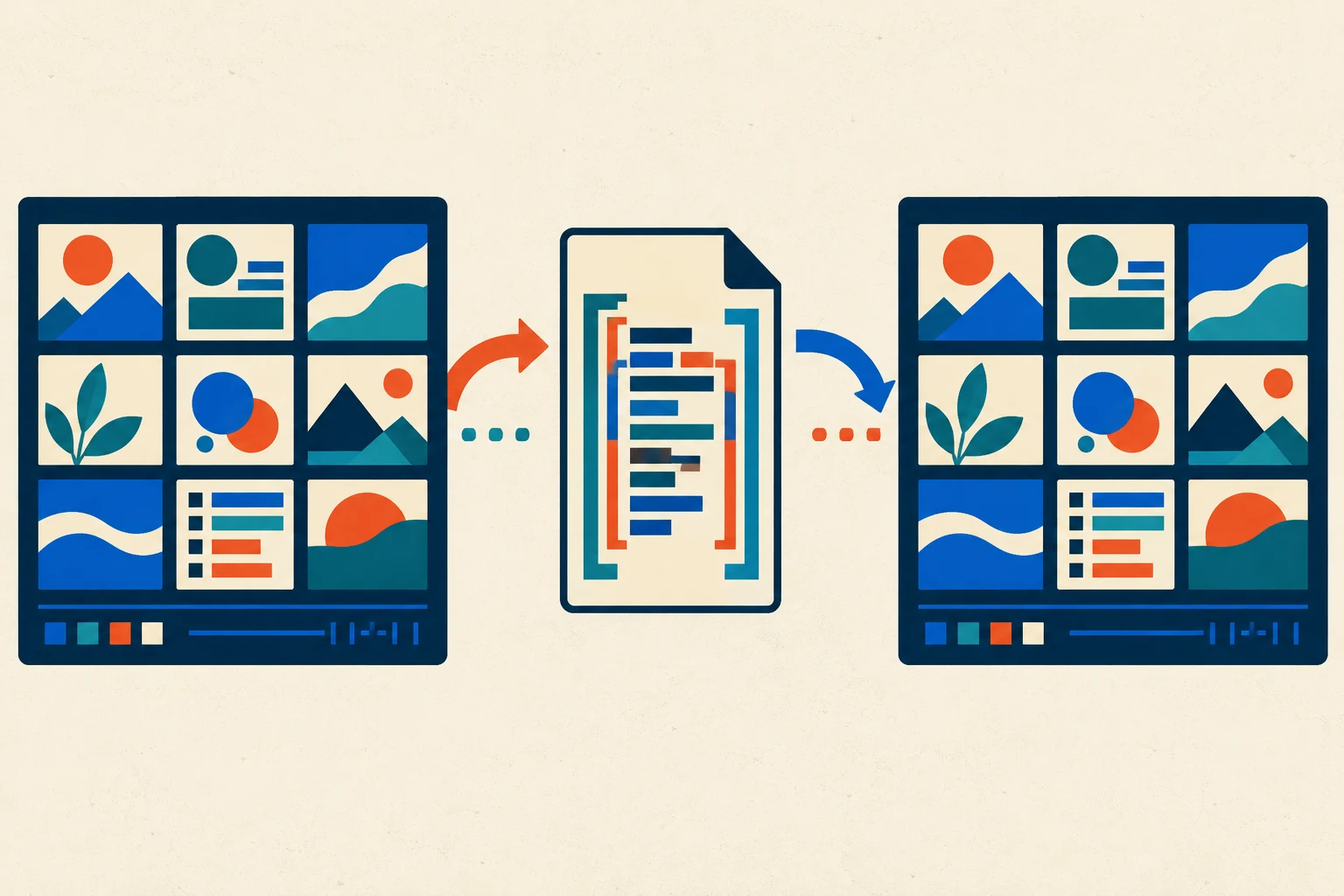
Keep a portable copy of your board so you can import and continue editing it later.
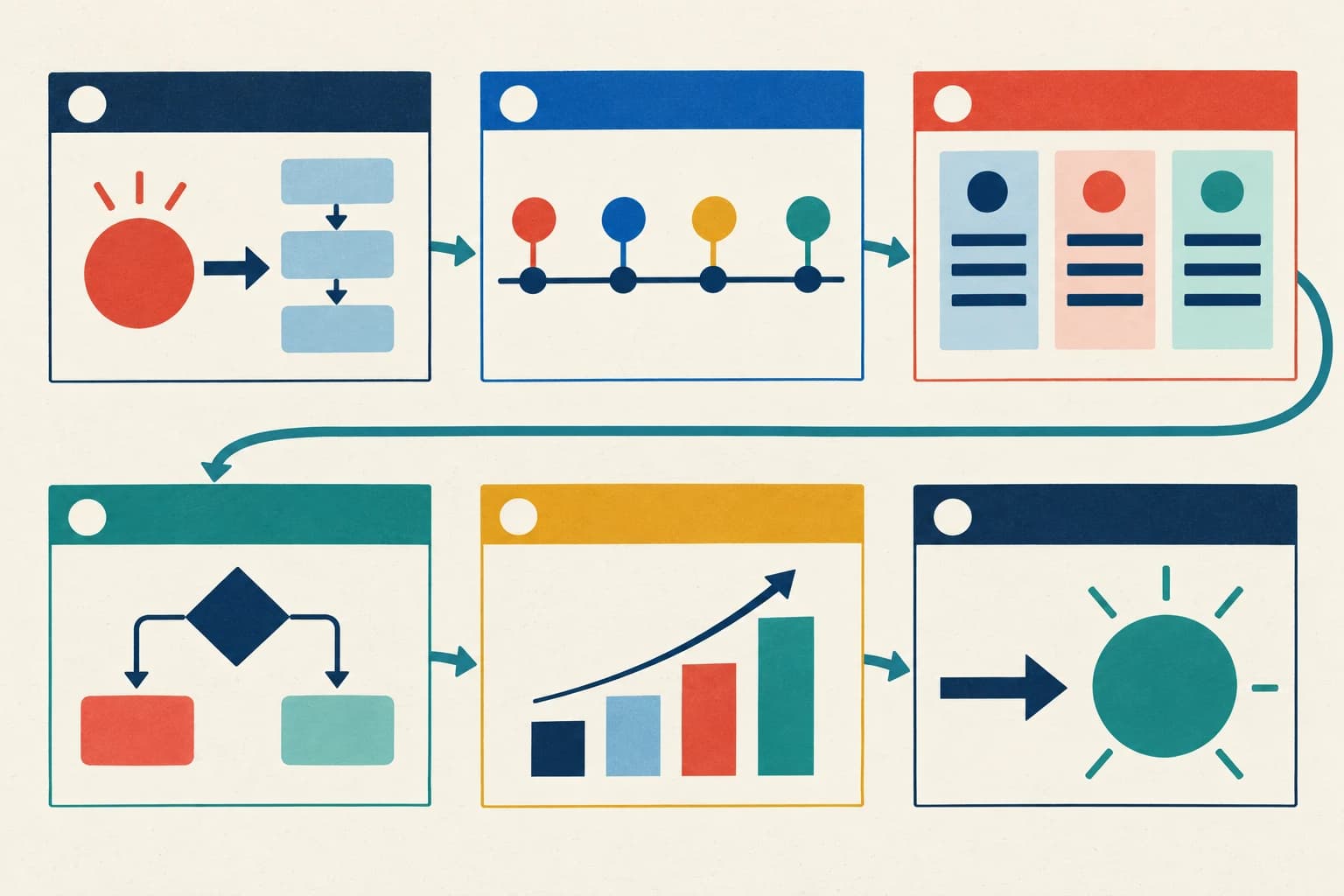
Prepare frame order and titles before exporting a board as a PowerPoint or PDF deck.
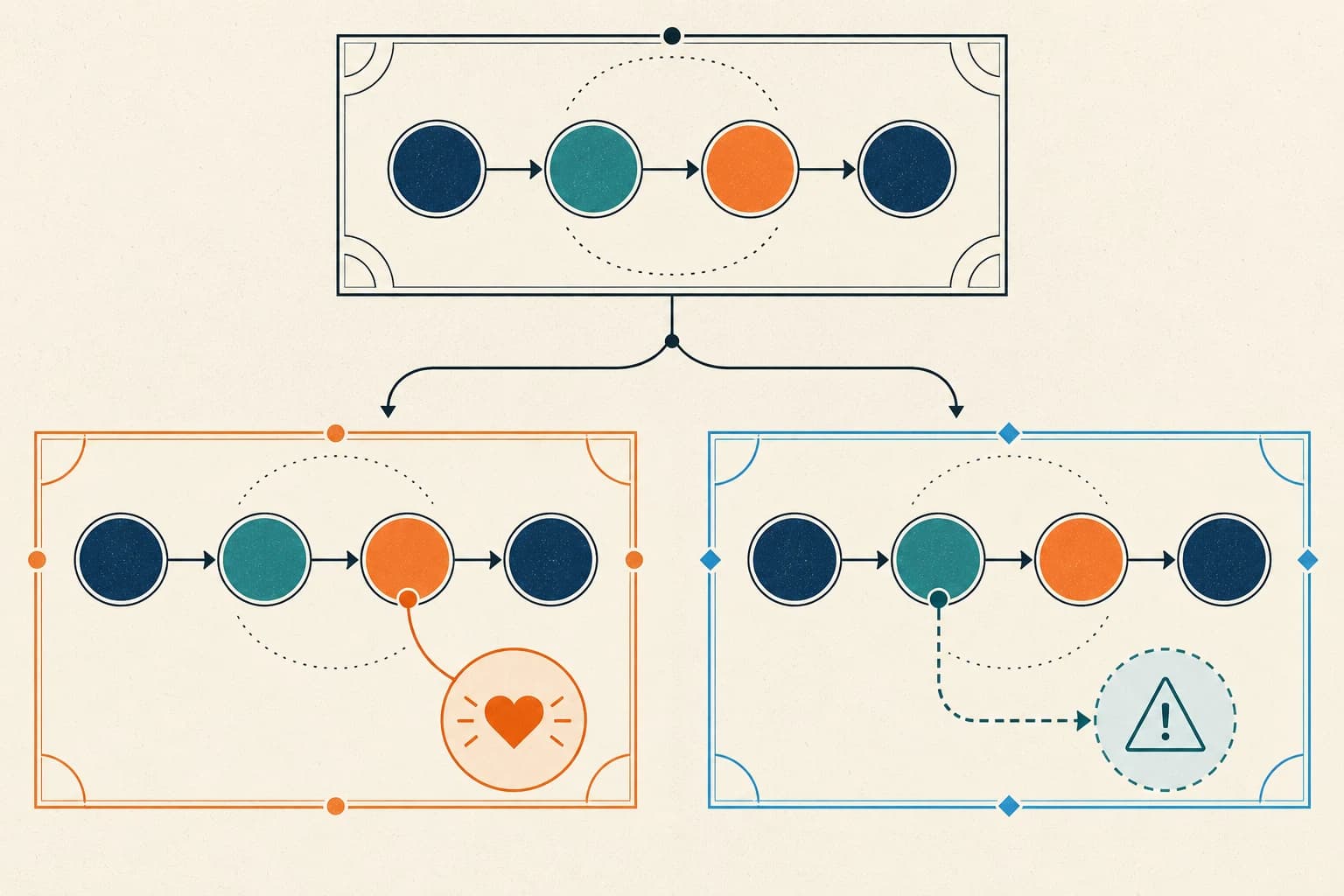
Reuse a sound structure while changing the explanation for the people who need it.
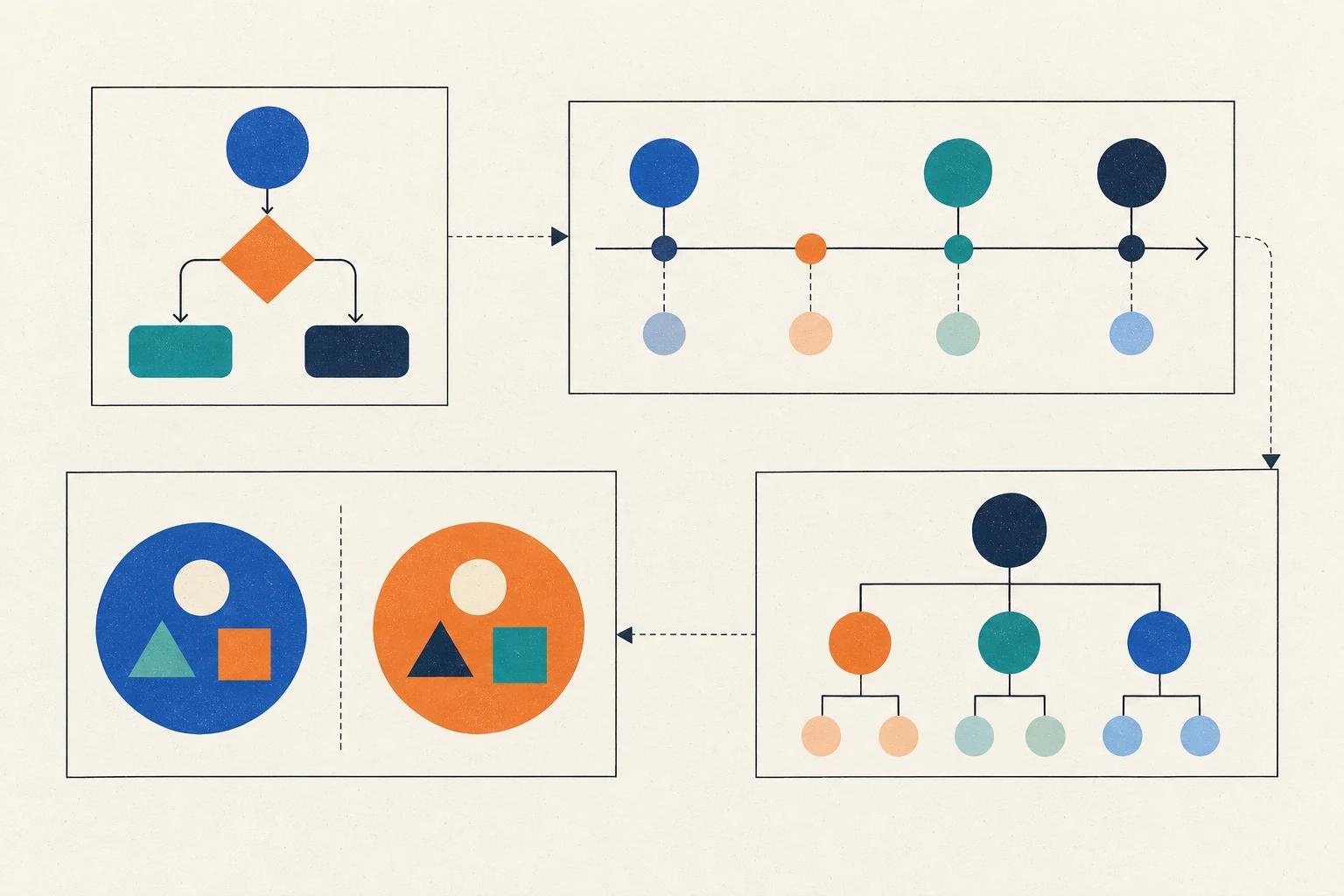
Use a board to keep complementary views together while giving each diagram its own purpose.
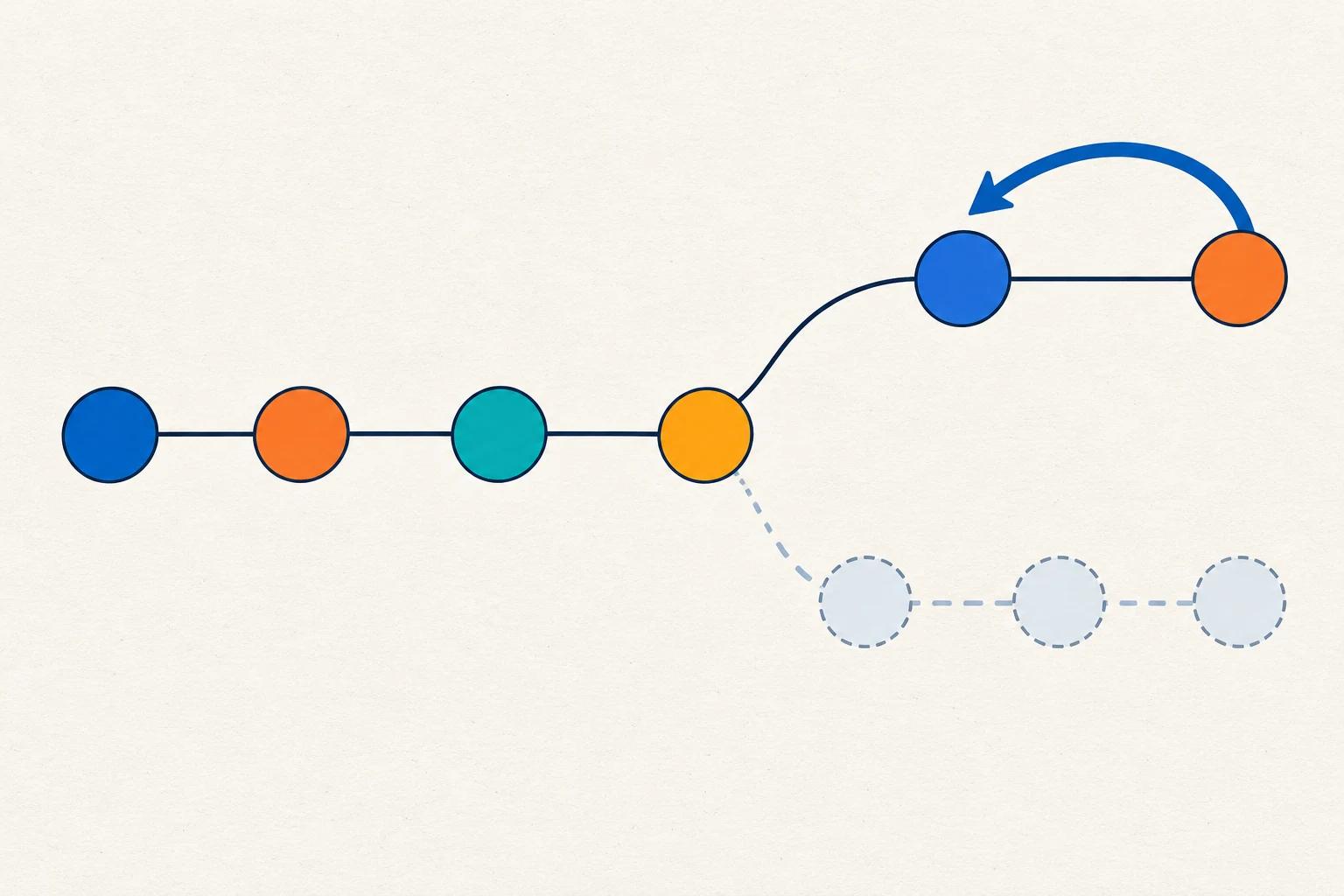
Experiment confidently by treating each committed edit as a recoverable step.
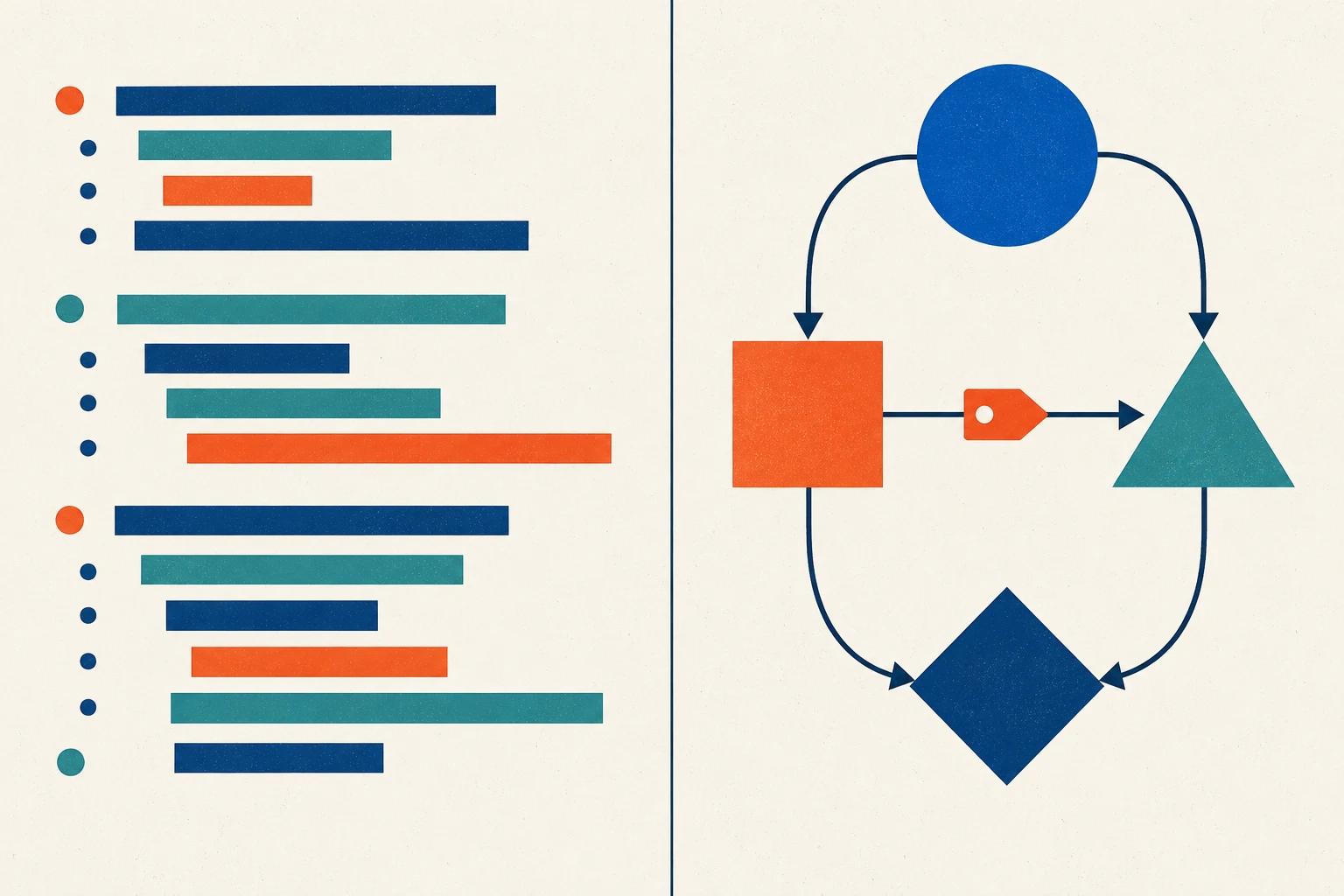
Move into code mode for explicit layout and relationship control, while keeping the structured content available.
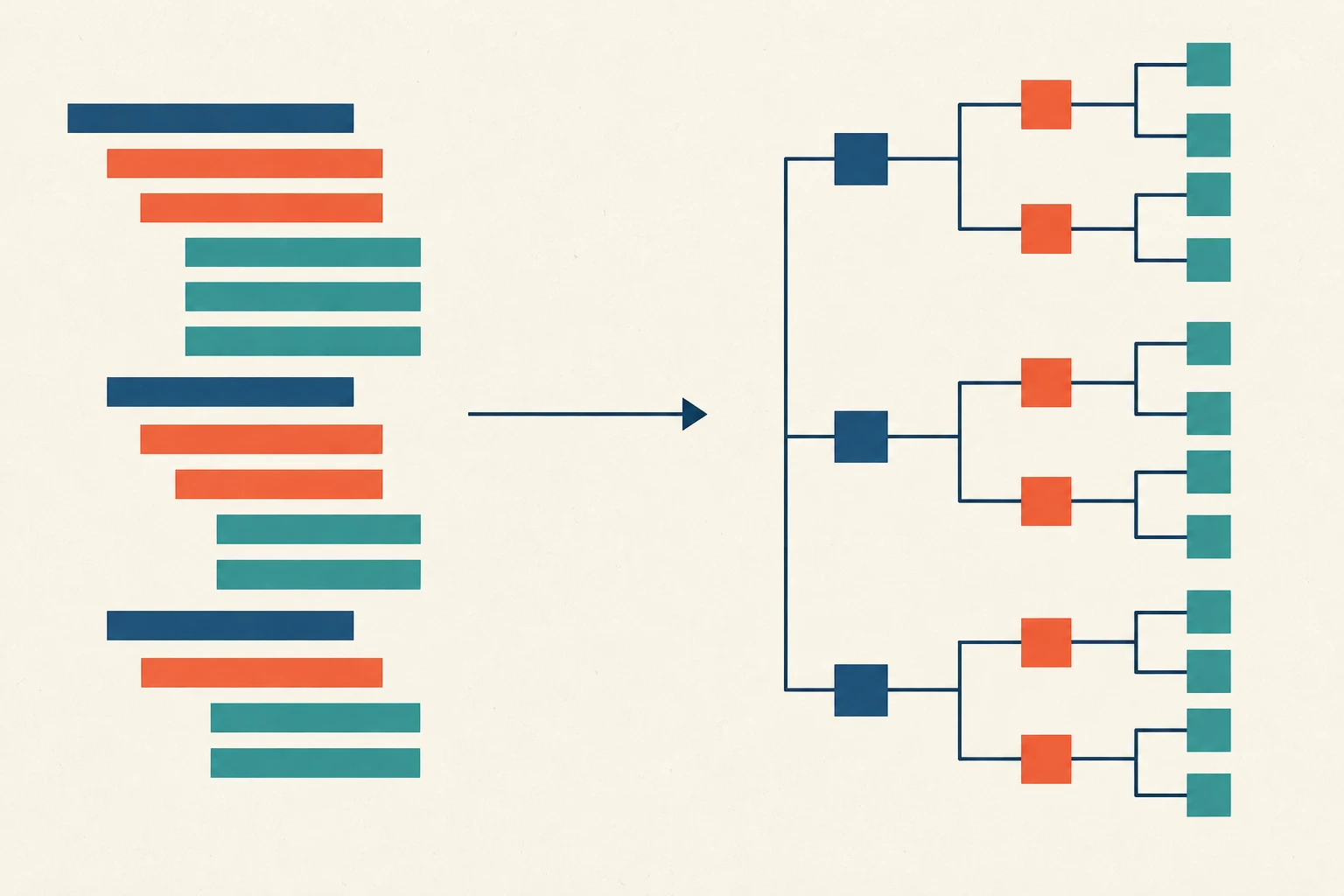
Edit the source outline when several labels or nested ideas need to change together.

Use the content editor to update a number and verify its unit, category, and source before export.
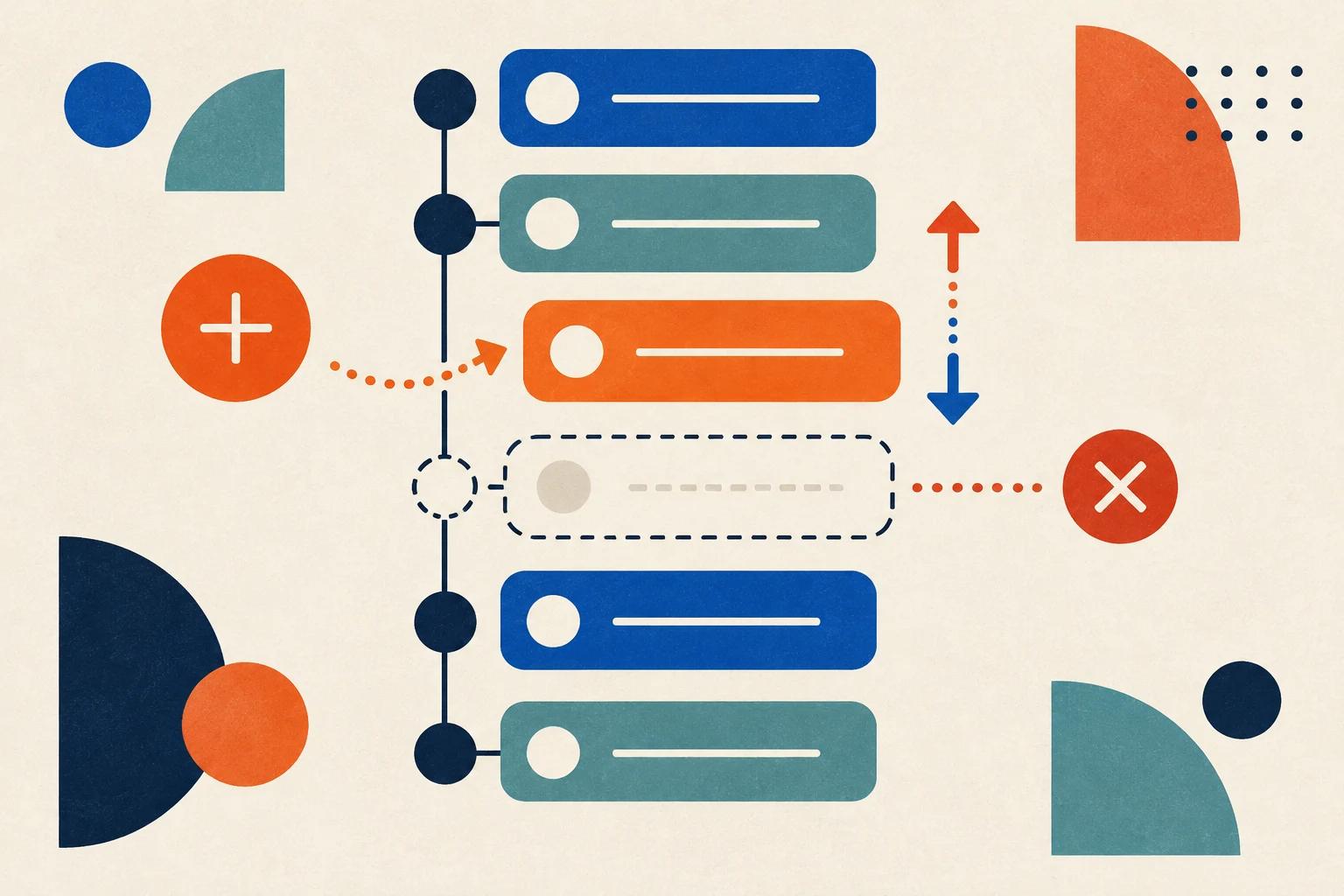
Make precise corrections to a title, label, description, or value directly in the outline editor.
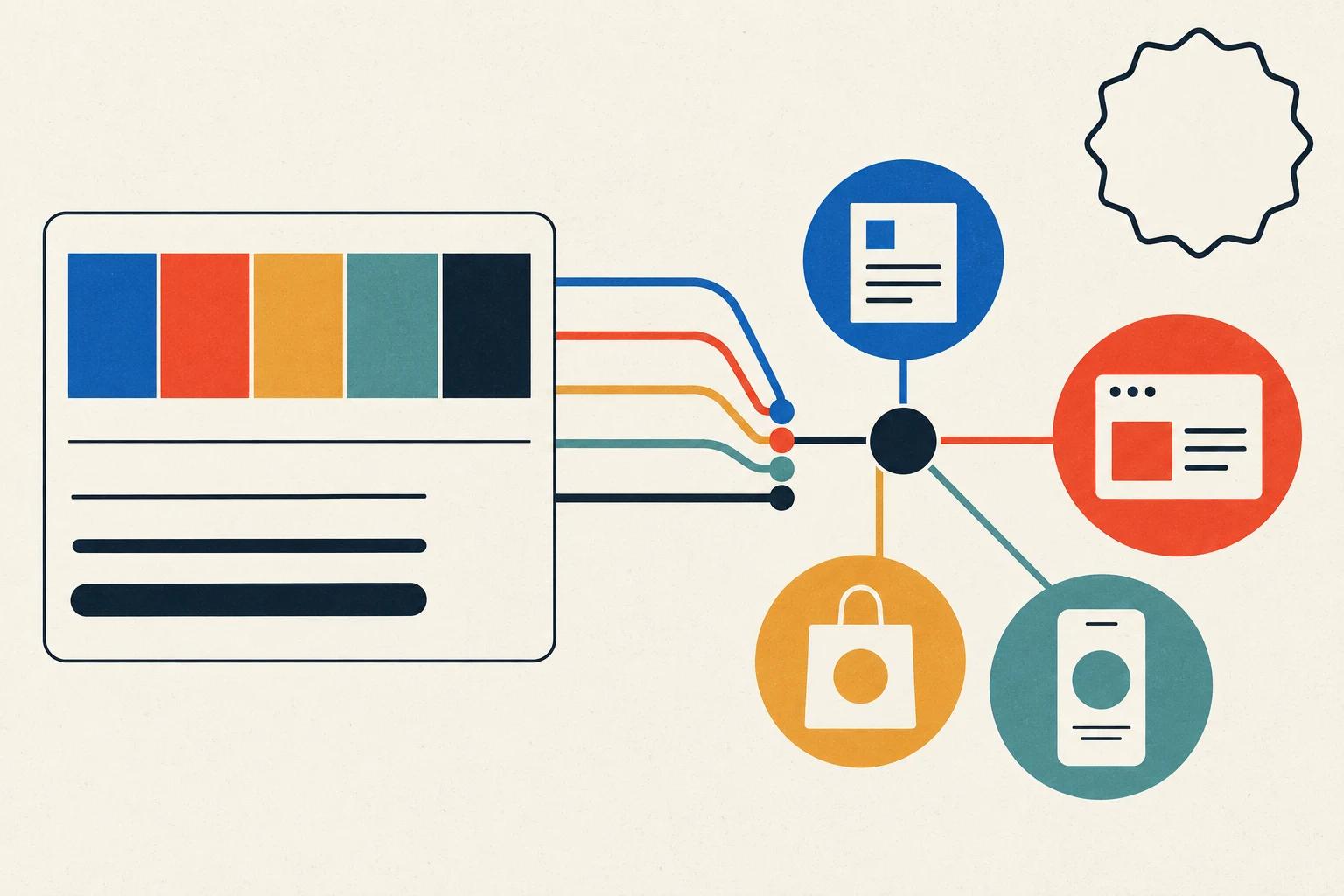
Save a consistent palette, typeface, and optional export logo for branded diagram work.